
Google Voice is a free, versatile communication tool that provides users with a Google-managed phone number, enabling them to make and receive calls, send and receive text messages (SMS), and manage voicemail messages all through a single, unified interface. This in-depth guide explores its functionality, benefits, drawbacks, and how to effectively utilize this powerful application.
Understanding Google Voice’s Core Functionality
Google Voice functions as a virtual phone system, offering users a unique phone number independent of their existing mobile or landline numbers. This virtual number can be linked to multiple devices simultaneously, including smartphones, tablets, and computers, ensuring that calls and messages are accessible across all platforms. This eliminates the need to provide multiple phone numbers to different contacts or worry about missing important calls. The service acts like a central hub, routing incoming calls and messages to the designated devices according to user preferences.
One of Google Voice’s standout features is its ability to customize call routing. Users can define specific rules for how calls are handled, such as directing calls from work contacts to voicemail outside of business hours while forwarding calls from family and friends directly to their smartphone. This level of control allows for a more organized and efficient communication experience.
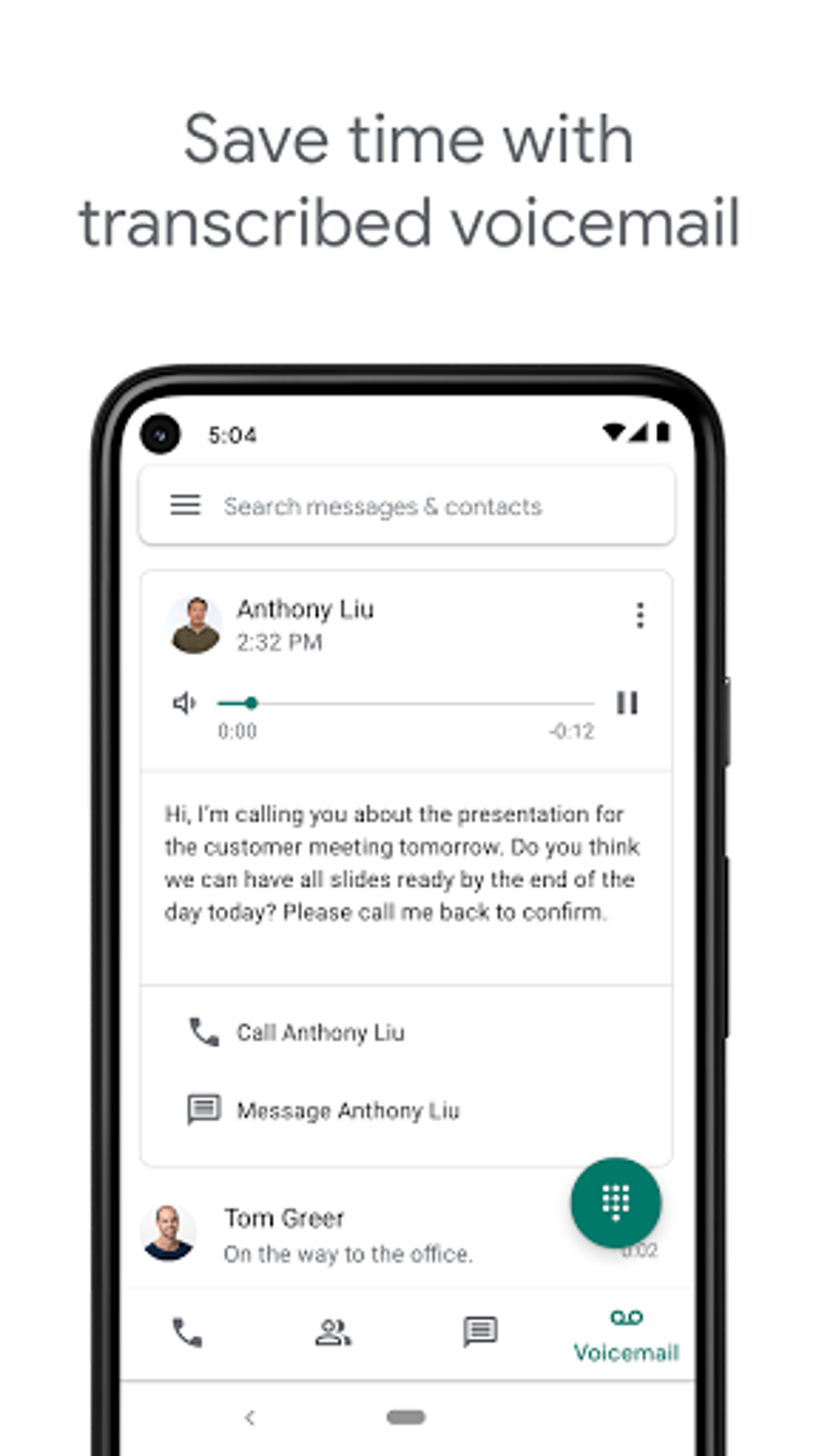
Beyond call routing, Google Voice integrates advanced voice-to-text capabilities. Voicemails are automatically transcribed, allowing users to read messages instead of listening to them. These transcriptions can be saved, forwarded to other devices, or even emailed directly. This feature proves incredibly convenient for managing communication efficiently, especially when dealing with a large volume of voicemails.
The application also empowers users with robust call management features. Users can record calls, saving entire conversations for future reference. The recorded calls are stored securely and can be accessed at any time. Furthermore, Google Voice provides tools to filter spam calls, automatically blocking unwanted numbers to reduce interruptions and protect users from fraudulent activity. Users can also manually block specific numbers as needed. This level of call control and management contributes to a more streamlined and secure communication experience.
Setting Up and Using Google Voice: A Step-by-Step Guide
To begin using Google Voice, you’ll first need to download and install the Google Voice app on your preferred device (Android or iOS). Upon launching the app, you’ll be prompted to sign in using your Google account. Once signed in, the process of obtaining a new Google Voice number begins.
The app provides a search function that allows you to browse available numbers based on area codes and cities. This ensures some degree of personalization, allowing users to select a number that suits their preferences. Once a suitable number is found, select it and proceed through the confirmation steps.
Before proceeding, the app will verify your selected number. If the verification process is successful, you’ll be able to accept the number and officially claim it for your Google Voice account. During the setup process, you’ll be prompted to link your existing mobile phone number to your Google account. This is necessary for verification purposes; a verification code will be sent to your mobile device, requiring you to input it into the application to complete the process.
The application will then request access to your contact list. Granting this permission will sync your existing contacts, allowing for easier identification and management of calls and messages from people within your network. Once synced, you can start to use Google Voice’s features to make and receive calls, send and receive text messages, and manage voicemails.
Managing Calls, Messages, and Voicemails with Google Voice
Google Voice’s interface is designed for ease of use. Managing calls, messages, and voicemails is intuitive and straightforward. The app’s core functions are easily accessible, and the overall user experience is optimized for efficiency.
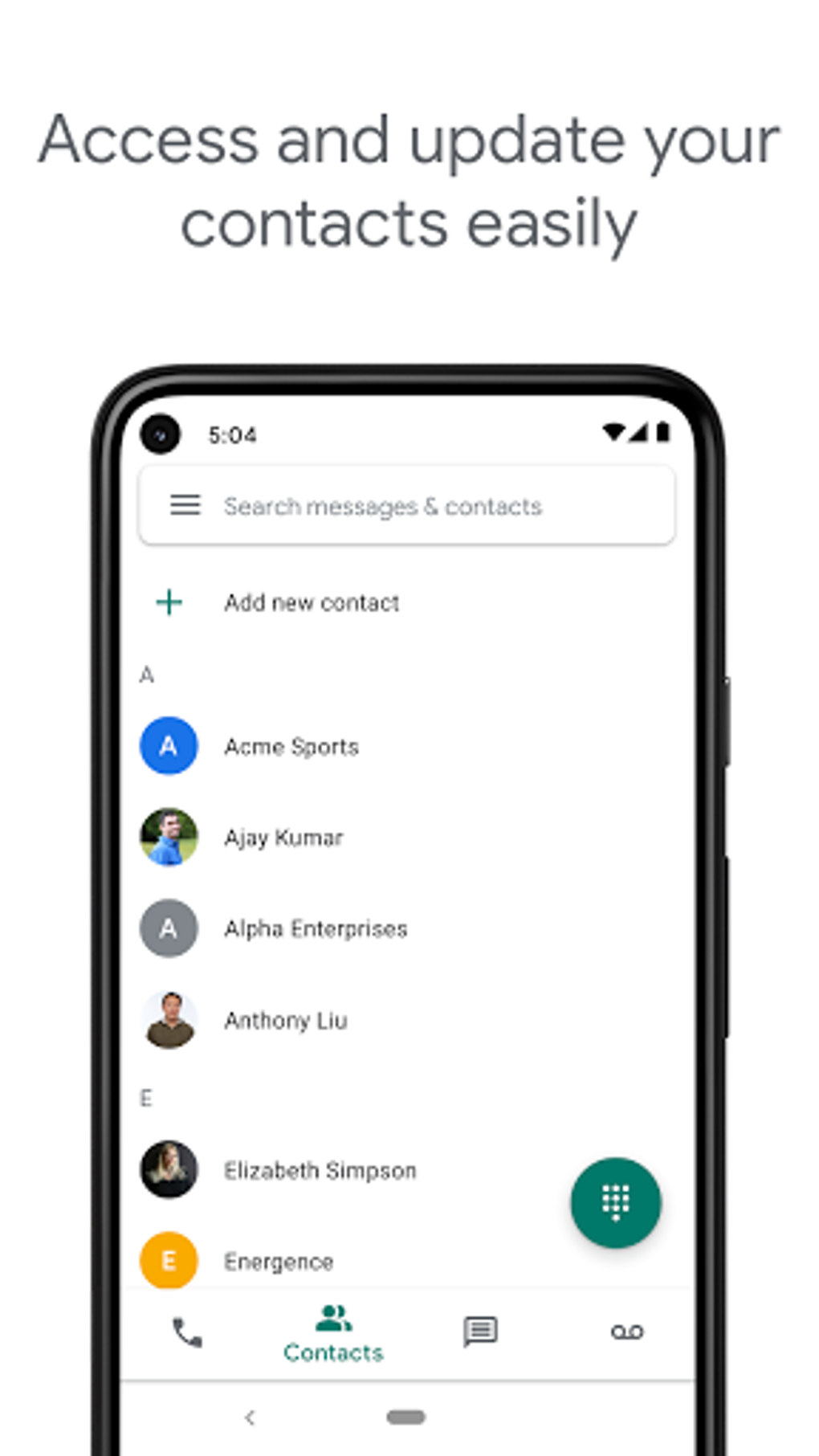
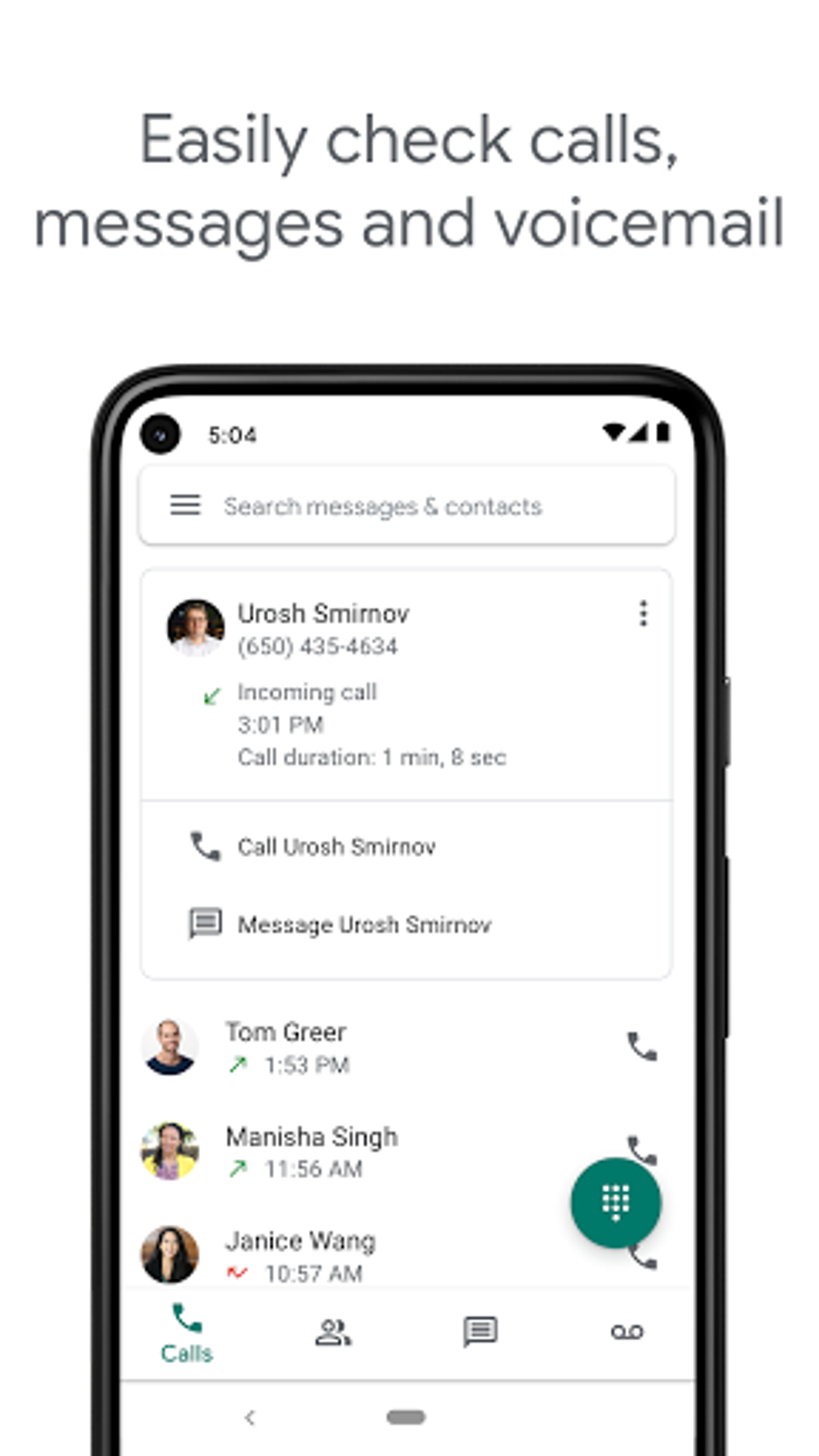
The call history provides a comprehensive record of all incoming and outgoing calls, including timestamps and contact information. Missed calls are clearly indicated, allowing users to quickly return calls as needed. The messaging interface is equally user-friendly, enabling easy composition and sending of text messages. Moreover, Google Voice supports group messaging, allowing you to communicate with multiple contacts simultaneously.
Voicemail management within Google Voice is particularly advantageous due to the voice-to-text transcription. Instead of listening to each voicemail individually, users can quickly scan the transcribed text to determine the message’s urgency and content. This allows for prioritizing messages and responding efficiently, saving significant time and effort. The ability to forward voicemails to email further enhances its accessibility and management.
Advantages and Disadvantages of Using Google Voice
While Google Voice offers many compelling advantages, it’s crucial to consider potential drawbacks before fully committing to the service.
Pros:
- Unified Communication: Manage calls, texts, and voicemails from a single interface across multiple devices.
- Customizable Call Routing: Tailor call handling based on time of day, contact, and preference.
- Voicemail Transcription: Read voicemails instead of listening, saving time and effort.
- Call Recording: Record and save calls for future reference.
- Spam Call Filtering: Reduce unwanted calls through automated spam filtering and manual blocking.
- Cost-Effectiveness: The core service is free, making it an attractive option for budget-conscious users.
- Multiple Device Support: Access your communications from smartphones, tablets, and computers.
- Contact Synchronization: Easily integrate with existing contact lists.
Cons:
- No Emergency Calls: Google Voice numbers cannot be used for emergency services (911 or equivalent). This is a critical limitation and must be kept in mind.
- Geographic Restrictions: Availability may vary depending on location; not all countries support Google Voice.
- Reliance on Internet Connectivity: The service requires an active internet connection to function, limiting its use in areas with poor or no internet access.
- Potential for Glitches: Like any software, Google Voice may occasionally experience technical glitches or outages.
- Privacy Concerns: The storage and handling of communication data raise privacy concerns for some users. Users should review Google’s privacy policy thoroughly.
Google Voice Alternatives
If Google Voice doesn’t meet all your needs or isn’t available in your region, several alternative VoIP services offer similar functionality. These alternatives may vary in features, pricing, and availability. Researching and comparing different options can help find the best fit for your specific requirements.
In conclusion, Google Voice provides a valuable communication solution for many users. Its features like call management, voicemail transcription, and flexible call routing greatly improve communication efficiency and organization. However, the lack of emergency call support and geographic limitations should be carefully considered before adopting the service. Ultimately, the decision of whether or not to utilize Google Voice depends on individual needs and preferences, balanced against the advantages and limitations described above.
File Information
- License: “Free”
- Latest update: “August 9, 2025”
- Platform: “Android”
- OS: “Android 15.0”
- Language: “English”
- Downloads: “617.9K”
- Download Options: “Google Play”


