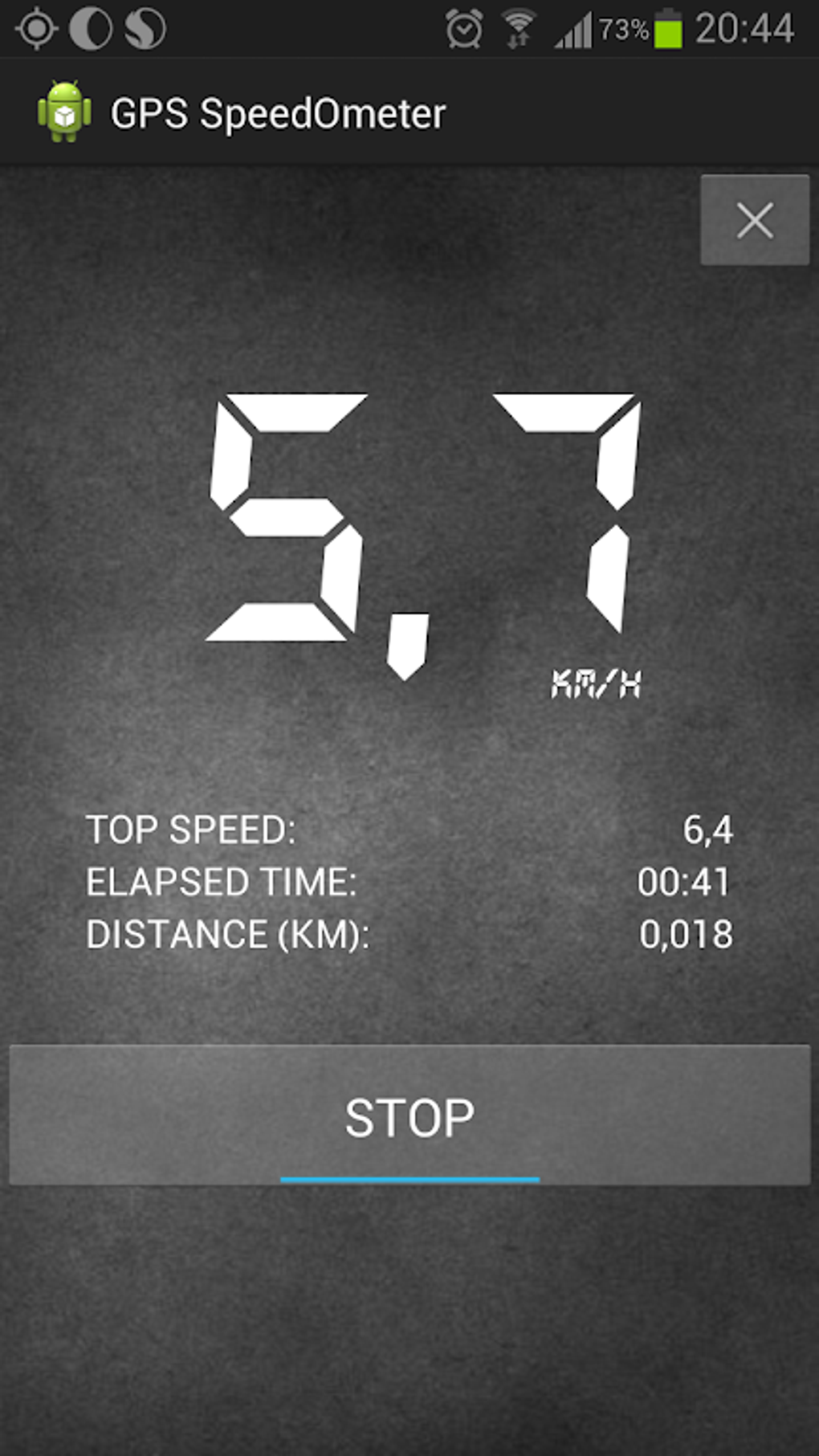
The GPS Speedometer Odometer App is a robust and reliable tool designed for precise speed and distance tracking across various vehicle types. This comprehensive application goes beyond simple speedometer functionality, offering a wealth of features designed for safety, convenience, and accurate data logging. Whether you’re a professional driver, a frequent traveler, or simply someone interested in monitoring their driving habits, this app provides a valuable and user-friendly experience.
App Features and Functionality
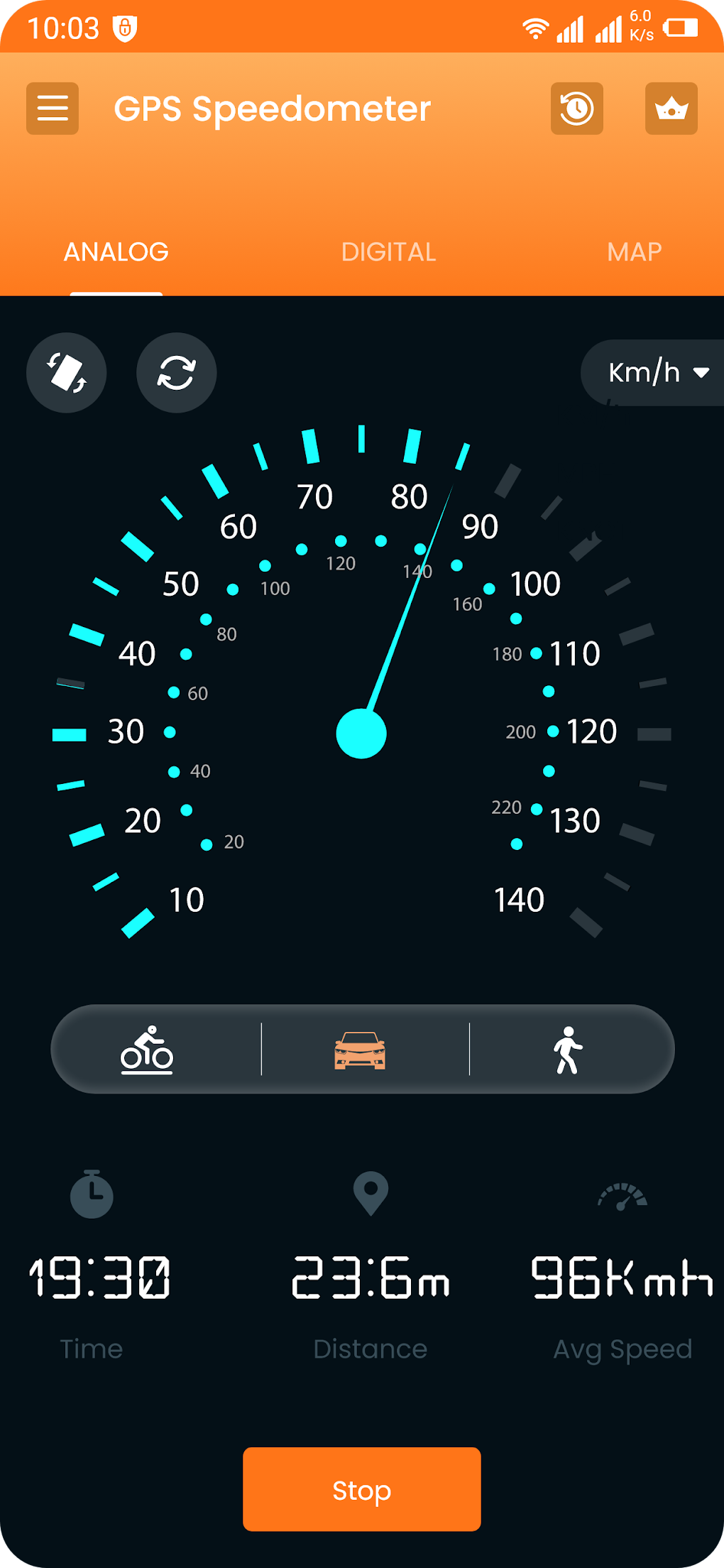
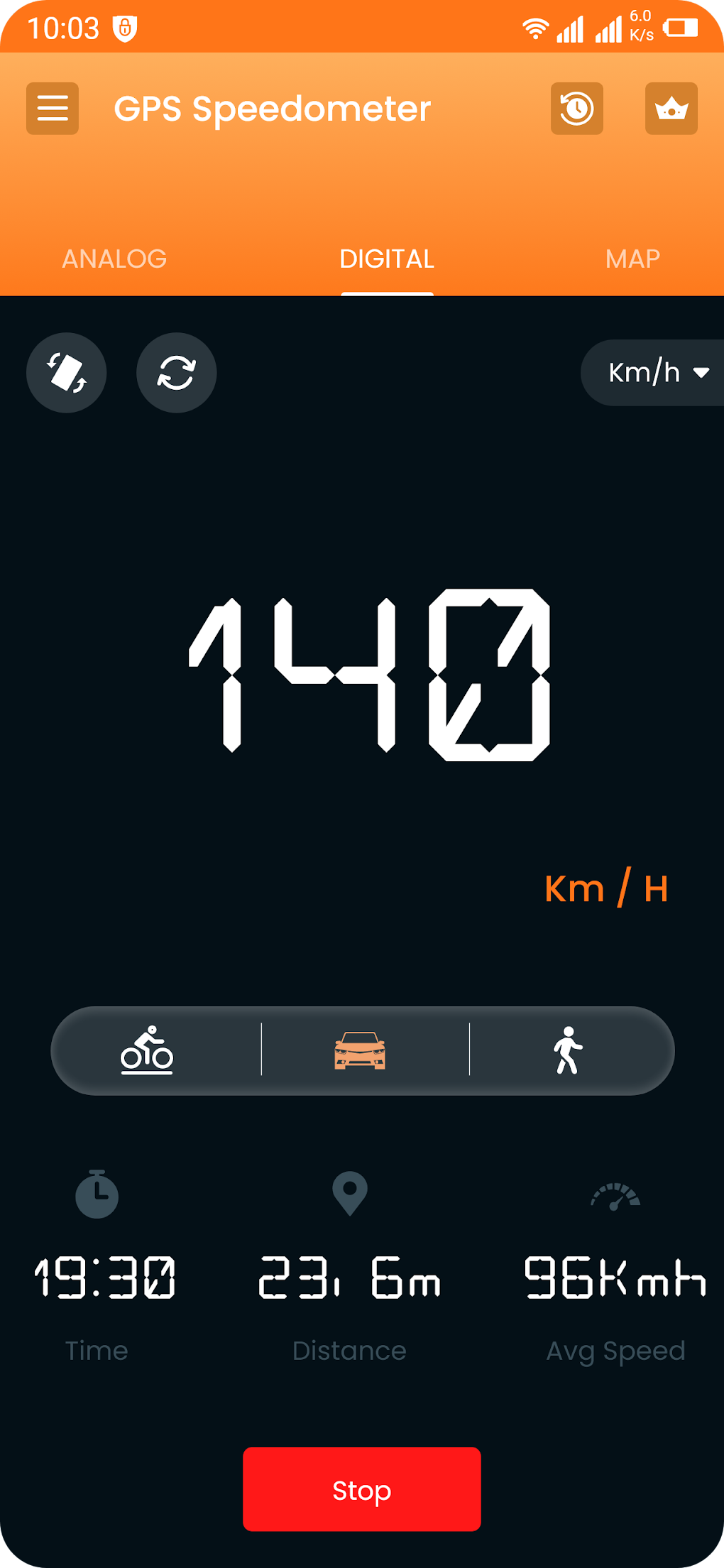
The core function of the GPS Speedometer Odometer App is its accurate speed measurement, displayed clearly in both digital and analog formats. This flexibility allows users to choose the display style that best suits their preferences and driving conditions. Furthermore, the app offers multiple unit options, including kilometers per hour (km/h), miles per hour (mph), and knots, catering to diverse geographical locations and user preferences. This versatility ensures that the app remains relevant and accessible regardless of location or driving context.
Beyond basic speed tracking, the app incorporates a crucial safety feature: a speed limit alarm. Users can set a desired speed limit, and the app will provide an audible alert if this limit is exceeded. This feature is invaluable for promoting safer driving habits and adhering to traffic regulations, thereby minimizing the risk of speeding tickets and accidents. The proactive nature of this alert system distinguishes this app from simpler speedometer applications.
The user interface (UI) is thoughtfully designed for intuitive navigation and ease of use. Its clean and uncluttered design ensures that critical information is readily accessible at a glance, even during driving. The app’s offline functionality eliminates the need for a constant internet connection, making it a reliable tool even in areas with limited or no network coverage. This offline capability is a significant advantage, guaranteeing uninterrupted performance during journeys through remote locations or areas with unreliable cellular service.
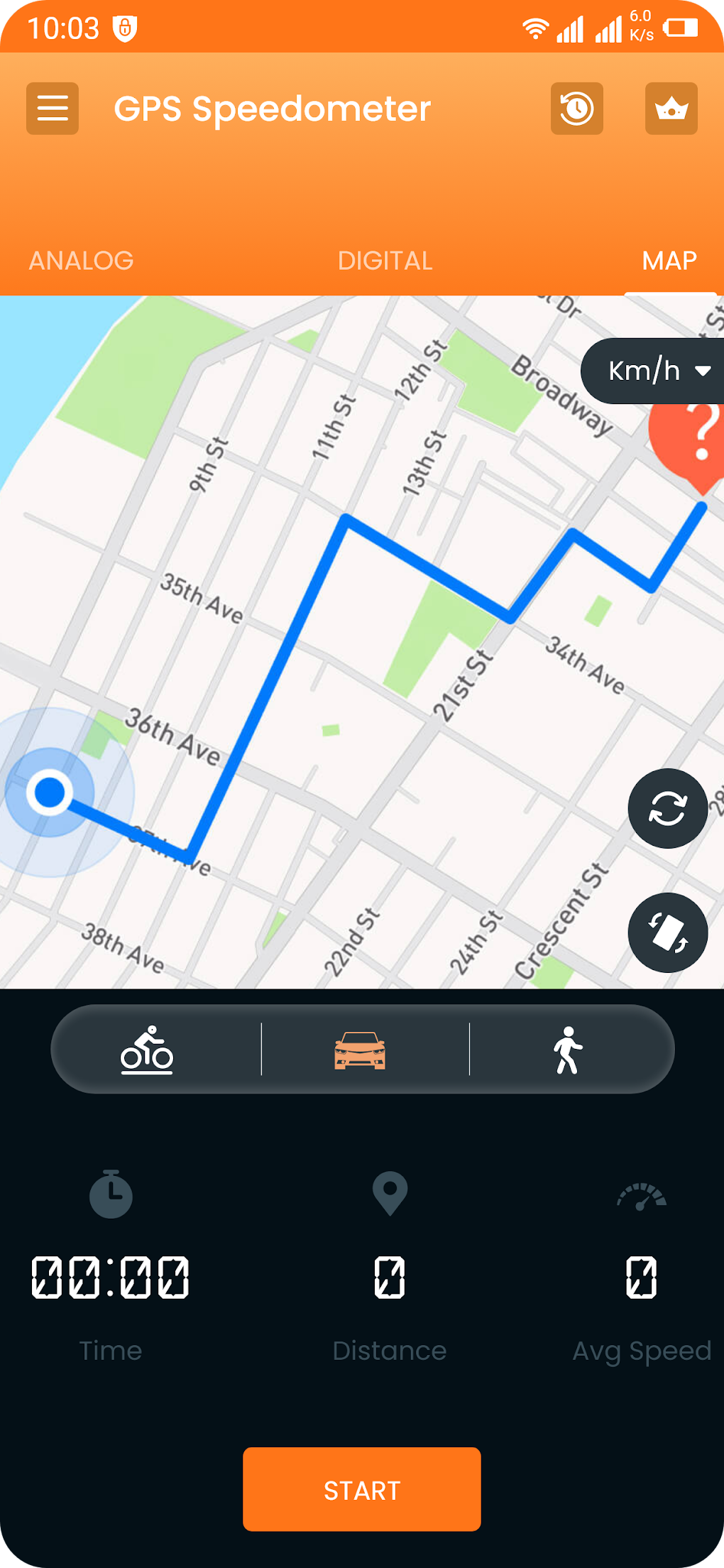
The app’s features extend beyond immediate speed readings. It tracks and displays both average and maximum speeds recorded during a journey, providing a comprehensive overview of driving patterns and performance. Accurate distance tracking is another key function, enabling users to monitor total distance covered over time. Furthermore, the app diligently maintains a detailed trip history, allowing users to review past journeys and analyze their driving habits over extended periods. This data can be incredibly useful for logistical purposes, expense tracking, or simply to gain insight into one’s driving patterns.
The GPS Speedometer Odometer App supports both portrait and landscape modes, adapting seamlessly to different device orientations. The landscape mode, in particular, is beneficial when using the app as a heads-up display (HUD) while driving, enhancing visibility and minimizing distractions. This adaptability makes the app incredibly versatile and user-friendly, regardless of the driver’s preferences or device usage.
In essence, the GPS Speedometer Odometer App acts as a powerful, multi-functional tool for tracking speed, time, location, and distance with exceptional precision and accuracy. It’s more than a simple speedometer; it’s a comprehensive driving companion designed to enhance both safety and efficiency.
App Specifications and Availability
The GPS Speedometer Odometer App is available for free on the Android platform. The current version is 1.0.7, with the latest update released on July 25, 2025. It supports Android OS 13.0 and above and is available in English. The app has been downloaded over 2,200 times, indicating significant user adoption and positive reception. The developer is Pixamattic Inc, known for its various other apps including Live Earth Cameras and GPS Navigation. This provides users with a degree of confidence, knowing the app originates from a reputable developer with experience in location-based applications.
The app can be downloaded directly from the Google Play Store. Users are encouraged to rate the app after use, providing valuable feedback to the developer and aiding future improvements and updates. Additionally, if any issues arise, a reporting mechanism is available to allow users to directly communicate problems or suggest improvements. This transparent and responsive approach to user feedback contributes to the ongoing improvement and refinement of the application. The availability of the app in multiple languages further enhances its accessibility and global reach. The multilingual support demonstrates a commitment to serving a broad international user base.
Alternative Apps and Related Topics
While the GPS Speedometer Odometer App stands out for its comprehensive features and user-friendly design, several alternative applications exist in the market. These alternatives may focus on specific aspects of speed and distance tracking, potentially offering specialized features or unique functionalities not found in this particular app. Users interested in exploring other options should research alternative apps, comparing their features and capabilities to determine the best fit for their individual needs and preferences. Factors to consider when selecting an alternative include the specific features required, the user interface, the level of accuracy, and the availability of additional functionalities such as route tracking or data export capabilities.
The app’s association with related topics such as app trackers, GPS for Android, GPS speedometers, free speedometers, and GPS trackers, highlights its relevance within a broader ecosystem of location-based and driving-related applications. Exploring these related topics can reveal additional tools and resources that complement the functionality of the GPS Speedometer Odometer App, potentially creating a more comprehensive and effective system for managing and monitoring various aspects of travel and vehicle performance. For example, pairing this app with a route planning app could provide a holistic approach to journey management, offering pre-route speed limit information and post-trip analysis.
User Reviews and Feedback
As of the current writing, no user reviews are publicly available for the GPS Speedometer Odometer App. This absence of reviews presents an opportunity for early adopters to share their experiences and provide valuable feedback to potential users. Leaving an honest review, detailing both positive and negative aspects, contributes significantly to the overall understanding of the app’s performance and user experience. A detailed review might include aspects such as accuracy, ease of use, the effectiveness of the speed limit alarm, and the overall value provided by the application. The lack of reviews, while currently present, doesn’t necessarily reflect negatively on the app itself, rather it presents an opportunity for early user input to be instrumental in shaping the future development of the app.
Download and Installation
Downloading the GPS Speedometer Odometer App is straightforward through the Google Play Store. The process is typical for Android applications; users simply search for the app by name, locate the correct listing from Pixamattic Inc, and tap the “Install” button. The app’s relatively small size ensures a quick download and installation time, minimizing any disruption to the user’s workflow. Once installed, the app is readily accessible from the device’s application launcher, providing immediate access to its comprehensive speed and distance tracking capabilities. The seamless integration with the Android operating system ensures ease of access and a user-friendly installation experience.
In conclusion, the GPS Speedometer Odometer App offers a valuable blend of accuracy, safety features, and user-friendly design, making it an ideal solution for anyone seeking a reliable and efficient speed and distance tracking application. Its offline capabilities, multiple unit options, and speed limit alarm ensure versatility and promote safe driving practices. The app’s intuitive interface and comprehensive features make it a strong contender in the ever-growing market of mobile applications designed to enhance the driving experience.
File Information
- License: “Free”
- Version: “1.0.7”
- Latest update: “July 25, 2025”
- Platform: “Android”
- OS: “Android 13.0”
- Language: “English”
- Downloads: “2.1K”
- Download Options: “Google Play”