
Graffiti Studio is a free, user-friendly Windows program that allows users to explore the creative world of graffiti art without the real-world consequences. This comprehensive guide delves into the features, capabilities, and overall user experience of Graffiti Studio, a digital haven for aspiring and seasoned artists alike. The software offers a safe and accessible way to experiment with various graffiti techniques, styles, and color palettes, fostering creativity without any legal or logistical limitations.
Unleashing Your Inner Graffiti Artist: Features and Functionality
Graffiti Studio distinguishes itself through its intuitive interface and comprehensive toolset. Unlike traditional graffiti, which requires specialized equipment, physical space, and a degree of risk, this digital counterpart offers unparalleled ease of use and limitless creative potential. The program’s core functionality centers around emulating the experience of using spray cans, providing users with a wide array of virtual tools to mimic real-world techniques.
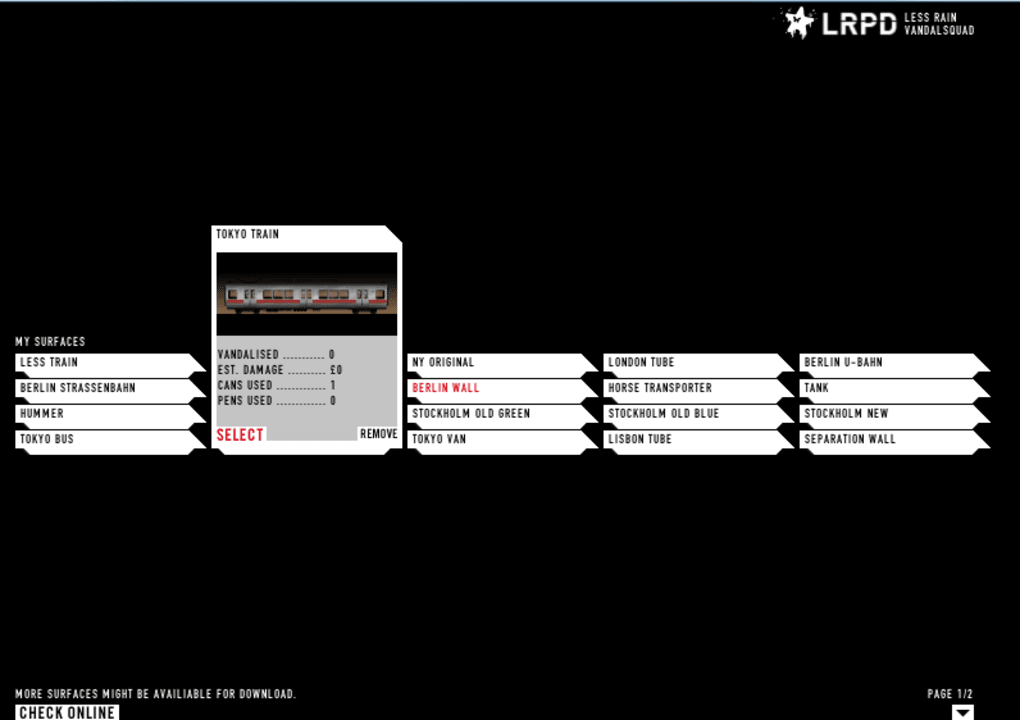
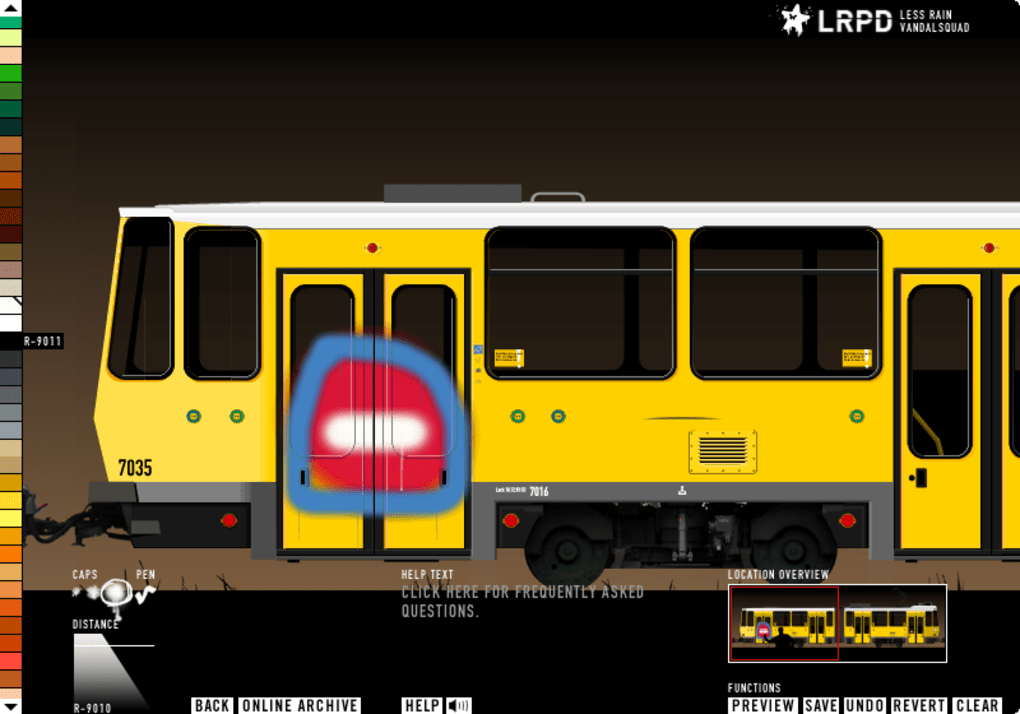
The software boasts over 100 virtual aerosol cans, each available in various sizes and colors. This vast selection empowers users to achieve a wide spectrum of effects, from subtle shading and detailed designs to bold, sweeping strokes characteristic of large-scale murals. The virtual cans behave realistically, responding to user input with dynamic spray patterns that accurately replicate the splatter, drips, and variations in pressure that define authentic graffiti.
Beyond the spray cans, Graffiti Studio also incorporates a range of additional features that enhance the creative workflow. These might include:
-
Layer Management: The ability to work with multiple layers allows for complex compositions and the freedom to experiment with different elements without affecting others. This feature is crucial for creating intricate designs and refining details.
-
Undo/Redo Functionality: This essential feature provides a safety net for users, enabling them to easily revert mistakes and experiment without fear of permanent damage to their artwork.
-
Brush Customization: In addition to spray cans, the software may offer a collection of virtual brushes, offering a wider array of textural effects and design options. This expands the range of styles achievable within the application, going beyond the limitations of just spray paint.
-
Image Import/Export: The ability to import existing images or artwork allows for the creation of custom stencils and the integration of pre-existing elements into new designs. Similarly, the option to export finished artwork in various formats offers flexibility for sharing and further editing.
-
Color Palette Options: Graffiti Studio likely offers a vast selection of colors to cater to various styles and preferences. This is critical for capturing the vibrant and diverse palette common in graffiti art.
-
Save and Load Projects: Users can save their progress at any stage and return to their work later, ensuring that no creative effort is lost. This feature is particularly useful for long and complex projects that require time to complete.
The overall user experience is designed for accessibility. Even users with limited prior experience in digital art or graffiti can quickly learn to navigate the interface and master the basic techniques. The software is intentionally straightforward, prioritizing ease of use and creative expression over complex menus or settings.
Graffiti Studio: A Deep Dive into the User Experience
The ease of use in Graffiti Studio significantly contributes to its popularity. The software’s intuitive design minimizes the learning curve, allowing users to quickly become proficient in using the tools and producing quality artwork. Feedback from users suggests a generally positive reception to the software’s user-friendliness, highlighting its accessibility to both beginners and experienced digital artists.
The program’s performance is another crucial aspect of the user experience. It’s designed to be lightweight and efficient, ensuring smooth operation even on less powerful systems. This characteristic enhances usability, ensuring that users can focus on their creative process without being hindered by software lags or crashes. The relatively small file size of the software further contributes to its accessibility, ensuring ease of download and installation.
The simplicity of the interface allows the focus to remain squarely on the artistic process. The absence of overly complex features, while possibly limiting for highly experienced users seeking advanced options, ultimately contributes to the accessibility and ease of use for a much wider audience.
Graffiti Studio: System Requirements and Compatibility
Graffiti Studio, at its core, is a software package built for functionality and ease of access. This reflects in its system requirements, suggesting a broad compatibility with a variety of hardware configurations. While the original details mention compatibility with Windows XP, it is plausible that later versions might support newer operating systems. However, the relative age of the software may pose some challenges in terms of feature set compared to newer, more advanced design programs.
Furthermore, the lack of information about the software’s compatibility with other operating systems, like macOS or Linux, suggests that its functionality remains specifically targeted at Windows users. This constraint significantly limits the overall accessibility of the software to a smaller segment of the potential user base.
Beyond the Canvas: The Community and Creative Potential of Graffiti Studio
While Graffiti Studio primarily functions as a standalone software, its impact extends beyond the individual user. The software fosters a sense of community among its users. Although explicit community features may not be built into the application itself, the act of sharing completed artworks online, using platforms like social media, can encourage interactions and collaboration among artists. This can lead to an indirect community built around shared interest and mutual inspiration.
The real strength of Graffiti Studio lies in its capacity to empower creativity. The program unlocks artistic expression for a broad audience, eliminating the barriers of cost, access to materials, and real-world limitations associated with traditional graffiti. This democratization of art is significant, providing opportunities for individuals who might otherwise lack the resources or means to engage with this art form.
The software’s impact is not merely limited to hobbyists. Graffiti Studio can potentially serve as an educational tool, providing a safe and controlled environment for learning graffiti techniques and principles. This can be valuable for schools, workshops, or individuals interested in exploring the artistic aspects of graffiti without the risks associated with street art.
In conclusion, Graffiti Studio is more than just a software program; it is a digital gateway to a vibrant and dynamic art form. Its accessibility, ease of use, and realistic simulation of spray-painting techniques make it a compelling option for both beginners and experienced artists. Although limited by its age and platform exclusivity, its strength lies in its ability to democratize artistic expression and foster a sense of creative freedom within a safe and controlled digital environment.
File Information
- License: “Free”
- Version: “2.0”
- Latest update: “October 11, 2021”
- Platform: “Windows”
- OS: “Windows XP”
- Language: “English”
- Downloads: “92.8K”
- Size: “4.10 MB”


