
Finding subtitles for your favorite movies and TV shows can be a frustrating experience. Many online videos lack subtitles, or the available subtitles are inaccurate or poorly synchronized. This is where gSubs steps in, offering a free and easy-to-use solution for Windows users to locate and download subtitles for their video files. Developed by Cholaware, gSubs provides a streamlined process for finding accurately matched subtitles, making it a valuable tool for cinephiles and casual viewers alike.
Effortless Subtitle Search: Dragging and Dropping to Success
gSubs distinguishes itself through its user-friendly interface and efficient search capabilities. The core functionality revolves around a simple drag-and-drop system. Users can effortlessly transfer their video files from their local folders directly into the gSubs main window. The software then swiftly analyzes the video file, identifying key metadata to conduct a targeted search for compatible subtitles. This process typically takes only a few seconds, significantly reducing the time and effort usually associated with manual subtitle hunting. This speed and ease of use are key advantages for users who want a quick and effective way to add subtitles to their videos.
The program’s intelligent search algorithm helps to ensure accurate matches, selecting subtitles specifically tailored to the video file’s characteristics, such as language, release date, and file size. This minimizes the risk of downloading mismatched or irrelevant subtitle files, a common problem encountered with many other subtitle finders. gSubs’s efficiency streamlines the entire process, from locating compatible subtitle files to downloading and integrating them with your video player.
Multilingual Support: A Global Reach for Subtitles
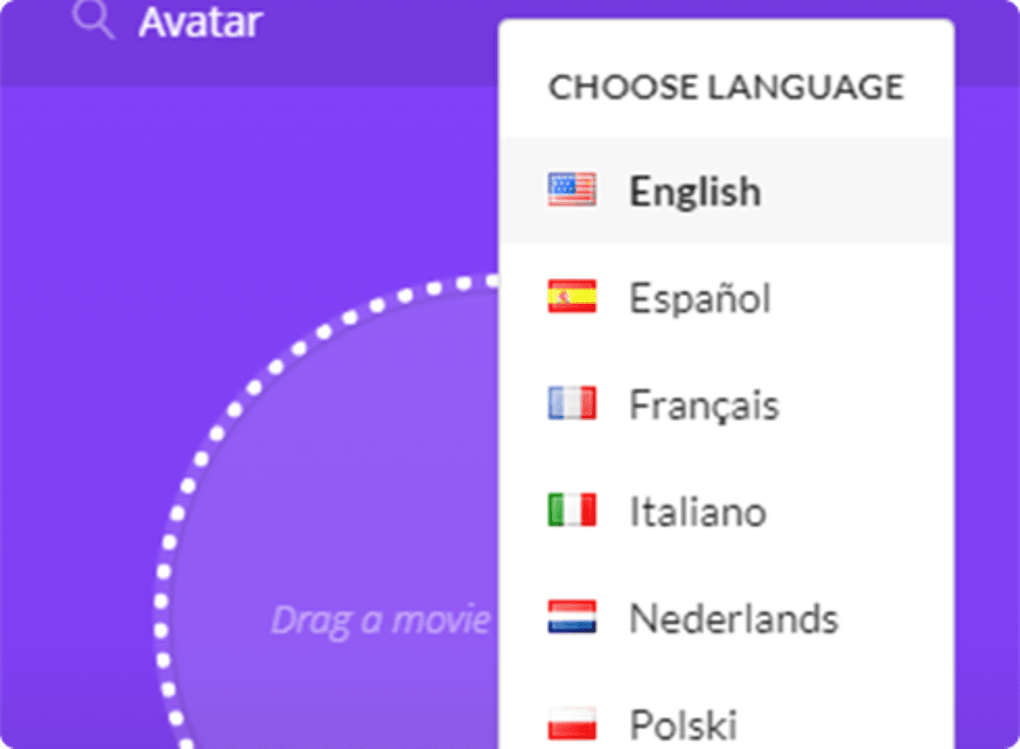
Beyond its ease of use, gSubs offers impressive multilingual support. It boasts a diverse library of subtitles spanning numerous languages, including but not limited to English, Spanish, French, Italian, Polish, Portuguese, Turkish, and several others. This broad language support makes the application accessible to a global audience, regardless of their native tongue. This feature is particularly beneficial for users who enjoy watching films and TV shows in their original language, yet require subtitles for better comprehension or accessibility. The wide selection of languages ensures that a broader range of viewers can enjoy media content with ease, breaking down language barriers and enhancing the overall viewing experience.
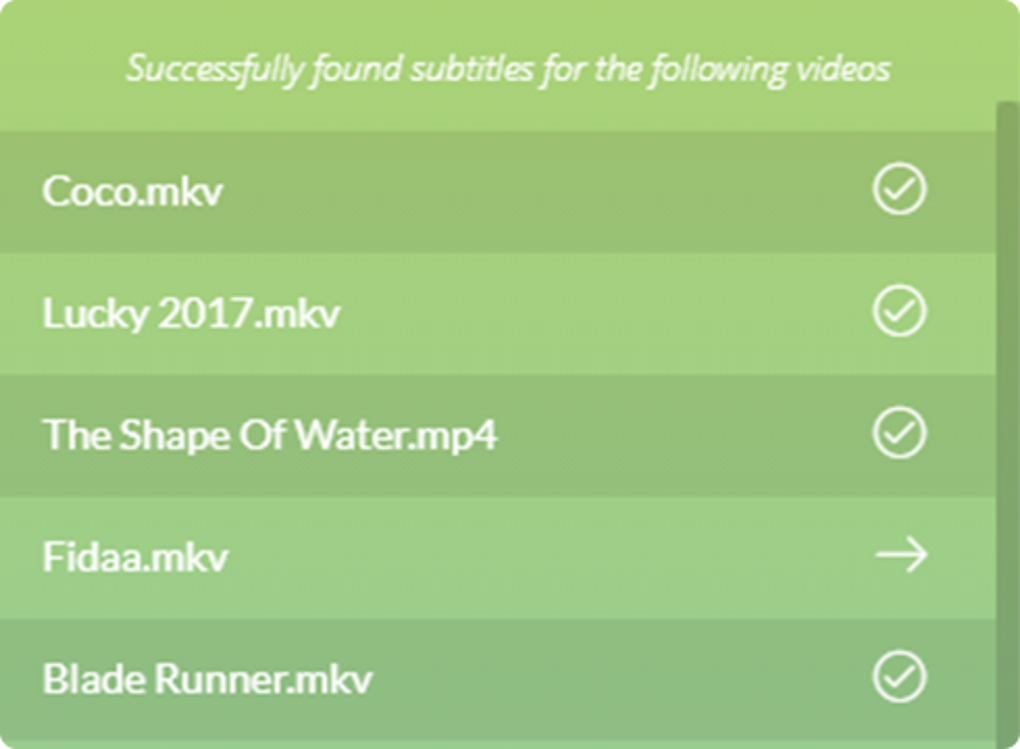
The ability to handle multiple video files concurrently is another significant advantage. gSubs allows users to process and search for subtitles for several videos simultaneously, significantly enhancing efficiency. This batch processing functionality is incredibly helpful when dealing with large collections of videos, allowing for faster and more efficient subtitle acquisition. This time-saving feature addresses a common frustration among users who need to find subtitles for many videos, eliminating the need for repeated individual searches.
Beyond Automatic Search: Exploring Manual Search Capabilities
While gSubs excels at its automated subtitle search, it also includes a manual search feature. This option allows users to search for subtitles without providing a video file, instead relying on specifying details such as the video’s title, year of release, or other relevant information. While this feature offers a degree of flexibility, it’s acknowledged that it requires refinement. The manual search function sometimes fails to retrieve the desired subtitle file, unlike the more robust automated search. This inconsistency highlights an area where improvements could enhance the overall user experience. The developers acknowledge this limitation and future updates may focus on improving the accuracy and reliability of the manual search, potentially employing more advanced search algorithms or databases to improve result accuracy.
The manual search function adds flexibility for users who encounter videos that don’t readily lend themselves to automatic identification or for cases where users possess specific information about the subtitle file they seek. Despite its current limitations, it serves as a valuable backup option, providing an alternative pathway for acquiring subtitles when the automated search proves unsuccessful.
gSubs: Strengths and Shortcomings
gSubs offers several advantages that make it a useful tool for subtitle acquisition. Its intuitive interface, rapid search times, and broad multilingual support are significant strengths. The ability to handle multiple files simultaneously enhances efficiency, especially for users with extensive video libraries. These features contribute to a positive user experience, making the process of finding subtitles much simpler and less time-consuming.
However, the program isn’t without its drawbacks. The primary concern lies with the inconsistent performance of the manual search function. Its unreliability can be frustrating, especially when users lack sufficient information to rely solely on the automatic search. This limitation highlights the need for further development and improvement in this aspect of the software. While the program’s automatic search reliably produces results, the inconsistent nature of the manual search detracts from the overall seamlessness of the user experience.
App Specifications and Availability
gSubs is a free application available for Windows operating systems, specifically supporting Windows 7 and later versions. The application is lightweight, with a relatively small file size (approximately 40 MB), minimizing the impact on system resources. This is beneficial for users with limited storage space or those who prefer to keep their computer systems lean. The software’s small footprint contributes to its quick download and installation, allowing users to access its functionality without significant delays.
The latest update for gSubs was released on December 12, 2019, indicating that while the program continues to function effectively, it hasn’t received recent updates. While this doesn’t necessarily detract from its current functionality, users might anticipate updates that address existing limitations, particularly the manual search inconsistencies and might also expect newer features or improved performance, especially in view of advancements in subtitle technology.
The program’s simple interface and effortless use, particularly the drag-and-drop functionality, are key to its effectiveness. These aspects are particularly attractive to users who value usability and efficiency, allowing even those unfamiliar with complex software to navigate and utilize the application effectively.
Conclusion: A Valuable Tool Despite Limitations
Despite the limitations associated with its manual search function, gSubs remains a valuable tool for Windows users seeking a reliable and efficient way to find subtitles for their videos. Its intuitive interface, speedy performance, and broad multilingual support make it an attractive alternative to more complex or less user-friendly subtitle search tools. The program’s overall usability and the ease with which users can add subtitles to their videos are significant advantages.
While the lack of recent updates might raise concerns about long-term maintenance and improvements, the program’s current functionality still provides considerable value for users seeking a straightforward and effective solution for finding subtitles. Future updates that address the limitations of the manual search function and potentially introduce additional features would greatly enhance the program’s capabilities and solidify its position as a leading subtitle finder for Windows.
File Information
- License: “Free”
- Version: “1.0.2”
- Latest update: “December 12, 2019”
- Platform: “Windows”
- OS: “Windows 7”
- Language: “English”
- Downloads: “227”
- Size: “40.04 MB”


