
HDMiniCam is a free Android utility designed to provide users with remote surveillance capabilities for their homes or other properties. Acting as a central dashboard for connected wireless video devices, the app allows users to monitor their premises from virtually anywhere with an internet connection. This review delves into the app’s features, strengths, limitations, and overall usability, helping you determine if HDMiniCam is the right home security solution for your needs.
Key Features and Functionality
HDMiniCam’s core functionality revolves around providing a simple and accessible interface for viewing live video feeds from multiple IP cameras or wireless video devices. The app’s strength lies in its ease of use, making it accessible even to individuals with limited technical expertise. Users can easily connect their devices, view real-time video streams, and review recorded footage, all within a streamlined and intuitive application.
Beyond basic video surveillance, HDMiniCam offers additional features that enhance its practicality and usefulness. One notable feature is its intercom functionality, which allows users to communicate with individuals at their property’s entrance. This is particularly useful for interacting with delivery personnel, visitors, or addressing unexpected events when away from home. The ability to seamlessly switch between live view and recorded footage provides a comprehensive overview of activity at the monitored location.
The app’s compatibility with various wireless video devices expands its potential applications. Users aren’t restricted to specific brands or models, offering flexibility in integrating existing hardware into their security system. This open compatibility caters to a wide range of users and budgets, making it a versatile option for various home security setups.
User Interface and Experience
HDMiniCam boasts a user-friendly interface designed for intuitive navigation. The app’s layout prioritizes simplicity and clarity, making it easy to access key functions and manage connected devices. The straightforward design minimizes the learning curve, ensuring a smooth user experience even for those unfamiliar with similar surveillance applications.
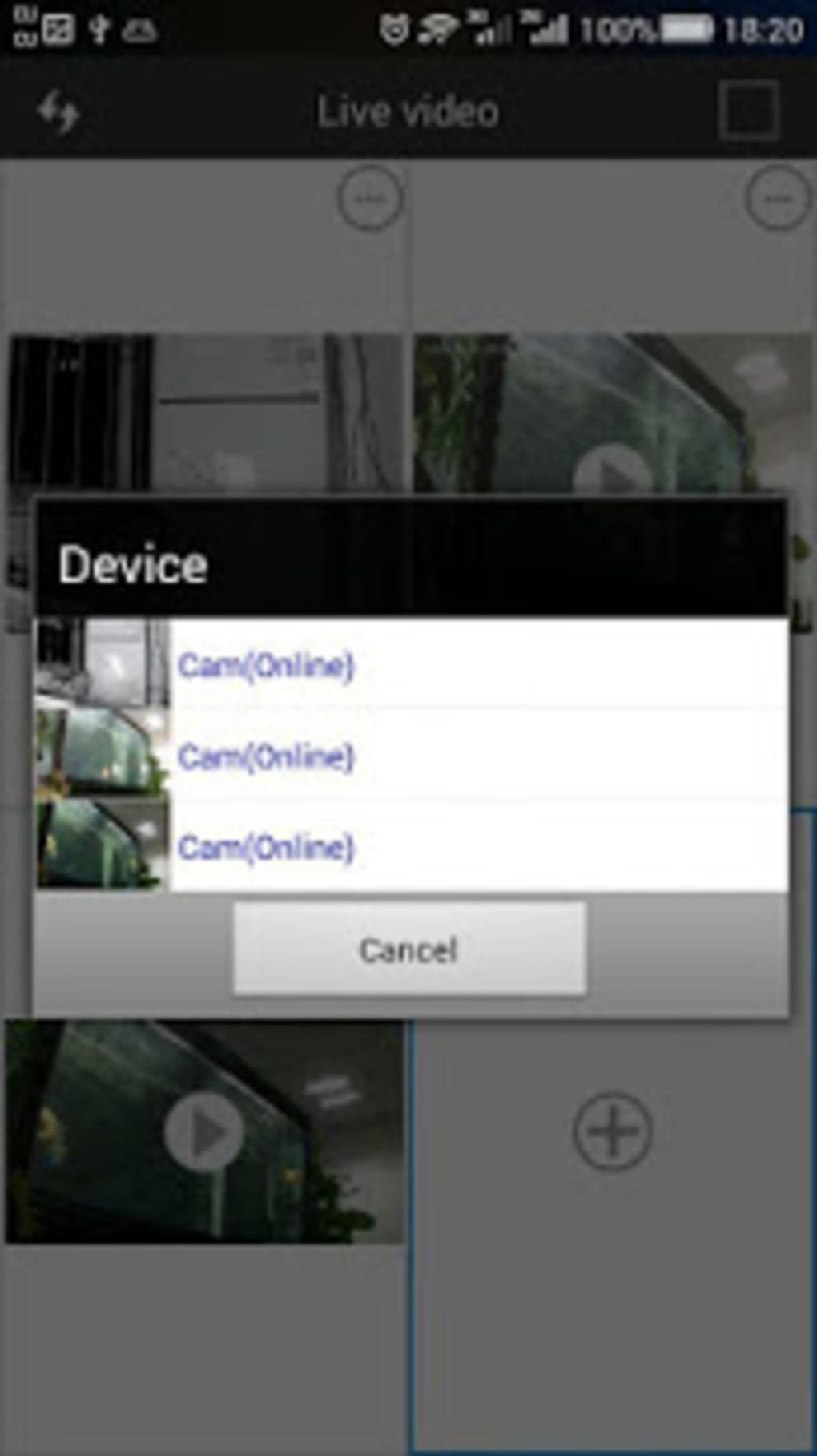
The app’s ability to display multiple video feeds simultaneously on a single screen is a significant advantage. This allows users to monitor different areas of their property from a single dashboard, providing a holistic view of their security setup. This multi-stream viewing capability is particularly beneficial for larger properties or those requiring comprehensive coverage.
Limitations and Areas for Improvement
While HDMiniCam offers a valuable set of features, it does have limitations that users should be aware of. The most significant drawback is the restricted number of simultaneous video feeds. The app currently supports only up to four feeds, which might prove insufficient for users with extensive surveillance needs or larger properties with numerous camera placements.
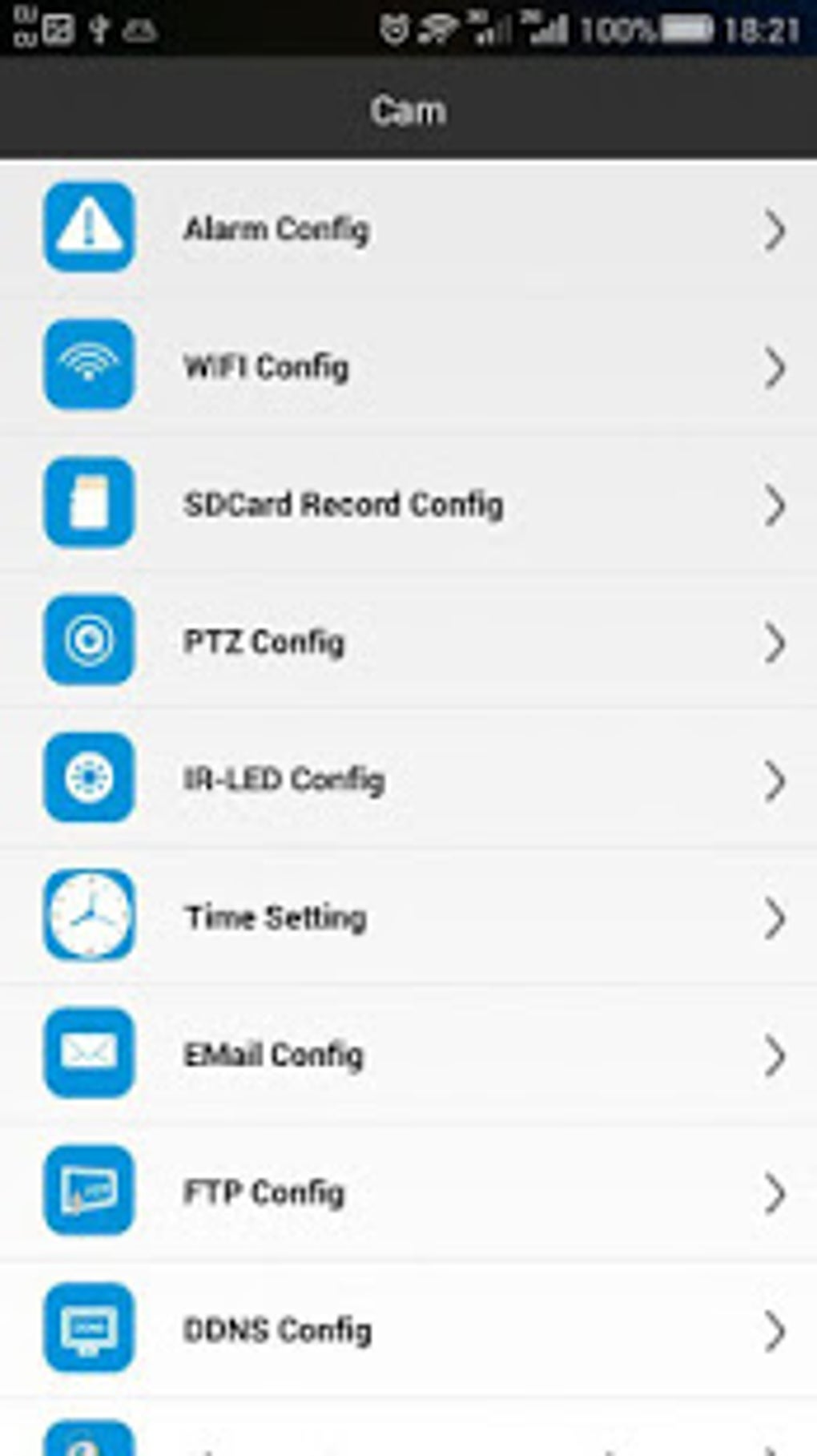
Another area for improvement lies in the lack of in-app camera angle adjustment. Users are unable to remotely control the orientation or zoom of their connected cameras through the app itself. This necessitates manual adjustment at each camera location, which can be cumbersome, especially for cameras in less accessible areas.
Further, while the app supports recording, the specific functionalities related to storage, recording duration, and management of recorded footage are not explicitly detailed in the available information. A more detailed explanation of these aspects would improve user understanding and confidence in using the app’s recording features effectively.
Comparison with Alternative Apps
HDMiniCam competes with a number of other home security apps in the market, each with its unique strengths and weaknesses. Apps such as Hik-Connect offer comparable functionalities, including multi-camera support and remote viewing capabilities. However, HDMiniCam distinguishes itself through its user-friendly interface and simpler setup process, making it potentially more appealing to users seeking a less technically demanding option.
Other apps, such as iCamViewer and CamHi, also provide similar services, but their user interface and feature sets might be less intuitive or offer a more limited range of features compared to HDMiniCam. The choice between these applications often depends on individual preferences regarding interface design, specific features required, and the level of technical expertise.
Security and Privacy Considerations
As with any home security application, it’s crucial to consider the security and privacy implications associated with HDMiniCam. The app requires access to your device’s camera and network permissions to function correctly. Users should carefully review the app’s permission requests and ensure they understand how the app handles their data and video feeds.
While the developer’s reputation and the app’s popularity contribute to a certain level of trust, it’s always prudent to be mindful of potential vulnerabilities and take appropriate precautions to safeguard your security system and personal information. Keeping your app updated with the latest security patches is paramount to mitigate any potential risks.
Overall Assessment and Verdict
HDMiniCam presents a compelling option for individuals seeking a user-friendly and accessible home security solution. Its intuitive interface, real-time video streaming, intercom functionality, and compatibility with various wireless video devices are significant advantages. The app’s simplicity makes it ideal for users with limited technical skills.
However, the limitations regarding the number of supported video feeds and the lack of in-app camera adjustment are noteworthy drawbacks. These limitations might restrict the app’s suitability for users with more extensive surveillance requirements. Potential users should carefully evaluate their specific needs and expectations to determine if HDMiniCam’s feature set aligns with their home security requirements.
In conclusion, HDMiniCam offers a strong foundation for basic home security monitoring, excelling in ease of use and accessibility. However, the limitations in camera management and the number of supported feeds should be considered before adopting it as a primary home security solution. For users with simpler monitoring needs and a preference for a straightforward interface, HDMiniCam offers a practical and readily accessible option. For more advanced requirements, exploring alternative apps with greater scalability and advanced features might be necessary.
File Information
- License: “Free”
- Version: “1.7.6”
- Latest update: “March 1, 2023”
- Platform: “Android”
- OS: “Android 9.0”
- Language: “English”
- Downloads: “26.9K”
- Size: “7.72 MB”
- Download Options: “APK, Google Play”
- Filename: “HDMiniCam_v1.7.6.apk”


