
Headshot and GFX Tool is a free Android utility designed to enhance the visual experience of mobile games. It empowers users to customize in-game graphics settings, optimizing visuals for performance or aesthetic appeal without requiring extensive technical expertise. This comprehensive guide delves into the tool’s features, benefits, limitations, and alternatives, offering a complete picture for potential users.
Understanding Headshot and GFX Tool’s Functionality
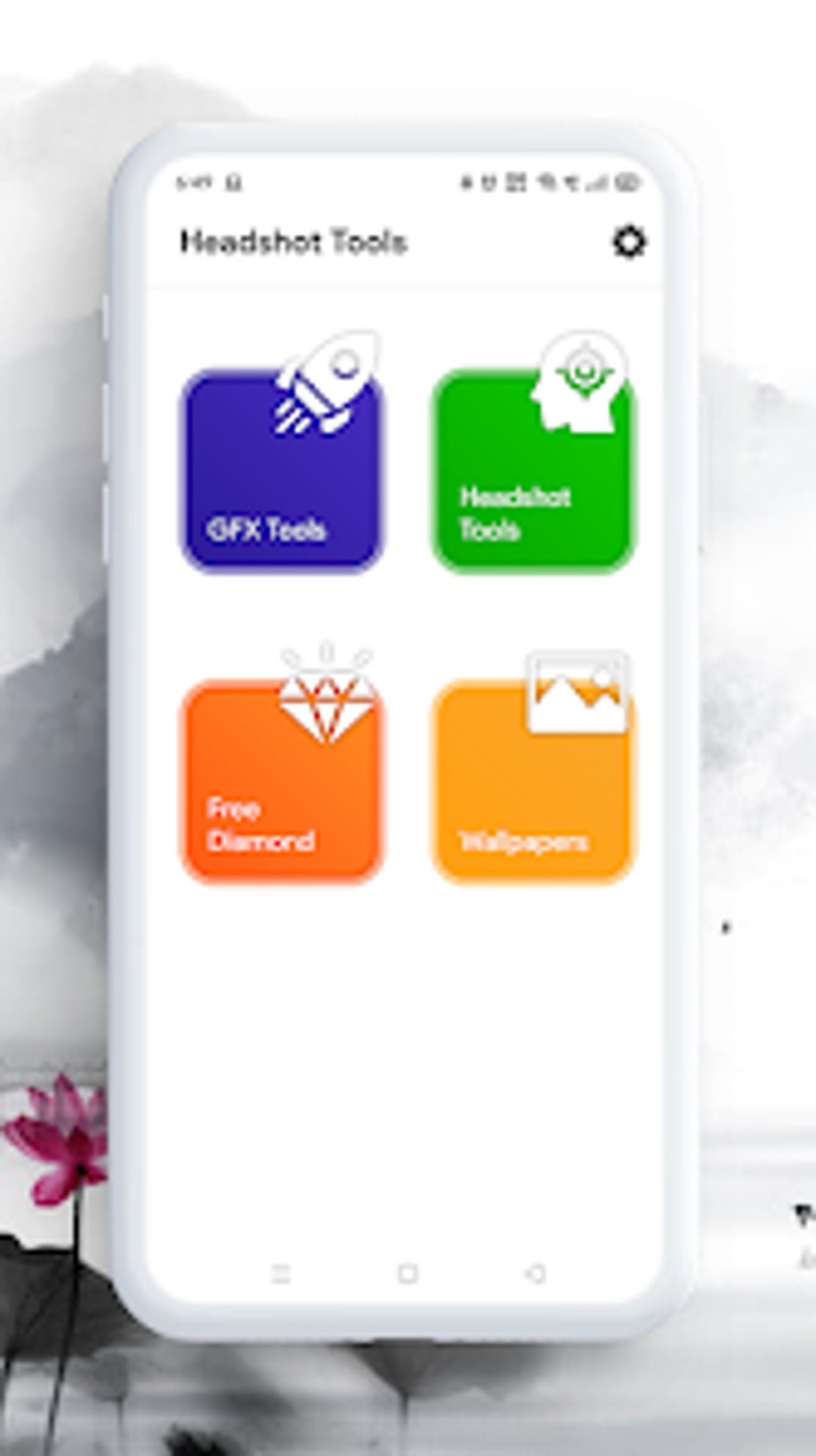
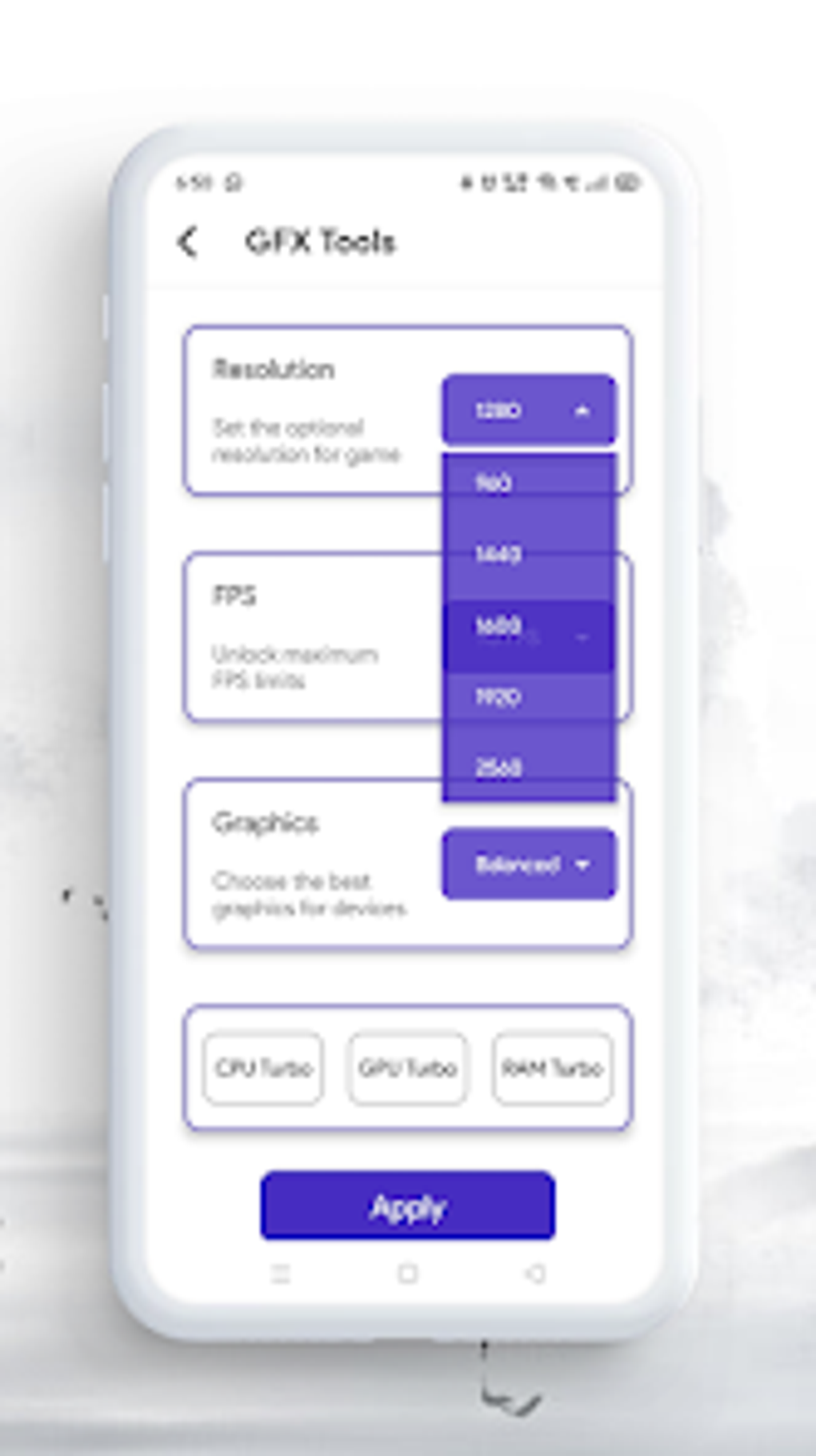
At its core, Headshot and GFX Tool operates as a graphics customization tool. It doesn’t directly modify game code or introduce gameplay enhancements; its sole focus is on managing and adjusting graphical parameters within supported games. This allows players to tweak various aspects of the visual presentation, such as resolution, shadows, anti-aliasing, and texture quality, to achieve their desired balance between visual fidelity and frame rate. The tool provides a user-friendly interface, making these adjustments accessible even to those unfamiliar with advanced graphics settings. The ease of use is a significant advantage, eliminating the need for users to search for game-specific configuration instructions online. Instead, the app consolidates these adjustments in a single, intuitive location. This simplified approach empowers players to tailor their in-game visuals to suit their device’s capabilities and personal preferences.
Benefits and Advantages of Using Headshot and GFX Tool
The primary benefit of Headshot and GFX Tool lies in its ability to streamline the process of optimizing game graphics. For gamers seeking improved performance on lower-end devices, the tool allows for reducing visual complexity, resulting in smoother gameplay with fewer stutters and lags. This is particularly useful for resource-intensive games that might otherwise be unplayable or deliver a subpar experience on less powerful hardware. Conversely, users with higher-end devices can utilize the tool to maximize visual quality, enhancing textures, shadows, and other graphical elements for an immersive and visually stunning experience. This flexibility to cater to both performance and visual needs is a key strength of the application.
Furthermore, the app’s intuitive interface significantly lowers the barrier to entry for graphics customization. Unlike manual configuration, which often requires navigating complex game files or understanding intricate technical jargon, Headshot and GFX Tool provides a clear and concise pathway to visual adjustments. This user-friendly approach democratizes the process, making advanced graphical tweaks accessible to a wider range of players. This accessibility is crucial in ensuring that a broader gaming community can enjoy a tailored visual experience within their preferred games.
Limitations and Considerations
Despite its advantages, Headshot and GFX Tool possesses certain limitations. Its primary constraint is its exclusive focus on graphics. Unlike some more extensive modding tools, it cannot modify gameplay elements, such as adding features, altering game mechanics, or introducing cheats. This restricted functionality might disappoint players seeking a more comprehensive game modification experience.
Moreover, Headshot and GFX Tool is not intended for professional use or game development. Its capabilities are primarily geared towards casual gamers seeking to personalize their visual experience. While it effectively manages graphics settings within supported games, it lacks the extensive functionality and granular control that professional game developers or modders might require.
Another point to consider is compatibility. While the tool supports a range of games, it’s not universally compatible. Some games may not respond to the app’s settings, and others might experience unexpected behavior after using the tool. It’s crucial to always back up game data before using Headshot and GFX Tool, and to proceed cautiously, testing adjustments incrementally to avoid potential issues.
Exploring Alternative Applications and Resources
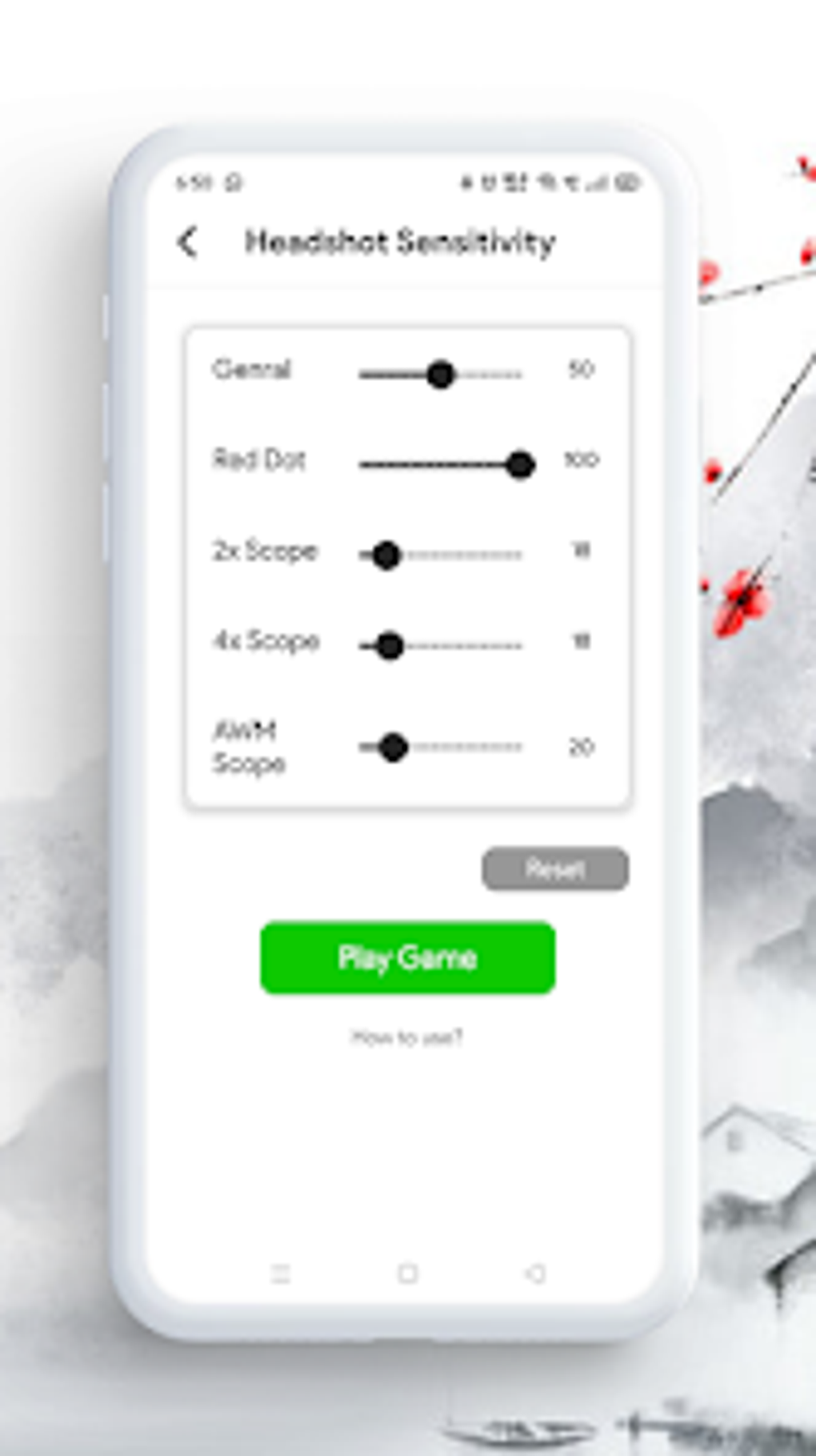
Several alternative applications offer similar or complementary functionality to Headshot and GFX Tool. Some applications offer a broader range of features, encompassing aspects beyond mere graphics customization, while others might specialize in particular game genres or platforms. It’s beneficial to explore these alternatives to find the tool best suited to one’s specific needs and preferences. For instance, some alternatives offer sensitivity boosters, enhancing aiming precision, or provide broader control over various in-game settings. Researching available alternatives allows users to compare features, compatibility, and user reviews to determine the optimal choice for their gaming needs.
The decision to utilize a specific graphics customization tool, including Headshot and GFX Tool, also depends on individual user needs and technical proficiency. Players with a higher level of technical comfort might prefer tools providing more advanced control, even if it entails a steeper learning curve. For casual gamers who prioritize ease of use and straightforward customization, Headshot and GFX Tool’s simple interface represents a considerable advantage.
Furthermore, independent online resources and communities often offer tutorials and guides specific to game graphics optimization. These resources can provide complementary knowledge and insights, enabling gamers to fine-tune their settings even further, and understanding potential pitfalls or limitations when adjusting game graphics. Consulting such resources alongside using a tool like Headshot and GFX Tool allows users to develop a comprehensive understanding and gain a broader perspective on optimizing their mobile gaming experience.
Conclusion: A Valuable Tool for Enhancing Mobile Gaming
Headshot and GFX Tool serves as a valuable asset for mobile gamers seeking to enhance their gaming experience by customizing their in-game graphics. Its user-friendly interface and ability to optimize visual settings for performance or aesthetic enhancement make it an attractive choice for a wide range of players. While limited to graphics customization and not intended for professional use, the tool’s overall effectiveness and ease of use make it a worthwhile addition to the arsenal of any mobile gamer who wants to take control of their visual experience. However, users should carefully consider its limitations and explore alternative applications or resources to identify the best tool for their specific requirements and preferences, ensuring they find the optimal balance between visual fidelity and performance to enhance their mobile gaming journey.
File Information
- License: “Free”
- Latest update: “August 10, 2025”
- Platform: “Android”
- OS: “Android 15.0”
- Language: “English”
- Downloads: “515K”
- Download Options: “Google Play”


