
Helium Backup, formerly known as Carbon, offers a user-friendly solution for backing up your Android device’s data without requiring root access. This comprehensive guide delves into the features, functionalities, and considerations surrounding this popular backup tool. We will explore its strengths, weaknesses, and compare it to alternative solutions in the market.
Seamless Backup and Restoration Across Devices
Helium Backup’s core functionality lies in its ability to effortlessly back up a wide range of data types from your Android device, including videos, pictures, emails, notes, and application data. The intuitive, two-tab interface simplifies the backup process, allowing users to easily select and deselect specific files or choose to back up entire applications (including APK files) or just their associated data. This granular control empowers users to tailor their backups to their specific needs, optimizing storage space and backup time.
The true power of Helium Backup, however, lies in its cross-device compatibility. Unlike many backup solutions that tether backups to a specific device or cloud service, Helium Backup facilitates the restoration of backed-up data onto different Android devices simply by installing the app on the target device. This means you can seamlessly switch devices without losing your precious data. This interoperability extends even to devices that aren’t sharing the same network, offering exceptional flexibility and convenience.
User-Friendly Interface and Functionality
Helium Backup’s design philosophy centers on simplicity and ease of use. The application boasts a clean and intuitive interface that requires minimal technical expertise to navigate. Even novice users can quickly grasp the core functionalities and initiate backups without encountering significant hurdles. The straightforward design significantly reduces the learning curve associated with data backup, making it accessible to a wider audience.
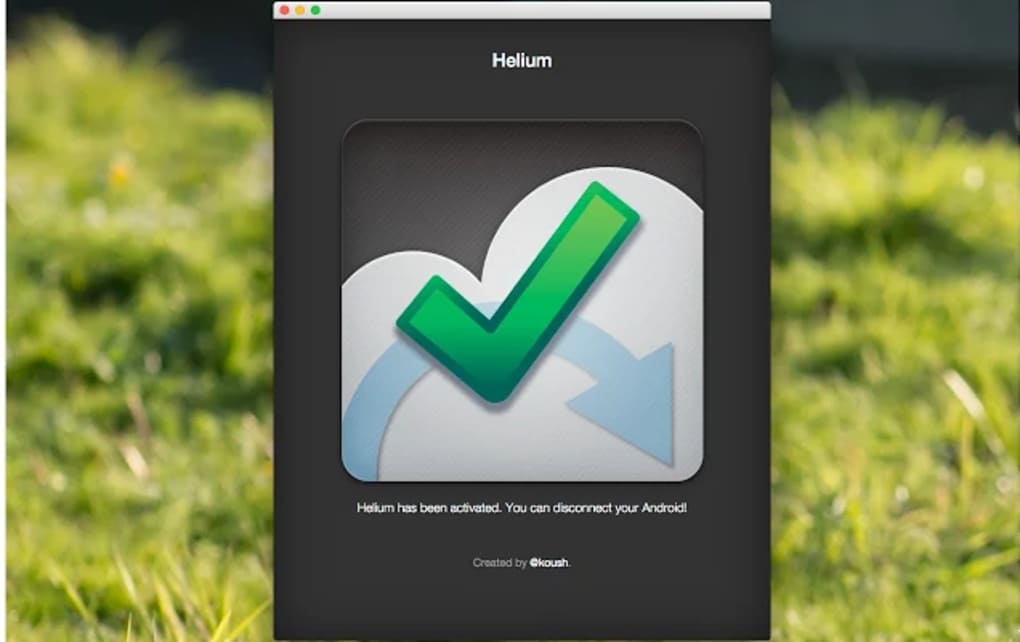
The app’s two-tab structure efficiently organizes the backup process, enabling swift navigation between backup selection and management. This streamlined approach minimizes user frustration and enhances overall efficiency. Furthermore, Helium Backup’s clear prompts and visual cues guide users through every step, ensuring a smooth and trouble-free experience.
System Requirements and Compatibility
Helium Backup boasts impressive cross-platform compatibility. The application is accessible through various platforms, including Chrome (recommended), Windows, Linux, and macOS. This wide reach ensures users can manage their Android backups from their preferred operating system, offering unparalleled flexibility.
The availability of separate APK downloads for the application further enhances its accessibility. This allows users to bypass app stores and directly install the application onto their devices, bypassing any potential restrictions or limitations imposed by app store policies. However, it’s crucial to download APKs from trusted sources to prevent installing malicious software.
While Helium Backup strives for broad device compatibility, it’s important to note that it might not function flawlessly on all Android devices. This incompatibility can stem from several factors, including a lack of support from the device’s original equipment manufacturer (OEM) or the presence of bugs within the specific Android device’s operating system.
Helium Backup: Advantages and Disadvantages
Helium Backup offers a compelling suite of features and benefits, but like any software, it’s not without its limitations. Let’s examine the advantages and disadvantages:
Pros:
- Root-free operation: One of Helium Backup’s significant advantages is its ability to perform backups without requiring root access. Rooting your Android device can void warranties and introduce security vulnerabilities. Helium Backup’s root-free operation safeguards against these risks, making it a safer option for many users.
- Free version availability: The availability of a free version removes the financial barrier to entry for many users, allowing them to experience the benefits of Helium Backup without incurring any costs. This makes it an attractive option for budget-conscious individuals or those who only need occasional backups.
- Cross-device compatibility: Helium Backup’s capacity to back up and restore data across different Android devices, irrespective of network connectivity, offers unparalleled flexibility. This feature sets it apart from many competing solutions that limit backups to a single device or a specific cloud service.
- Scheduled backups: The option to schedule backups ensures that your data is regularly backed up without requiring manual intervention. This automated feature minimizes the risk of data loss due to oversight or forgetfulness, providing peace of mind to users.
- Granular control over backups: The ability to selectively choose which files and applications to include in a backup provides granular control over the backup process. This minimizes backup size and time, optimizing storage space and efficiency.
Cons:
- Requirement for a companion app: While Helium Backup offers desktop applications for various operating systems, it requires a companion application installed on the Android device to facilitate the backup and restoration process. This adds an extra step to the process and necessitates having both the desktop and mobile applications installed and configured.
- Backup limitations: Even though Helium Backup backs up a significant portion of an Android device’s data, some limitations still exist. Certain applications or data types might not be fully compatible with the backup process, resulting in incomplete backups. These limitations vary depending on the Android version, device model, and specific application being backed up.
- Potential for conflicts with other apps: In certain cases, Helium Backup might encounter conflicts with other applications installed on the Android device. These conflicts could potentially disrupt the backup process or lead to unexpected errors. Addressing such conflicts might require troubleshooting or temporarily uninstalling conflicting apps.
Alternatives to Helium Backup
While Helium Backup stands as a robust solution for Android data backup, several alternatives cater to various user needs and preferences. These alternatives might offer different features, strengths, and weaknesses. Some alternatives include:
- Google Drive/OneDrive/Dropbox: These cloud storage services offer backup capabilities for Android devices, often integrating with the operating system. They provide readily accessible backups from any device with internet access. However, they might not provide the same level of granular control or cross-device restoration capabilities as Helium Backup.
-
Other Backup Apps: The Android app store boasts numerous backup applications, each with its own unique features and approaches. Some apps specialize in backing up specific data types (like SMS messages or call logs), while others might provide more advanced features like encryption or incremental backups. Carefully comparing features and user reviews is crucial before selecting an alternative app.
-
Manufacturer-Specific Backup Solutions: Some smartphone manufacturers offer their own backup solutions integrated into their devices or operating systems. These manufacturer-specific solutions usually seamlessly integrate with the phone and offer features specifically tailored to the device’s capabilities. However, these solutions often tie backups to the manufacturer’s ecosystem, potentially limiting flexibility.
Conclusion
Helium Backup remains a strong contender in the Android backup landscape, offering a user-friendly, root-free solution for backing up and restoring data across devices. Its cross-platform compatibility and free version make it an appealing choice for many users. While limitations exist concerning complete backup coverage and the requirement for a companion app, its strengths in simplicity, cross-device functionality, and root-free operation make it a viable and effective tool for managing Android data. Potential users should carefully weigh the advantages and disadvantages against alternative solutions to determine the best fit for their individual needs and technical expertise.
File Information
- License: “Free”
- Version: “1.0.0.9”
- Latest update: “January 31, 2023”
- Platform: “Windows”
- OS: “Windows 7”
- Language: “English”
- Downloads: “25.7K”


