
Hello Kitty, the globally recognized icon of Sanrio, transcends mere cartoon character status. Her enduring popularity, while sometimes perplexing to outsiders, has cemented her place in popular culture, captivating fans of all ages. This collection of Hello Kitty Icons caters specifically to Windows users who share an affinity for this charming feline. Offering a charming and customizable option to personalize their desktops, this free icon pack provides a simple yet effective way to infuse a touch of Hello Kitty magic into their digital workspace.
A Closer Look at the Hello Kitty Icon Pack
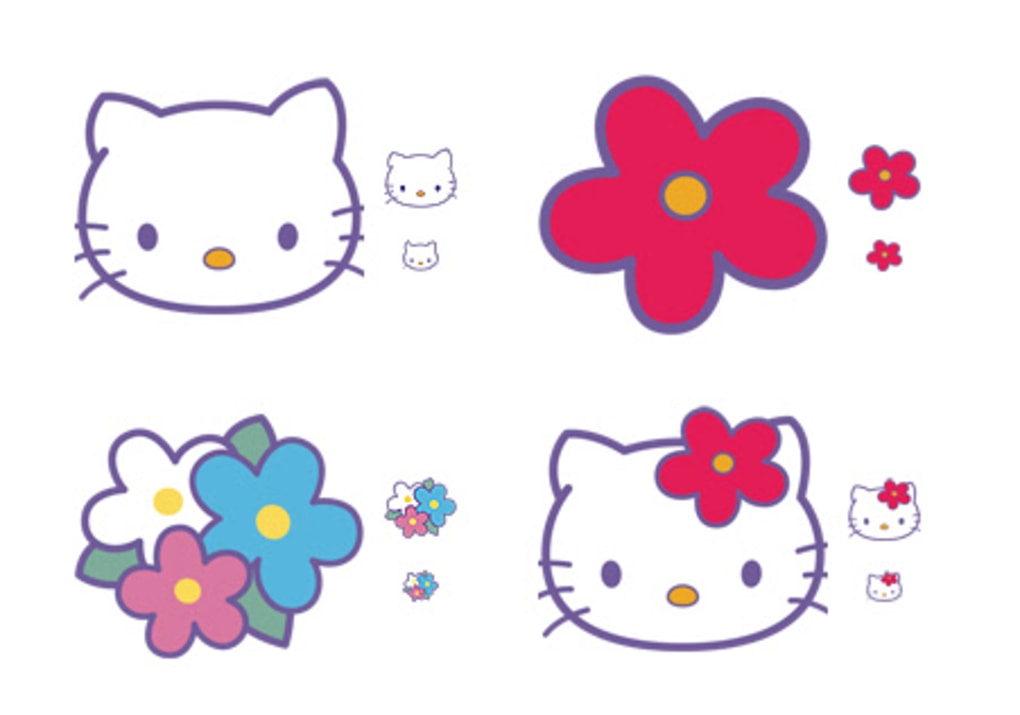
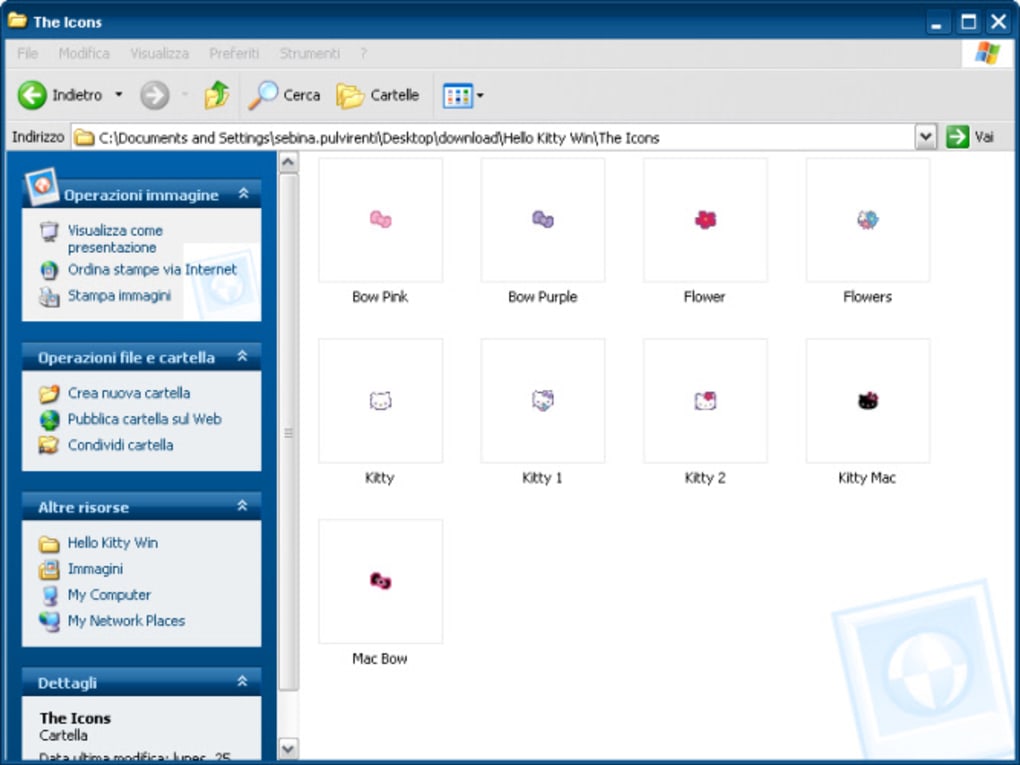
This icon set provides nine high-resolution icons, each showcasing a different aspect of the Hello Kitty brand. The images are vibrant and well-rendered, capturing the essence of Hello Kitty’s signature style. The resolution ensures they remain crisp and clear even on high-resolution displays, enhancing the overall aesthetic appeal. The simplistic design keeps the icons clean and avoids unnecessary clutter. The selection, while limited, is diverse enough to offer options for various uses, allowing users to personalize different aspects of their desktop.
The icons themselves are free for personal use, providing a cost-effective way to customize one’s digital environment. This accessibility makes the pack appealing to a broad range of users. However, it’s crucial to note the restriction on commercial use; any use outside personal contexts requires explicit permission. This distinction clarifies the license terms and protects the intellectual property rights associated with the brand.
Installation and Usage: A User-Friendly Experience
Installing and utilizing these Hello Kitty icons is remarkably straightforward. The intuitive process makes them accessible even to users with minimal technical expertise. The provided instructions are simple and easy to follow. Here’s a step-by-step guide:
-
Locate the Downloaded Files: After downloading the icon pack, locate the extracted files containing the individual icon images.
-
Right-Click on an Existing Icon: Navigate to any icon on your Windows desktop that you wish to replace. Right-click on the icon to bring up the context menu.
-
Select ‘Change Icon’: In the context menu, you’ll find the option to “Change Icon”. Selecting this will open a new window allowing you to browse and select a new icon.
-
Browse and Select: Browse to the location where you’ve saved the downloaded Hello Kitty icons. Select the desired icon from the available options.
-
Apply the Changes: Click “OK” to apply the changes and see your chosen Hello Kitty icon replace the existing one.
For those who frequently change their icons, employing an icon management utility, such as IconPhile, significantly streamlines the process. These tools provide a more centralized and efficient method for managing and swapping icons, reducing the steps involved in the manual process outlined above.
Beyond the Basics: Extending the Hello Kitty Theme
While the icon pack itself is relatively small, its impact can be significantly expanded. By strategically applying the Hello Kitty icons to frequently accessed files or folders, users can create a cohesive and visually appealing themed desktop experience. This approach goes beyond simply replacing a few icons, creating a more immersive and personalized environment.
The limited number of icons, while a potential drawback for some, also allows for a focused and less overwhelming approach to desktop customization. The lack of excessive options simplifies the selection process and prevents a cluttered or confusing interface. The curated selection encourages users to thoughtfully consider where each icon is best placed, maximizing its visual impact.
Furthermore, the high-resolution nature of the icons enhances the visual experience, regardless of the screen resolution used. This adaptability is crucial for ensuring consistency in the look and feel across diverse displays. High-quality images ensure the icons don’t appear blurry or pixelated, maintaining their visual appeal.
Comparing to Alternatives and Other Considerations
While other icon packs offer broader selections or more stylistic variations, this Hello Kitty collection stands out due to its direct association with a beloved and well-known brand. The nostalgic appeal and familiarity with the Hello Kitty character are powerful motivators for users seeking to personalize their desktops with a touch of their childhood or a familiar brand they enjoy. Other icon packs might offer a wider array of choices but lack the instant recognition and cultural significance that Hello Kitty brings.
Many alternative icon packs focus on abstract designs or generic themes, lacking the specific character and charm that Hello Kitty embodies. This unique element differentiates it from other options and provides a clear value proposition to its intended audience: devoted fans of the Hello Kitty franchise.
The free nature of the pack also makes it highly accessible. This contrasts with many icon packs requiring payment, either for a one-time purchase or a subscription model. The free access lowers the barrier to entry for prospective users and allows for widespread adoption among Hello Kitty enthusiasts. The lack of a cost element significantly enhances its appeal.
However, the limited number of icons remains a point of consideration. Those seeking a vast collection of icons for extensive desktop customization may find this pack insufficient. The small selection, while focused, might not cater to users with varied customization needs beyond the scope of the provided options.
In conclusion, the Hello Kitty Icons pack provides a charming and easily accessible way for fans to personalize their Windows desktops. The straightforward installation process, high-resolution graphics, and free personal use license make this a delightful option for anyone looking to add a touch of Hello Kitty’s iconic charm to their digital environment. While limited in its scope compared to some alternative icon packs, the pack’s strength lies in its focused, high-quality design and direct appeal to a dedicated fanbase.
File Information
- License: “Free”
- Latest update: “November 19, 2009”
- Platform: “Windows”
- OS: “Windows 2000”
- Language: “English”
- Downloads: “115.5K”
- Size: “255.11 KB”


