
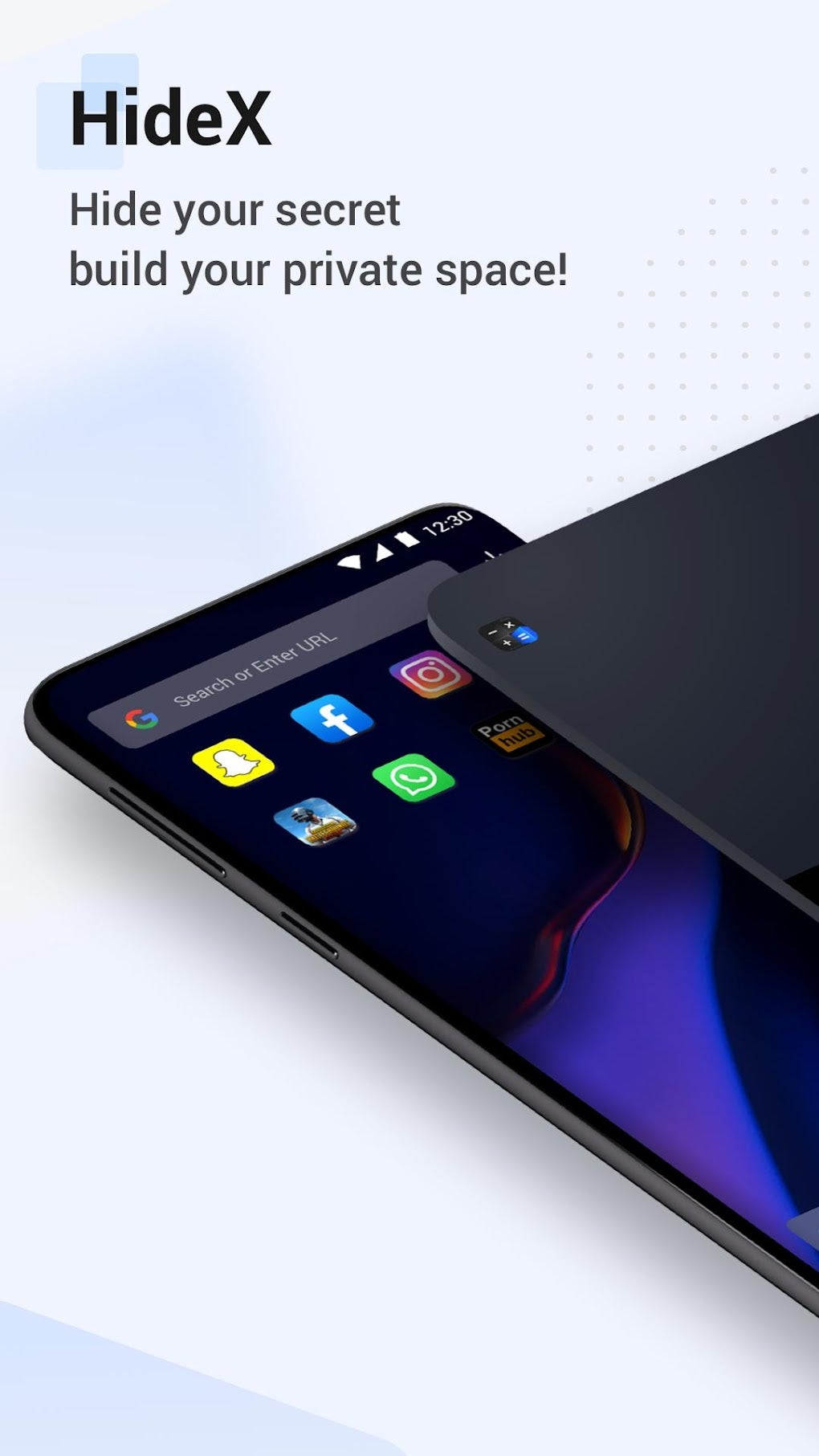
HideX - Calculator Photo Vault App Hider is a free Android utility application developed by Ogly buen, designed to protect your private photos, videos, and other sensitive files. Masquerading as a simple calculator, this app offers a discreet and user-friendly way to safeguard your personal data from prying eyes. Its functionality extends beyond basic photo hiding, allowing for app locking as well, adding an extra layer of privacy to your mobile device. This review delves into the features, usability, pros, cons, and overall effectiveness of HideX.
A Calculator in Disguise: Ease of Use and Interface
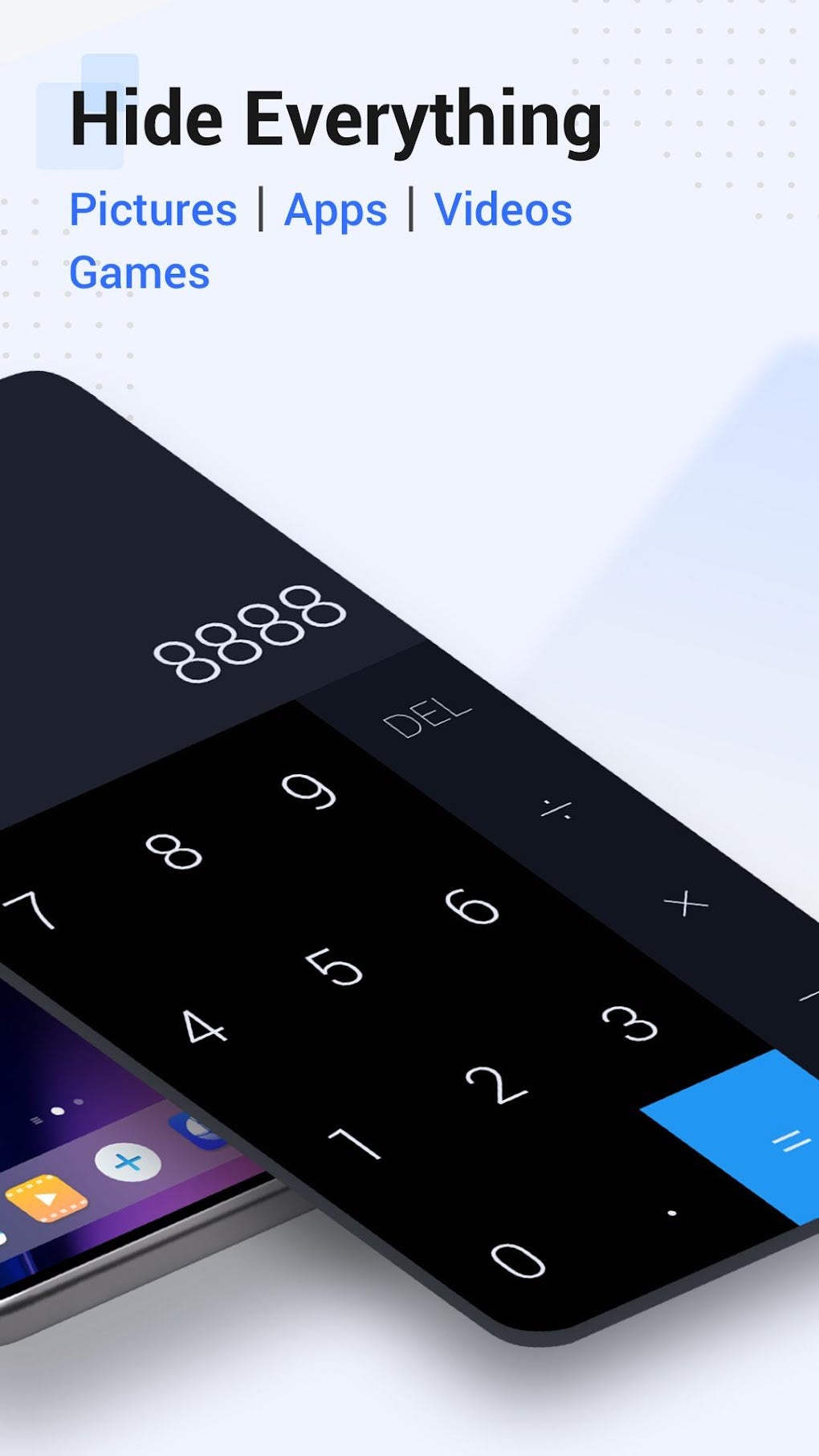
The app’s primary strength lies in its deceptive simplicity. On the surface, HideX presents itself as a standard calculator application, seamlessly blending in with other apps on your device. This disguise effectively prevents casual discovery by others who might access your phone. The calculator functionality itself is basic but functional, serving primarily as a camouflage for the hidden vault. Navigating to the photo vault requires entering the correct PIN or pattern lock, a security measure that adds an extra layer of protection to your private data.
Once inside the vault, the interface is intuitive and easy to navigate. Users can easily import photos and videos from their device’s gallery or take new pictures and videos directly within the app. The organization features are fairly straightforward, allowing users to browse and manage their hidden files with minimal fuss. The app also allows for the hiding of applications, preventing unauthorized access to sensitive applications like messaging apps or banking apps.
The simplicity of the user interface is a significant advantage, particularly for users who are not technically inclined. The straightforward design makes it easy to use for individuals of all ages and technical expertise, making it accessible to a wide range of users.
Security Features and Functionality
HideX employs several security features to protect user data. The most prominent is the PIN or pattern lock, requiring users to enter a unique code or draw a specific pattern to access the hidden vault. This prevents unauthorized access, providing a basic but effective barrier against casual snooping. The app also offers an intruder alert feature. This feature takes a photograph of anyone who attempts to unlock the vault with the wrong PIN or pattern, potentially deterring unauthorized access and providing evidence of any attempted breaches.
The app’s ability to hide not only media files but also other applications further enhances its security capabilities. This feature is particularly useful for users who want to prevent access to sensitive apps like banking apps, messaging apps, or social media apps, keeping this information completely hidden from others who might have access to the device. However, it is important to note that the level of security provided by HideX is dependent on the strength of the PIN or pattern lock chosen by the user. A weak or easily guessable code can significantly reduce the effectiveness of the app’s security measures.
Pros and Cons of HideX: A Balanced Perspective
HideX offers several compelling advantages:
-
Ease of use: The intuitive interface and straightforward design make the app incredibly user-friendly, even for those with limited technical skills. The simple calculator disguise is also remarkably effective.
-
Dual Functionality (Media and App Hiding): HideX’s ability to hide both media files and applications is a significant plus, providing comprehensive protection for a wider range of sensitive data. This combined functionality sets it apart from some competing apps that only focus on media file hiding.
-
Intruder Alert Feature: The inclusion of an intruder alert feature is a valuable security enhancement, providing a potential deterrent and offering evidence in case of unauthorized access attempts.
- Free to Use: The app is completely free to download and use, making it accessible to a broader audience compared to paid privacy apps. This free access allows for a risk-free trial for those uncertain about investing in similar privacy apps.
However, HideX also has some drawbacks:
-
Reported Data Loss: A significant concern highlighted by user reports is the potential for data loss. This is a critical issue that needs to be addressed promptly by the developers through updates and improved data management practices. Data loss can be devastating for users who rely on the app to protect their personal files.
-
Basic Security Measures: While the PIN and pattern locks offer a degree of protection, they are not foolproof. Sophisticated hacking techniques could potentially bypass these security measures, depending on the complexity of the code. More robust security measures such as encryption would strengthen the app’s security.
-
Limited Customization Options: The app lacks extensive customization options compared to some competing apps. The ability to personalize the interface or add more sophisticated security features would enhance the user experience.
-
Potential for Malicious Software: While the Softonic review indicates a “clean” status, it’s crucial to always download apps from reputable sources like the official Google Play Store to minimize the risk of downloading malicious software disguised as a privacy app.
Alternatives and Comparison
Several alternative privacy apps offer similar functionalities, but each with their own strengths and weaknesses. HideX: Calculator Lock and HideU: Calculator Lock are two examples of direct competitors. While all three apps employ the calculator camouflage technique, differences may exist in their security protocols, interface designs, and feature sets. A comparison would need to consider factors like user reviews, security updates, and the frequency of bug fixes. Other apps offer more advanced features like cloud backups or more robust encryption algorithms. Choosing the right app depends on individual security needs and preferences.
Conclusion: A Worthwhile App with Room for Improvement
HideX - Calculator Photo Vault App Hider presents a user-friendly and effective solution for safeguarding personal media and app data. Its deceptive calculator interface and easy-to-use features make it an appealing choice for many users. However, the reported instances of data loss are a serious concern that must be addressed by the developers. Until this issue is resolved through updates and improved security protocols, potential users should proceed with caution. Consider the potential risks associated with data loss before relying entirely on HideX for protecting your most sensitive files. Despite its flaws, for basic privacy needs and casual users, HideX offers a convenient and functional way to hide sensitive information from unauthorized access. However, users with extremely sensitive data or those who require more advanced security features should consider exploring more sophisticated and robust alternatives in the market. The potential for data loss should be carefully weighed against the convenience and ease of use the app provides.
File Information
- License: “Free”
- Version: “1.0”
- Latest update: “February 13, 2023”
- Platform: “Android”
- OS: “Android 9.0”
- Language: “English”
- Downloads: “142.8K”
- Size: “18.04 MB”
- Download Options: “APK, Google Play”
- Filename: “HideX_Calculator_Photo_Vault_1.0_.apk”


