
HiLookVision is a free mobile application developed by Hikvision HQ, a leading provider of security solutions. This app acts as a central control hub, enabling users to remotely access and manage various Hikvision security cameras from their Android devices. Its compatibility extends to a range of camera models and types, provided they support Cloud P2P protocols. While offering convenient remote monitoring, it also presents some notable limitations that prospective users should be aware of before installation.
Real-time Monitoring and Video Playback Capabilities
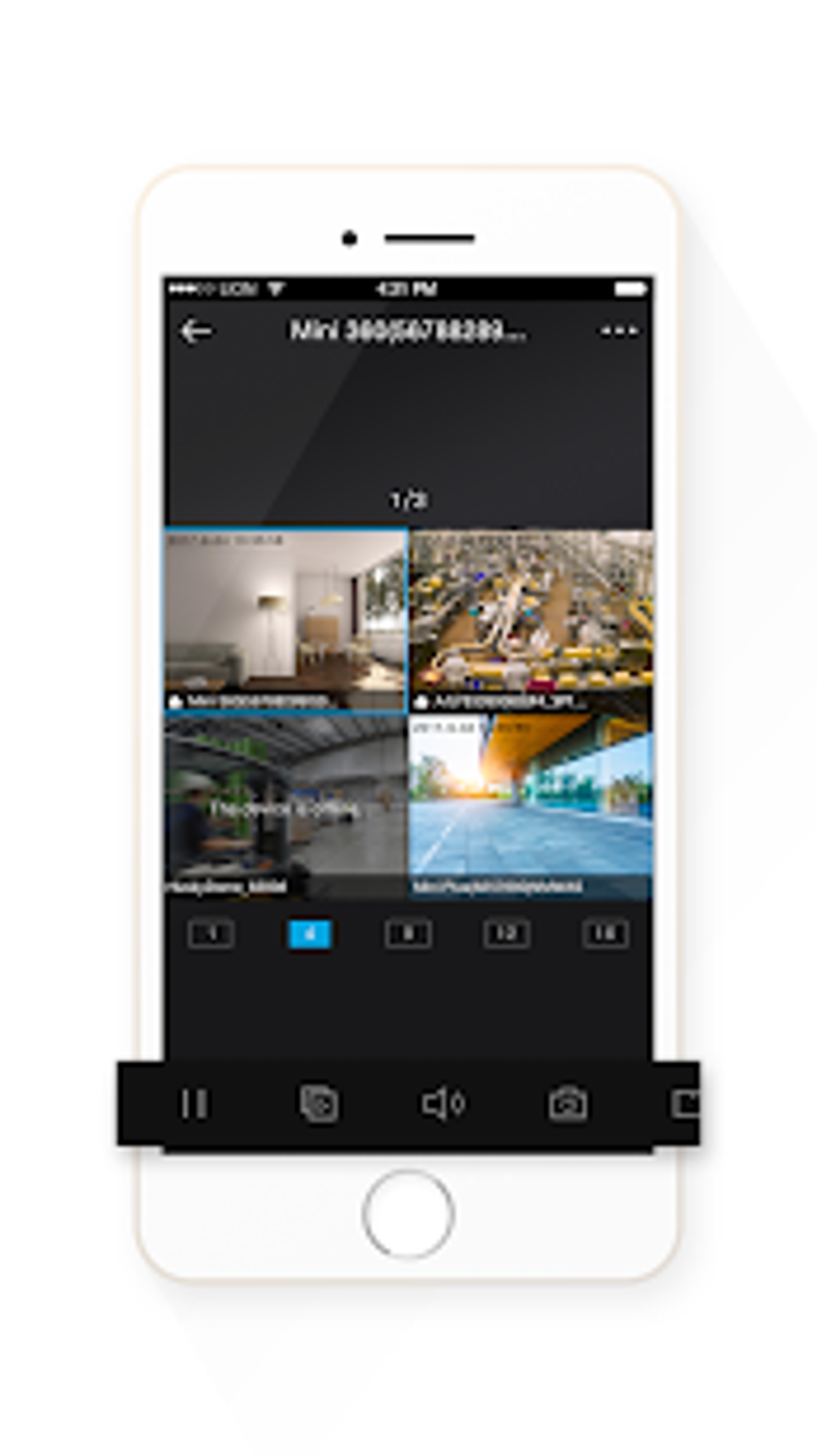
HiLookVision offers real-time monitoring capabilities, seamlessly integrating with IP cameras, Network Video Recorders (NVRs), and Digital Noise Reduction (DNR) cameras compatible with Cloud P2P protocols. This functionality mirrors similar apps like Hik-Connect, providing users with a live feed from their connected cameras. After creating a user account and adding the desired cameras, users gain instant access to live video streams, allowing them to monitor their premises from any location with an internet connection.
Beyond live viewing, HiLookVision allows users to review recorded video footage stored on the connected devices. This feature is particularly useful for reviewing events that occurred while the user was away or for investigating incidents captured by the cameras. The ease of access to both live and recorded video provides a comprehensive security monitoring solution for home or business use.
Motion Detection and Alert System: A Double-Edged Sword
A key feature advertised by HiLookVision is its motion detection and alert system. This function is designed to notify users whenever the camera detects movement within its field of view. This timely notification allows for swift response to potential security threats or unusual activity. However, user reviews frequently cite inconsistencies in the motion detection functionality. Reports indicate instances where the motion detection feature inexplicably turns off, rendering the alert system useless and undermining the app’s core security function. This unreliability casts a significant shadow over the app’s overall effectiveness and reliability as a security tool. The unpredictable nature of this feature significantly diminishes its value and raises concerns about the app’s dependability.
The inconsistency of the motion detection alerts is a serious drawback, particularly considering the app’s intended purpose. False negatives (missing actual motion) and false positives (detecting motion where none exists) both detract from the user experience and could lead to missed security breaches or unnecessary alerts. A robust and reliable motion detection system is crucial for a security app, and HiLookVision falls short in this crucial area. Users need to be aware of this potential limitation before relying on the app for critical security applications.
Ease of Use and Multi-Camera Support
Despite its shortcomings in motion detection, HiLookVision boasts a user-friendly interface, making it relatively straightforward to navigate and use, even for those unfamiliar with security camera apps. The intuitive design simplifies the process of adding cameras, reviewing footage, and managing settings. This ease of use is a significant advantage, making the app accessible to a broader audience, regardless of their technical expertise.
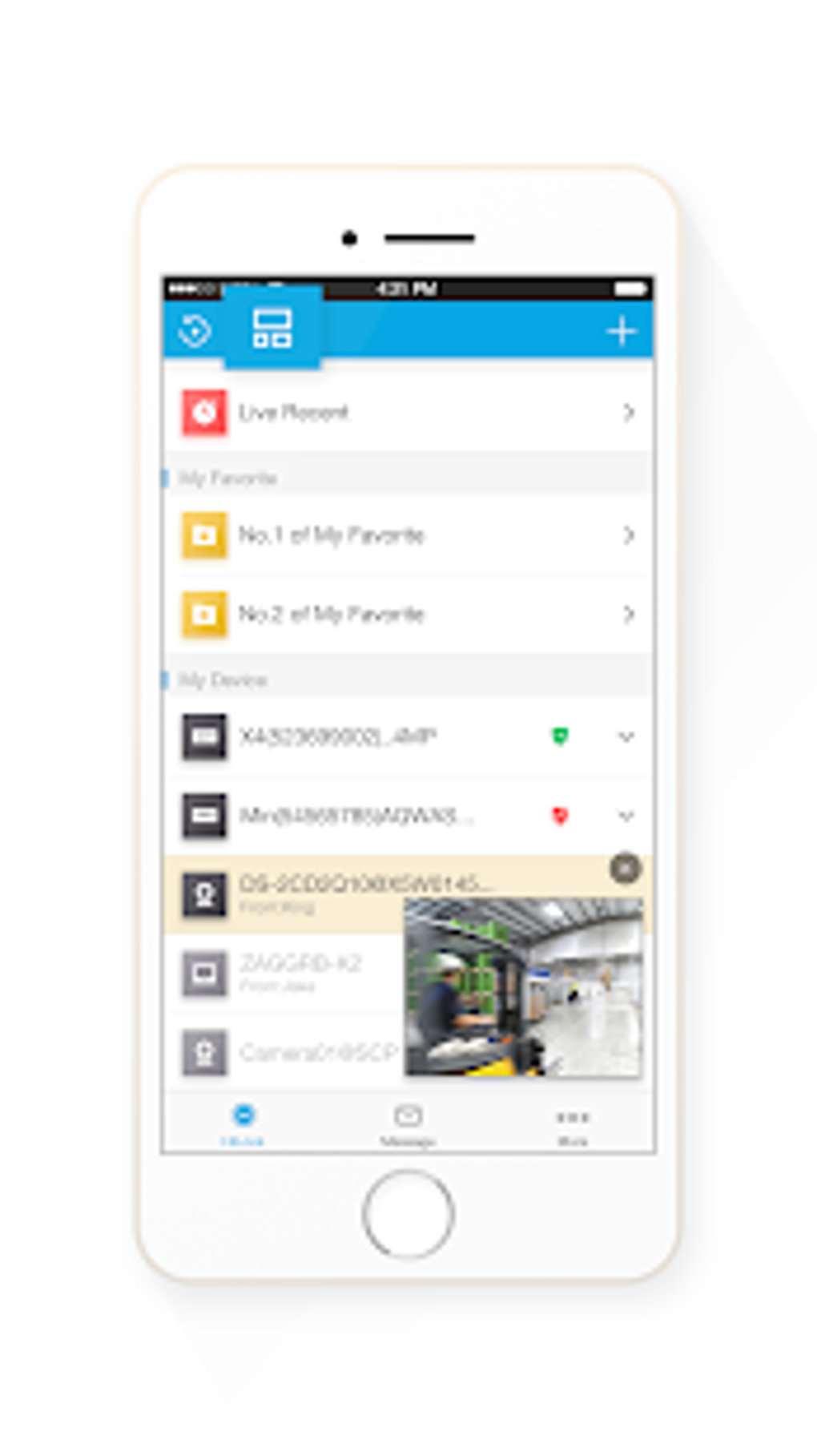
Furthermore, the app supports multiple camera types and models, enhancing its versatility and expanding its potential user base. This multi-camera compatibility allows users with diverse security camera setups to manage all their cameras through a single application, streamlining the monitoring process. This centralized management improves efficiency and reduces the complexity of managing a larger security system. The ability to manage multiple cameras from one app is a significant advantage and a key selling point of HiLookVision.
App Stability and Reported Issues
Several user reports highlight issues with the app’s stability. Instances of the app unexpectedly closing or ceasing to function without apparent cause have been documented. These sudden shutdowns disrupt the monitoring process and can lead to missed alerts or lost recordings. This lack of stability significantly impacts the user’s confidence in the app’s reliability, undermining its effectiveness as a dependable security tool. The unpredictable nature of these crashes and the lack of detailed explanation or troubleshooting options for users adds further frustration to the app’s flaws. These stability issues highlight the need for improved quality assurance and bug fixes from the developer to restore user confidence and improve the overall user experience.
Comparison with Alternative Security Camera Apps
HiLookVision is not the only application available for managing Hikvision security cameras. Other apps, such as Hik-Connect and iVMS-4500, offer similar functionalities, though with potentially different strengths and weaknesses. A direct comparison with these alternatives should be undertaken before selecting an application. Users should research alternative apps to determine which best meets their specific requirements and priorities. Choosing the right app requires careful consideration of factors such as features, reliability, user interface, and compatibility.
While HiLookVision offers a streamlined interface and multi-camera support, its unreliable motion detection and occasional crashes are significant drawbacks. Considering the potential security implications, users should weigh the benefits against the risks before deciding if HiLookVision is the best choice for their security needs. The unpredictable nature of the app’s performance makes it crucial to evaluate alternatives and potentially employ multiple security measures for comprehensive protection.
Pros:
- Wide Compatibility: Works with a variety of Hikvision camera models and types supporting Cloud P2P protocols.
- Real-time Preview: Provides live video feeds from connected cameras.
- Video Playback: Allows users to review recorded video footage.
- Motion Detection Alerts (though unreliable): Offers notifications when motion is detected (although this feature is prone to inconsistencies).
- User-Friendly Interface: Easy to navigate and use, even for non-technical users.
- Multiple Camera Support: Can manage multiple cameras from a single app.
Cons:
- Inconsistent Motion Detection: The motion detection feature is unreliable, often failing to detect motion or turning off unexpectedly.
- App Instability: Reports of the app crashing or unexpectedly closing are frequent.
- Lack of Transparency Regarding Crashes: There is a lack of detailed information or debugging options for users experiencing app crashes.
- Potential Security Risks: The unreliable motion detection and app instability could lead to missed security events.
Conclusion:
HiLookVision offers a convenient way to access and manage Hikvision security cameras remotely. Its user-friendly interface and multi-camera support are significant advantages. However, the significant shortcomings in the motion detection system and the app’s instability raise serious concerns about its reliability and effectiveness as a security application. Users should carefully consider these issues before adopting HiLookVision, particularly if reliable security monitoring is paramount. Thorough research and comparison with alternative security camera applications are strongly recommended before making a decision. The app’s potential benefits should be carefully weighed against its acknowledged limitations. Users might need to consider supplementing HiLookVision with other security measures to ensure comprehensive protection.
File Information
- License: “Free”
- Version: “3.10.1.0924”
- Latest update: “July 1, 2025”
- Platform: “Android”
- OS: “Android 9.0”
- Downloads: “105.6K”
- Size: “82.33 MB”
- Download Options: “APK, Google Play”
- Filename: “com-mcu-hilook-31001-60700948-9d25d4cbabd2e22a4df3e4cfaf642682.apk”


