
HN IPTV Play 7 is a free Android application designed for streaming IPTV content. This comprehensive guide will delve into its features, functionality, potential benefits, and considerations before you download and use the app. We’ll explore its capabilities, compare it to alternatives, and address common questions users might have. Let’s dive into the world of HN IPTV Play 7.
Understanding HN IPTV Play 7: Features and Functionality
HN IPTV Play 7 provides a straightforward method for accessing and enjoying IPTV content directly on your Android device. Its core functionality revolves around the support of M3U and M3U8 playlists, two widely used formats for delivering IPTV streams. This means the app itself doesn’t host any content; instead, it acts as a player, allowing you to input your own playlist and access the channels and content listed within.
The app’s simplicity is one of its strengths. Users familiar with IPTV playlists will find it incredibly easy to navigate and use. The interface is designed for ease of use, prioritizing a clean and intuitive user experience. The focus is on providing a seamless playback experience, regardless of the complexity of your IPTV playlist.
Key Features:
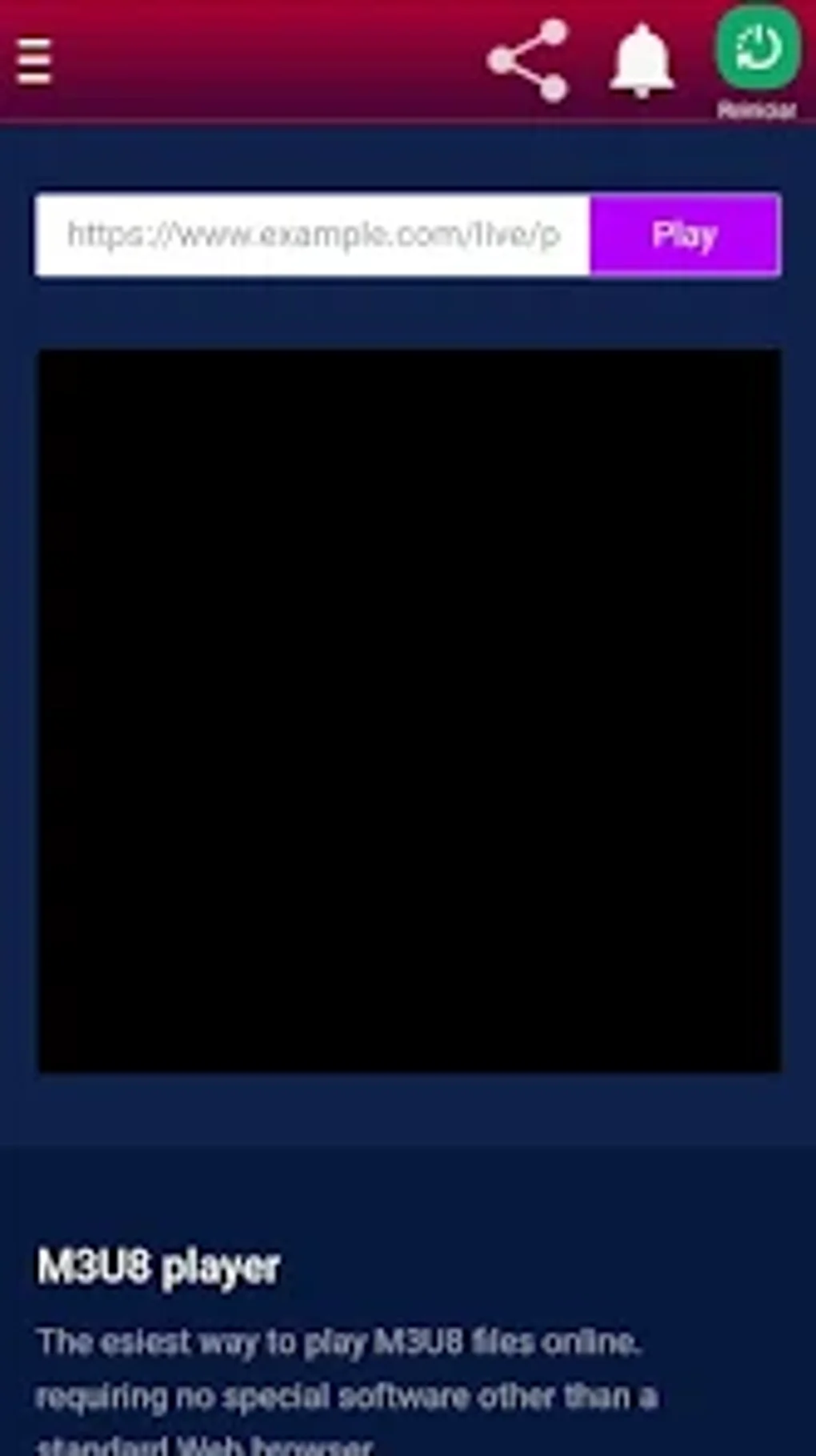
- M3U and M3U8 Playlist Support: This is the fundamental feature of HN IPTV Play 7. The app’s ability to seamlessly integrate with these common playlist formats allows users to access a wide array of IPTV providers and content sources.
- Free to Use: HN IPTV Play 7 is available for free download and use. This makes it an attractive option for users looking to explore IPTV without any upfront costs.
- Android Compatibility: Designed specifically for Android devices, the app leverages the platform’s capabilities for optimal performance and user experience. However, compatibility with specific Android versions should be checked before installation.
- Easy Navigation: The app’s interface is designed for simplicity, aiming to provide an intuitive and user-friendly experience even for those unfamiliar with IPTV applications.
- Content Dependent Quality: The quality of the streamed video directly depends on the quality of the M3U8 playlist being used. A high-quality playlist will result in a better viewing experience, while a lower-quality playlist will naturally offer lower resolution.
How it Works:
The process of using HN IPTV Play 7 is relatively straightforward:
- Download and Install: Download the HN IPTV Play 7 APK file from a trusted source and install it on your Android device.
- Obtain an M3U or M3U8 Playlist: You’ll need to obtain a valid IPTV playlist from a provider. These playlists contain the links to the various channels and content.
- Import the Playlist: Import your obtained playlist into the HN IPTV Play 7 app. The exact method for doing this will be detailed within the app’s interface.
- Select and Play: Browse the channels and content listed in your playlist, select your desired content, and start streaming.
HN IPTV Play 7: Apps, Games, and News Integration (or Lack Thereof)
It’s important to clarify that HN IPTV Play 7 is strictly an IPTV player. It does not integrate with apps, games, or news sources in any way. Its sole function is to play IPTV content from the M3U or M3U8 playlist you provide. There are no built-in features for accessing any other type of media or content.
HN IPTV Play 7 for Business: Potential Applications
While HN IPTV Play 7 is primarily designed for personal use, there might be limited business applications, particularly for businesses that utilize IPTV for internal communications or entertainment. For instance, a company might use HN IPTV Play 7 on Android tablets or smart TVs in breakrooms or waiting areas to stream internal communications or company-specific content. However, it is crucial to ensure compliance with any licensing agreements and copyright regulations when using this app in a business context. The use cases are limited, as the app doesn’t offer features specifically designed for business-level deployments.
HN IPTV Play 7: Android-Specific Considerations
HN IPTV Play 7 is exclusively designed for Android devices. Its functionality and performance are optimized for the Android operating system. Before downloading and installing, ensure your device meets the minimum system requirements specified by the developer. Compatibility with different Android versions might vary, so it’s crucial to check for compatibility information before installation.
Lifestyle Integration and Beyond: Understanding the App’s Limitations
HN IPTV Play 7 is not a lifestyle app in the traditional sense. It doesn’t offer features related to fitness tracking, social networking, or other lifestyle-related functions. Its focus remains solely on IPTV playback. Understanding this limited scope is crucial to avoid misunderstandings about its capabilities.
Alternative Apps and Comparisons
Numerous alternative IPTV player apps exist on the Android market. Choosing the right app depends on individual needs and preferences. While HN IPTV Play 7 offers a simple and straightforward approach, other apps might offer additional features such as recording capabilities, electronic program guides (EPGs), or support for a wider range of playlist formats.
Some potential alternatives may include (but are not limited to) apps like VLC, MX Player, and other specialized IPTV players. Researching and comparing the features of different apps is recommended to find the one that best fits your requirements. However, always download apps from reputable sources to avoid potential malware or security risks.
Comparing Features: When comparing HN IPTV Play 7 to other alternatives, consider factors such as:
- Supported Playlist Formats: Does the app support M3U, M3U8, and other formats?
- Ease of Use: How intuitive is the user interface?
- Additional Features: Does the app offer features like EPG, recording, or cloud integration?
- Performance and Stability: How stable and reliable is the app’s performance?
- Security and Privacy: What are the app’s data collection practices and security measures?
HN IPTV Play 7: Technical Specifications and Details
- License: Free
- Version: 10.0 (as of May 26, 2025, according to the provided information)
- Platform: Android OS (Compatibility with specific Android versions should be checked before installation)
- Language: Spanish (the provided information indicates Spanish as the primary language, but support for other languages may vary)
- Size: 24.55 MB (This may vary slightly depending on updates)
- Developer: [Developer name not provided in source material]
User Reviews and Feedback
Unfortunately, the provided information lacks user reviews and feedback regarding HN IPTV Play 7. However, before downloading and installing any app, it is always recommended to check for user reviews and ratings on app stores or other reputable sources. This will help you gauge the app’s performance, stability, and overall user experience from the perspective of other users.
Remember to be cautious and critical when reading reviews, as they may reflect individual experiences and preferences. Pay attention to recurring themes and issues mentioned by multiple users.
Download and Installation: A Step-by-Step Guide
The process of downloading and installing HN IPTV Play 7 is similar to installing other Android applications:
- Download the APK: Download the
com.pass10.tvhn_10.0.apkfile from a trusted source. Remember that downloading from untrusted sources increases the risk of malware. - Enable Installation from Unknown Sources: If your Android device doesn’t allow installations from unknown sources, you will need to enable this setting in your device’s settings. This step is essential to install APK files outside the official Google Play Store.
- Install the APK: Locate the downloaded APK file on your device and tap on it to start the installation process. Follow the on-screen instructions to complete the installation.
- Launch the App: Once installed, locate the HN IPTV Play 7 app icon and tap on it to launch the application. You’ll then be able to import your IPTV playlist and begin streaming.
This comprehensive guide should provide you with a good understanding of HN IPTV Play 7 and its capabilities. Remember to always download apps from trusted sources and to be aware of the security implications of installing APK files outside the official app stores. Enjoy your streaming experience!
File Information
- License: “Free”
- Version: “10.0”
- Latest update: “May 26, 2025”
- Platform: “Android”
- OS: “Android 13.0”
- Language: “Spanish”
- Downloads: “83”
- Size: “24.55 MB”
- Download Options: “APK, Google Play”
- Filename: “com.pass10.tvhn_10.0.apk”


