
Hola Unblocker, a free VPN extension for Chrome and Firefox browsers, promises to bypass geographical restrictions and unlock access to websites and streaming services unavailable in certain regions. This review delves deep into its functionalities, security features, reliability, and overall user experience, comparing it to other VPN services and highlighting its strengths and weaknesses.
Hola Unblocker: Functionality and Ease of Use
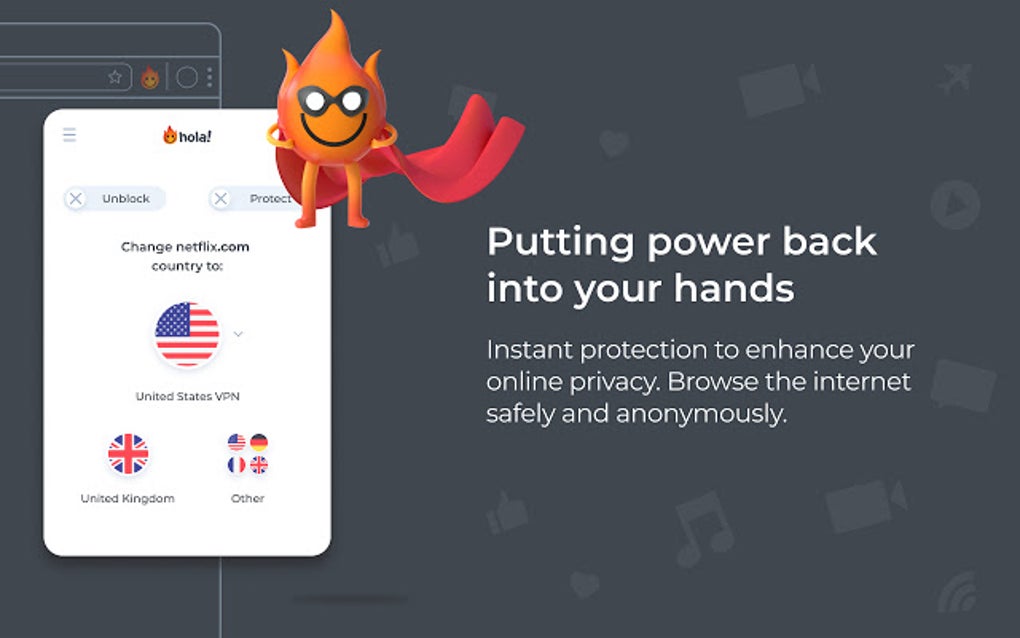
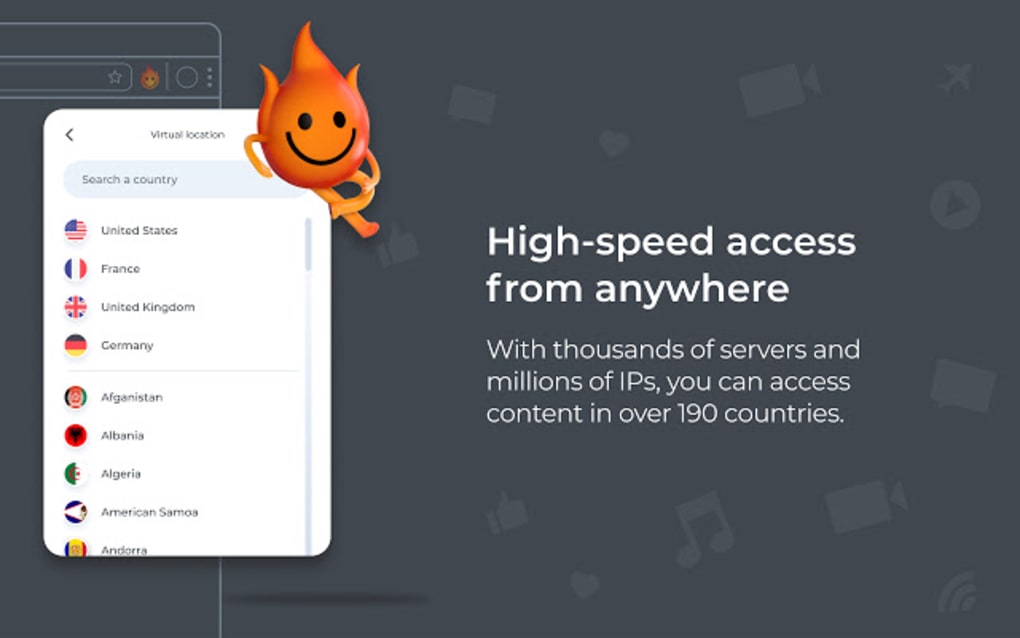
Hola Unblocker’s primary function is to mask the user’s IP address, making it appear as though they are browsing from a different location. This allows users to circumvent geo-restrictions imposed by websites and streaming platforms that limit content based on geographical location. The extension is designed for simplicity and ease of use. Installation is straightforward, requiring no browser restarts or complex configurations. Once installed, a readily accessible icon in the browser’s toolbar allows users to quickly toggle the VPN on or off and select a desired server location from a list of countries. This intuitive interface makes it user-friendly, even for those unfamiliar with VPN technology.
The core appeal of Hola Unblocker lies in its ability to unlock access to a wide range of geographically restricted content. Users outside the US can access streaming services like Netflix, Pandora, Hulu, FOX, and CBS. Similarly, those outside the UK can bypass restrictions on ITV, Channel 4, and BBC iPlayer. This functionality is crucial for users who travel internationally or reside in regions with limited access to global online content. The extension also functions as a proxy, offering an additional layer of privacy by routing user traffic through multiple remote servers, obscuring the user’s real IP address.
Beyond its primary functionality, Hola Unblocker offers a unique feature: the ability to add user-generated scripts. If the extension fails to unblock a particular website, users can search for and add scripts created by the community to overcome these limitations. This collaborative approach enhances the extension’s versatility and expands its reach to a broader range of websites.
Security and Privacy Considerations: A Critical Analysis
While Hola Unblocker’s primary strength lies in its ability to bypass geo-restrictions, its security features have been a subject of debate. The free version lacks some of the robust data security features found in paid VPN services. Although the proxied control and traffic are secured via an SSL tunnel, not all traffic flows through this secure channel. This aspect raises concerns regarding the level of protection offered to users’ data.
The free version uses the peer-to-peer (P2P) network, where users’ connections are routed through other Hola users’ devices, a controversial model since it exposes users’ browsing activities to each other. This setup differs from traditional VPNs that rely solely on the provider’s servers. While the free version hides your IP address to a certain degree, it may expose you to vulnerabilities and compromises the privacy in a way that may go against user expectations. While the P2P aspect can contribute to a larger pool of IP addresses and potential server locations, it also presents a risk. The paid version of Hola, however, offers better security features and uses AES 256-bit encryption with IKEv2/IPSEC, meeting industry standards for data security. The shift in technology between the free and paid versions should be carefully considered when evaluating Hola Unblocker.
Unlike many competitors, Hola Unblocker in its free version explicitly does not support torrenting or P2P file sharing. This restriction aims to prevent potential misuse of the network and maintain a level of control over its user base. Users seeking a VPN specifically for torrenting should explore alternative solutions.
Performance and Reliability: Speed and Server Availability
Hola Unblocker’s performance, particularly its speed, can be inconsistent. Speeds vary considerably depending on the chosen server location and network conditions. While the extension generally maintains acceptable speeds for streaming, users may experience slower speeds or buffering issues, especially when accessing high-bandwidth content. For optimal performance, using SD quality for videos on heavily trafficked websites is recommended.
Although Hola Unblocker supports a wide array of countries, it may encounter occasional problems with certain regions. However, these issues are less frequent with major or popular countries. The overall reliability of the service is good for everyday use, but users expecting consistently high speeds across all locations should explore premium VPN options which offer dedicated infrastructure and more stable connections.
Hola Unblocker Compared to Other VPN Services
When compared to other VPN services, both free and paid, Hola Unblocker occupies a unique niche. Its ease of use and extensive server coverage are significant advantages. However, its security and speed may not match the standards of some premium VPNs. Services like ExpressVPN, NordVPN, and Surfshark provide superior encryption, faster speeds, and more robust privacy features, but typically come at a cost. Free alternatives like Betternet or TunnelBear offer simpler security protocols, but might lack the same range of server locations. Hola’s free version, in contrast, occupies a space where easy usability, wide geographic reach and the ability to unblock numerous streaming services are prioritized over high-end security features.
Unblocking Netflix and Other Streaming Services

One of the most frequent reasons users seek VPN services is to access Netflix and other streaming platforms restricted by geographic location. Hola Unblocker proves effective in bypassing these limitations for various services. The extension’s extensive server network, encompassing countries like Canada, France, Japan, Poland, Russia, Netherlands, Germany, Italy, the US, and the UK, provides ample options for accessing region-specific content. However, it’s crucial to note that Netflix actively works to block VPNs, and success may vary depending on server load and Netflix’s ongoing efforts. Therefore, consistent access is not fully guaranteed, which may be mitigated by using the script addition feature or choosing less popular servers.
Community Support and Customer Service
Hola Unblocker benefits from a large and active community of users. This extensive user base translates into a wealth of information and support readily available online through forums and discussion boards. While formal customer support might be less extensive than with paid services, the community provides invaluable assistance in troubleshooting issues and sharing tips and tricks. The developer’s website also offers a help section addressing common problems.
Conclusion: Is Hola Unblocker the Right Choice for You?
Hola Unblocker is a convenient and generally effective tool for accessing geo-restricted content. Its ease of use and wide server coverage make it appealing to casual users who prioritize simplicity. However, users with high security requirements or those who require consistently high speeds should consider alternative VPN services offering stronger encryption and a dedicated infrastructure. The free version’s trade-off between ease of use and security should be taken into consideration before use. For users who prioritize unblocking content over top-tier security in a straightforward manner, Hola Unblocker can be a valuable tool. Its unique features, such as the ability to add user-generated scripts, enhance its capabilities and provide a level of customization not found in many comparable services. Ultimately, the decision of whether to use Hola Unblocker depends on individual needs and priorities concerning security, speed, and ease of use.
File Information
- License: “Free”
- Latest update: “August 2, 2025”
- Platform: “Windows”
- OS: “Windows 10”
- Language: “English”
- Downloads: “2.3M”
- Size: “1.46 MB”


