
The digital landscape is increasingly fraught with threats to privacy and security. As we navigate the internet, our personal data is vulnerable to interception and misuse. To counter this, many users turn to VPNs (Virtual Private Networks) and SSH (Secure Shell) clients, technologies that encrypt data and mask users’ IP addresses. HTTP Custom - SSH VPN Client with Custom Header is a free Android application that combines these technologies, offering a powerful solution for enhancing online security and accessing geographically restricted content. This detailed analysis will explore its functionalities, advantages, disadvantages, and implications for user privacy.
Understanding the Dual Functionality: VPN and SSH Combined
HTTP Custom - SSH VPN Client with Custom Header distinguishes itself by seamlessly integrating the functionalities of a VPN and an SSH client. Unlike many applications that focus solely on one or the other, this application provides a layered approach to security.
The VPN component establishes a secure connection to a remote server, masking the user’s IP address and encrypting their internet traffic. This prevents websites and internet service providers from tracking their online activities. This layer of anonymity is crucial for protecting sensitive information, such as banking details and personal communications.
The SSH component adds an extra layer of security. SSH is a cryptographic protocol that securely connects to remote servers, encrypting all data exchanged between the client and the server. This further protects user data from eavesdropping and unauthorized access, even if the VPN connection were somehow compromised. The combination of VPN and SSH creates a robust security framework that significantly enhances user privacy and data protection.
Enhanced Capabilities: Custom Headers and Connection Sharing
Beyond the core functionalities of VPN and SSH, HTTP Custom - SSH VPN Client with Custom Header stands out with its ability to customize HTTP headers. This feature allows users to modify the information sent with their web requests, potentially bypassing geographic restrictions imposed by websites. For example, users can change their apparent location by modifying the HTTP header information to indicate a different geographic origin. This can be beneficial for accessing content only available in certain regions or circumventing censorship.
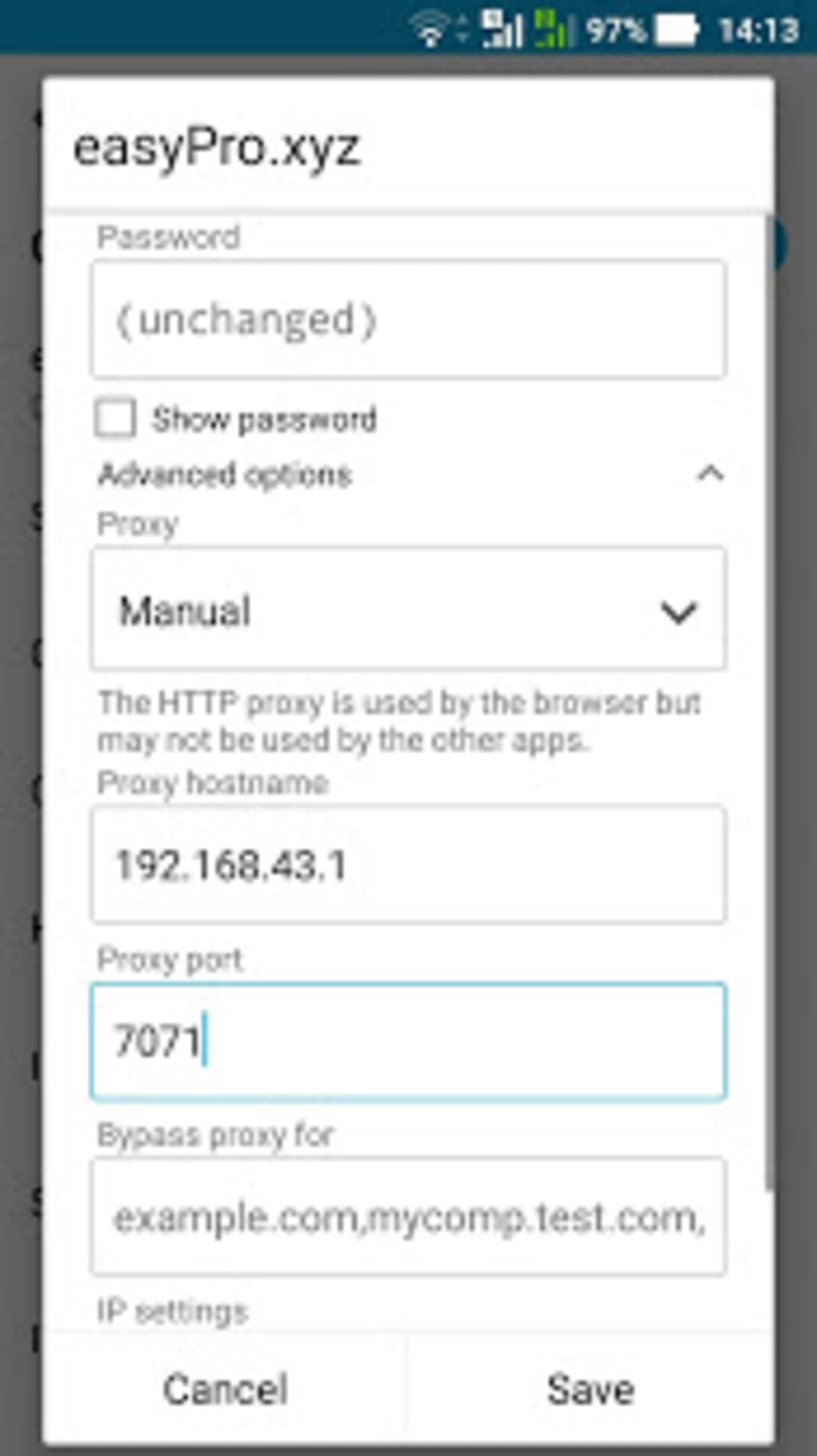
The application also allows for connection sharing, enabling users to share their secured connection via USB tethering or a virtual access point. This extends the security benefits to other devices, such as laptops or tablets, which can connect to the secure network established by the Android device.
Permissions and Security Considerations: A Balanced Approach?
To function effectively, HTTP Custom - SSH VPN Client with Custom Header requires access to certain device permissions. These include access to files, photos, and videos, as well as location data. While these permissions may seem extensive, they are often necessary for the application’s core functionalities, such as establishing a VPN connection, using the SSH protocol, and managing custom headers.
The developers emphasize the high level of security provided by the combined VPN and SSH protocols. However, users should carefully consider the implications of granting these permissions and only download the application from trusted sources, such as the official Google Play Store, to mitigate the risks of malware or unauthorized access. It is critical to understand the security implications of granting extensive permissions to any mobile application.
Advantages and Disadvantages: Weighing the Pros and Cons
Advantages:
- Robust Security: The combination of VPN and SSH creates a highly secure environment for browsing the internet, shielding user data from various threats.
- Bypassing Geographic Restrictions: Custom header modification allows users to potentially access content restricted by location.
- Connection Sharing: The ability to share the secure connection enhances the utility and practicality of the application for users with multiple devices.
- Free to Use: The application is available free of charge, making advanced security features accessible to a wider audience.
Disadvantages:
- Performance Impact: The encryption and routing involved in VPN and SSH connections can slow down internet speed. The extent of this impact varies depending on the server’s location and network conditions.
- Extensive Permissions: The app requests extensive permissions, raising potential privacy concerns for users.
- Limited Configuration Options: The application may offer limited configuration options compared to more advanced, paid alternatives.
- Ease of Use: Some users may find the configuration and interface slightly less intuitive than other, more user-friendly VPN applications.
- Dependency on Server Infrastructure: The effectiveness of the VPN and SSH functionalities relies heavily on the quality and availability of the servers utilized by the application.
Alternatives and Comparisons: Exploring Similar Applications
Numerous alternative VPN and SSH clients are available for Android. Some applications may focus solely on VPN, offering a simplified user experience, while others prioritize SSH functionalities for specific use cases, such as secure remote access to servers. Choosing the most suitable application depends on individual security needs and preferences. Several alternative options provide similar functionalities, but may differ in pricing, features, and level of user-friendliness.
Conclusion: A Powerful Tool with Trade-offs
HTTP Custom - SSH VPN Client with Custom Header presents a compelling combination of VPN and SSH technologies, offering enhanced security and the ability to access geographically restricted content. The integrated custom header functionality provides further flexibility. However, the application’s extensive permission requirements and potential impact on internet speed necessitate careful consideration.
Users should carefully weigh the advantages and disadvantages before installing and using this application. Understanding the implications of granting permissions and comparing it to alternative solutions is crucial to making an informed decision. Ultimately, the decision of whether to use this application rests on the user’s assessment of their specific security needs and comfort level with the trade-offs involved. Prioritizing online security and privacy is paramount, and the right choice of tools is crucial in achieving that goal. Remember to always download applications from trusted sources to avoid malware and potential security breaches.
File Information
- License: “Free”
- Latest update: “August 11, 2025”
- Platform: “Android”
- OS: “Android 15.0”
- Language: “English”
- Downloads: “45.2K”
- Download Options: “Google Play”


