
Icon Maker is a free, lightweight graphics and design software developed by Mevedia for Windows users. Primarily designed for creating icons, it offers a surprisingly capable set of features considering its compact size and ease of use. While not a full-fledged photo editor, Icon Maker excels in its niche, providing a streamlined experience for users who need to quickly and easily create icons with transparent backgrounds and layered elements. This review delves into the software’s functionalities, strengths, weaknesses, and overall usability.
Ease of Use and Interface
Icon Maker boasts a user-friendly interface, making it accessible even to individuals with limited experience in graphic design software. The straightforward layout minimizes clutter, focusing on essential tools and options. Users will find the process of creating and manipulating icons intuitive and uncomplicated. The software avoids the complexity often associated with more comprehensive image editing programs, making it an excellent choice for beginners or users seeking a quick and efficient solution for icon creation. The learning curve is remarkably shallow, allowing users to quickly grasp the core functionalities and begin producing icons within minutes of installation. This simplicity, however, does come with limitations, as discussed below.
Key Features and Functionalities
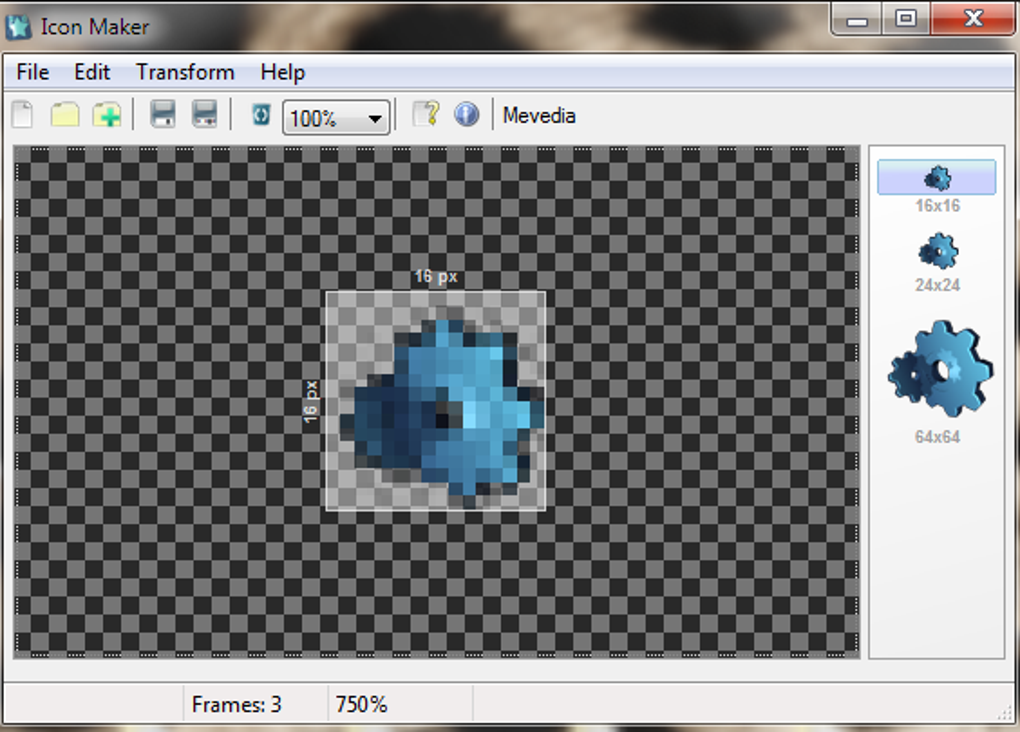
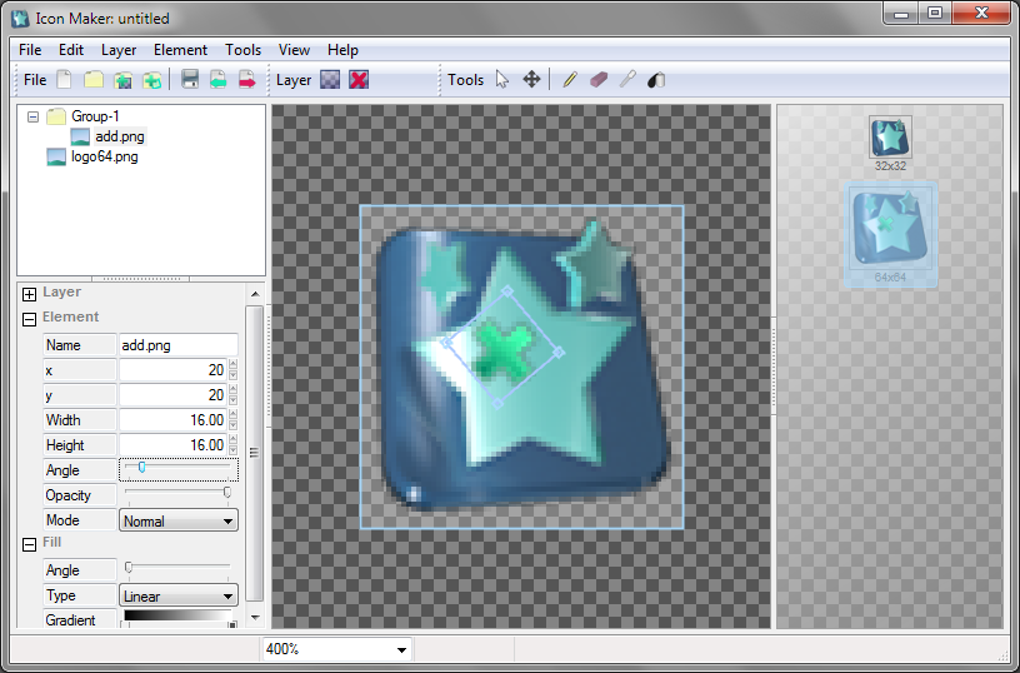
Icon Maker’s core functionality revolves around creating high-quality icons with support for alpha transparency (32-bit). This feature is crucial for creating icons that blend seamlessly with various backgrounds without unsightly borders or artifacts. The software allows users to incorporate multiple layers, a feature usually found in more sophisticated image editors. This enables the creation of complex icons built from several distinct elements, each layer allowing for independent manipulation of color, opacity, and positioning.
Further enhancing its capabilities, Icon Maker permits the import of multiple images simultaneously, automatically generating a separate layer for each image. This functionality significantly streamlines the workflow, especially when building icons from pre-existing artwork or elements. Users can also leverage various image manipulation tools, including trimming, scaling, color adjustments (color, black and white, brightness, contrast, hue), and the addition of soft shadows, all contributing to the versatility of the software. These tools offer sufficient control for creating visually appealing and well-defined icons.
Limitations and Areas for Improvement
While Icon Maker delivers a straightforward and efficient user experience, certain limitations warrant consideration. The software’s minimalism, while beneficial for ease of use, also restricts its functionality. Advanced features commonly found in more comprehensive image editors, such as advanced selection tools, sophisticated filters, or vector graphics editing capabilities, are absent. This means that complex or intricate icon designs might require more powerful software to achieve the desired level of detail and precision. The limited range of supported image formats is another point of concern. Currently, the software primarily focuses on creating .ICO files, meaning users might need to utilize additional tools for conversion if other formats are required.
The software’s infrequent updates are also a notable point of concern. Version 2.0, promised to include vector graphics and enhanced image editing capabilities, has yet to materialize, raising questions about the future development and maintenance of this software. The lack of regular updates may limit the adoption of new technologies and improvements in graphic design techniques, potentially hindering the software’s long-term viability. Given the prevalence of other free and open-source graphic design software, this becomes a critical factor in evaluating its ongoing usefulness.
Comparison with Alternative Software
Compared to more established graphics and design software, Icon Maker occupies a specific niche. Professional-grade applications like Adobe Illustrator or GIMP offer a vast array of tools and features, providing exceptional flexibility and precision. However, these programs come with a steeper learning curve and often have a higher system resource requirement. On the other hand, simpler tools like Free Logo Maker might provide basic icon creation, but may lack the layering and transparency options offered by Icon Maker. Greenfish Icon Editor Pro provides more advanced features than Icon Maker, but may not be as user-friendly for beginners.
Therefore, Icon Maker finds its place as a middle ground. It sits comfortably between overly simplified alternatives and the complexity of professional-grade software, targeting users who require a balanced approach – a tool that is both easy to use and capable enough for creating well-defined, multi-layered icons with transparency. Its greatest strength lies in its simplicity and ease of creating icons specifically; for those tasks, it excels.
Verdict: A Useful Tool for Specific Needs
Icon Maker is a commendable free software that caters effectively to a specific need: simple yet effective icon creation. Its straightforward interface and strong support for alpha transparency make it a powerful tool for creating high-quality icons, especially those needing transparent backgrounds. However, its limitations in terms of features and infrequent updates must be considered. Users seeking advanced editing capabilities or a wider range of image formats should look toward more comprehensive software. For users primarily focused on creating icons with transparent backgrounds and layered elements, however, Icon Maker represents a viable and user-friendly option, especially for those who appreciate a streamlined and uncomplicated workflow. Its simplicity is its greatest strength, making it accessible to a broad range of users, regardless of their prior experience with graphic design tools. The lack of regular updates, though, casts a shadow on its long-term viability and potential. It remains a valuable tool for its intended purpose, but prospective users should weigh its strengths and weaknesses carefully before deciding if it fits their needs.
File Information
- License: “Free”
- Version: “1”
- Latest update: “September 28, 2018”
- Platform: “Windows”
- OS: “Windows 8”
- Language: “English”
- Downloads: “90.7K”
- Size: “411.44 KB”


