
iFun Video Converter is a free, all-in-one video utility designed for Windows users. Boasting a wide array of features beyond basic video conversion, it aims to be a comprehensive multimedia toolkit for managing, converting, and downloading various media formats. This review delves into its capabilities, user experience, and overall effectiveness, examining both its strengths and weaknesses.
Core Functionality: Video Conversion and Beyond
At its heart, iFun Video Converter functions as a versatile video converter, supporting over 150 different formats. This broad compatibility ensures users can work with a wide range of video files, regardless of their origin or intended destination. The process itself is relatively straightforward, with a user-friendly interface guiding users through the selection of input files, the choice of output format, and the initiation of the conversion process. While the software excels at converting video files, it’s worth noting that it does not offer direct video-to-audio or audio-to-video conversion. This limitation might prove inconvenient for users seeking this specific functionality.
Beyond simple conversion, iFun Video Converter provides several additional features that enhance its utility. It offers DVD ripping capabilities, allowing users to copy video content from DVDs to their PCs, smartphones, tablets, or even other DVDs. This functionality is particularly useful for archiving personal DVD collections or creating backups of cherished videos. Furthermore, the software incorporates a built-in video downloader, enabling users to obtain videos and audio files directly from online video-sharing platforms by simply pasting the video link. This integrated downloader streamlines the process of obtaining online content, eliminating the need for separate downloading applications.
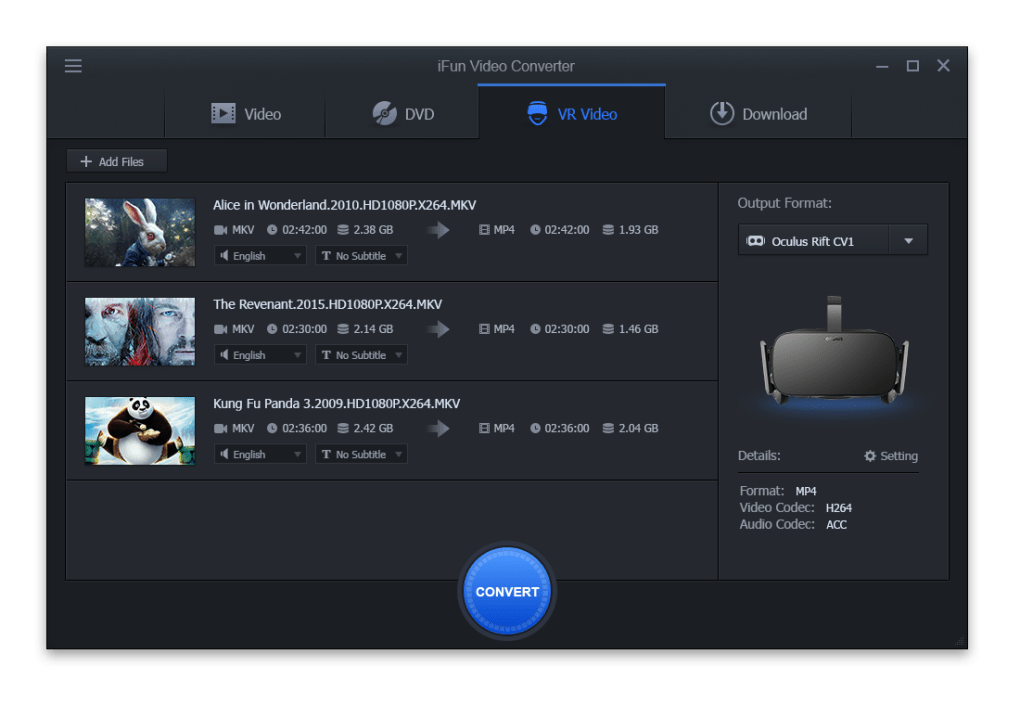
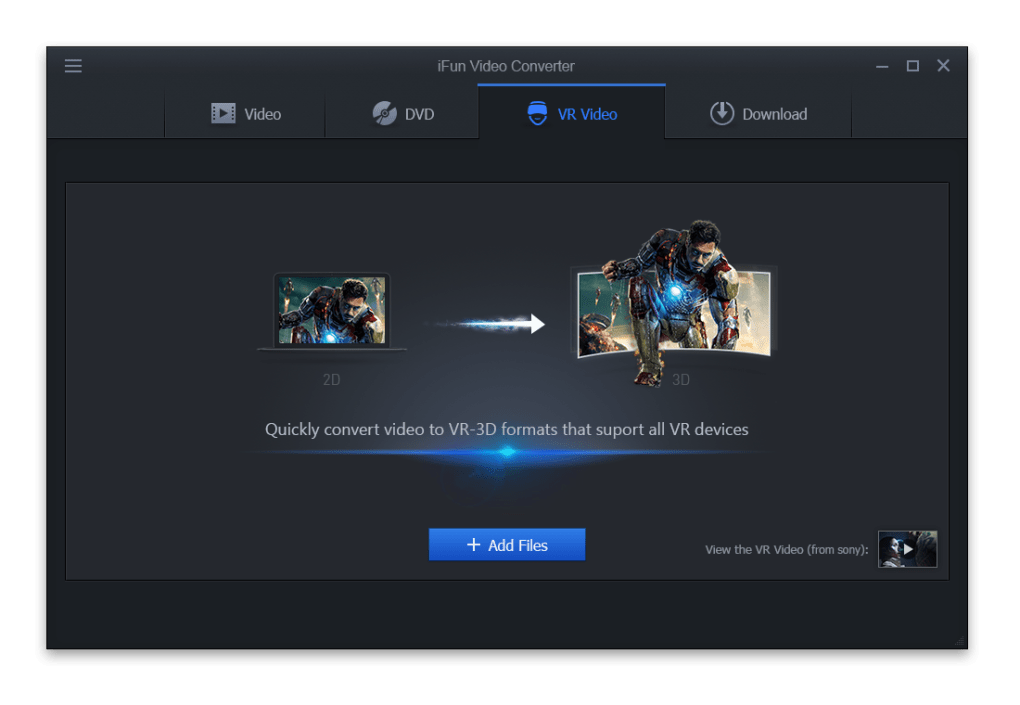
One of iFun Video Converter’s standout features is its support for VR-3D video conversion. It claims to be the first free VR-3D video converter compatible with a wide array of VR devices. This functionality allows users to convert their existing video files into VR-compatible formats, expanding the potential viewing experience for users who own VR headsets. However, it’s important to note that the quality of the VR-3D conversion may vary, with some users reporting inconsistent results.
User Interface and Experience
iFun Video Converter boasts a clean and intuitive interface, designed to facilitate ease of use. The main screen is divided into four clearly defined tabs: Video, DVD, VR Video, and Download. Each tab is dedicated to a specific function, making it easy for users to locate and utilize the desired features. The “Options” icon, conveniently located in the upper-left corner, provides access to settings, FAQs, feedback options, and other helpful resources. The overall design is straightforward and user-friendly, even for users with limited technical expertise.
The conversion process itself is relatively fast, though the speed can vary based on the length and size of the video file, as well as the selected output format and the user’s system specifications. Download speeds, however, have been reported by some users as being noticeably slow, which might be a source of frustration for those needing rapid downloads.
Advanced Features and Capabilities
While iFun Video Converter’s core functionality is centered around video conversion, its advanced features broaden its appeal. The use of High-Efficiency Video Codec (HEVC) is noteworthy, allowing for significant compression of video files without noticeable loss in visual quality. This feature is crucial for users who need to reduce the file size of their videos while preserving their quality. The ability to compress large video files efficiently is a significant advantage, making it suitable for users dealing with large video libraries or limited storage space.
The software’s DVD ripping capabilities are also noteworthy, simplifying the process of transferring content from DVDs to digital formats. This functionality is particularly relevant in the age of declining DVD usage, offering a streamlined method to preserve and access cherished video content from physical media.
Strengths and Weaknesses
Strengths:
- Extensive Format Support: The broad range of supported formats ensures compatibility with most video files.
- All-in-One Functionality: The integration of video conversion, DVD ripping, and online video downloading into a single application simplifies the multimedia management process.
- VR-3D Conversion: The support for VR-3D conversion offers a unique feature not found in many free video converters. While quality can be inconsistent, the inclusion of this capability is a significant plus.
- User-Friendly Interface: The intuitive design makes the software accessible to users of all technical skill levels.
- High-Efficiency Compression: The use of HEVC allows for efficient compression without significant quality loss.
Weaknesses:
- Slow Download Speeds: The integrated downloader has received criticism for its relatively slow download speeds.
- Inconsistent VR-3D Conversion Quality: While capable of VR-3D conversion, the quality of the output varies and may not always meet expectations.
- Lack of Video-to-Audio/Audio-to-Video Conversion: The absence of this common functionality limits the converter’s versatility.
- Potential for Issues: Some users have reported encountering issues with the software, highlighting the need for further development and stability improvements.
Conclusion
iFun Video Converter presents itself as a comprehensive and versatile multimedia tool, offering a broad range of features beyond basic video conversion. Its user-friendly interface, extensive format support, DVD ripping capabilities, and unique VR-3D conversion features make it an attractive option for users seeking a free, all-in-one solution. However, its slow download speeds, inconsistent VR-3D conversion quality, and lack of certain conversion types suggest areas for future improvement. While it offers a robust set of tools, potential users should carefully weigh its strengths and weaknesses before deciding if it fits their specific needs. Despite its shortcomings, iFun Video Converter remains a noteworthy option within the crowded field of free video conversion software, particularly for users who value its combined functionality and user-friendly approach.
File Information
- License: “Free”
- Version: “1.0.1.2606”
- Latest update: “December 8, 2021”
- Platform: “Windows”
- OS: “Windows 8.1”
- Language: “English”
- Downloads: “9.7K”
- Size: “18.62 MB”


