
iMeme is a free meme generator for Windows and PC, designed to simplify the creation and sharing of internet memes. Boasting over 50 readily available templates and the capability to incorporate custom images and text, it offers a straightforward approach to meme-making. While its functionality is relatively basic, its ease of use and classic meme aesthetic make it a popular choice, particularly for beginners. However, limitations in social media integration and template variety temper its overall appeal. This review delves into the specifics of iMeme, exploring its strengths, weaknesses, and overall user experience.
iMeme’s Core Functionality: A Simple, Impactful Meme Generator
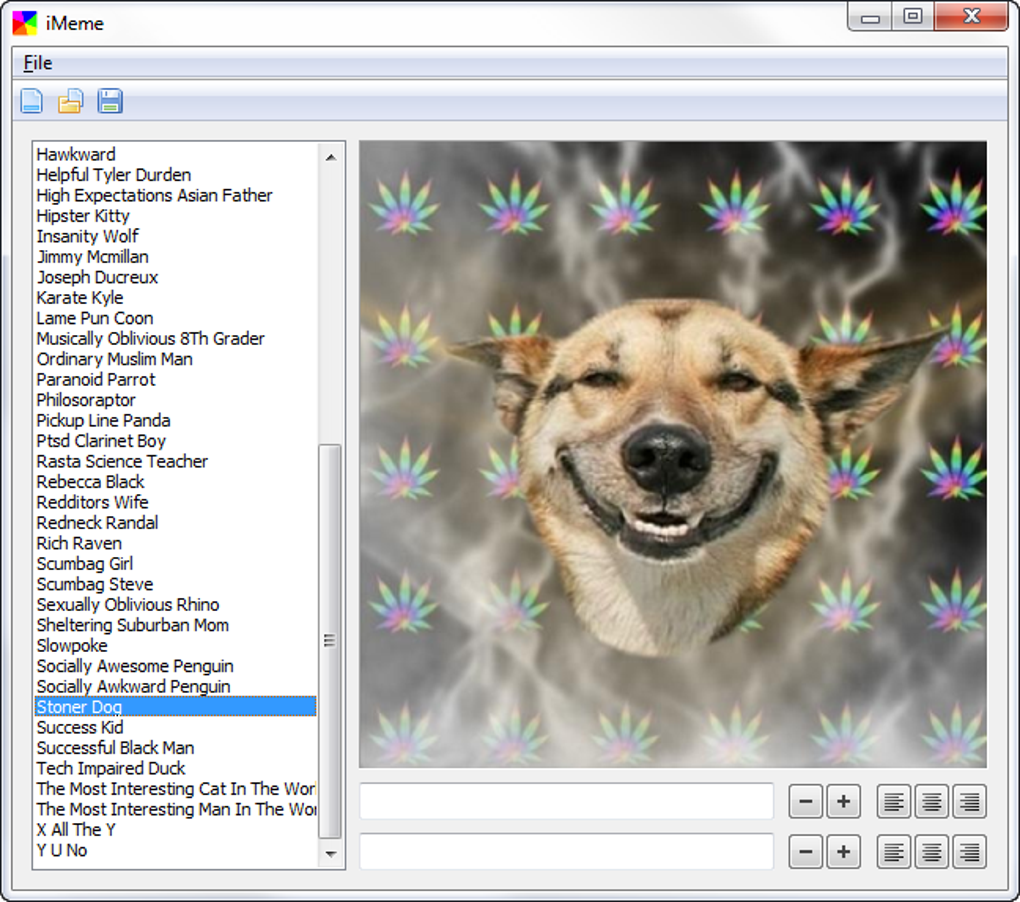
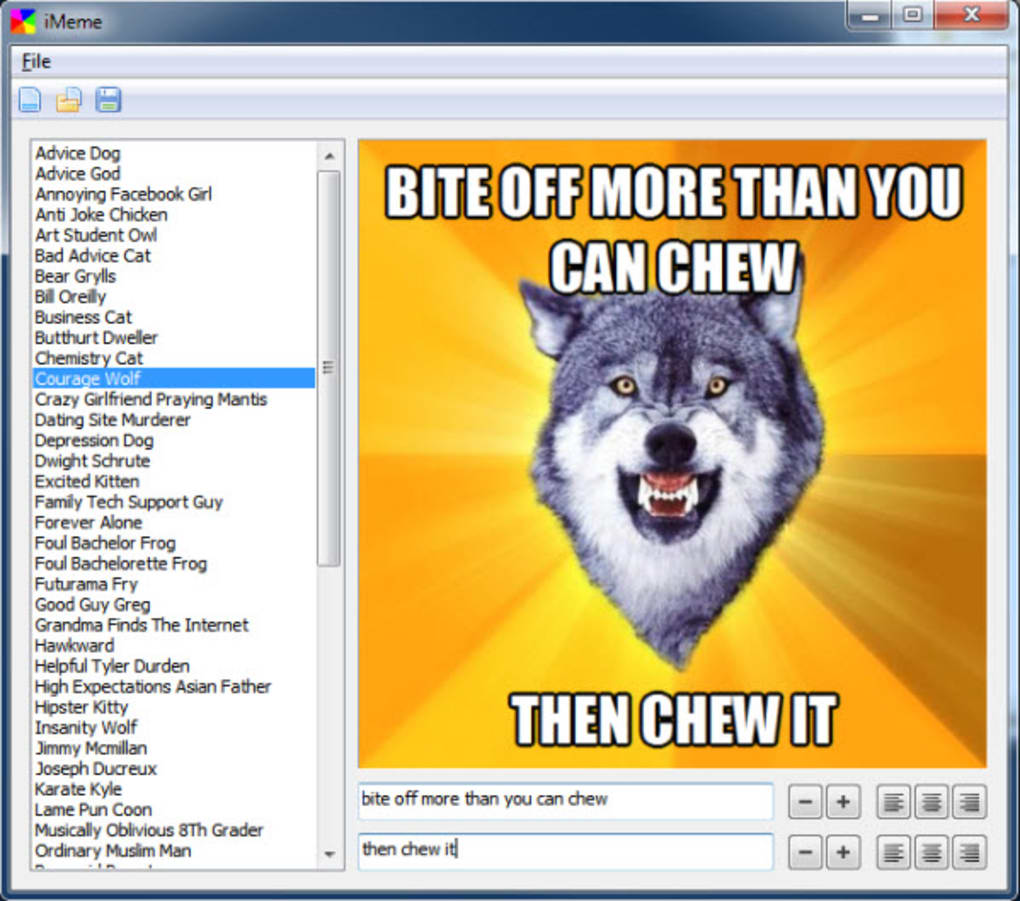
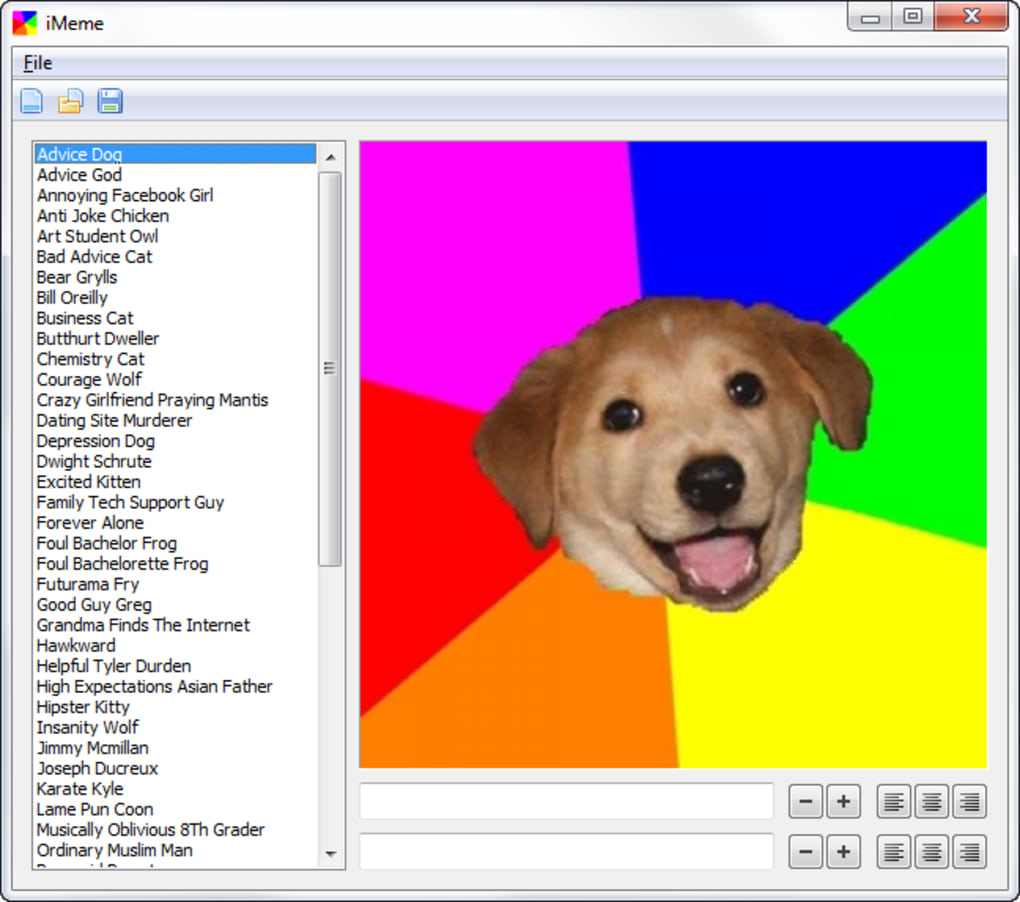
At its heart, iMeme serves as a streamlined meme creation tool. Users can select from a library of over 50 pre-loaded templates, many featuring classic meme formats like Courage Wolf and Annoying Facebook Girl. This selection, though limited compared to some competitors, provides a solid foundation for creating familiar and instantly recognizable memes. The application’s core strength lies in its simplicity. The interface is intuitive, requiring minimal technical expertise. Users can easily add custom text to both the header and footer of chosen templates, adjusting font size and alignment as needed. Critically, iMeme utilizes the Impact font, contributing to a distinctly classic meme aesthetic that resonates with many users.
Furthermore, the ability to incorporate custom images allows for greater personalization. Users can upload their own pictures and transform them into unique memes, thus expanding the program’s creative potential beyond its built-in template library. The process of adding images is generally smooth, though some users have reported issues with image rotation, as highlighted in user reviews. This feature, though potentially problematic at times, significantly enhances the application’s versatility.
Once a meme is created, users can save their work in PNG format, a widely compatible image file type. This allows for easy storage and subsequent use across different platforms and applications. Beyond saving, iMeme provides additional sharing options, though these are somewhat limited. Users can directly copy the finished meme to their clipboard for pasting into other applications or print it directly from the program. The ability to upload directly to Imgur and Reddit provides further avenues for sharing online, catering to users who frequent these platforms. The lack of direct integration with other popular social media sites, such as Facebook, Twitter, and Tumblr, is a significant drawback, limiting the ease of sharing across a wider online community. This aspect represents a missed opportunity to enhance the application’s overall functionality and user experience.
User Interface and Experience: Simplicity and Ease of Use
iMeme’s user interface is purposefully minimalist. The focus is clearly on providing a straightforward and intuitive experience, prioritizing ease of use over advanced features. This design choice is both a strength and a weakness. The simplicity makes the application accessible to a broad range of users, including those with limited experience with image editing software. The clean layout ensures that users can quickly grasp the core functionalities without encountering unnecessary complexities. The process of selecting a template, adding text, and saving the final product is remarkably streamlined.
However, this simplicity also leads to limitations. The lack of advanced features, such as more sophisticated text manipulation tools, font selection beyond Impact, or advanced image editing capabilities, could deter more experienced meme creators who seek greater control and customization. While the inclusion of custom image support broadens the program’s appeal, the reported issues with image rotation and the absence of more robust image editing functionalities reveal areas for potential improvement. The core functionality is efficient for basic meme creation, but it falls short for those seeking more advanced features.
iMeme’s Strengths and Weaknesses: A Balanced Perspective
iMeme’s strengths primarily lie in its simplicity, speed, and classic meme aesthetic. Its streamlined interface allows users to quickly create memes without needing extensive technical expertise. The use of the Impact font contributes to a nostalgic feel, appealing to those seeking a retro or classic meme look. The ability to use custom images provides flexibility beyond the pre-loaded templates, although limitations in image manipulation might restrict creative options for some users. The free availability of the software is also a significant advantage, making it accessible to a wide user base.
However, iMeme’s weaknesses are also notable. The most significant drawback is the lack of integration with major social media platforms like Facebook, Twitter, and Tumblr. This limitation hinders the ease of sharing memes directly from the application, forcing users to rely on alternative methods. Furthermore, the limited number of templates and the absence of diverse font options could restrict creative expression. While the application’s simplicity is a strength for some, it also results in a lack of advanced features that more experienced users might desire. Reported issues with image rotation highlight potential bugs and areas needing improvement in the software’s stability and functionality.
User Reviews and Community Feedback: A Mixed Bag of Opinions
User reviews on iMeme present a mixed picture. While many praise its speed, simplicity, and ease of use, others express frustration over the limited template selection, lack of social media integration, and occasional bugs. Some users appreciate the classic Impact font and find it essential to creating memes that perfectly capture a specific aesthetic. Others, however, would prefer a wider font selection and more flexibility in text customization. The reported issue with image rotation and the lack of options for correcting it highlight a key area of concern.
Positive reviews often highlight iMeme’s effectiveness as a quick and easy meme-making tool for beginners. Users appreciate the speed with which they can create and share their memes, particularly when compared to more complex image editing software. Negative reviews often focus on the limitations of the application, particularly the lack of advanced features and the limited social media integration. These reviews emphasize the need for improvements to enhance user experience and broader appeal. The overall sentiment suggests that iMeme excels for simple meme creation but lacks the versatility and features to attract more demanding users.
Conclusion: iMeme’s Place in the Meme-Making Landscape
iMeme occupies a specific niche in the meme generator market. Its simplicity and ease of use make it an accessible option for beginners, while its classic meme aesthetic appeals to users seeking a retro feel. However, its limitations in social media integration, template variety, and advanced features restrict its appeal for more experienced users or those seeking a more comprehensive meme creation experience. While it’s a functional and free tool for quick meme creation, its limitations prevent it from becoming a truly competitive, all-encompassing meme generator. Further development focusing on improving social media integration, increasing the template library, addressing reported bugs, and adding advanced features would significantly enhance iMeme’s potential and broader appeal. Ultimately, its value depends on the user’s specific needs and expectations. For simple, quick meme creation with a classic aesthetic, iMeme serves its purpose adequately. For those seeking a more versatile and feature-rich solution, however, other options might be more suitable.
File Information
- License: “Free”
- Version: “1.0”
- Latest update: “February 13, 2019”
- Platform: “Windows”
- OS: “Windows 7”
- Language: “English”
- Downloads: “72.2K”
- Size: “7.00 MB”


