
InBrowser is a free web browser developed by Private Internet Access Inc., specifically designed for mobile devices. Its name is a direct reference to “incognito browsing,” and its primary function is to enhance user privacy and anonymity online. Unlike traditional browsers that store browsing history and data, InBrowser immediately deletes this information upon exiting the app, leaving no trace of your online activity. This approach mirrors the privacy-focused strategies of browsers like Firefox Focus and Dolphin Zero, aiming to protect users from tracking and surveillance. Leveraging the powerful TOR protocol, InBrowser provides a secure browsing experience while still supporting online video playback and other essential features. This in-depth review explores the functionality, benefits, limitations, and alternatives to this privacy-centric browser.
How InBrowser Works: Privacy as a Priority
At its core, InBrowser (short for Incognito Browsing) prioritizes user privacy. It works by actively preventing various tracking methods commonly employed by websites. This includes the use of the TOR protocol for encryption, which not only secures your connection but also assists in bypassing geographical restrictions on certain websites and streaming services.
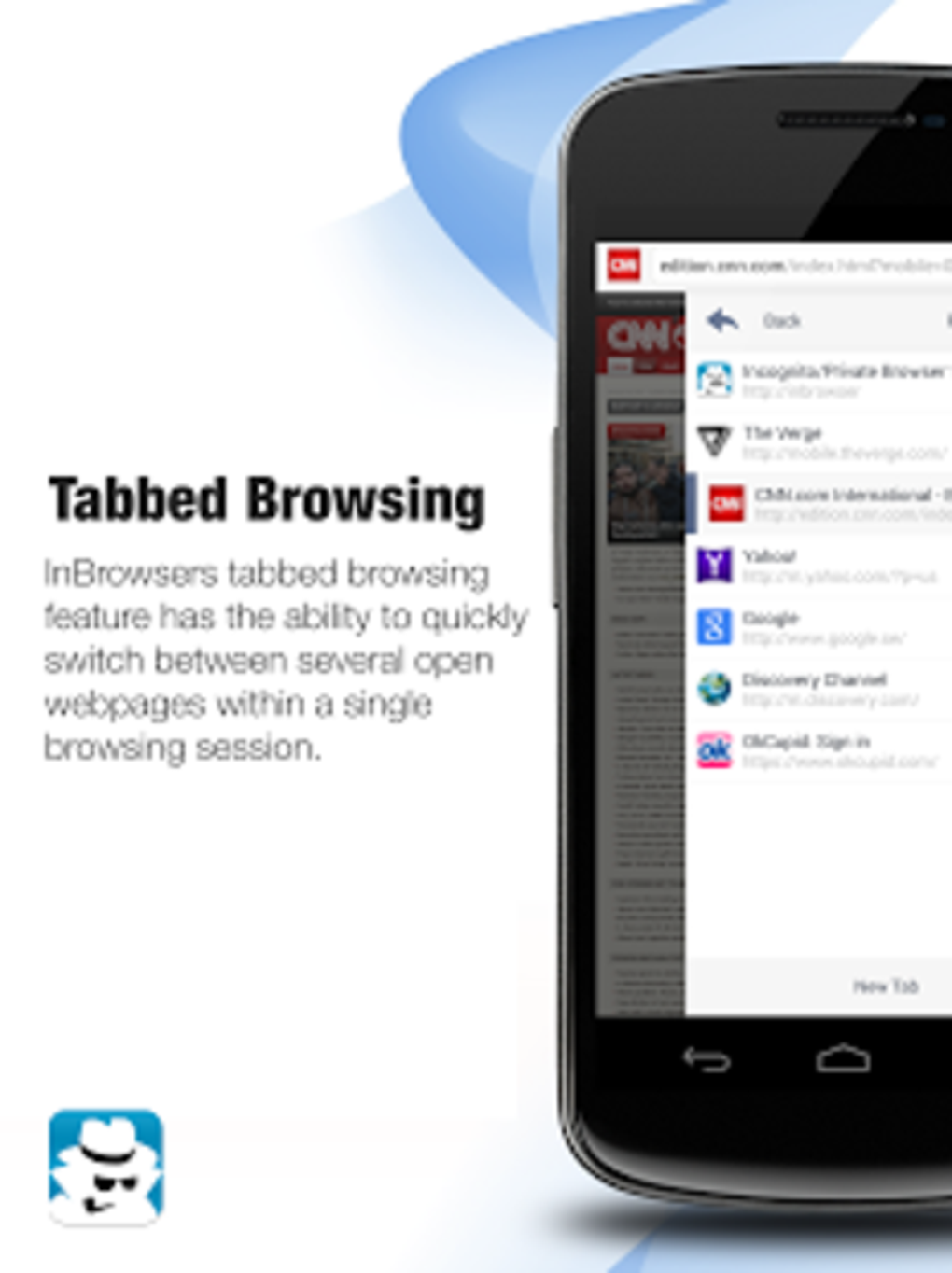
Despite its focus on privacy, InBrowser doesn’t compromise on essential browser features. It offers tabbed browsing for efficient multitasking, allowing you to manage multiple web pages simultaneously. It also supports downloading files of various formats, including documents, videos, and images. In addition, InBrowser includes a built-in media player, ensuring seamless online video playback without the need for external applications.
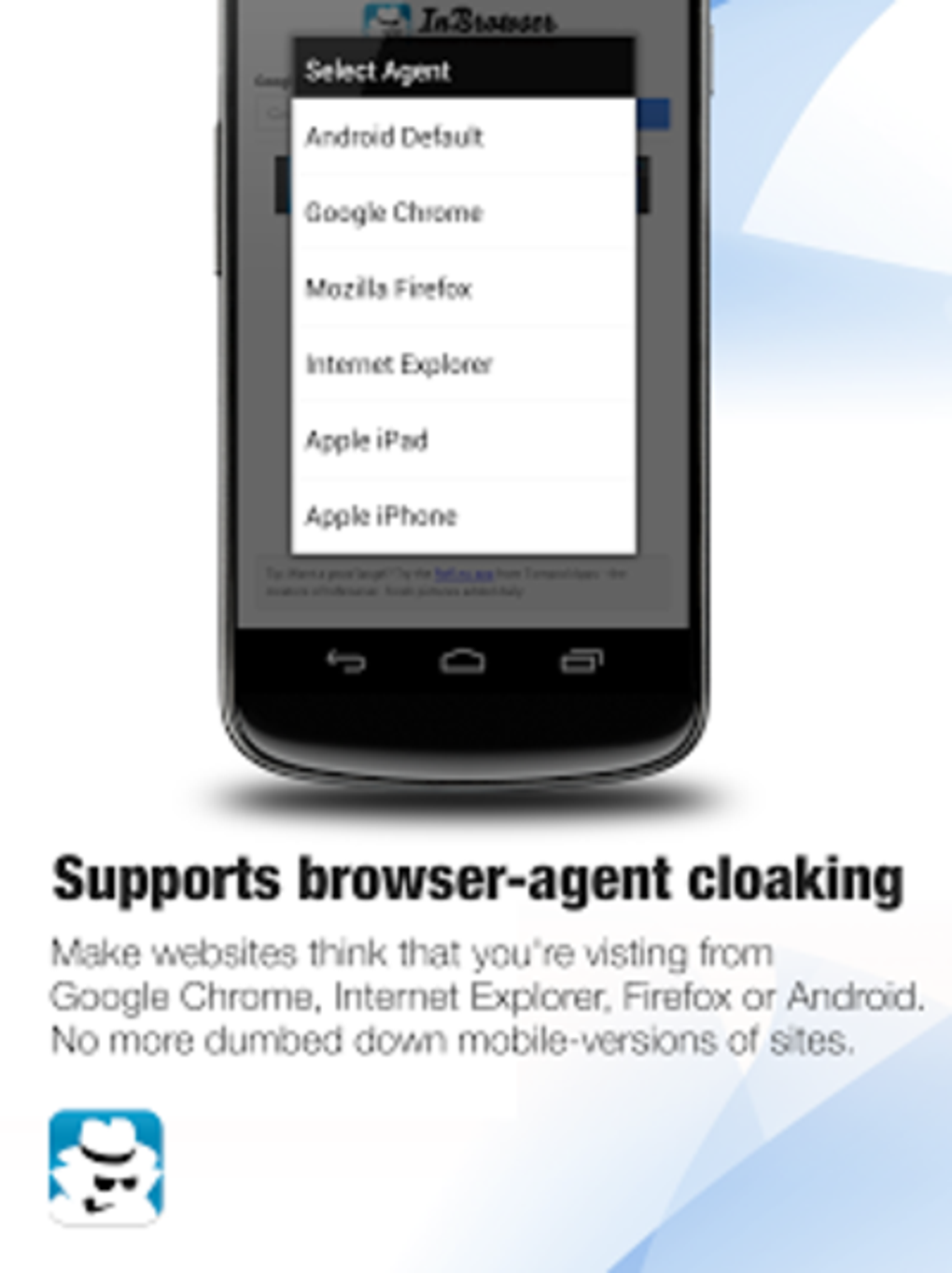
For users employing password management services, InBrowser boasts excellent integration with LastPass, providing a convenient and secure method for logging into websites. Furthermore, the browser incorporates agent cloaking, allowing users to switch between mobile and desktop versions of websites as needed, enhancing flexibility and access to content tailored to specific device types.
While InBrowser integrates well with many services, users should be aware of potential compatibility issues. Specifically, its performance might be affected when used concurrently with certain VPN services, depending on how those services handle data and internet traffic. Additionally, occasional lags and crashes have been reported, although these appear to be infrequent.
Apps: InBrowser’s Core Functionality and Features
InBrowser’s functionality is deliberately streamlined to prioritize privacy without sacrificing essential browsing features. The app offers a clean and intuitive interface, making it easy for users of all technical skill levels to navigate. Key features include:
- Immediate Data Deletion: Upon closing the app, all browsing history, cookies, cache, and temporary files are automatically deleted, leaving no digital footprint.
- TOR Protocol Support: Enhanced security and anonymity through encryption, enabling users to bypass geographical restrictions.
- Tabbed Browsing: Efficiently manage multiple web pages simultaneously.
- File Downloads: Download various file types, including documents, videos, and images.
- Built-in Media Player: Enjoy seamless online video playback without needing external apps.
- LastPass Integration: Convenient and secure password management integration.
- Agent Cloaking: Switch between mobile and desktop website versions.
Games and Other Applications: Extending InBrowser’s Use Cases
While not designed as a gaming platform, InBrowser’s inherent privacy features could make it a suitable choice for accessing online games that require a higher level of security or anonymity. However, it’s important to note that performance might vary depending on the game’s requirements and the potential for compatibility issues with TOR or VPN services.
Beyond games, InBrowser’s functionality extends to general web browsing, news consumption, and accessing online services. Its privacy-focused design makes it a strong contender for users who prioritize online security and want to minimize their digital footprint.
News and Information Access: A Secure and Private Experience
InBrowser serves as a reliable tool for accessing news and information online, providing users with a secure and private browsing environment. The immediate deletion of browsing data protects against potential tracking of news sources and reading habits. This is particularly valuable for users seeking to access sensitive information or news from regions with restrictive internet censorship. However, users should be mindful of potential limitations in accessing websites that heavily rely on tracking and cookies for functionality.
InBrowser for Business: Balancing Privacy and Productivity
InBrowser can be a valuable tool for businesses requiring enhanced privacy and security for online activities. It can be used for accessing sensitive company information, conducting confidential online transactions, or researching industry trends without leaving a digital trail. However, it’s crucial to note that its suitability for business use depends on the specific requirements of the organization. For instance, businesses relying heavily on cookies and tracking for website functionality might find InBrowser’s immediate data deletion to be disruptive.
InBrowser for Android: A Detailed Look at the Android Version
The Android version of InBrowser reflects the same core principles of privacy and security as other versions. The app is readily available on the Google Play Store, offering a convenient and trusted method for download and installation. The app’s relatively small size ensures minimal impact on device storage, making it suitable for devices with limited space. The Android version maintains the key features of the desktop version, including the immediate deletion of browsing data, TOR protocol support, and other privacy-enhancing features.
Browsers and Web Browsers: Comparing InBrowser to Competitors
InBrowser stands apart from other web browsers through its unwavering commitment to user privacy. While many browsers offer incognito or private browsing modes, InBrowser goes a step further by automatically deleting all browsing data upon exiting the app. This is a significant difference that distinguishes it from mainstream browsers like Chrome, Firefox, or Safari. Compared to other privacy-focused browsers, InBrowser’s integration with TOR provides an additional layer of security not found in every alternative.
Some competitors, such as Firefox Focus, prioritize a similar level of privacy but may lack certain features offered by InBrowser, such as its integrated media player or agent cloaking. Ultimately, the choice between browsers depends on individual user needs and priorities. While InBrowser is strong in its privacy features, users requiring advanced browser extensions or customization options might find other browsers more suitable.
InBrowser: Strengths and Weaknesses
InBrowser offers significant advantages in the realm of private browsing:
Pros:
- Excellent Privacy: Immediate data deletion upon exit ensures a high level of user anonymity.
- TOR Protocol Integration: Enhanced security and ability to bypass geographical restrictions.
- User-Friendly Interface: Easy to navigate and use.
- Lightweight and Fast: Minimal impact on device resources.
- Supports Essential Features: Offers tabbed browsing, file downloads, and video playback.
- LastPass Integration: Seamless password management.
- Agent Cloaking: Flexibility in accessing website versions.
Cons:
- Occasional Lag and Crashes: While infrequent, some users report occasional performance issues.
- VPN Compatibility Issues: Might not function optimally with all VPN services.
- Limited Customization: Fewer options for extensions and customization compared to mainstream browsers.
Conclusion: A Strong Contender for Privacy-Conscious Users
InBrowser offers a compelling solution for users who prioritize online privacy. Its immediate data deletion, TOR protocol integration, and user-friendly design make it a strong alternative to traditional browsers. While occasional performance issues might be encountered, the robust privacy features often outweigh these minor drawbacks for users concerned about online tracking and surveillance. InBrowser’s simplicity and focus on security make it a valuable option in the growing landscape of privacy-centric internet solutions. Whether you are a casual internet user, a professional seeking secure access to information, or a gamer needing an extra layer of anonymity, InBrowser deserves serious consideration.
File Information
- License: “Free”
- Latest update: “March 25, 2025”
- Platform: “Android”
- OS: “Android 13.0”
- Downloads: “3.8K”
- Size: “4.67 MB”
- Download Options: “Google Play”
- Filename: “nu-tommie-inbrowser-90-66389147-1ae016432c25f83e28c344e62189f043.apk”


