
Inkscape is a powerful and versatile vector graphics editor that stands as a robust, free, and open-source alternative to commercial software like Adobe Illustrator. Its capabilities extend across personal and professional projects, making it a valuable tool for designers of all skill levels. This comprehensive guide explores Inkscape’s features, functionality, and advantages, highlighting its suitability for creating a wide range of visual assets.
Mastering Vector Graphics with Inkscape
Inkscape’s core strength lies in its ability to handle vector graphics, specifically using the Scalable Vector Graphics (SVG) format. Unlike raster graphics (like JPEGs and PNGs) which are composed of pixels, vector graphics are defined by mathematical equations. This means that vector images can be scaled to any size without losing quality – a crucial advantage for creating logos, illustrations, and designs intended for multiple applications, from business cards to large-format billboards.
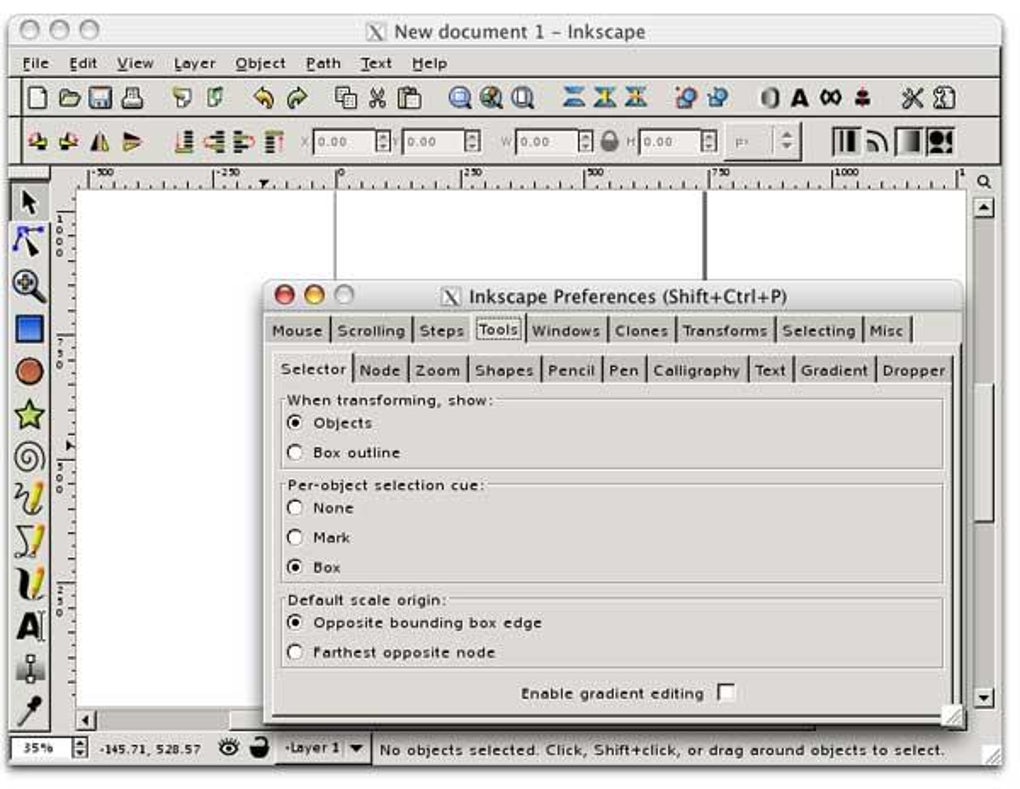
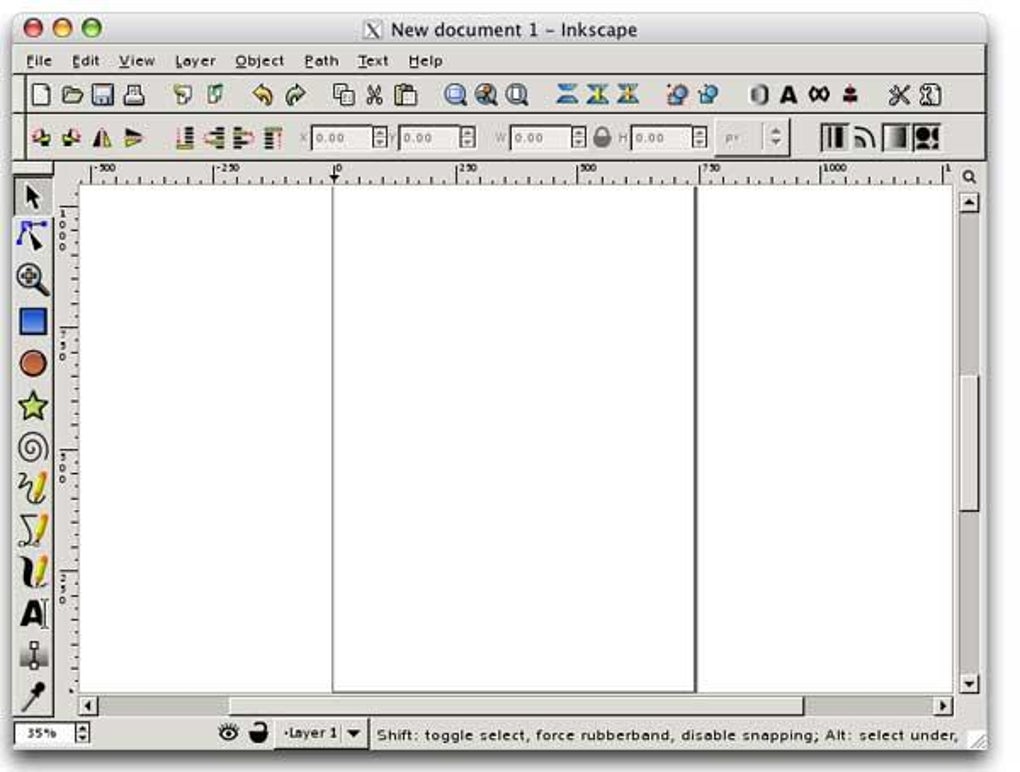
The program’s interface, while initially appearing complex to newcomers, is well-structured and intuitive upon familiarization. It mimics the workflow of professional-grade vector editors, offering a wide range of tools for creating and manipulating vector objects. This includes the standard array of shape tools (rectangles, ellipses, stars, spirals), path editing tools (for creating and modifying complex shapes), text tools (with support for various fonts and text effects), and advanced features like gradients, patterns, and alpha blending. The software also allows importing and exporting a wide array of file formats, including AI, SVG, EPS, PS, PDF, and PNG, ensuring compatibility with various design workflows and output requirements.
Inkscape’s open-source nature is a significant advantage. This translates to continuous improvement driven by a large and active community of users and developers. The software benefits from regular updates, often incorporating user feedback and suggestions to enhance its functionality and address bugs. This collaborative development process ensures that Inkscape remains a cutting-edge tool, keeping pace with evolving design trends and technological advancements. Furthermore, the open-source nature makes Inkscape readily available and accessible to anyone, regardless of budget constraints.
A Deep Dive into Inkscape’s Feature Set
Inkscape boasts a comprehensive set of tools and features, designed to cater to the needs of both beginners and experienced designers. These features empower users to create stunning vector graphics for a multitude of purposes:
-
Shape Tools: The basic building blocks of any vector design are readily available: rectangles, ellipses, stars, spirals, and more. Users can easily adjust size, position, rotation, and other properties of these shapes.
-
Path Editing Tools: Inkscape’s powerful path editing tools allow for the creation of complex shapes and curves. Nodes can be added, deleted, moved, and manipulated to achieve precise control over the shape’s contours. This level of precision is essential for creating intricate illustrations and logos.
-
Text Tools: The text tool enables the addition of text to the design, with options for font selection, size, style, and alignment. Inkscape offers text-on-a-path functionality, allowing text to follow the curvature of a path, adding creative possibilities for typographic designs.
-
Clones: This feature allows users to create multiple copies of an object, arranged in various configurations. Clones can be linked or unlinked, providing flexibility in managing and modifying multiple instances of the same object.
-
Transforms: A range of transformations are available, including rotation, scaling, skewing, and mirroring. These tools are crucial for precise positioning and manipulation of objects within the design.
-
Gradients and Patterns: Inkscape offers the ability to create and apply gradients (smooth transitions between two or more colors) and patterns (repeating elements) to objects, adding depth and visual interest to the design.
-
Alpha Blending: This feature allows for transparency control, enabling the creation of layered effects and visual overlaps. It is essential for creating complex compositions and intricate designs.
-
Grouping: Objects can be grouped together to treat them as a single unit, simplifying manipulation and editing. This is particularly useful when working with complex compositions.
-
Layers: Inkscape’s layer system allows for the organization of design elements into separate layers, making it easier to manage and edit complex projects. Layers can be locked, hidden, and rearranged, providing a structured workflow for large-scale designs.
-
Node Editing: Inkscape provides a high level of control over individual paths and shapes through its node editing tools. Users can manipulate the individual points (nodes) of a path, fine-tuning the curvature and shape with precision.
-
Bitmap Tracing: This powerful feature allows users to convert raster images (such as photographs or scans) into vector graphics. This is invaluable for incorporating existing artwork into vector-based designs.
Inkscape 1.4 and Beyond: Ongoing Development and Improvements
The release of Inkscape 1.4 marked a significant step forward in the software’s evolution. This update focused on streamlining the user experience, improving the workflow, and enhancing existing tools. Key improvements include a redesigned filter gallery, a unified font browser, and a refined swatches dialog. These enhancements contribute to a more efficient and intuitive design process. Furthermore, the shape builder tool has been significantly improved, enhancing its ability to work seamlessly with both bitmap and vector images. This allows users to clip selections from imported images with greater precision and ease, adding significant flexibility to the design process. The introduction of modular grids offers advanced layout control, providing a structured framework for complex designs.
The continuous development of Inkscape, fueled by its open-source nature and active community, ensures that it remains a relevant and powerful tool for vector graphics creation. Regular updates introduce new features, improvements to existing tools, and bug fixes, ensuring a consistently enhanced user experience.
Inkscape: A Cost-Effective Solution for Professional-Quality Design
Inkscape stands out as a truly exceptional option for those seeking a professional-grade vector graphics editor without the high cost associated with commercial software. Its free and open-source nature makes it accessible to everyone, regardless of budget constraints. Its extensive feature set, combined with continuous development and a supportive community, positions Inkscape as a viable and compelling alternative to commercial products, capable of producing stunning and professional-quality designs. Whether you’re a seasoned designer or a beginner just starting out, Inkscape offers a powerful, flexible, and cost-effective tool to unleash your creativity.
Conclusion: Embracing the Power of Inkscape
In conclusion, Inkscape offers a compelling blend of power, versatility, and accessibility. Its comprehensive feature set, coupled with its open-source nature and active community support, makes it an ideal choice for both amateur and professional designers. Its ability to handle vector graphics with precision and efficiency, combined with its support for a wide range of file formats and its continuous improvement through updates, solidify its position as a leading free and open-source vector graphics editor. From creating simple logos to intricate illustrations, Inkscape empowers users to bring their creative visions to life without financial limitations.
File Information
- License: “Free”
- Latest update: “October 21, 2024”
- Platform: “Mac”
- OS: “Mac OS X”
- Language: “English”
- Downloads: “126.2K”
- Size: “150.44 MB”


