
Instagram, a ubiquitous social media platform, has revolutionized the way we share and consume visual content. Its popularity stems from its ease of use, visual appeal, and powerful features. However, a key limitation for many users is Instagram’s restriction on directly downloading photos and videos. This has led to the emergence of third-party applications, such as Instagram Downloaders, aimed at circumventing these limitations. This article will explore the functionality, limitations, and alternatives to Instagram Downloader for Windows, providing a comprehensive understanding of its role in the broader context of Instagram content access.
Understanding Instagram’s Download Restrictions
Before delving into the specifics of Instagram Downloader, it’s crucial to understand why Instagram restricts direct media downloads. This restriction isn’t arbitrary; it’s a result of a complex interplay of factors that prioritize copyright protection, user privacy, business interests, and the overall platform experience.
Copyright Protection: Instagram, as a platform hosting user-generated content, is bound by strict copyright laws. Allowing unrestricted downloads would significantly increase the risk of unauthorized distribution and copyright infringement. This could expose Instagram and its users to legal repercussions and undermine the rights of content creators.
User Privacy: The restriction on direct downloads is also a crucial element of Instagram’s commitment to user privacy. Unfettered access to downloaded media could lead to misuse, unauthorized sharing, and potential privacy violations. Limiting downloads helps safeguard users from potential harm and maintains a level of control over their shared content.
Business Considerations: Instagram, a Meta company, operates as a business. Its revenue model relies heavily on advertising. Keeping users engaged within the platform allows for increased ad exposure and revenue generation. If users could easily download content and consume it outside the platform, it could lead to decreased engagement and, consequently, reduced advertising revenue.
Content Moderation: Restricting direct downloads aids in Instagram’s content moderation efforts. By controlling the distribution of content, Instagram can better manage the spread of inappropriate, harmful, or copyrighted material. This helps maintain the platform’s overall safety and user experience.
Enhanced User Experience: While seemingly restrictive, the limitation on direct downloads can contribute to a better overall user experience. It encourages users to engage directly with the platform, fostering community interaction and engagement. It prevents the potential chaos that could arise from unrestricted downloading and re-sharing of content.
In contrast to platforms like Twitter and Snapchat, which offer more straightforward download options, Instagram’s deliberate restriction pushes users towards alternative methods – third-party apps like Instagram Downloaders.
Functionality of Instagram Downloader for Windows
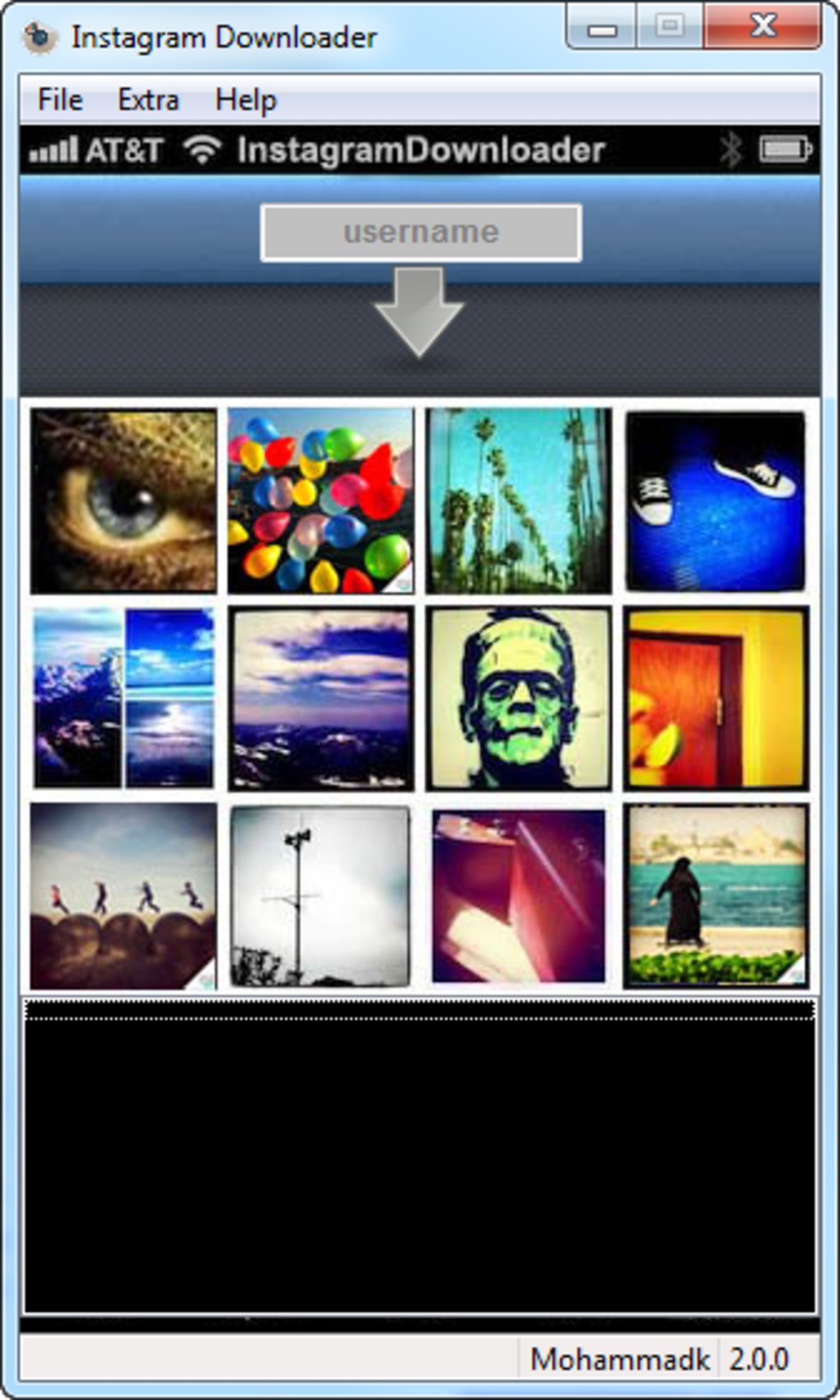
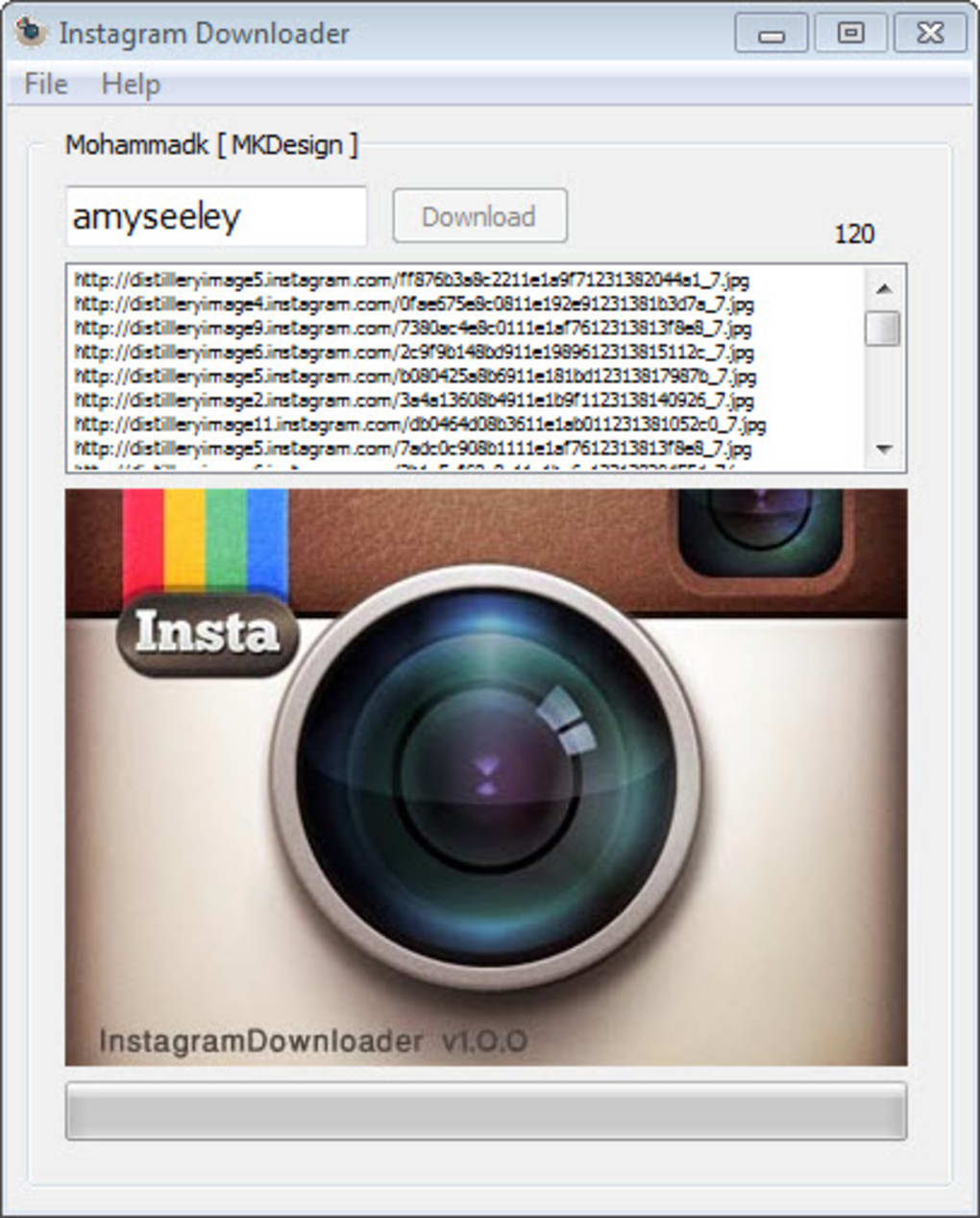
Instagram Downloader for Windows, as the name suggests, is designed to facilitate the downloading of Instagram content. However, it’s important to clarify its primary function: it does not directly download the media. Instead, its core functionality revolves around retrieving the URLs of Instagram posts, both photos and videos. Users then need to utilize a separate download manager to actually save the content to their devices.
This indirect approach is the software’s primary drawback. While it simplifies the process of locating the URLs, the additional step of copying and pasting these URLs into another program adds complexity and reduces efficiency. This contrasts sharply with other downloaders that offer a more streamlined, integrated process.
Despite this limitation, Instagram Downloader for Windows presents a user-friendly interface. Navigation is intuitive, making it accessible to users regardless of their technical expertise. The instructions for obtaining URLs are straightforward, minimizing the learning curve for new users.
The free version of the software provides basic functionality, allowing users to retrieve URLs for individual posts and Stories. The software generally boasts good stability and speed, consuming minimal system resources and exhibiting a low error rate.
Limitations and Areas for Improvement
While Instagram Downloader for Windows offers a simplified approach to URL retrieval, several significant limitations hinder its overall effectiveness and user experience. Addressing these limitations would significantly enhance its appeal and functionality.
Lack of Integrated Download Manager: The most significant limitation is the absence of a built-in download manager. The necessity of using a separate downloader significantly increases the complexity and time required to download content. Incorporating an integrated download manager would streamline the process and significantly improve user convenience.
Absence of Batch Downloading: Currently, users can only download one post or story at a time. A batch downloading feature would allow users to select and download multiple items simultaneously, substantially increasing efficiency, particularly for users seeking to download large volumes of content.
Limited Browser Integration: The software currently operates independently of web browsers. Developing a browser extension would seamlessly integrate the downloader with popular browsers, allowing users to extract URLs and initiate downloads directly from within Instagram, further streamlining the process.
Improved URL Generation: The URL generation process could be improved to ensure better compatibility with a broader range of download managers and to minimize errors or glitches that may occasionally arise. This would increase the reliability and robustness of the application.
These improvements would transform Instagram Downloader from a simple URL extractor into a comprehensive and efficient tool for downloading Instagram content.
Alternatives to Instagram Downloader for Windows
Given the limitations of Instagram Downloader for Windows, exploring alternative solutions is advisable. Several applications offer more comprehensive functionalities, including direct downloading and batch processing capabilities. One such example is Save-o-gram Instagram Downloader.
Save-o-gram Instagram Downloader stands out as a superior alternative because it directly downloads photos and videos, a feature missing from Instagram Downloader for Windows despite its name. This direct download capability eliminates the need for an extra step, making it significantly more efficient and user-friendly. Users can easily save their favorite Instagram moments and images without the added complexity of copying and pasting URLs.
However, even Save-o-gram and similar alternatives may encounter limitations, such as occasional connection errors with certain accounts, difficulties copying and pasting generated links, and the lack of preview capabilities.
Conclusion: Choosing the Right Tool for Your Needs
Instagram Downloader for Windows serves a niche purpose: extracting URLs of Instagram posts. However, its inability to directly download content significantly limits its usefulness for many users. For those seeking a seamless and efficient method of downloading Instagram media, exploring alternatives like Save-o-gram or other comparable applications is strongly recommended. These alternatives offer a more integrated and user-friendly experience, eliminating the added steps and potential complexities associated with using a separate download manager. The choice ultimately depends on individual needs and priorities, but for a streamlined and efficient workflow, direct download capabilities are a significant advantage. While Instagram Downloader might be suitable for users who only need URL access, the majority of users will likely find a direct download application a more practical and convenient solution.
File Information
- License: “Free”
- Latest update: “November 11, 2023”
- Platform: “Windows”
- OS: “Windows 7”
- Language: “English”
- Downloads: “3.8M”
- Size: “878.14 KB”


