
Instagram Lite is a pared-down version of the popular photo and video-sharing app, Instagram. Designed for users with limited storage space, slower internet connections, or a preference for a minimalist experience, Instagram Lite offers a surprisingly comprehensive social media experience within a significantly smaller package. This article delves into the features, limitations, and overall suitability of Instagram Lite, helping you decide if it’s the right choice for your needs.
Smaller Footprint, Similar Functionality
One of the most significant advantages of Instagram Lite is its drastically reduced size. While the standard Instagram app can occupy 30-80MB of storage, Instagram Lite boasts a download size of only 2-5MB, varying slightly depending on the device. This makes it ideal for users with older smartphones or those who need to conserve storage space for other applications and files. The smaller download size translates directly to faster download times, particularly beneficial in areas with limited or unreliable internet connectivity.
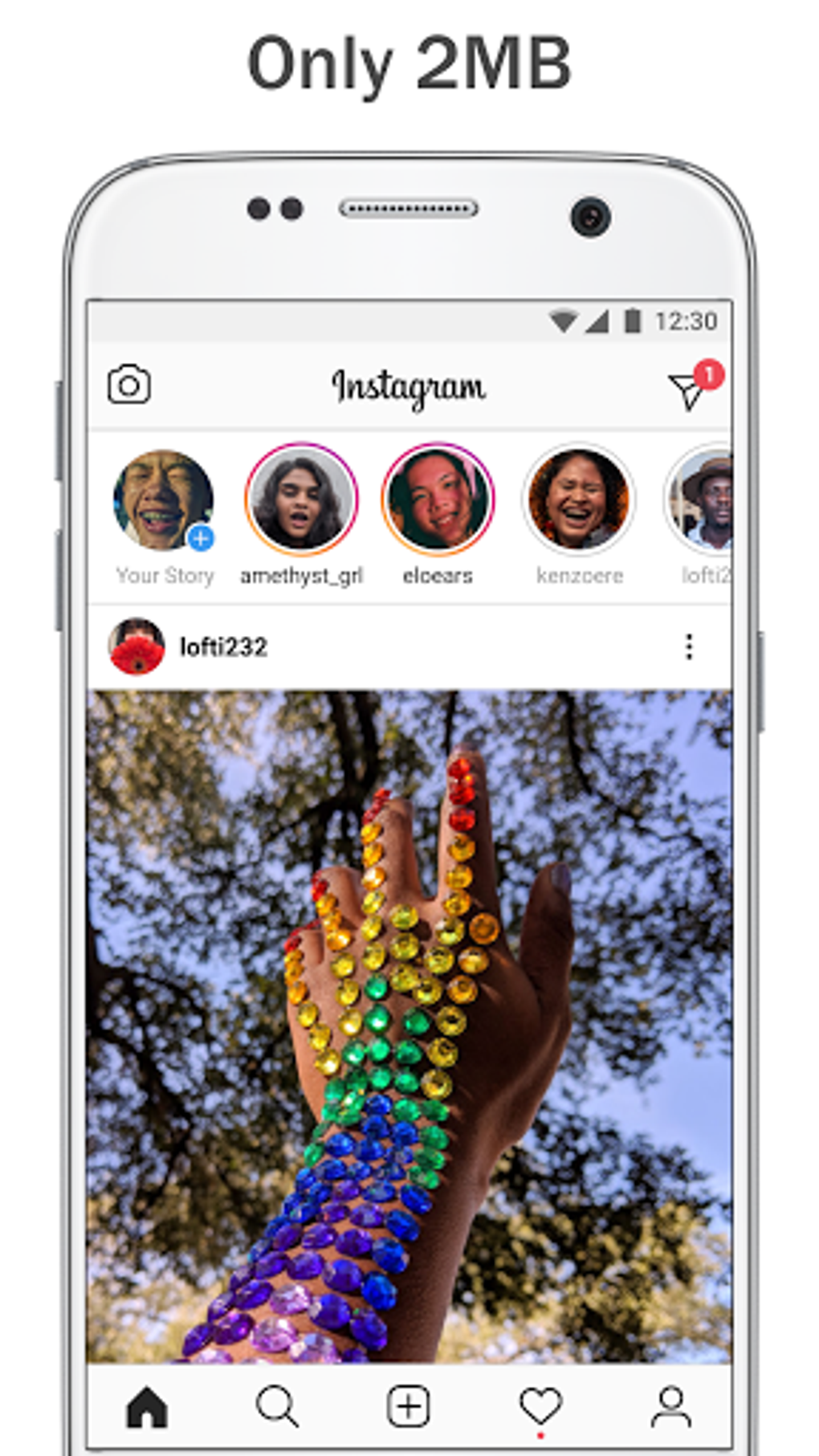
Despite its smaller size, Instagram Lite maintains a remarkably similar aesthetic and intuitive interface to its larger counterpart. Users familiar with the standard Instagram app will find navigating Instagram Lite incredibly easy, with the core functionalities largely intact. The visual design and user experience are consistent, ensuring a smooth transition for existing users. This commitment to maintaining the core user experience while minimizing size is a key strength of the app.
Feature Comparison: What’s Included and What’s Not
While Instagram Lite succeeds in minimizing its size, some compromises are inevitable. Several advanced features available in the standard Instagram app are absent from the Lite version. Specifically, users will find that certain editing tools and filters are unavailable. This includes the sophisticated Cube transitions and augmented reality (AR) filters which are popular features amongst Instagram users. The omission of these features primarily affects users who frequently use such tools for creative photo and video editing.
Perhaps the most noticeable omission for many users is the lack of Instagram Live. This live streaming feature, popular for real-time interaction and content sharing, is not included in Instagram Lite. This limitation might be a significant drawback for users who rely on this feature for live broadcasts, interactions with their followers, or immediate updates.
Beyond major features, some minor visual differences exist. For example, the trash icon, present in the standard app, is replaced with a simple “X” button in Instagram Lite. This change, while minor, highlights the streamlining efforts made to reduce the app’s overall size and complexity.
In essence, Instagram Lite provides a streamlined experience focusing on core functions like browsing feeds, posting photos and videos, and engaging with content shared by others. If your usage centers around these fundamental actions, Instagram Lite provides a fully functional experience. However, advanced editing or live-streaming functionalities necessitate using the full version of Instagram.
Data Consumption and Performance
Instagram Lite is specifically designed to be data-efficient. Its reduced size and optimized code contribute to lower data consumption during use. This makes it a compelling option for users on limited data plans or those in areas with unpredictable internet connectivity. The app’s performance is generally smooth, even on lower-end devices and slower network connections, though occasional lags might occur depending on network conditions and the complexity of the content being viewed.
It is important to note that while Instagram Lite generally uses less data, the quality of uploaded and downloaded media might be slightly lower compared to the standard app. This compromise is made to minimize data usage and maintain a fast and efficient user experience. Users who frequently upload or download high-resolution images and videos may notice a slight decrease in image quality.
Who Should Use Instagram Lite?
Instagram Lite caters to a specific audience:
-
Users with limited storage space: If you have a device with limited internal storage, Instagram Lite’s small footprint prevents you from sacrificing valuable space for other applications.
-
Users with slow or unreliable internet connections: The app’s data-efficient design allows for smooth operation even on slow 3G or EDGE networks, ensuring a consistently enjoyable experience, even in areas with less robust mobile infrastructure.
-
Users who prioritize core functionality: If your Instagram usage primarily involves browsing your feed, liking posts, commenting, and sharing photos and videos without complex editing, Instagram Lite offers a fully functional experience without the unnecessary overhead of advanced features.
-
Users preferring a minimalist experience: Instagram Lite offers a streamlined interface free from unnecessary complexities. If you value simplicity and functionality over extensive features, this is the ideal choice.
Conversely, users should consider the standard Instagram app if:
- Advanced editing features are crucial: If you rely on sophisticated editing tools, AR filters, or other advanced functionalities, you’ll need the standard app.
-
Live streaming is essential: Instagram Live is absent from the Lite version, making the standard app necessary for this functionality.
-
High-resolution media is paramount: If preserving the highest possible image and video quality is a priority, you should opt for the full Instagram application.
-
You have ample storage and data: If you have sufficient storage space and a robust data connection, the benefits of Instagram Lite become less pronounced.
Conclusion: A Valuable Alternative for Specific Needs
Instagram Lite represents a compelling alternative to the standard Instagram app for a specific group of users. Its minimized size, data efficiency, and maintained core functionality make it an excellent choice for users with limited resources or a preference for a simpler experience. However, the absence of certain features, including live streaming and advanced editing tools, restricts its appeal to users who depend on these functionalities. Ultimately, the choice between Instagram Lite and the standard app depends entirely on individual needs and usage patterns. Consider your priorities and resource limitations to determine which version best suits your requirements.
File Information
- License: “Free”
- Latest update: “August 7, 2025”
- Platform: “Android”
- OS: “Android 13.0”
- Language: “English”
- Downloads: “365.4K”
- Size: “3.23 MB”
- Download Options: “APK, Google Play”
- Filename: “com.instagram.lite_470.0.0.9.109.apk”


