
Internet Explorer 11, the final iteration of Microsoft’s iconic web browser, marked the culmination of a long-standing technological journey. Released for Windows 7, 8.1, and 10 (although Microsoft Edge replaced it as the default in Windows 10), IE11 offered a unique blend of legacy support and improved performance compared to its predecessors. While it didn’t introduce a plethora of new features, its reliability and compatibility with older web applications made it a surprisingly persistent choice for users, especially businesses reliant on Windows 7 systems. This exploration delves into the specifics of Internet Explorer 11 on Windows 7, analyzing its strengths, weaknesses, and enduring significance in the ever-evolving landscape of web browsing.
Performance and System Requirements: A Lightweight Browser for Older Machines
One of IE11’s primary advantages, particularly on Windows 7 systems, was its relatively low system requirements. Unlike modern browsers that demand significant processing power and RAM, IE11 could comfortably run on older hardware configurations. Its modest demands—a 233MHz processor, 512MB of RAM, a Super VGA graphics adapter, and a mere 70MB of hard disk space—made it accessible to a broader range of users with less powerful computers. This accessibility was a significant departure from the resource-intensive nature of contemporary browsers like Chrome and Firefox, which often struggle on older systems.
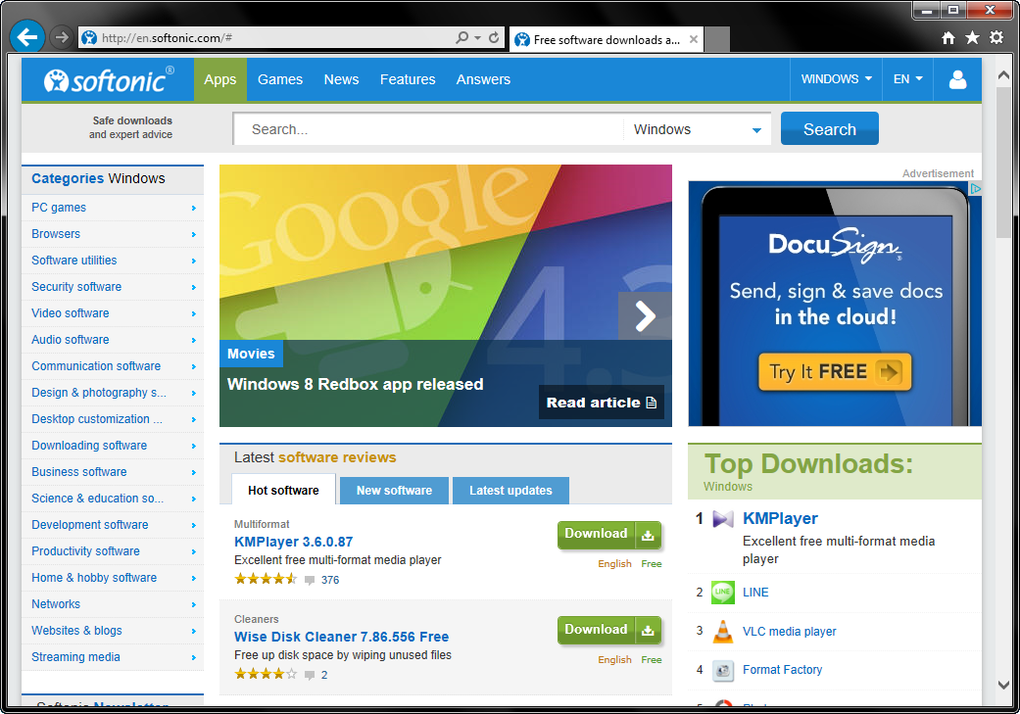
Furthermore, IE11 boasted improved speed compared to its predecessors. While not exceeding the performance of Chrome or Firefox, its internal optimizations resulted in noticeably faster loading times and a more responsive browsing experience. The implementation of background loading of sites and content further enhanced its efficiency, minimizing user wait times. The streamlined start-up process was another improvement; unlike earlier versions which frequently prompted security settings adjustments upon launch, IE11 presented a cleaner, more immediate browsing initiation, enhancing user experience.
Interface and User Experience: Simplicity and Legacy Support
Internet Explorer has always been characterized by its relatively minimalist interface, prioritizing content over elaborate design elements. IE11 continued this tradition, further refining its simplicity. The combination of the address bar and search box into a single “One Box” element, positioned conveniently next to the tabs, streamlined navigation. Users could adjust the size of the One Box to their preference, optimizing screen real estate for webpage content. The customizability extended to tabs, allowing users to personalize their display. The convenient option to pin frequently visited sites to the Windows taskbar further enhanced workflow efficiency.
Surprisingly, amidst its streamlined design, IE11 retained support for older coding languages and web standards that many modern browsers had abandoned. This compatibility proved pivotal for businesses utilizing legacy web applications and intranet systems, particularly those still operating on Windows 7. This backward compatibility served as a key differentiator and a substantial reason for IE11’s continued use in certain professional environments. Despite Microsoft’s push for Edge, the persistent presence of websites relying on older technologies ensured IE11 remained a necessary tool.
Limitations and Missing Features: Sacrifices for Streamlining
Despite the improvements, IE11 sacrificed several features present in previous versions. The absence of tabbed browsing, a standard feature in most modern browsers, was a notable drawback. The removal of automatic recovery from page layout errors through Compatibility View also diminished user convenience. The elimination of the option to allow websites to utilize the search pane further restricted customization. Crucially, IE11 lacked device syncing and multi-user functionalities, limiting its appeal to users accustomed to these features in other browsers. The lack of significant updates after its release further highlighted its status as a legacy browser nearing the end of its lifecycle.
While IE11 outperformed its predecessors in terms of speed and efficiency, it paled in comparison to modern browsers like Chrome and Firefox in terms of overall functionality and features. Even Microsoft’s own Edge browser provided a superior, more feature-rich experience, lacking the limitations present in IE11.
IE11’s Niche: A Continuing Role for Legacy Applications
Despite its limitations, Internet Explorer 11 maintained a niche in the web browsing market, particularly amongst businesses and organizations relying on older web technologies. Many legacy business applications, intranet systems, and internal tools were designed specifically for Internet Explorer, and switching to a modern browser often meant facing incompatibility issues, potential workflow disruptions, and substantial costs associated with system updates or application redesigns. Therefore, for companies with significant investments in Windows 7 systems and associated applications, IE11 served as a critical bridge, maintaining compatibility with essential software and avoiding the complexities and expenses of a complete technological overhaul.
In essence, Internet Explorer 11’s continued relevance stemmed from its capacity to handle older web standards. While this rendered it unsuitable for the average user seeking a fully modern browsing experience, it provided an invaluable service for those whose reliance on legacy systems precluded a simple migration to more contemporary alternatives. This highlights the complex reality of technological transitions – not always a straightforward upgrade but rather a strategic balancing act between progress and the practical limitations of entrenched legacy infrastructure.
Conclusion: A Legacy Worth Acknowledging
Internet Explorer 11, while the final iteration of a once-dominant browser, holds a unique position in the history of web browsing. Its legacy isn’t defined solely by its technical specifications but also by its strategic role in bridging the gap between old and new technologies. While its limitations are undeniable, particularly when compared to modern browsers, its efficient performance on older systems and its critical role in maintaining compatibility with legacy applications ensured its continued use, demonstrating that even in the rapidly advancing digital world, some older technologies retain a crucial niche in specific contexts. The tale of Internet Explorer 11 underscores the complex interplay of technological innovation and the practical challenges of large-scale system transitions in business and organizational settings. Its story serves as a reminder of the lasting impact even seemingly outdated technologies can have on maintaining stability and productivity within specific operational environments.
File Information
- License: “Free”
- Latest update: “July 18, 2024”
- Platform: “Windows”
- OS: “Windows 7”
- Language: “English”
- Downloads: “2.1M”
- Size: “2.08 MB”


