
Inventoria is a professional-grade inventory management software designed for Windows operating systems. It provides a comprehensive solution for businesses of all sizes needing to effectively track and manage their stock levels, regardless of whether they operate from a single location or multiple branches. This detailed review explores the features, functionalities, and benefits of Inventoria, examining its strengths and weaknesses to help you determine if it’s the right inventory management solution for your business.
Core Features and Functionalities
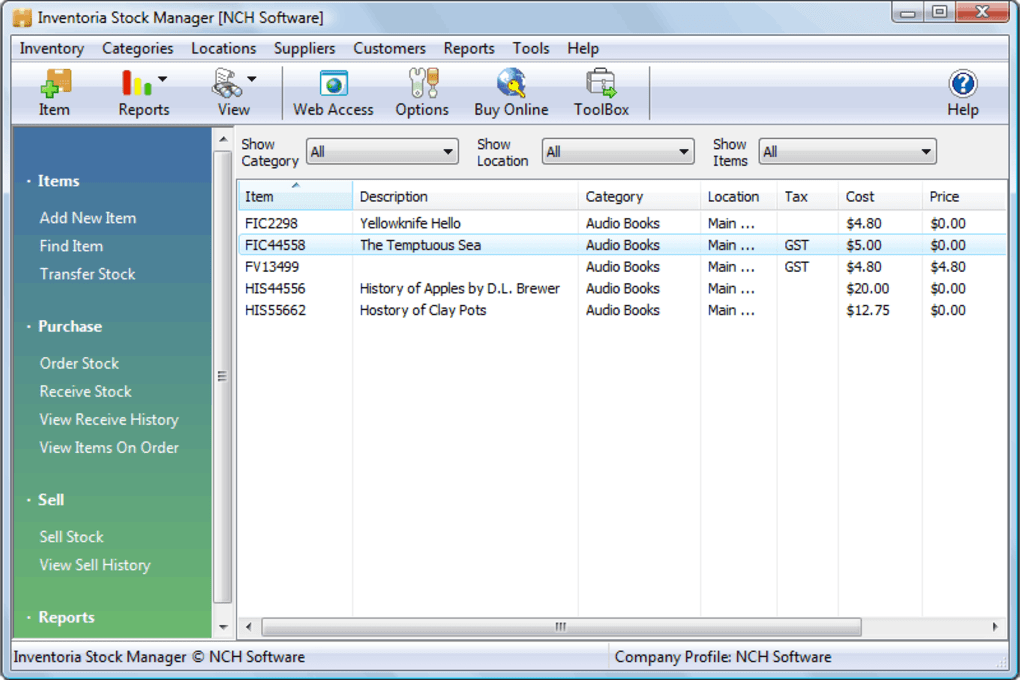
Inventoria offers a robust set of features designed to simplify and streamline the often-complex process of inventory management. At its core, the software allows for meticulous tracking of inventory across multiple locations, categorized by item type and vendor. This multi-location capability is a key differentiator, allowing businesses with dispersed stock to maintain a centralized and unified view of their entire inventory.
Detailed Stock Management: The software enables detailed tracking of stock levels, allowing users to set ideal quantity levels and receive automated warnings when stocks fall below predefined thresholds. This “Just-in-Time” inventory management approach helps minimize storage costs and prevents stockouts while optimizing purchasing decisions.
Supplier and Vendor Management: Inventoria features a comprehensive supplier database, allowing businesses to efficiently manage relationships with their vendors. This functionality includes creating and sending purchase orders directly to suppliers via email, a feature that significantly reduces administrative overhead and improves communication. Furthermore, the ability to set up recurring orders automates the replenishment process, ensuring a consistent supply of essential goods.
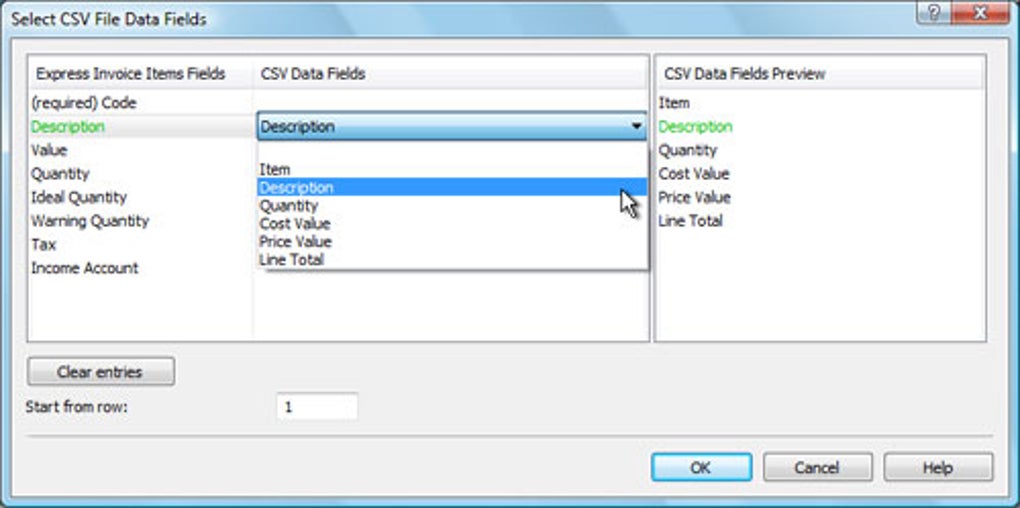
Financial Integration and Reporting: Inventoria facilitates seamless integration with other business management software, such as Express Invoice (version 1.34 and later), allowing users to automatically generate purchase orders. The software also allows assignment of items to specific Balance Sheet or Profit/Loss accounts, simplifying accounting processes and improving financial reporting accuracy.
Multi-User Access and Security: A key advantage of Inventoria is its support for multiple users accessing the data through a web interface, using a single installation. This feature is particularly valuable for businesses with multiple employees involved in inventory management. Furthermore, the software provides robust access controls, allowing administrators to restrict user permissions and access levels, ensuring data security and preventing unauthorized modifications.
Reporting and Analysis: Inventoria provides a suite of easy-to-create reports that allow businesses to monitor their stock levels and identify trends. These reports are crucial for making informed decisions regarding purchasing, production, and sales forecasting. The ability to generate reports quickly and efficiently is a significant time-saver and aids in efficient inventory management.
User Interface and Ease of Use
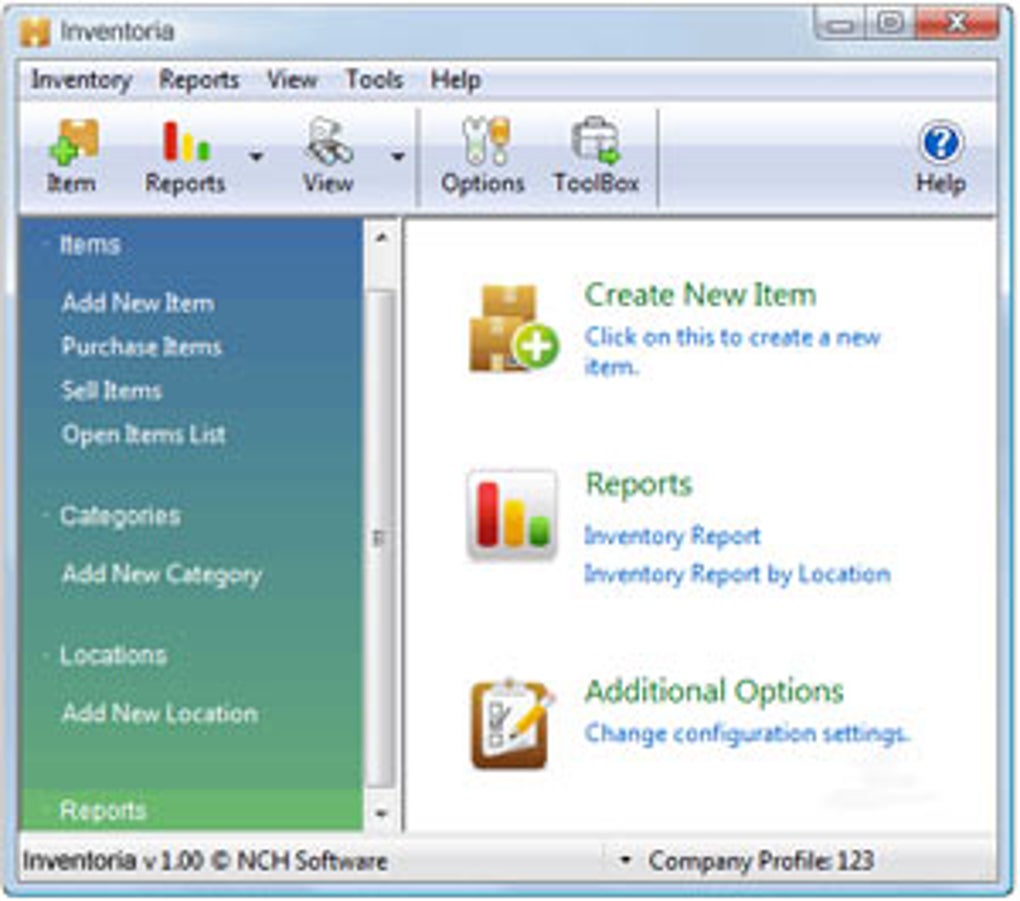
Inventoria is praised for its user-friendly interface, making it accessible to users with varying levels of technical expertise. The intuitive design simplifies navigation and data input, minimizing the learning curve. The clean and uncluttered layout ensures that users can quickly locate the information they need, enhancing productivity.
Integration with Other Business Tools
Inventoria’s ability to integrate with other business applications is a major strength. Its compatibility with Express Accounts, HourGuard, and FlexiServer provides a low-cost, integrated solution for managing various aspects of a business. This integration streamlines workflows, reducing the need for manual data entry and minimizing the risk of errors. The seamless integration with Express Invoice further simplifies the purchase order process, automating a crucial step in the supply chain.
Strengths and Weaknesses
Strengths:
- Multi-location inventory management: Effectively tracks inventory across multiple locations.
- Just-in-Time inventory control: Minimizes storage costs and prevents stockouts.
- Supplier database and purchase order generation: Streamlines supplier communication and order placement.
- Recurring order functionality: Automates the replenishment process.
- Financial integration: Simplifies accounting and financial reporting.
- Multi-user access with security controls: Enables collaboration and protects sensitive data.
- User-friendly interface: Easy to learn and use, regardless of technical expertise.
- Integration with other business software: Creates a comprehensive, cost-effective business management solution.
Weaknesses:
- Limited platform availability: Currently only available for Windows. A lack of cross-platform compatibility might limit its appeal to businesses using other operating systems.
- Trial version limitations: The trial version may have limitations that restrict full functionality, preventing a comprehensive evaluation before purchase.
- Customer support responsiveness: While the software is generally well-regarded, some users have reported inconsistencies in customer support responsiveness. Thorough research into customer support channels and their responsiveness is recommended.
- Scalability for very large businesses: While scalable for many businesses, very large enterprises with exceptionally high inventory volumes might require a more specialized, enterprise-level inventory management system.
Comparison with Alternative Software
Several alternative inventory management software solutions exist in the market. Some offer more advanced features, such as advanced analytics or integration with e-commerce platforms. Others focus on specific industry needs. The choice of software depends heavily on the individual business’s size, needs, and budget. A thorough comparison of features, pricing, and user reviews is crucial before making a decision. Consider factors such as the number of users, locations, and the level of detail required for inventory tracking when making a comparison.
Conclusion
Inventoria provides a robust and user-friendly solution for businesses needing efficient inventory management. Its strengths lie in its multi-location capabilities, integration features, and ease of use. While it has some limitations, including its Windows-only availability and potential customer support inconsistencies, it remains a solid option for many businesses. Before committing to Inventoria, it’s vital to carefully consider your specific inventory management needs, evaluate the software’s features against competing solutions, and thoroughly review user feedback to ensure it aligns with your business requirements. Understanding the limitations as well as the strengths allows for informed decision-making, leading to the selection of the optimal inventory management solution for your business’s long-term success.
File Information
- License: “Trial version”
- Latest update: “July 11, 2023”
- Platform: “Windows”
- OS: “Windows 8.1”
- Language: “English”
- Downloads: “15.2K”
- Size: “625.85 KB”


