
invideo AI: Video Generator is a free Android multimedia application designed to automate the entire video production process, from initial concept to final output. This powerful tool leverages artificial intelligence to streamline video creation, making it accessible to both novice and experienced users. Whether you’re aiming to create engaging social media content, educational videos, or marketing materials, invideo AI offers a compelling solution. This review delves into the app’s features, strengths, and weaknesses to provide a comprehensive understanding of its capabilities.
Effortless Video Creation with AI-Powered Tools
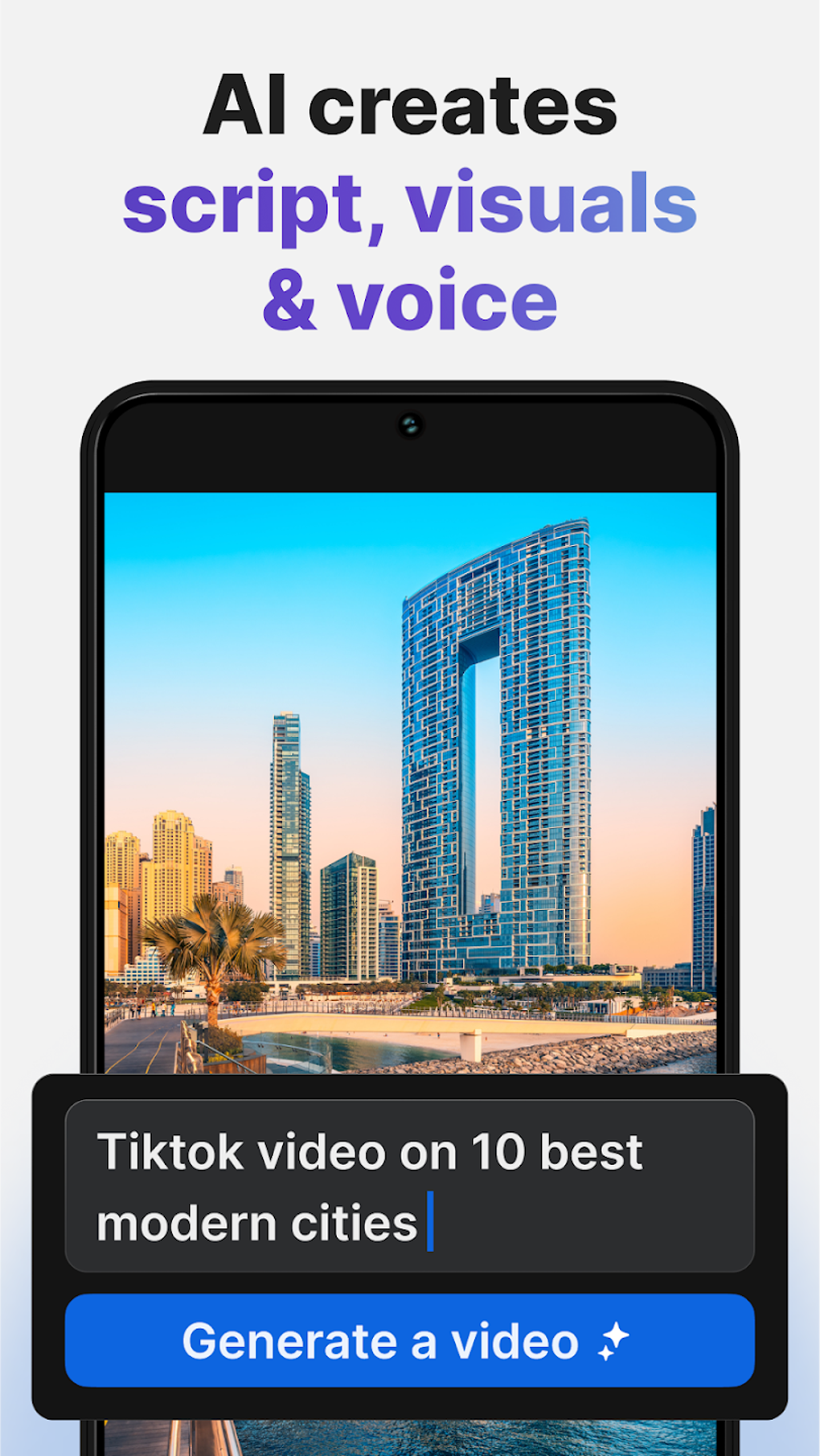
The core strength of invideo AI: Video Generator lies in its ability to automate various stages of video production. Users can simply input a topic or a brief description of their desired video content, and the AI engine takes over, generating a complete video package. This includes:
- Scriptwriting: The AI generates a script based on the provided input, ensuring a coherent and engaging narrative. Users can review and modify the script as needed, allowing for customization and refinement.
- Voiceover: invideo AI provides a library of realistic voiceovers in multiple languages. This eliminates the need for users to record their own voiceovers, saving time and effort. Additionally, the AI voice cloning feature allows users to create voiceovers that match a specific style or tone.
- Visuals: The app incorporates a vast library of royalty-free stock visuals, including images, video clips, and animations. These assets can be easily integrated into the generated video to enhance visual appeal and storytelling.
- Text and Graphics: invideo AI seamlessly incorporates text and graphic elements into the video, ensuring a professional and polished final product. Users can customize text styles, fonts, and colors to match their branding or preferences.
This streamlined process significantly reduces the time and effort required for video creation, empowering users to produce high-quality videos quickly and efficiently. The “Text to Video” and “AI Movie Maker” features further highlight the app’s commitment to simplifying the video production workflow.
Accessibility for All Creators: From Beginners to Professionals
invideo AI: Video Generator caters to a broad range of users, from those with no prior video editing experience to experienced creators. The intuitive interface and automated features make it incredibly easy for beginners to create professional-looking videos without needing extensive technical knowledge. Meanwhile, experienced users can benefit from the AI’s efficiency and leverage the extensive media library and customization options to produce highly polished and customized videos. The app’s regular updates ensure that the available features and the AI engine are constantly being improved, offering a continually evolving user experience.
Limitations and Considerations
While invideo AI: Video Generator offers a powerful and streamlined video creation experience, it’s essential to acknowledge certain limitations:
- Limited Manual Editing: The app’s primary focus is on automated video creation. Consequently, it offers limited options for manual editing and fine-tuning. Users seeking granular control over every aspect of their video’s production might find the app’s capabilities restrictive. Advanced users accustomed to sophisticated video editing software may find the lack of manual controls limiting.
- Customization Constraints: While invideo AI provides a vast library of assets and customization options, some niche or highly specific customization requests may exceed its current capabilities. Users with unique or highly tailored requirements might need to explore alternative solutions to achieve complete creative control.
- Dependence on AI: The app’s reliance on AI for scriptwriting, voiceovers, and visual selection might occasionally produce results that don’t perfectly align with a user’s vision. Users should be prepared to review and refine the AI-generated content to ensure it meets their specific expectations.
A Valuable Tool in the Creator’s Arsenal
Despite its limitations, invideo AI: Video Generator remains a valuable asset for anyone seeking efficient and high-quality video production. Its ease of use, extensive AI capabilities, and readily available media library make it an exceptional tool for various applications:
- Social Media Marketing: The app’s speed and efficiency make it ideal for creating engaging social media content, allowing businesses and individuals to rapidly produce promotional videos, tutorials, or engaging stories.
- Educational Content: invideo AI’s ability to generate scripts and voiceovers makes it an excellent tool for creating educational videos, allowing educators and trainers to easily produce informative and engaging content.
- Marketing and Advertising: The app’s capacity for creating professional-looking videos allows businesses to effectively utilize video in their marketing and advertising campaigns, reaching broader audiences with high-quality content.
The app’s regular updates continuously improve its functionalities, ensuring it remains a competitive and valuable tool for creators. While it may not replace traditional video editing software for users who require absolute control over the creative process, its speed, efficiency, and AI-powered features make it a valuable addition to any creator’s toolkit.
Comparison with Alternatives
Several competing AI-powered video generation tools exist in the market, each with its unique strengths and weaknesses. While a detailed comparison is beyond the scope of this review, some notable alternatives include Twisty: AI Video Generator, AI Video Generator - Novi AI, Clipfly - AI Video Generator, and Kling AI Video Generator. These alternatives offer similar functionalities, such as text-to-video conversion and AI-driven customization, but may differ in their specific features, pricing models, and ease of use. A thorough comparison of these alternatives is recommended before selecting the most suitable tool for individual needs. The choice between invideo AI and its competitors often depends on the user’s specific requirements, priorities, and technical expertise.
Ultimately, invideo AI: Video Generator provides a powerful and accessible platform for creating professional-looking videos without requiring extensive video editing expertise. Its strengths lie in its AI-driven automation, ease of use, and extensive media library. However, its limitations in manual editing and highly specific customization should be considered. Users who prioritize speed, efficiency, and ease of use will find invideo AI to be a valuable tool, while users demanding full creative control and granular editing options may need to explore other alternatives. The best choice depends on individual needs and preferences.
File Information
- License: “Free”
- Version: “3.10.1”
- Latest update: “August 11, 2025”
- Platform: “Android”
- OS: “Android 15.0”
- Language: “English”
- Downloads: “17.6K”
- Download Options: “Google Play”


