
iPiccy Photo Editor is a free Android application developed by iPiccy that provides users with a comprehensive suite of photo editing tools. This review delves into the app’s features, user experience, and overall effectiveness, aiming to provide a thorough assessment of its capabilities and limitations.
Powerful and User-Friendly Photo Editing Tools
iPiccy Photo Editor distinguishes itself through its blend of powerful editing capabilities and an intuitive, user-friendly interface. The app’s design prioritizes ease of use, making it accessible to both novice and experienced photo editors. The core functionality includes a wide range of essential tools such as cropping, rotating, resizing, and basic adjustments to brightness, contrast, and saturation. These fundamental features are executed smoothly and efficiently, allowing for quick and effective image modifications.
Beyond the basics, iPiccy Photo Editor offers a substantial collection of photo effects and filters, catering to diverse aesthetic preferences. These effects range from subtle enhancements to dramatic transformations, providing users with ample creative freedom to personalize their images. The app also boasts “PRO-level” photo enhancements, suggesting a level of sophistication typically found in more advanced, and often paid, photo editing software. This inclusion of advanced features within a free application significantly enhances its value proposition.
The auto-adjustment feature is a particular highlight. This one-click enhancement automatically analyzes the image and adjusts brightness, contrast, and color saturation, often producing impressive results with minimal user intervention. This function serves as an excellent starting point for editing, providing a solid foundation upon which users can further refine their images with more granular control. While the automated adjustments are effective, the app wisely allows for manual adjustments as well, giving users complete control over the final look and feel of their photos.
Intuitive Interface and Ease of Navigation
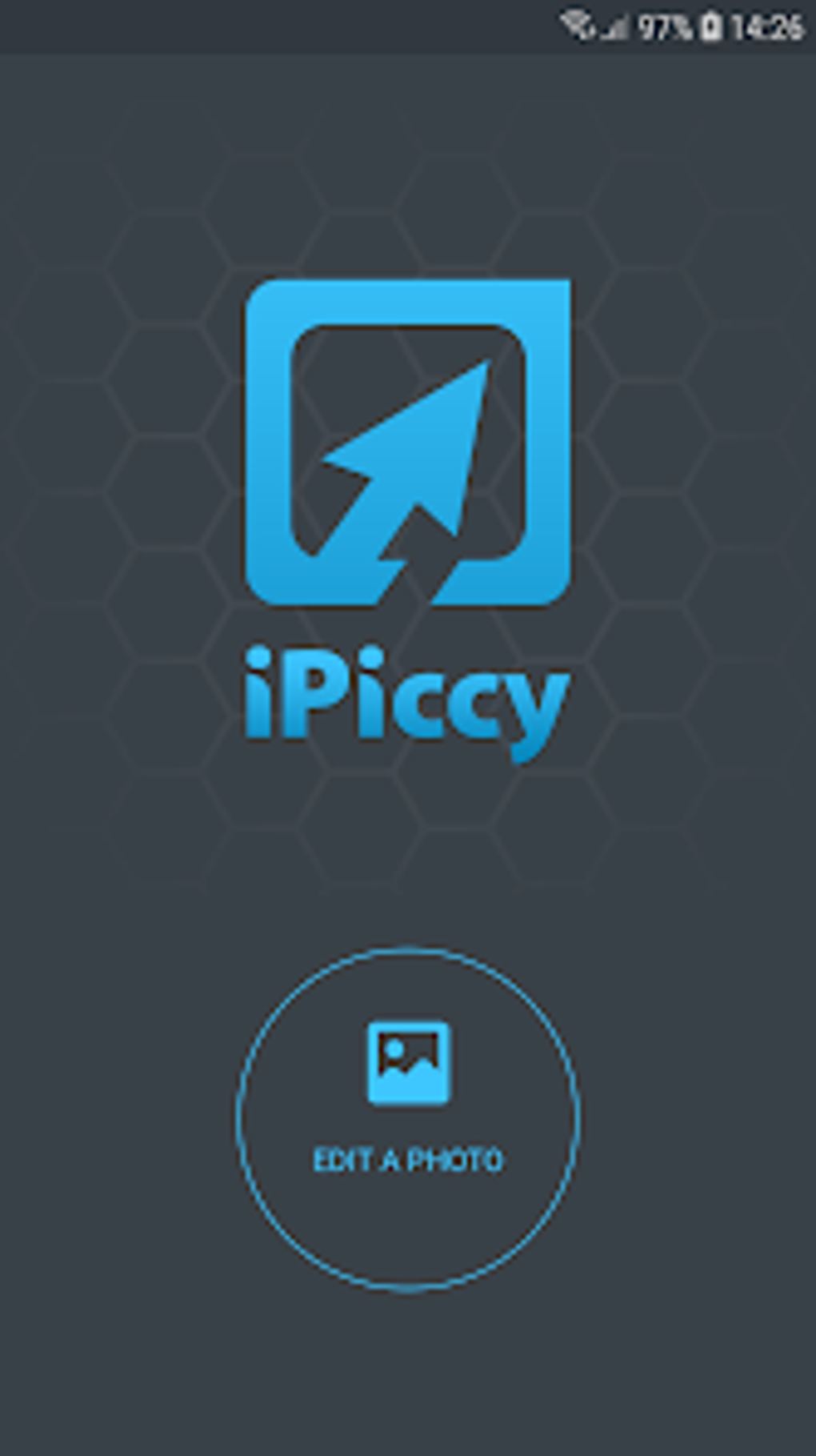
One of the most significant strengths of iPiccy Photo Editor is its user-friendly interface. The app’s layout is clean, organized, and intuitive, ensuring that users can easily locate and utilize the desired tools and features. The icons are clear and well-designed, and the overall navigation is smooth and seamless. Even users unfamiliar with photo editing software should find the app remarkably easy to navigate. This ease of use is a crucial factor contributing to the app’s overall appeal, making it accessible to a broad range of users, regardless of their technical expertise. The streamlined design minimizes clutter and distractions, allowing users to focus on the editing process itself rather than struggling with complex menus or confusing layouts.
The app’s design effectively balances accessibility with functionality. While the interface is straightforward, it doesn’t sacrifice the power and versatility of the editing tools. The features are well-integrated into the design, allowing for a natural workflow that promotes both efficiency and creativity. This seamless integration between usability and functionality is a testament to the thoughtful design process behind iPiccy Photo Editor.
Advanced Features and Professional-Grade Enhancements
While iPiccy Photo Editor excels in its ease of use, it also offers a range of advanced features typically found in professional-grade photo editing software. This unexpected depth of functionality adds considerable value to the application, exceeding the capabilities of many comparable free apps. The “PRO-level” enhancements mentioned earlier go beyond basic adjustments, offering more sophisticated tools for fine-tuning images and achieving high-quality results.
The inclusion of these professional-grade features caters to a wider audience, encompassing not only casual users but also those with more advanced editing needs. This duality – the ability to be both simple and sophisticated – makes the app versatile and attractive to a diverse user base. It allows novice users to quickly enhance their photos with ease, while providing more experienced users with the tools to achieve more intricate and professional results.
Performance and App Stability
The overall performance of iPiccy Photo Editor is generally smooth and responsive. Image processing times are typically quick, even for larger files. The app’s stability is also noteworthy, with minimal instances of crashing or freezing reported. This consistent performance enhances the user experience, preventing disruptions and maintaining a positive workflow. The app’s ability to handle high-resolution images without significant lag is also a testament to its well-optimized code and efficient processing capabilities. This efficiency is crucial in ensuring a smooth and frustration-free user experience, regardless of the complexity of the editing tasks undertaken.
Comparison with Other Photo Editors
Compared to other free photo editing apps on the Android platform, iPiccy Photo Editor holds its own exceptionally well. Many free alternatives offer a limited selection of tools and features, often lacking the depth and sophistication of iPiccy. While some apps may specialize in specific aspects of photo editing, such as filters or collage creation, iPiccy presents a more comprehensive and balanced approach. It integrates a wide range of tools into a single, user-friendly package, offering a versatile and convenient solution for most users’ photo editing needs.
Furthermore, the inclusion of advanced features and PRO-level enhancements sets iPiccy Photo Editor apart from many of its free competitors. Many free alternatives are often limited to basic adjustments and simple filters, lacking the advanced capabilities and sophisticated tools that iPiccy provides. This difference in functionality solidifies iPiccy’s position as a superior choice for users seeking a more robust and feature-rich photo editing experience without incurring any costs.
Conclusion: A Must-Have for Android Photo Enthusiasts
iPiccy Photo Editor delivers a compelling combination of powerful features, user-friendly design, and impressive performance. Its intuitive interface makes it accessible to users of all skill levels, while its comprehensive suite of tools caters to both casual and advanced photo editing needs. The inclusion of professional-grade enhancements and the exceptional ease of use truly set it apart from other free Android photo editors. For Android users who enjoy taking photos and want a versatile, reliable, and easy-to-use photo editing app, iPiccy Photo Editor is a must-have. Its free nature only enhances its appeal, making it an extremely valuable addition to any Android device. The app’s continuous development and updates promise further improvements and additions in the future, making it an even more compelling option for photo enthusiasts. The thoughtful design and attention to detail shown in its creation are evident in the seamless and enjoyable user experience it provides.
File Information
- License: “Free”
- Version: “1.2”
- Latest update: “June 12, 2023”
- Platform: “Android”
- OS: “Android 13.0”
- Language: “English”
- Downloads: “208”
- Download Options: “Google Play”


