
iScreen - Widgets Themes is an iPhone application offering extensive customization options for users seeking to transform their device’s interface. Boasting over 500 widgets and a vast array of themes, wallpapers, and charging animations, the app caters to individuals who value a highly personalized and interactive home screen experience. This review explores its functionalities, advantages, and potential drawbacks, helping you determine if it’s the right choice for your iPhone customization needs.
A Plethora of Widgets and Themes: Customization at Your Fingertips
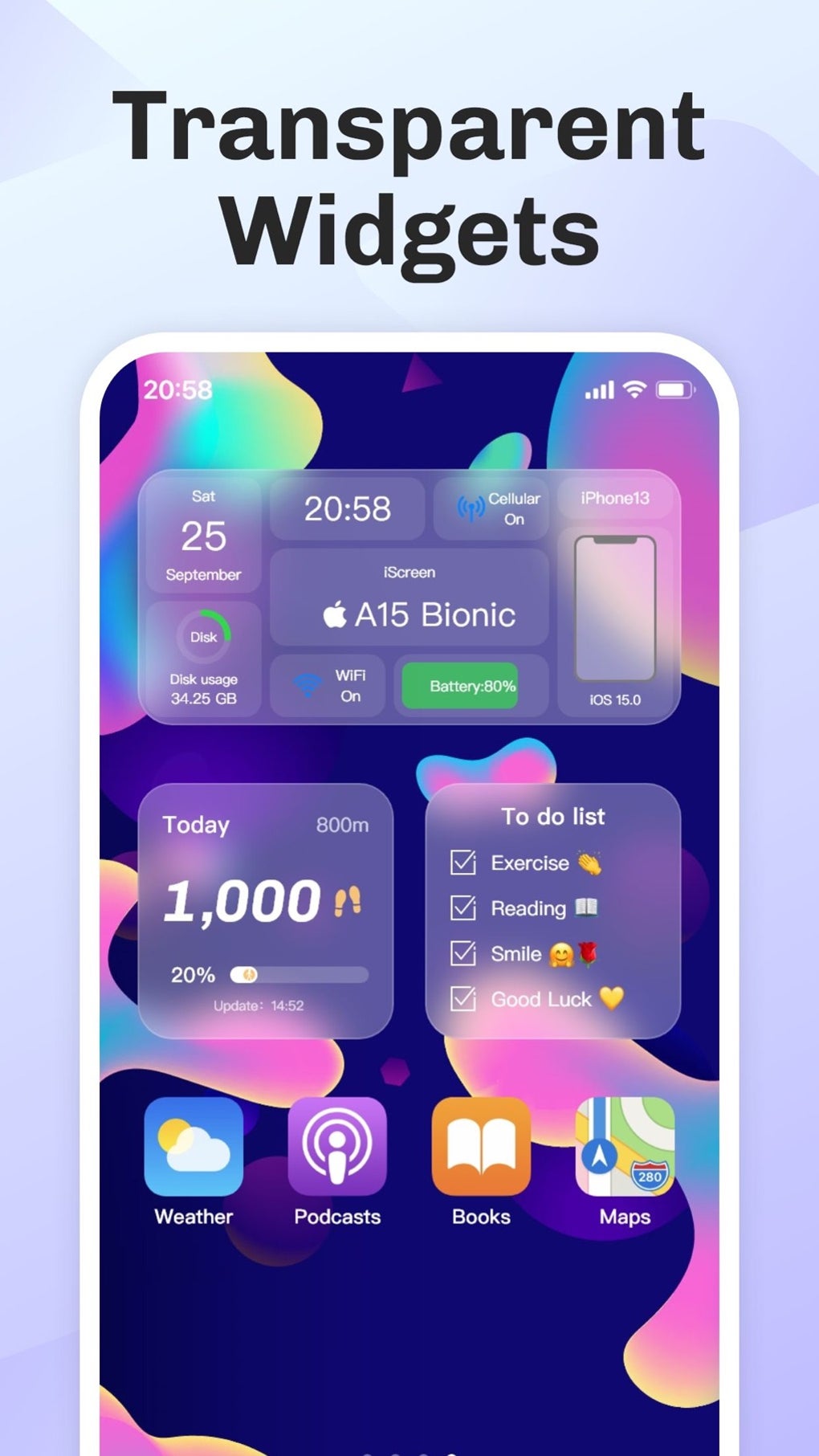
The core strength of iScreen - Widgets Themes lies in its sheer volume of customization options. The app provides access to over 500 widgets, covering a wide spectrum of functionalities and aesthetic styles. These widgets aren’t merely static elements; they are designed to be interactive and dynamic, bringing a new level of engagement to the iPhone home screen. This range extends beyond basic informational widgets to include more creative and playful options, allowing for a truly unique personalization journey.
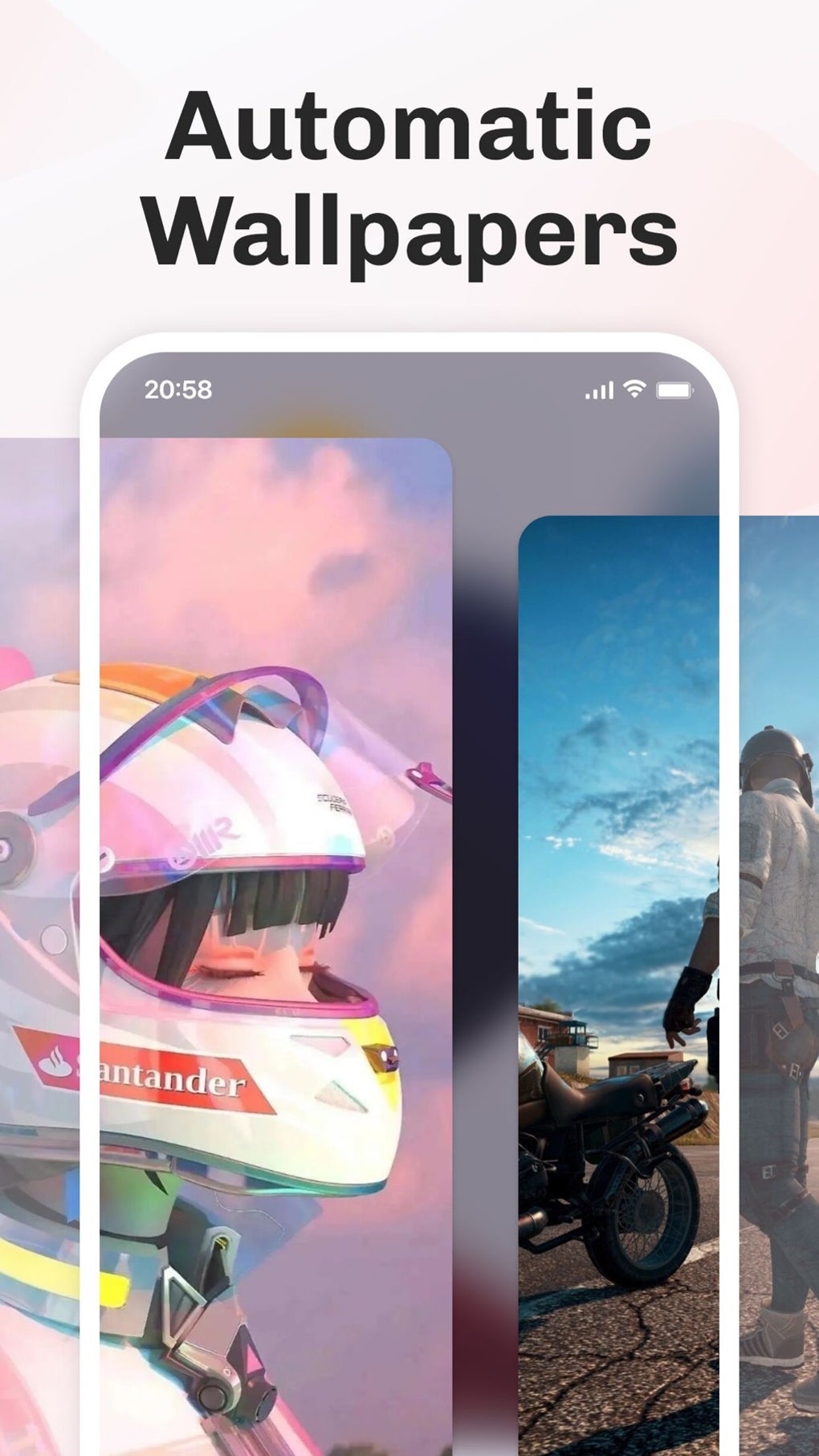
The thematic variety is equally impressive. iScreen - Widgets Themes offers a diverse selection of themes, allowing users to easily switch between different visual styles to match their mood or preferences. These themes are not limited to simple color changes; they often incorporate unique icon sets, wallpaper designs, and even custom charging animations, creating a cohesive and immersive visual experience. The app provides a seamless and intuitive user experience when navigating and applying these various themes and widgets. The process is streamlined, making it straightforward even for those new to extensive phone customization. Users can effortlessly browse through the options, preview their effects, and make changes with minimal effort.
Practical Functionality Meets Creative Flair
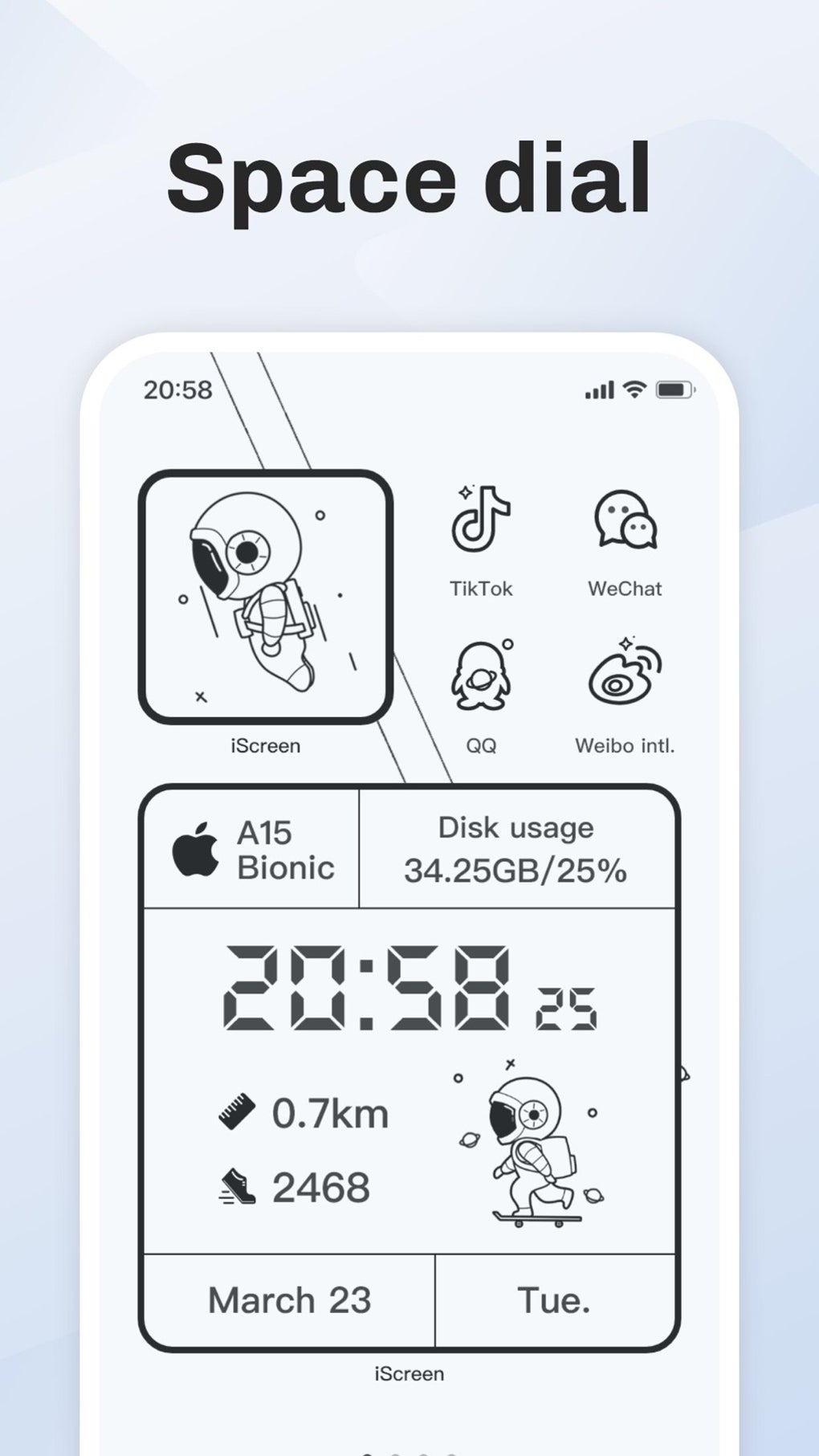
Beyond its aesthetic appeal, iScreen - Widgets Themes provides numerous practical widgets that enhance the usability of the iPhone. The app incorporates iOS 17-compatible widgets, such as StandBy widgets for horizontal charging displays. These widgets present crucial information at a glance, enhancing efficiency and reducing the need to constantly unlock the phone for simple information checks. Users can tailor their lock screen with widgets displaying weather information, battery status, and other essential details, ensuring immediate access to crucial information.
However, the app doesn’t stop at practicality. It blends practical functionalities with highly creative features. Interactive widgets, for example, can serve as mini-games or quick decision-making tools, turning otherwise mundane screen real estate into engaging interactive spaces. The inclusion of emojis and animations in widgets adds a playful and expressive dimension, allowing users to personalize their home screens with their unique personalities.
Furthermore, the app leverages the iPhone’s Dynamic Island feature, adding a unique touch to the overall customization experience. Users can create customizable islands for pets, plants, or other interactive elements, seamlessly integrating this feature into the overall thematic scheme. This level of attention to detail and the incorporation of the latest iOS features demonstrate the app’s commitment to staying current and relevant to its users. The ability to seamlessly integrate with iOS 17 and its functionalities showcases the app’s responsiveness to the evolving iOS environment and user needs.
The Double-Edged Sword of Customization: An Abundance of Choices
While the vast array of widgets and themes is undoubtedly a strength, it can also be a double-edged sword. The sheer number of options can be overwhelming for users who prefer a simpler, more minimalist approach to their iPhone interface. For those accustomed to a streamlined and less cluttered home screen, the app’s extensive options may feel overwhelming, potentially detracting from the user experience instead of enhancing it. The abundance of choice may require a significant time investment in browsing and selecting options, potentially becoming a tedious task for users who prefer simplicity.
This potential drawback highlights the importance of understanding one’s personal preferences before using the app. Users who appreciate extensive customization and enjoy exploring a large range of options will likely find the app highly fulfilling. Conversely, those who value simplicity and a clutter-free interface might find the vast selection overwhelming and ultimately counterproductive. Therefore, self-awareness of one’s preferred level of customization is vital before engaging with iScreen - Widgets Themes.
Dynamic Island Integration and Beyond: Exploring Advanced Features
iScreen - Widgets Themes goes beyond standard widget customization by integrating advanced features, such as the innovative use of the Dynamic Island. This integration transforms the Dynamic Island into a more dynamic and interactive element of the home screen, providing a unique and personalized experience. The customization options available for the Dynamic Island are varied and allow users to create personalized representations for various aspects of their lives, such as pet health trackers, plant care reminders, or interactive progress displays for personal goals.
This advanced functionality is a testament to the developer’s commitment to staying at the forefront of iOS customization. It showcases a keen understanding of the latest iOS features and demonstrates an ability to integrate those features in creative and practical ways, creating a unique and engaging user experience. The effort invested in developing and implementing these advanced features highlights the commitment to providing users with a cutting-edge customization experience.
Ease of Use and User Interface: A Balanced Approach
Despite the abundance of choices, the app strives to maintain a user-friendly interface. The navigation is intuitive, and the process of applying themes and widgets is generally straightforward. However, the sheer scale of customization options might still present a learning curve for new users, requiring some time investment to explore and understand the complete range of features and functions. Users accustomed to a simple, minimalist interface might require more time to adapt to the app’s extensive options and functionalities.
The app developers could potentially address this by providing more comprehensive onboarding and tutorials to guide new users through the many available features. A more structured approach to learning the interface could further enhance user experience, particularly for those accustomed to less extensive customization apps. This potential improvement would help mitigate the potential challenges posed by the sheer volume of customization options.
iScreen - Widgets Themes: Who is it for?
iScreen - Widgets Themes is an ideal choice for users who appreciate extensive customization and value a high level of interactive personalization on their iPhone. It caters particularly well to individuals who enjoy exploring a wide range of themes, widgets, and functionalities, actively shaping their device’s interface to reflect their personality and preferences. Those who are comfortable investing the time to explore and learn the app’s features will find it highly rewarding.
However, it may not be the best option for users who prefer a more minimalist or streamlined interface. Individuals who appreciate a less cluttered home screen and prioritize ease of use over extensive customization might find the app’s expansive features overwhelming and unnecessary. Such users might benefit from exploring alternative apps offering a more focused and less extensive set of customization choices.
Ultimately, the decision of whether or not to use iScreen - Widgets Themes hinges on individual preferences. Understanding one’s own needs and expectations concerning iPhone customization is crucial before adopting the app. The app’s strengths lie in its extensive customization options, yet this very strength can also represent a significant drawback for certain users.
Conclusion: A Powerful Tool for the Dedicated Customizer
iScreen - Widgets Themes provides an impressive range of customization options for iPhone users. Its large selection of widgets, diverse themes, and innovative Dynamic Island integration set it apart. However, its sheer breadth of options might be overwhelming for those preferring a simpler interface. The app’s success lies in its ability to cater to a specific user demographic: those who enjoy extensive customization and are comfortable exploring numerous options to create a truly personalized iPhone experience. For such users, iScreen - Widgets Themes offers a powerful and rewarding experience. But for those seeking a more streamlined approach, exploring alternative, less expansive apps might be a better fit.
File Information
- License: “Free”
- Version: “4.2.85”
- Latest update: “August 10, 2025”
- Platform: “iPhone”
- OS: “iOS 16.4”
- Language: “English”
- Downloads: “12.5K”


