iWebTV was a free Android application developed by MunDevelop that offered a seamless solution for casting online videos to your television. Unlike screen mirroring apps, which often compromise video quality, iWebTV streamed the video directly to your media player, resulting in significantly improved picture clarity and resolution. This innovative approach made it a popular choice among users seeking a superior viewing experience. Unfortunately, the app is no longer available for download, possibly due to discontinuation, security concerns, or other unforeseen circumstances. This review will explore the features and functionality that made iWebTV a standout app in its time, offering insights into its capabilities and providing context for why it was so well-regarded.
While the app itself is no longer accessible, understanding its features provides valuable context for what to look for in similar applications currently available on the market. This review will highlight the key aspects that contributed to iWebTV’s success and popularity.
App Features and Functionality
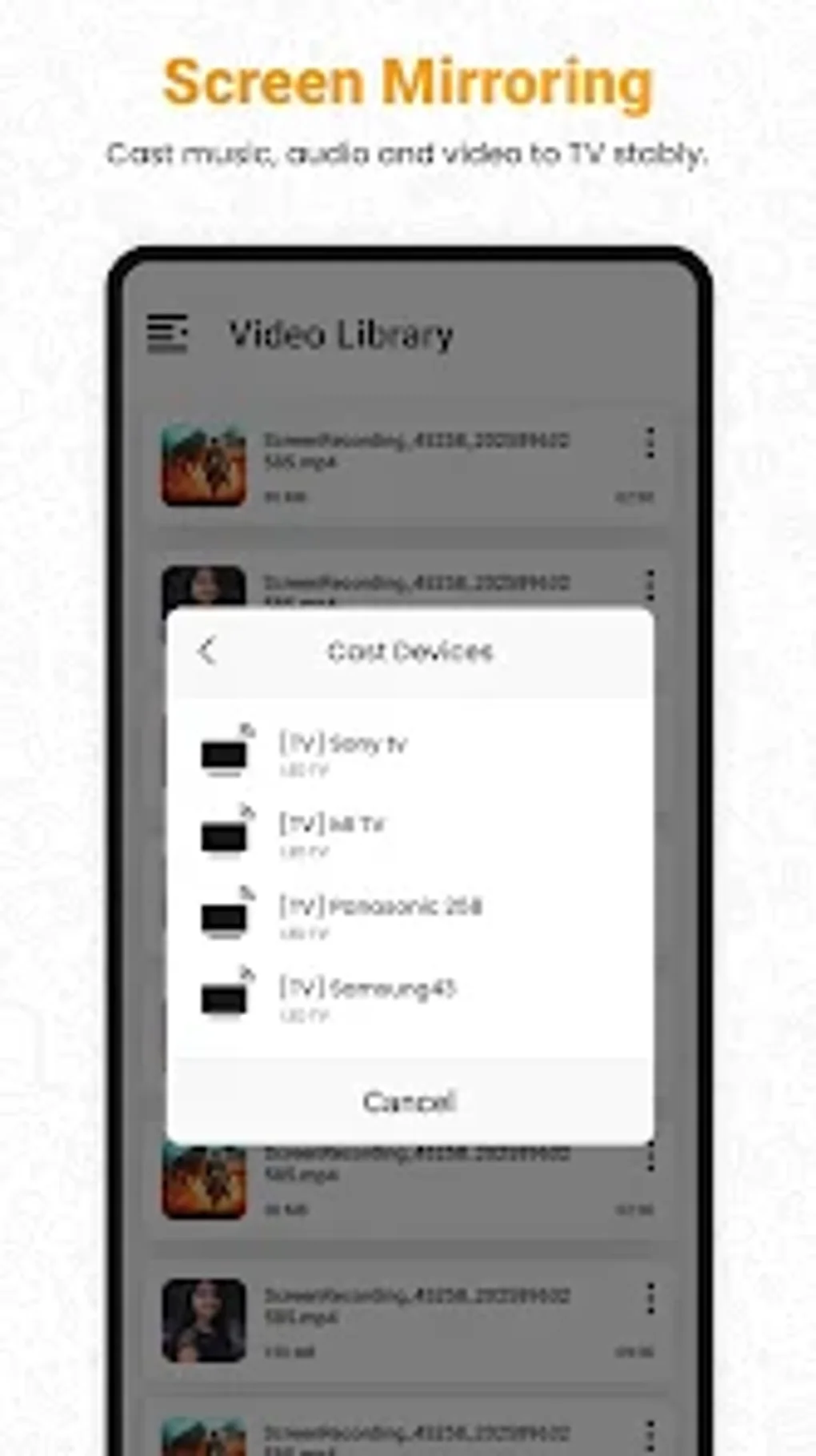
iWebTV’s core functionality was its ability to cast web videos to a variety of smart TV platforms. Its compatibility extended to popular devices such as Chromecast, Roku, Fire TV, Apple TV (4th generation), and smart TVs incorporating Roku, Fire TV, or Chromecast technology. This broad compatibility ensured accessibility for a wide range of users. The app boasted impressive resolution capabilities, supporting HD quality and even up to 4K resolution, depending on the capabilities of the connected devices and the source video. This attention to high-quality streaming was a key differentiator.
Beyond its core casting functionality, iWebTV offered a robust set of advanced browsing features designed to enhance the user experience. These included the ability to open multiple browser tabs simultaneously, facilitating efficient navigation and multitasking. An integrated ad-blocker further streamlined the browsing experience, removing intrusive advertisements and providing a cleaner, more focused viewing environment. The app also maintained a comprehensive browsing history, allowing users to easily revisit previously viewed videos or websites.
Live stream support was another significant feature, catering to users who enjoyed watching live events or online broadcasts. This capability made iWebTV a versatile tool for consuming a wide range of online content. Furthermore, the app included a built-in movie/TV subtitle library, addressing the needs of users who required subtitles for language accessibility or preferred captioned viewing.
For enhanced ease of navigation, iWebTV allowed users to preview up to 72 snapshots of a video. This innovative feature allowed for quick identification of desired scenes and facilitated efficient navigation within longer videos. The ability to queue multiple videos ensured uninterrupted viewing, enhancing the overall user experience by minimizing downtime between content. Users could also personalize their experience by setting custom homepages, bookmarking frequently accessed web pages and videos for quick access, enhancing organization and streamlining the viewing process.
The app offered comprehensive playback controls, both within the app itself and even from the lock screen after exiting the app. This added convenience improved usability and minimized interruptions during playback. Moreover, iWebTV prioritized user privacy by providing anonymous and private browsing modes, allowing users to control their online visibility and maintain a sense of security.
Apps Similar to iWebTV
Given the unavailability of iWebTV, several alternative applications offer similar functionalities. These apps may vary in features, interface design, and supported platforms, but generally aim to provide a similar experience of casting web videos to a TV. Researching and comparing these alternatives is crucial for finding a suitable replacement based on individual needs and preferences. The specific features to prioritize in an alternative would include compatibility with your smart TV system, resolution support, ease of use, and the inclusion of advanced browsing options, such as ad-blocking and multiple tab support. User reviews and ratings can provide valuable insights into the performance and reliability of alternative apps.
Games and Entertainment Features (Speculative, based on capabilities)
While not explicitly stated in the original description, iWebTV’s browser capabilities likely opened up avenues for accessing online games and entertainment. The app’s ability to support multiple tabs and handle web streaming suggests it could have accommodated browser-based games or streaming services. The availability of subtitles hints towards the potential for streaming movies or shows directly from supported websites. However, it’s important to note this is a speculative extension based on the app’s technical capabilities rather than explicit documentation. The focus remained primarily on video casting.
News and Information Access
iWebTV’s web browser capabilities would have enabled users to access news websites and other online information sources. Its integrated ad-blocker would have improved the browsing experience by removing potentially distracting or intrusive advertisements. The multiple tab feature would have allowed users to simultaneously access various news outlets or information sources, facilitating efficient research and news gathering. Again, this was an indirect benefit arising from the app’s core functionality as a web browser wrapper for casting to a television.
iWebTV for Business Use (Speculative)
Though not marketed specifically for business use, iWebTV’s capabilities could have found applications in professional settings. The ability to cast presentations, training materials, or marketing videos to a larger screen would have been a potential benefit. The feature to queue multiple videos could have been useful in facilitating seamless transitions between presentations or video segments. The high-resolution output further enhances the visual impact of presentations. However, this was not a primary focus of the app, and the lack of dedicated business-oriented features would limit its usefulness in this sector compared to apps designed specifically for business presentations.
Android App Specifics and Considerations
iWebTV was exclusively an Android application. This limited its accessibility to users of other mobile operating systems like iOS. The app was designed for Android versions 13.0 and higher, limiting compatibility with older Android devices. The developer, MunDevelop, appears to have been a single entity or small development team, which might explain the lack of widespread support and maintenance for the application after its initial release.
The app’s reliance on the user’s internet connection played a crucial role in the streaming quality and experience. A stable and fast internet connection was essential for optimal video casting. Network issues could negatively impact performance and viewing quality.
Lifestyle and Personal Use
iWebTV significantly enhanced the ease and convenience of enjoying online video content on a larger screen. Its diverse range of features appealed to a variety of personal interests, from watching movies and TV shows to catching up on news and live events. The ability to easily share content with family and friends within a home entertainment setting would have increased its appeal for broader use. The user interface, though not described in detail, seemed likely to be designed for user-friendly navigation and control of playback.
Conclusion
iWebTV offered a unique and efficient approach to casting web videos to television. Its focus on high-quality streaming, advanced browsing features, and user-friendly design resulted in a positive reception from users. While the application is no longer available, its design principles and functionality serve as a valuable benchmark for evaluating similar applications currently available on the market. The lessons learned from iWebTV’s success highlight the demand for versatile, user-friendly, and high-quality video casting apps. Choosing an alternative application should involve careful consideration of features, compatibility, and user reviews to find the best replacement for the discontinued iWebTV.
File Information
- License: “Free”
- Version: “1.0”
- Latest update: “May 6, 2025”
- Platform: “Android”
- OS: “Android 13.0”
- Language: “English”
- Downloads: “1.7K”
- Download Options: “Google Play”