
TechSmith Capture, formerly known as Jing, was a widely popular and user-friendly screen capture application that streamlined the process of capturing screenshots and short screen recordings. Its intuitive interface and seamless sharing capabilities made it a favorite among many users, although its eventual discontinuation left a void in the market for a simple, yet powerful, screen capture solution. This article delves into the features, functionalities, and overall impact of Jing, exploring its strengths, weaknesses, and its lasting legacy in the world of screen capture software.
Jing’s Core Functionality: Simple, Yet Effective
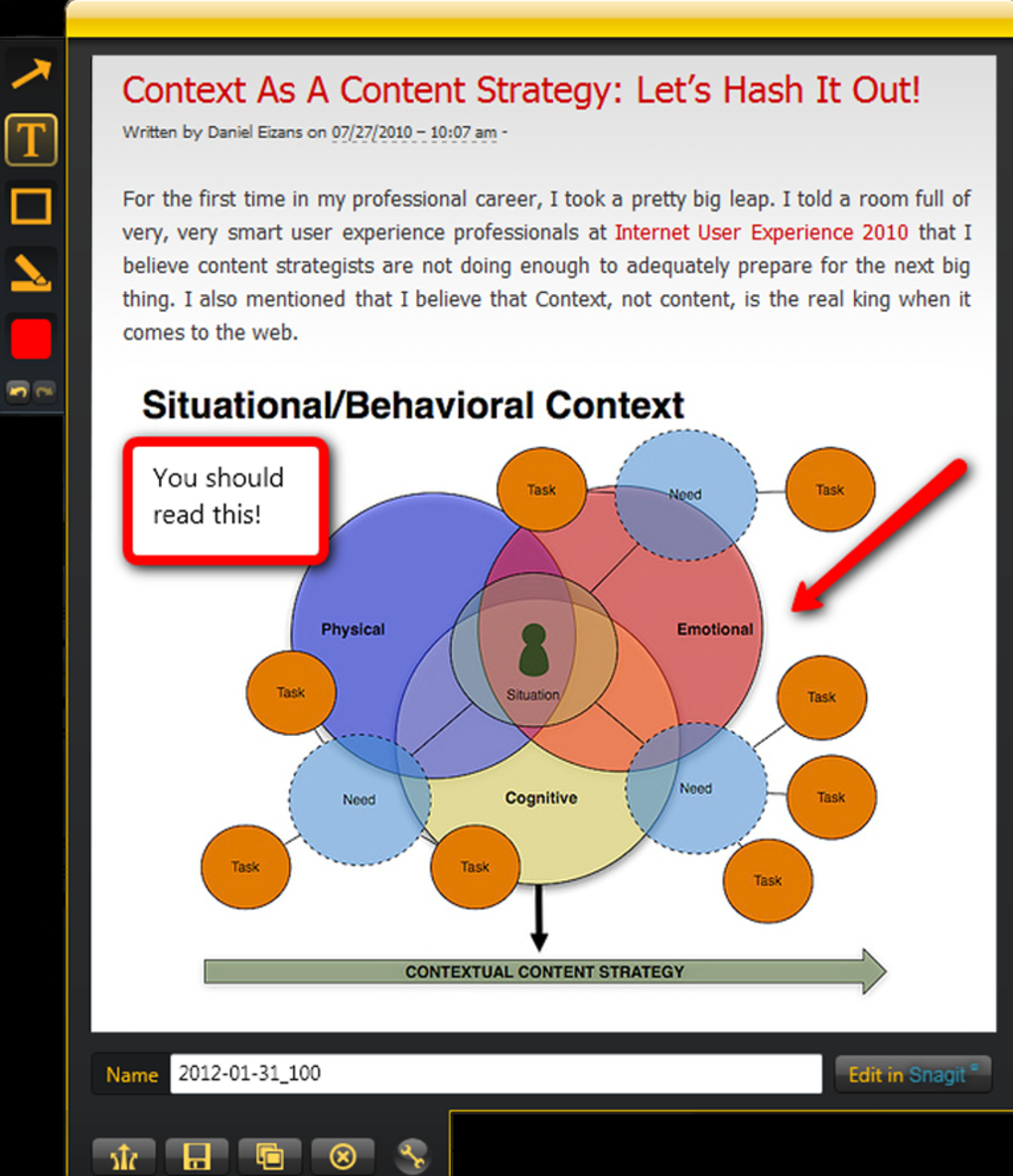
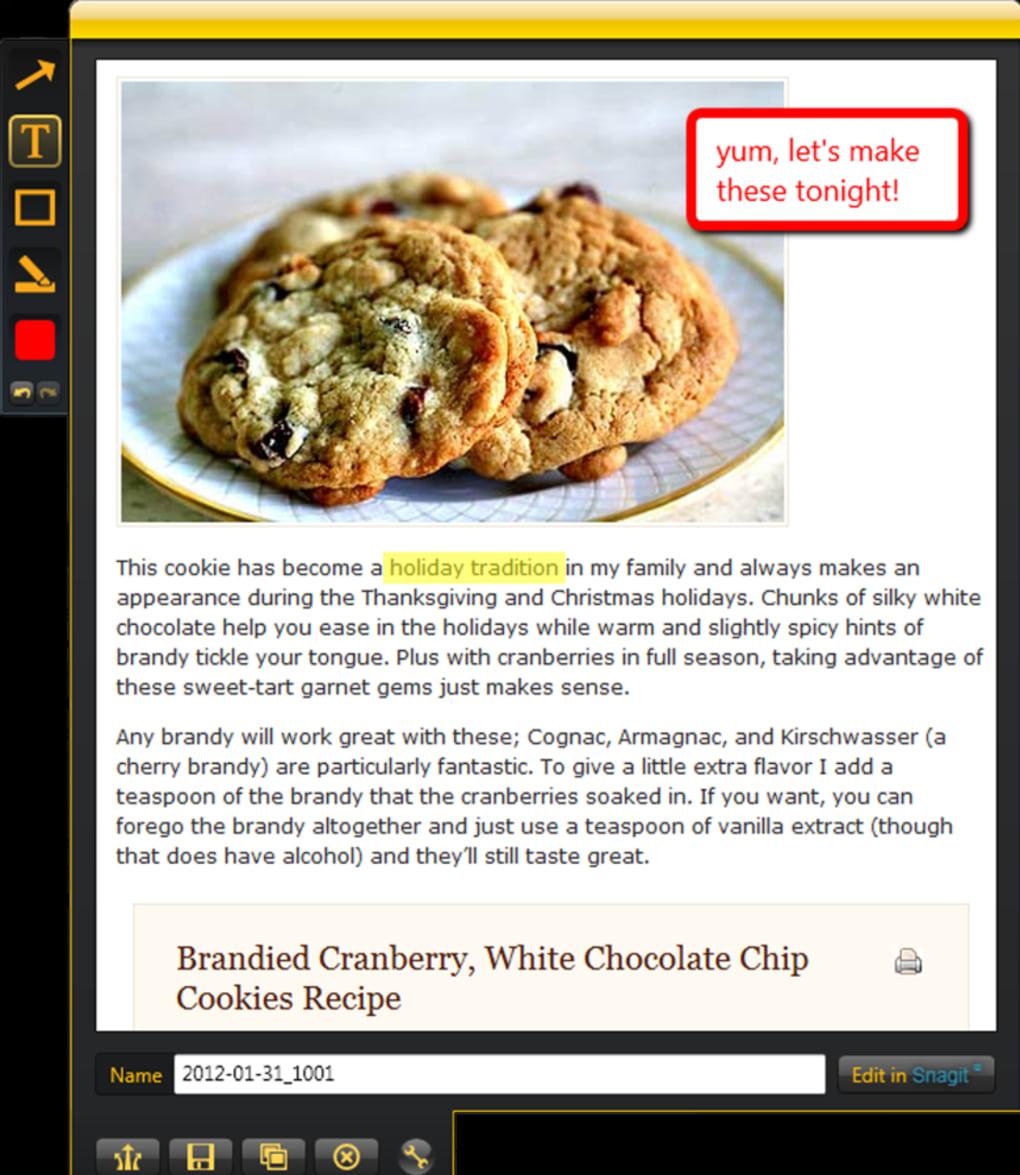
At its heart, Jing was designed for simplicity. Its primary function was to enable users to quickly and easily capture screenshots and short screen recordings (up to 5 minutes) of their computer screens. This core functionality was executed exceptionally well. The application’s small footprint and minimal resource usage ensured that it ran smoothly on most systems without causing performance issues, even on less powerful machines. The interface was clean and uncluttered, guiding users through the capture process with minimal fuss. Users could select a specific region of the screen for capture or opt to capture the entire screen with a single click. After capture, users could add simple annotations, such as text boxes, arrows, and highlights, to further clarify the captured content.
Jing’s ease of use was a key factor in its widespread adoption. It eliminated the need for complex configuration settings or extensive tutorials. Even novice users could quickly grasp the fundamentals and begin capturing screenshots and recordings within minutes of installation. This simplicity was crucial in making screen capture accessible to a broader audience, surpassing the limitations of traditional print screen methods and more complex screen recording software.
Beyond the Basics: Sharing and Collaboration
One of Jing’s standout features was its seamless integration with Screencast.com, a now-defunct TechSmith platform for hosting and sharing screen recordings and screenshots. This direct integration simplified the sharing process significantly. Users could upload their captured content to Screencast.com directly from the application, generating a unique URL that could be easily shared via email, instant messaging, or embedded in blog posts or websites. This streamlined workflow was a major advantage over competing applications that often required manual uploads to external platforms. While Screencast.com is no longer operational, the concept of immediate sharing directly from the application remains a highly desirable feature in modern screen capture tools.
Furthermore, later versions of Jing integrated directly with Facebook, allowing users to share their captured content directly to their Facebook timelines and messages. This added layer of social media integration further enhanced the application’s ease of use and broadened its appeal to a more socially connected user base. This feature highlighted Jing’s adaptability to the ever-evolving landscape of online communication and collaboration.
Strengths and Weaknesses: A Balanced Perspective
While Jing enjoyed immense popularity, it wasn’t without its shortcomings. Its ease of use was counterbalanced by a limited feature set compared to more advanced screen recording applications. The five-minute recording limit, for instance, was a significant constraint for users who required longer recordings. Also, the reliance on Screencast.com for sharing, while convenient at the time, became a point of vulnerability when the platform eventually shut down. This highlighted the risks associated with relying on external services for core application functionalities.
However, Jing’s strengths significantly outweighed its weaknesses for its target audience. The speed and ease of capturing and sharing images and short videos made it ideal for quick demonstrations, tutorials, and casual screen sharing. The clean interface and efficient workflows meant that the application rarely got in the way of the task at hand. This focus on simplicity was a strategic advantage for Jing, appealing to a broad range of users who prioritized usability over advanced features.
Comparison to Competitors: A Niche Player
Jing occupied a distinct niche in the market. It wasn’t aiming to compete with professional-grade screen recording software, such as Camtasia (also from TechSmith), which offered advanced editing capabilities and longer recording times. Instead, Jing catered to the needs of everyday users who needed a quick and easy way to capture and share screen content.
Competitors such as Snagit provided a wider range of features, but often came with a steeper learning curve. Other free screen capture tools often lacked the seamless sharing functionality that was a core component of Jing’s design. Jing’s simplicity and efficient sharing capabilities made it a strong contender, even against more feature-rich alternatives. Its strengths lay in its ability to effortlessly bridge the gap between simple screenshot capture and immediate content sharing, a critical feature for quick collaboration and informal communication.
The Legacy of Jing: A Simple Solution, Remembered Well
Although Jing is no longer actively developed or supported, its impact on the screen capture software landscape is undeniable. It helped popularize the concept of simple, yet effective, screen capture tools, paving the way for many similar applications that focus on ease of use and quick sharing. Its intuitive design and straightforward functionality serve as a testament to the power of simplicity in software design.
While more advanced tools now dominate the market, offering a broader array of features, many users still fondly remember Jing for its ease of use and quick sharing capabilities. Its legacy lives on in the countless applications inspired by its core principles: simple, effective screen capture designed for seamless sharing. Its focus on usability remains a valuable lesson for developers aiming to create software that is truly accessible and enjoyable to use, irrespective of technical expertise. The simplicity that defined Jing continues to resonate in the world of software design, reminding developers of the value of focusing on the core user experience. The simplicity and user-friendliness that defined Jing’s success continue to influence the development of screen capture tools. Even as newer, more feature-rich applications emerge, the spirit of Jing – a quick, easy, and shareable screen capture solution – continues to inspire developers in their pursuit of user-centered design.
File Information
- License: “Free”
- Latest update: “May 23, 2023”
- Platform: “Windows”
- OS: “Windows XP”
- Language: “English”
- Downloads: “700.5K”
- Size: “15.06 MB”


