
JNES is a freeware emulator for the Nintendo Entertainment System (NES), allowing users to play classic NES games on their Windows PCs. Released in 2012 by Jabo, this lightweight application boasts a surprisingly robust feature set considering its compact size and straightforward interface. Its enduring popularity is evidenced by its consistent downloads, demonstrating a continued interest in retro gaming and the accessibility JNES provides to a vast library of nostalgic titles. This in-depth review will examine JNES’s features, performance, ease of use, and overall value proposition, comparing it to alternatives and addressing potential limitations.
JNES Functionality and Features
JNES’s primary function is straightforward: emulating NES ROMs. Users can load ROM files (the digital representation of NES game cartridges) and play them within the JNES interface. While lacking some of the advanced features found in more feature-rich emulators, JNES excels in its simplicity and compatibility. The core emulation capabilities are reliable, offering a smooth gameplay experience for most titles. Savestates are supported, allowing players to pause their progress at any point and return later, a crucial feature for games with challenging sections or lengthy play sessions.
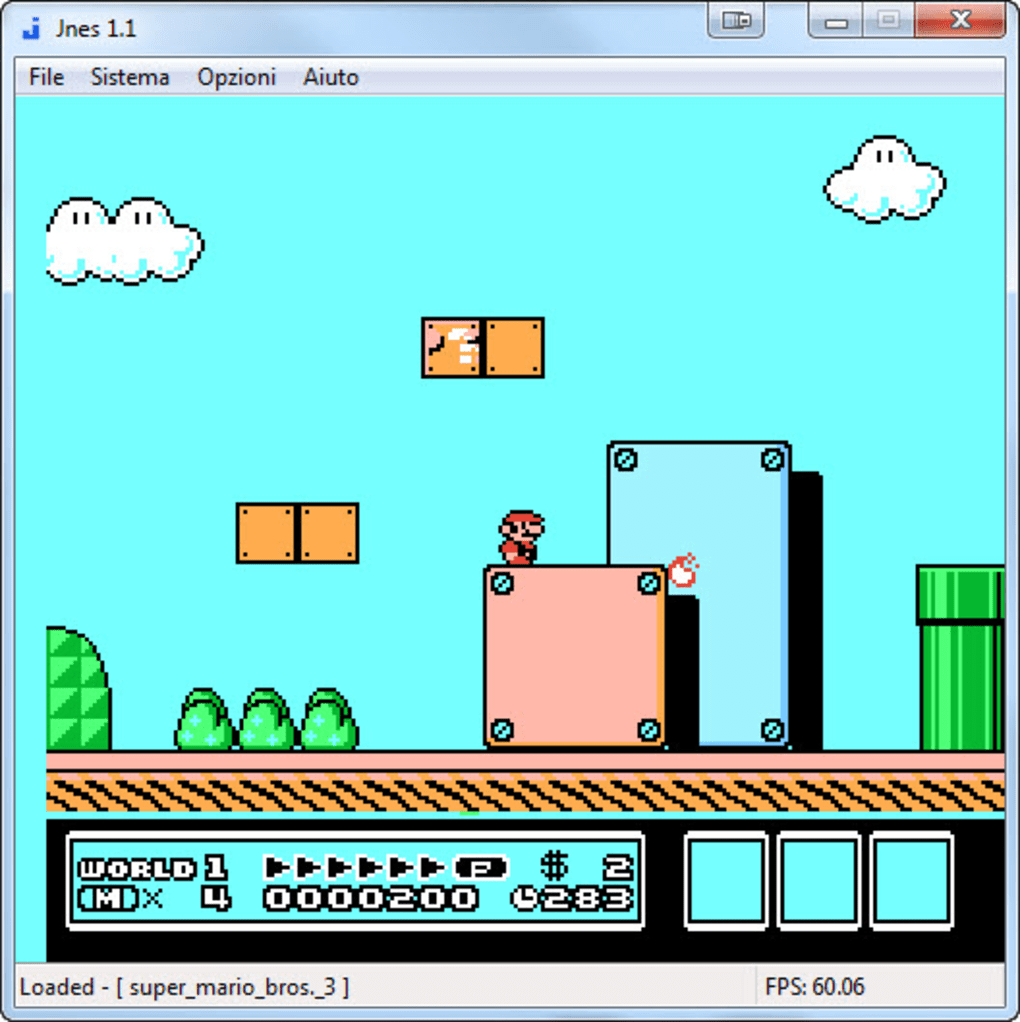
Beyond its basic emulation capabilities, JNES offers several additional features:
-
Controller Support: JNES provides comprehensive support for various controllers, allowing players to utilize both keyboard controls and external gamepads. This flexibility caters to individual preferences and enhances the overall gaming experience. The ability to customize key mappings further personalizes the controls.
-
Sound Emulation: JNES accurately recreates the characteristic NES sound chip, providing an authentic audio experience. The sound emulation is generally clear and consistent, enhancing the retro feel of the gameplay.
-
Screen Resolution: While not offering a wide range of resolution options, JNES allows users to adjust the screen size and aspect ratio to some degree, improving visual clarity on modern displays.
-
Multi-Language Support: The application itself is available in multiple languages, including English, Spanish, German, French, Italian, Japanese, and several others, making it accessible to a broad international user base. This reflects the global appeal of NES games and the emulator’s dedication to inclusivity.
-
Lightweight Design: One of JNES’s most significant advantages is its minimal system requirements. Its small footprint makes it ideal for users with older or less powerful machines, eliminating the performance issues often associated with more demanding emulators.
Ease of Use and User Interface
JNES distinguishes itself through its user-friendly interface. The straightforward layout makes it intuitive for both novice and experienced emulator users. Loading ROMs is a simple drag-and-drop process, eliminating the need for complex menu navigation. The controls are easily customizable, allowing players to adjust keybindings to suit their preferences. The lack of overwhelming options contributes to the overall ease of use, making JNES accessible even for those unfamiliar with emulators.
The minimal interface avoids the complexity often found in more feature-rich alternatives, prioritizing simplicity and immediate gameplay access. However, this simplicity comes at the cost of some advanced features often found in other emulators, potentially limiting its appeal to power users who require granular control over emulation settings.
Performance and Compatibility
JNES generally provides a smooth emulation experience, especially considering its lightweight nature. While it might not match the performance of some more advanced emulators, especially on very demanding games, it delivers a playable experience for the vast majority of NES titles. The smooth emulation of both visuals and audio contributes to the overall positive gaming experience.
Compatibility is another area where JNES performs well. It has been shown to reliably emulate a wide range of NES games, and the emulator’s developers actively addressed compatibility issues over the years through updates. However, like all emulators, JNES may encounter minor compatibility problems with a few specific games. This is often due to the quirks and variations in the original ROMs, rather than any limitations within the emulator itself.
Comparison with Alternative NES Emulators
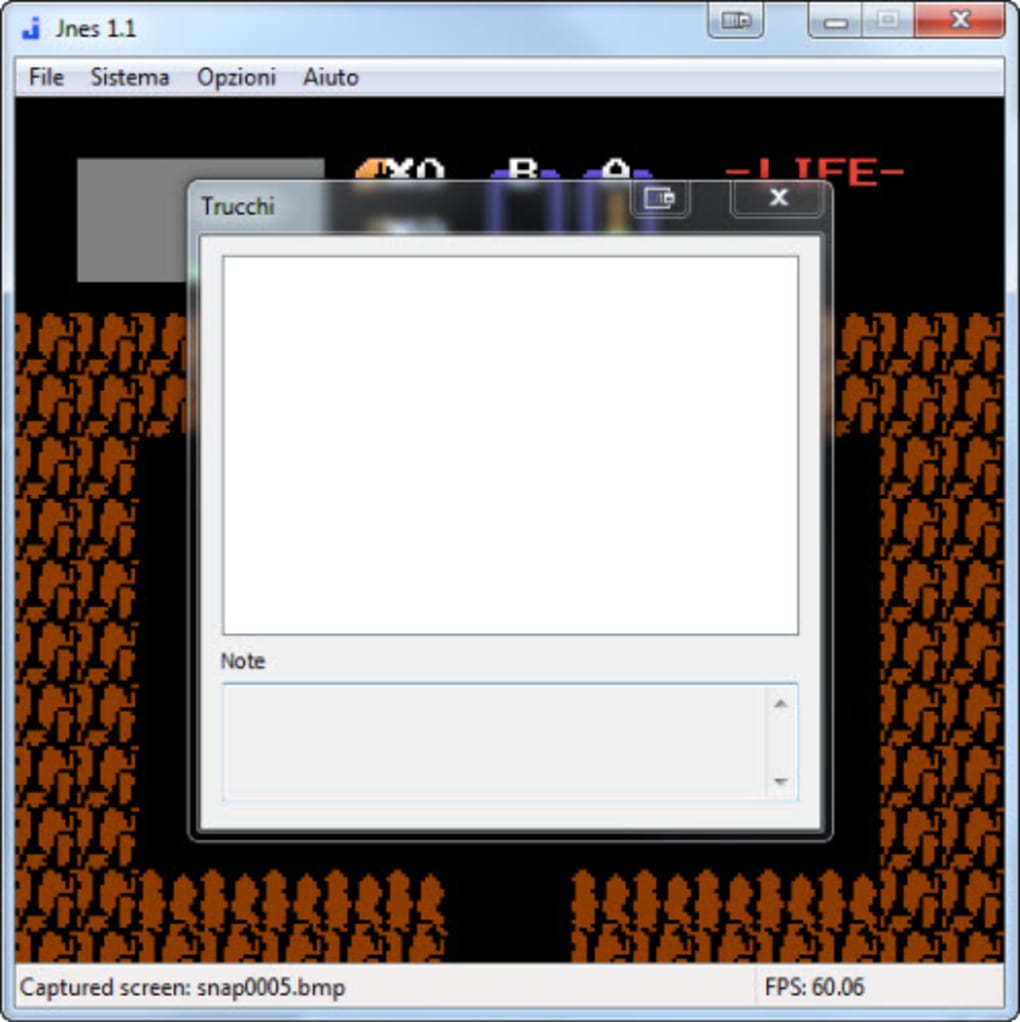
JNES competes with numerous other NES emulators, both free and commercial. Compared to more sophisticated emulators, JNES might lack advanced features like cheat codes, shader support, and extensive configuration options. However, its simplicity and ease of use are significant advantages, particularly for users who prioritize a straightforward experience over advanced customization capabilities.
Emulators like Nestopia, for instance, offer more advanced features and compatibility, but are often more complex to configure and operate. JNES offers a balance between functionality and ease of use, making it an attractive option for users who want a simple yet reliable NES emulator without the steep learning curve of more feature-rich alternatives. The choice ultimately depends on the user’s priorities and technical expertise.

Security and Safety Considerations
Downloading and using ROMs requires careful consideration of copyright laws. Distributing or downloading copyrighted ROMs without permission from the copyright holders is illegal in many jurisdictions. JNES itself is a safe and legitimate piece of software; however, it’s crucial to ensure the source of your ROM files is reputable and legal to avoid potential malware or virus infections. Using ROMs of games you already own is generally considered acceptable in many regions, under the principle of fair use, but this remains a grey area legally and it is best to consult local laws and guidelines.
Conclusion: JNES – A Solid Choice for Casual NES Enthusiasts
JNES provides a compelling solution for those seeking a straightforward and user-friendly way to experience classic NES games on their PCs. Its ease of use, reliable performance, and lightweight design make it an excellent choice for casual players or those new to emulation. While lacking some of the advanced features found in more complex emulators, JNES delivers a smooth and enjoyable retro gaming experience with minimal fuss. The continued availability of updates and its significant download count is a testament to its lasting appeal and the developer’s commitment to its upkeep. However, users seeking highly advanced features or exceptional compatibility with obscure titles might find themselves better served by more sophisticated alternatives. For casual users, however, JNES remains a robust and convenient option for enjoying the golden age of gaming.
File Information
- License: “Free”
- Version: “1.1.0.25”
- Latest update: “February 2, 2017”
- Platform: “Windows”
- OS: “Windows 7”
- Language: “English”
- Downloads: “3.8K”
- Size: “439.46 KB”


