
K-Meleon is a free, open-source web browser for the Windows operating system, distinguished by its lightweight design, speed, and extensive customization options. Built upon the Gecko layout engine – the same rendering engine powering Mozilla Firefox – K-Meleon offers a compelling alternative to more resource-intensive browsers, catering to users who prioritize speed and efficiency without sacrificing functionality. This in-depth exploration delves into the features, history, performance, and overall user experience of K-Meleon, examining its strengths and weaknesses in the context of the modern web browsing landscape.
A Lightweight Champion: Performance and Resource Usage
One of K-Meleon’s primary selling points is its remarkably low resource footprint. Unlike many modern browsers that consume significant system RAM and processing power, especially with numerous tabs open, K-Meleon remains remarkably efficient. This lean design translates to faster loading times, improved responsiveness, and a smoother browsing experience, particularly on older or less powerful machines. This efficiency is achieved through a combination of factors, including the optimized Gecko engine, the browser’s minimalist interface, and the absence of bundled features often found in larger browsers. Users consistently report the ability to keep dozens of tabs open without experiencing significant performance degradation, a feat that can be challenging for many heavyweight browsers. This characteristic makes K-Meleon particularly attractive to users with limited system resources or those who prefer a snappy, responsive browsing experience. Independent benchmarks often place K-Meleon among the top performers in terms of speed and RAM usage compared to its contemporaries.
Customization and Extensibility: Tailoring the Browsing Experience
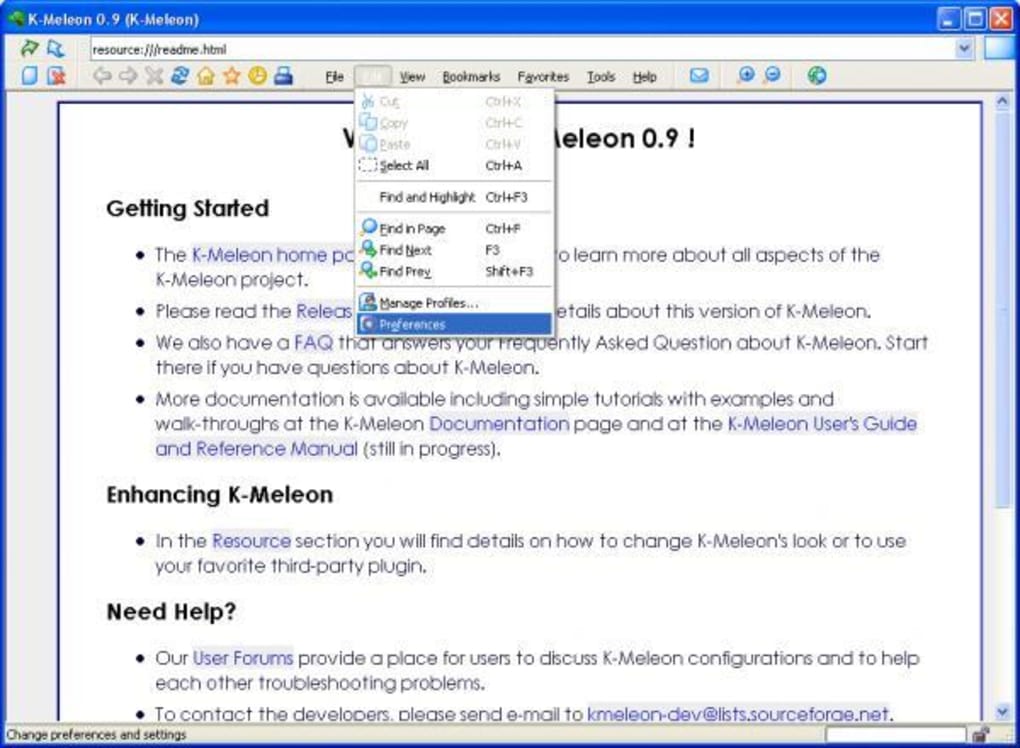
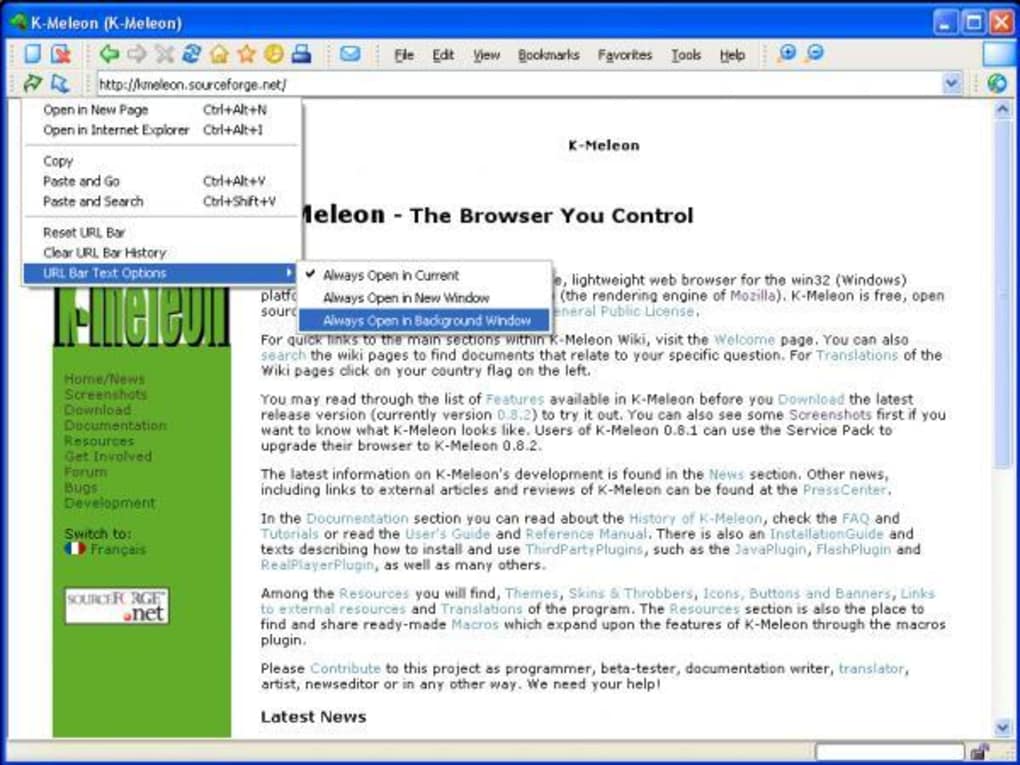
K-Meleon embraces a philosophy of user control, providing an extensive array of customization options to personalize the browsing experience. Users have granular control over nearly every aspect of the interface, from toolbars and menus to keyboard shortcuts and context menus. This level of customization allows users to optimize the browser to their specific needs and workflow, eliminating unnecessary features and streamlining the interface for maximum efficiency. Furthermore, K-Meleon supports the use of themes and skins, allowing users to dramatically alter the visual appearance of the browser, enhancing both aesthetic appeal and personal expression. While not as extensive as the extension ecosystems of larger browsers like Chrome or Firefox, K-Meleon does offer a selection of extensions and add-ons that enhance functionality, further increasing its adaptability and meeting the diverse needs of users. This empowers users to create a truly bespoke browsing experience, tailored precisely to their preferences.
Features and Functionality: A Blend of Classic and Modern
K-Meleon boasts a robust feature set, combining classic functionalities with modern capabilities. Key features include tabbed browsing for efficient multitasking, mouse gestures for quick navigation, and a comprehensive system of customizable keyboard shortcuts. The browser also provides excellent support for extensions and plugins, enhancing its capabilities and extending its functionality beyond its core features. Built-in popup blocking safeguards against intrusive advertisements and unwanted interruptions, contributing to a cleaner and less cluttered browsing experience. Importantly, K-Meleon provides a powerful bookmarking system, allowing users to organize and manage their favorite websites efficiently. While it may lack some of the more advanced features found in more modern browsers, such as built-in password managers or integrated note-taking capabilities, its core functionalities are reliable and well-implemented, providing a solid foundation for a streamlined and efficient browsing experience. The absence of bloatware and unnecessary features contributes to the browser’s overall speed and efficiency.

Open Source and Community: A Collaborative Approach
K-Meleon’s open-source nature fosters a collaborative environment, encouraging community contributions and ensuring ongoing development. Released under the GNU General Public License, the source code is readily available for inspection, modification, and distribution, fostering transparency and enabling users to tailor the browser even further to their specific needs. This open-source nature promotes continuous improvement, as community members can identify and address bugs, contribute new features, and enhance the overall stability and performance of the browser. A dedicated community of users and developers provides ongoing support, offering assistance to users encountering issues and fostering a spirit of collaboration. The open-source model ensures the long-term sustainability of the project, allowing K-Meleon to adapt and evolve in response to changing web technologies and user requirements.
K-Meleon in the Modern Browsing Landscape: Niche Appeal and Limitations
While K-Meleon offers a unique and compelling alternative to mainstream browsers, it also possesses limitations that may affect its appeal to a broader audience. Its smaller user base compared to giants like Chrome or Firefox means a potentially smaller community for support and troubleshooting, and a less extensive library of available extensions and add-ons. While its customization options are extensive, the process of configuring them can be more technically demanding for novice users compared to the more intuitive interfaces of other browsers. Furthermore, the lack of certain modern features, such as integrated password managers or advanced privacy tools, might dissuade some users accustomed to the all-in-one approach of larger browsers. Despite these limitations, K-Meleon remains a strong contender for users who prioritize speed, efficiency, and control over their browsing experience, particularly those comfortable with a slightly more technical approach to browser configuration and maintenance. Its niche appeal centers on its exceptional performance, customizable interface, and the freedom afforded by its open-source nature. It’s a browser that empowers users to take ownership of their online experience.
The future of K-Meleon likely depends on continued community involvement and adaptation to emerging web technologies. Maintaining compatibility with evolving web standards and expanding its extension ecosystem will be key to retaining its relevance in an ever-changing digital landscape. However, for those seeking a lightweight, fast, and highly customizable browser experience, K-Meleon continues to provide a compelling option in the crowded world of web browsers. Its strength lies not in trying to be everything to everyone, but in excelling in its chosen niche: providing a powerful, efficient, and personalized browsing experience for users who value speed and control above all else.
File Information
- License: “Free”
- Latest update: “May 23, 2023”
- Platform: “Windows”
- OS: “Windows NT”
- Language: “English”
- Downloads: “18.3K”
- Size: “36.29 MB”


