
KeePass is a free, open-source password manager designed for both novice and experienced users. In an increasingly digital world where we rely on countless online accounts, managing passwords securely becomes paramount. KeePass offers a robust and flexible solution to this challenge, providing a secure vault for all your login credentials and sensitive information. This guide delves into the features, functionalities, and security aspects of KeePass, helping you understand why it’s a popular choice among users seeking a reliable and user-friendly password management solution.
KeePass: Simplicity and Security Combined
KeePass’s core strength lies in its balance of simplicity and robust security. The software is exceptionally user-friendly, even for those unfamiliar with password managers. The intuitive interface eliminates the learning curve often associated with more complex security tools. However, this simplicity doesn’t compromise security. KeePass employs strong encryption algorithms to safeguard your password database, ensuring your sensitive information remains protected from unauthorized access.
The foundation of KeePass’s security is the master password. This single password acts as the key to unlocking your entire password database. The importance of choosing a strong, unique master password cannot be overstated. KeePass itself provides guidance and feedback on the strength of your chosen master password, encouraging you to create a complex and secure passphrase that is resistant to brute-force attacks. Furthermore, KeePass offers advanced security options, such as the ability to use a key file in conjunction with your master password, adding another layer of protection. This means that even if someone obtains your master password, they’ll still need the physical key file to access the database. The integration with Windows user accounts adds another fail-safe. If your account is compromised, your KeePass database remains inaccessible unless the attacker also possesses the Windows login credentials.
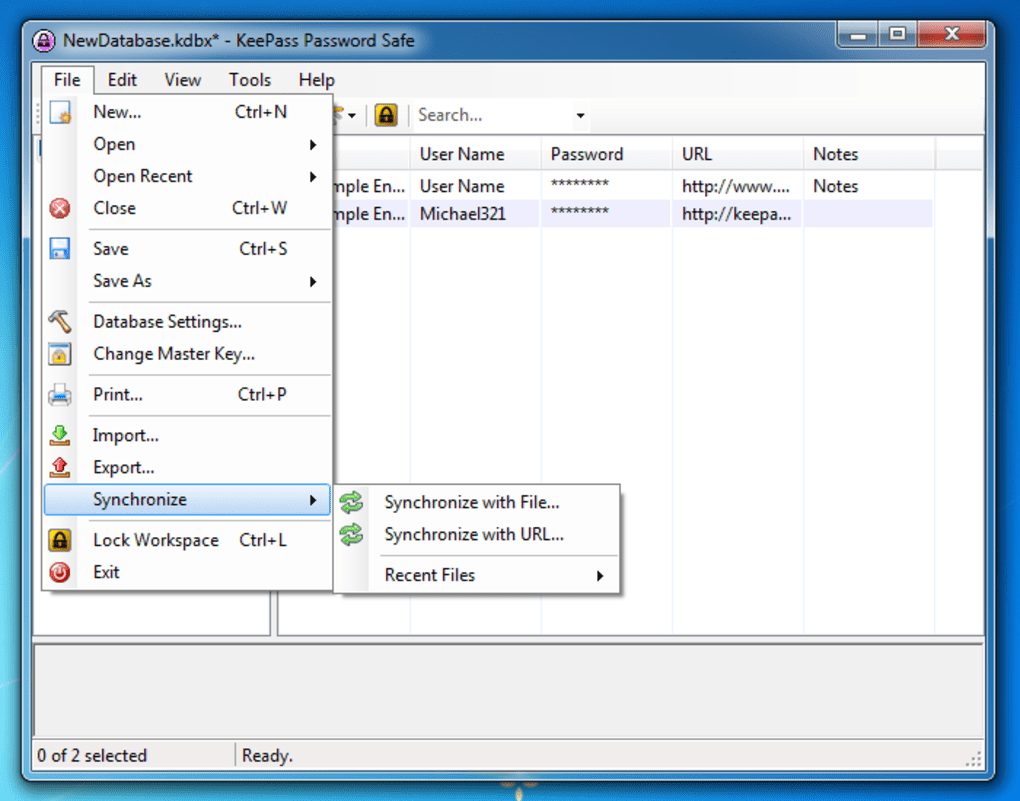
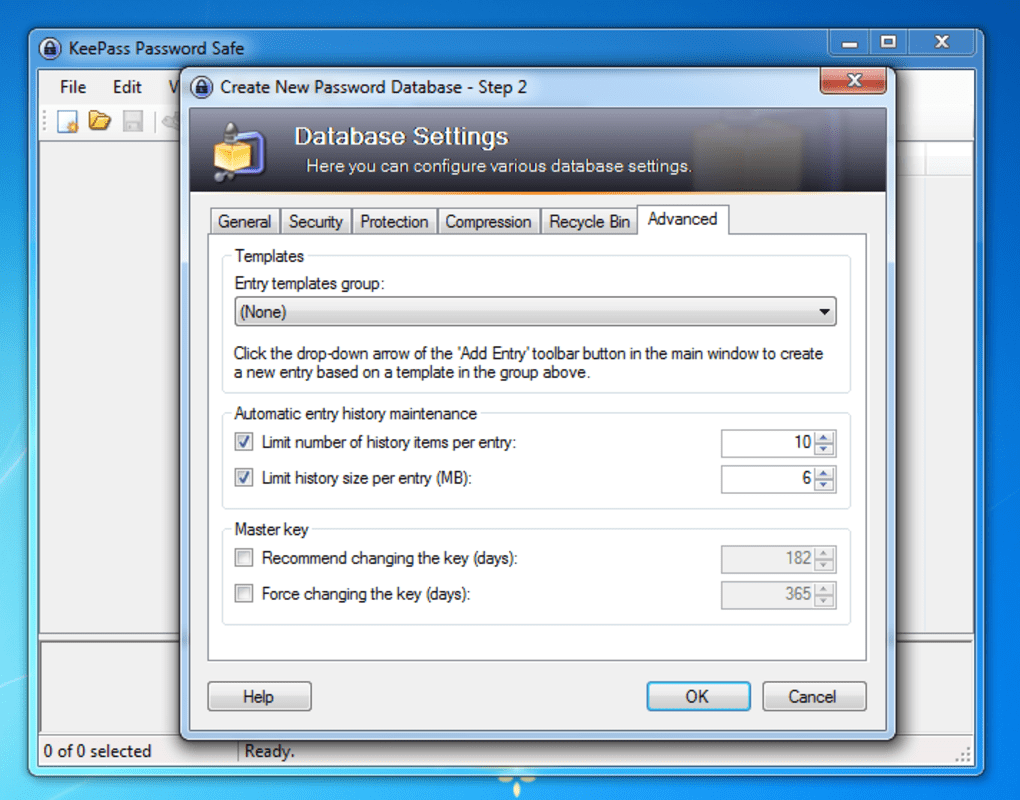
Once you’ve established your master password and optional key file, you can begin organizing your password entries. KeePass allows you to create multiple databases, offering a convenient way to compartmentalize sensitive information. You might, for instance, create separate databases for personal, work, and financial accounts. Within each database, you can further organize your entries into groups and subgroups for efficient management. This hierarchical structure ensures that even with a large number of entries, finding the specific password you need remains a straightforward process. The user-friendly interface makes navigating these databases effortless, allowing for quick access to the required credentials.
Managing and Utilizing Your Passwords with KeePass
KeePass provides various features to facilitate password management and usage. The interface is designed for intuitive navigation. Right-clicking on an entry allows you to modify or delete it, while the toolbar icons provide quick access to essential functions.
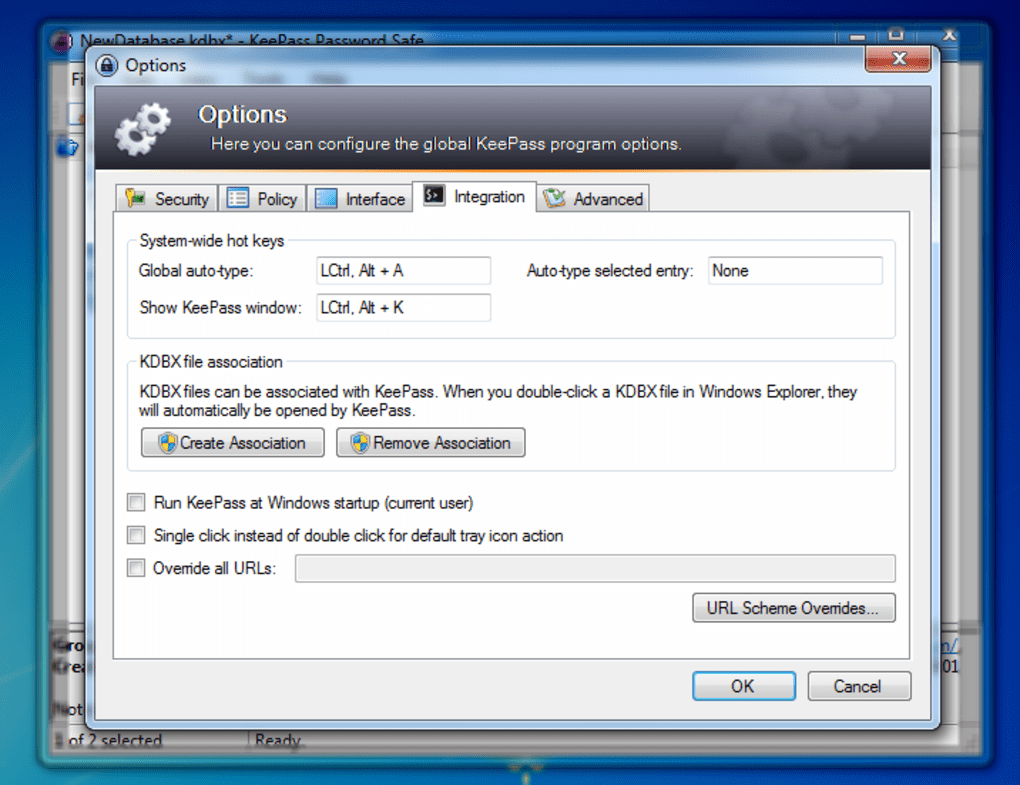
To utilize a password, simply open KeePass and locate the relevant entry. You can then copy the password to your clipboard. KeePass includes a built-in auto-type feature that automatically enters your username and password into the corresponding website or application fields. This is extremely useful for streamlining the login process and preventing the need to manually type in long and complex passwords. The auto-type feature also contributes to increased security by reducing the chances of human error. This feature, while enhancing efficiency, necessitates the open KeePass application at the time you are logging into an account, due to the secure nature of the copy-paste mechanism.
A crucial element of KeePass’ functionality is its built-in password generator. This tool allows you to generate strong, random passwords that meet specified criteria, such as length, character types, and complexity. This eliminates the need to create your own passwords, significantly reducing the risk of weak or easily guessable credentials. This random password generation ensures high levels of security by eliminating common password patterns or easily guessed personal details that might compromise the account’s security.
KeePass also offers features like auto-type and custom forms to simplify the process of managing and using your passwords, providing a customized user experience with an option to tailor the software to individual user preferences.
KeePass’s Strengths and Limitations
KeePass boasts several significant advantages:
- Robust Security: Utilizing strong encryption algorithms, KeePass ensures that your password database remains highly secure, even against sophisticated attacks.
-
Open Source: The open-source nature of KeePass allows for community scrutiny and contributions, increasing its reliability and transparency. This means the source code is available to the public, allowing anyone to review it for security vulnerabilities and ensuring a collaborative approach towards enhancing the software.
-
Cross-Platform Compatibility: KeePass is available for various operating systems, allowing users to synchronize their password database across multiple devices. While the primary application is designed for Windows, ports exist for other systems, maintaining data consistency regardless of the user’s preferred platform.
-
Extensive Customization: KeePass is highly customizable, allowing users to tailor its functionality and appearance to their preferences.
-
Free and Open Source: KeePass’s free and open-source license makes it accessible to everyone, removing any financial barriers to secure password management.
However, KeePass also has some limitations:
- Browser Integration: KeePass lacks seamless integration with web browsers compared to some commercial password managers. While its functionality is sufficient, it might not offer the same level of convenience as some other password managers when it comes to auto-filling passwords directly within web browsers. Other features such as cloud synchronization are not readily available, potentially requiring the use of third-party applications.
-
Steeper Initial Learning Curve: While KeePass’ interface is ultimately intuitive, users unfamiliar with password management might require some time to become comfortable with its features.
-
Manual Database Synchronization: Synchronization across multiple devices requires manual intervention, unlike some cloud-based password managers that offer automatic synchronization. Managing multiple devices requires a more hands-on approach to synchronize information across the different platforms.
KeePass: A Powerful Tool for Password Management
Despite some minor limitations, KeePass’s strengths far outweigh its weaknesses. Its combination of robust security, ease of use, and open-source nature makes it a powerful and versatile password manager. It’s an excellent choice for individuals and organizations looking for a reliable, secure, and cost-effective way to manage their passwords and sensitive information. The customization options provide a flexible framework that can be tailored to the individual’s specific requirements, further reinforcing its value as a comprehensive and adaptable password management solution. The ongoing support from the community ensures that improvements and updates are frequently made, addressing user needs and mitigating any potential vulnerabilities. While it may not match the convenience of some fully integrated and commercial password managers, its robust security and flexibility more than compensate for this, making it an ideal option for users who prioritize security and control over their data.
File Information
- License: “Free”
- Latest update: “May 22, 2023”
- Platform: “Windows”
- OS: “Windows 2003”
- Language: “English”
- Downloads: “24.5K”
- Size: “4.30 MB”


