
KidsGuard Pro is a free parental control application developed by ClevGuard HK, designed for Android devices. This app provides parents with a robust suite of tools to remotely and discreetly monitor their child’s phone activity, offering peace of mind and promoting responsible digital citizenship. Its comprehensive features go beyond basic tracking, providing detailed insights into various aspects of smartphone usage. This in-depth review explores KidsGuard Pro’s capabilities, strengths, and potential limitations.
Key Features of KidsGuard Pro
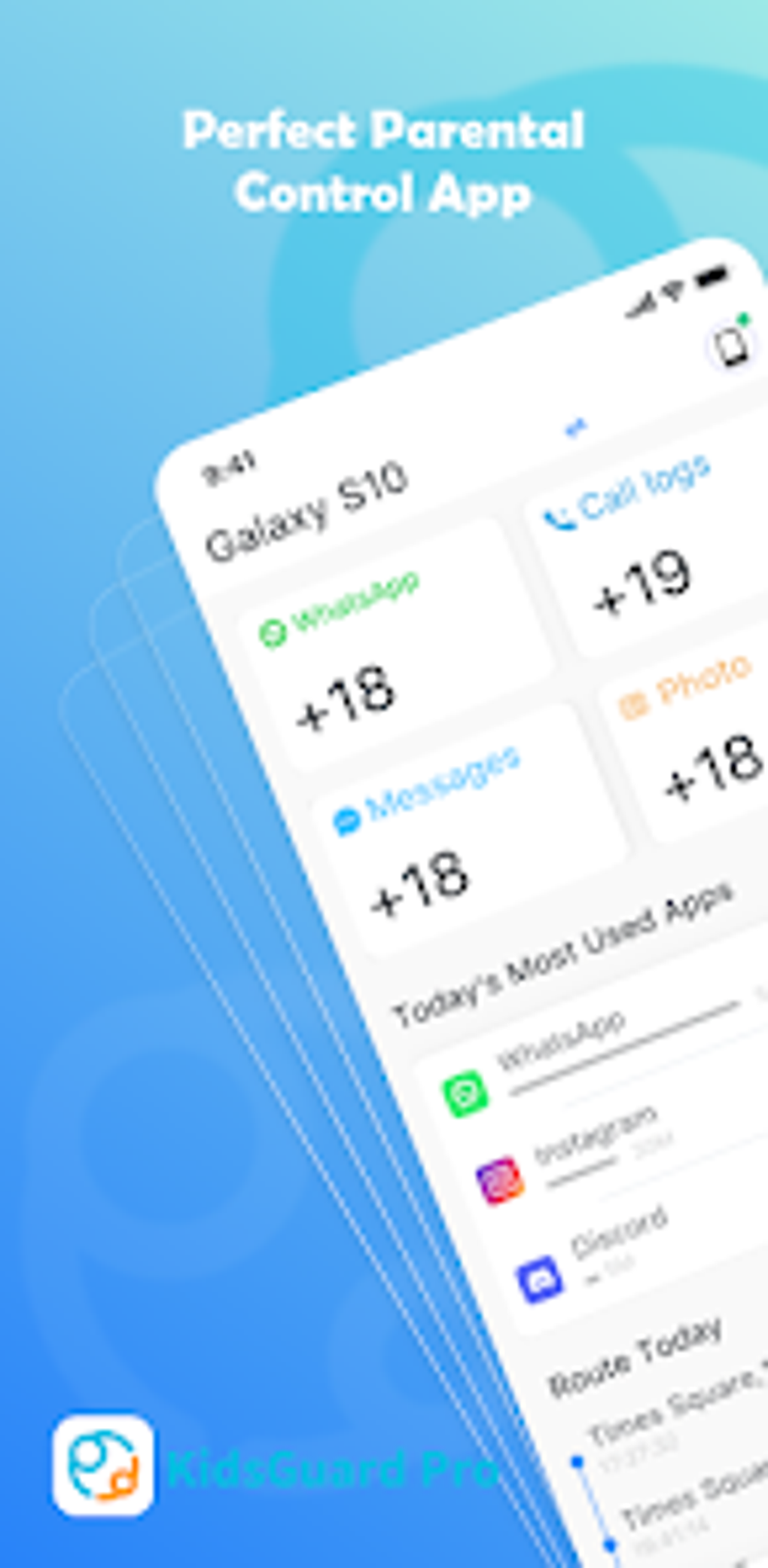
KidsGuard Pro boasts a wide array of features designed to give parents a comprehensive view of their child’s digital life. These features include, but aren’t limited to:
-
Real-time Location Tracking: This allows parents to see the precise location of their child’s device on a map, providing reassurance about their whereabouts. The tracking is typically continuous, offering updates at regular intervals.
-
Social Media Monitoring: Parents can access their child’s activity on popular platforms like WhatsApp, Facebook, TikTok, and YouTube. This includes viewing messages (with keyword alerts for suspicious content), posts, comments, and browsing history. The ability to monitor such diverse platforms offers a holistic view of online interaction.
-
Call Logs and Contact Information: KidsGuard Pro records details of incoming and outgoing calls, including the number, duration, and timestamp. It also provides access to the contacts stored on the monitored device. This feature can help parents identify potential risks associated with their child’s communications.
-
SMS Monitoring: Parents gain access to all text messages sent and received on the target device. This includes the content of the messages, timestamps, and sender/receiver information. Combined with social media monitoring, this provides a nearly complete picture of text-based communication.
-
Multimedia Monitoring: This feature provides access to photos and videos stored on the device. Parents can review this content to assess their child’s online activity and identify any potentially harmful or inappropriate material.
-
App Usage Monitoring: KidsGuard Pro tracks the time spent on different apps and websites. This helps parents identify excessive use of certain apps or websites and address any potential issues related to screen time and digital addiction.
-
Remote Screenshot and Screen Recording: Parents can remotely take screenshots of the child’s phone screen or initiate screen recording. This feature is valuable for capturing specific moments or activities that might otherwise be missed. The ability to record screen activity can provide crucial context in many situations.
-
Website History Tracking: The app maintains a detailed log of websites visited on the monitored device, providing parents with visibility into their child’s online browsing habits. This can be particularly useful for detecting exposure to inappropriate content.
-
Keyword Alerts: This feature allows parents to set specific keywords or phrases. The app will then send notifications if those words appear in messages, social media posts, or other tracked data. This proactively alerts parents to potentially harmful or concerning content.
-
Detailed Usage Reports: KidsGuard Pro generates comprehensive daily reports summarizing the monitored activity. These reports provide a structured overview of their child’s device usage, making it easier to identify trends and patterns. This feature provides a powerful analytical tool for parents.
Ease of Use and Installation
Installing and configuring KidsGuard Pro is generally straightforward, although technical knowledge may be needed for certain setup steps, especially regarding device access and app installation on the target phone. The app’s user interface is intuitive and relatively easy to navigate. The control panel is generally well-designed, offering clear visualization of data and a simple layout. However, the process of initially granting the app necessary permissions on the target Android device might prove challenging for users unfamiliar with Android’s security settings.
Comprehensive online resources, including video tutorials, user guides and FAQs, often accompany the software. These can be extremely helpful in guiding users through the installation and configuration process. Good customer support can address any issues that might arise during setup and usage.
Compatibility and Supported Devices
KidsGuard Pro claims broad compatibility with numerous Android devices from various manufacturers like Samsung, Xiaomi, and Motorola. However, compatibility can vary depending on the Android version and device-specific settings. The app’s compatibility may change with updates to the Android operating system. Always refer to the developer’s website for the most current compatibility list.
It’s crucial to note that the effectiveness of the app depends on maintaining access to the target device. If the app is uninstalled or access is restricted, the monitoring capabilities will be compromised. Regular checks for updates and proper configuration are essential for continued functionality.
Privacy and Ethical Considerations
Using phone monitoring software raises significant privacy concerns. The act of monitoring a child’s phone, even with parental intent, needs careful consideration. Open communication with the child about the monitoring is essential, especially for older children. Transparency about the reasons for monitoring, the limitations, and the duration can help foster trust and mutual respect.
Legalities surrounding the use of phone monitoring software vary significantly between countries and jurisdictions. It’s imperative to research and understand the applicable laws in your region before installing or using KidsGuard Pro. Failure to comply with local laws may result in legal repercussions. Always use the app ethically and responsibly.
Alternatives to KidsGuard Pro
Several alternatives to KidsGuard Pro are available, offering similar features and functionalities. These alternatives might have different strengths and weaknesses, catering to varying parental needs and preferences. Careful comparison of features, pricing, and user reviews can help in selecting the most suitable parental control app. Some alternatives might offer more advanced features, while others might be simpler and easier to use. Factors like cost and customer support should be considered during the selection process.
Conclusion
KidsGuard Pro provides a comprehensive suite of tools for parental control. Its features address many concerns parents have regarding their children’s digital activities. However, the software’s use necessitates careful consideration of privacy concerns and legal compliance. Open communication with children, ethical usage, and understanding applicable laws are crucial aspects of using such tools effectively and responsibly. While KidsGuard Pro offers many valuable capabilities, it’s essential to weigh the benefits against potential risks and to consider suitable alternatives before making a decision. The choice of using this, or any other parental control app, should be made thoughtfully and in alignment with your family’s values and legal obligations. Remember that ongoing communication and a balanced approach to digital parenting are equally important in supporting your children’s well-being in the digital age.
File Information
- License: “Free”
- Version: “2.9.4”
- Latest update: “August 8, 2025”
- Platform: “Android”
- OS: “Android 15.0”
- Language: “English”
- Downloads: “636”
- Download Options: “Google Play”


