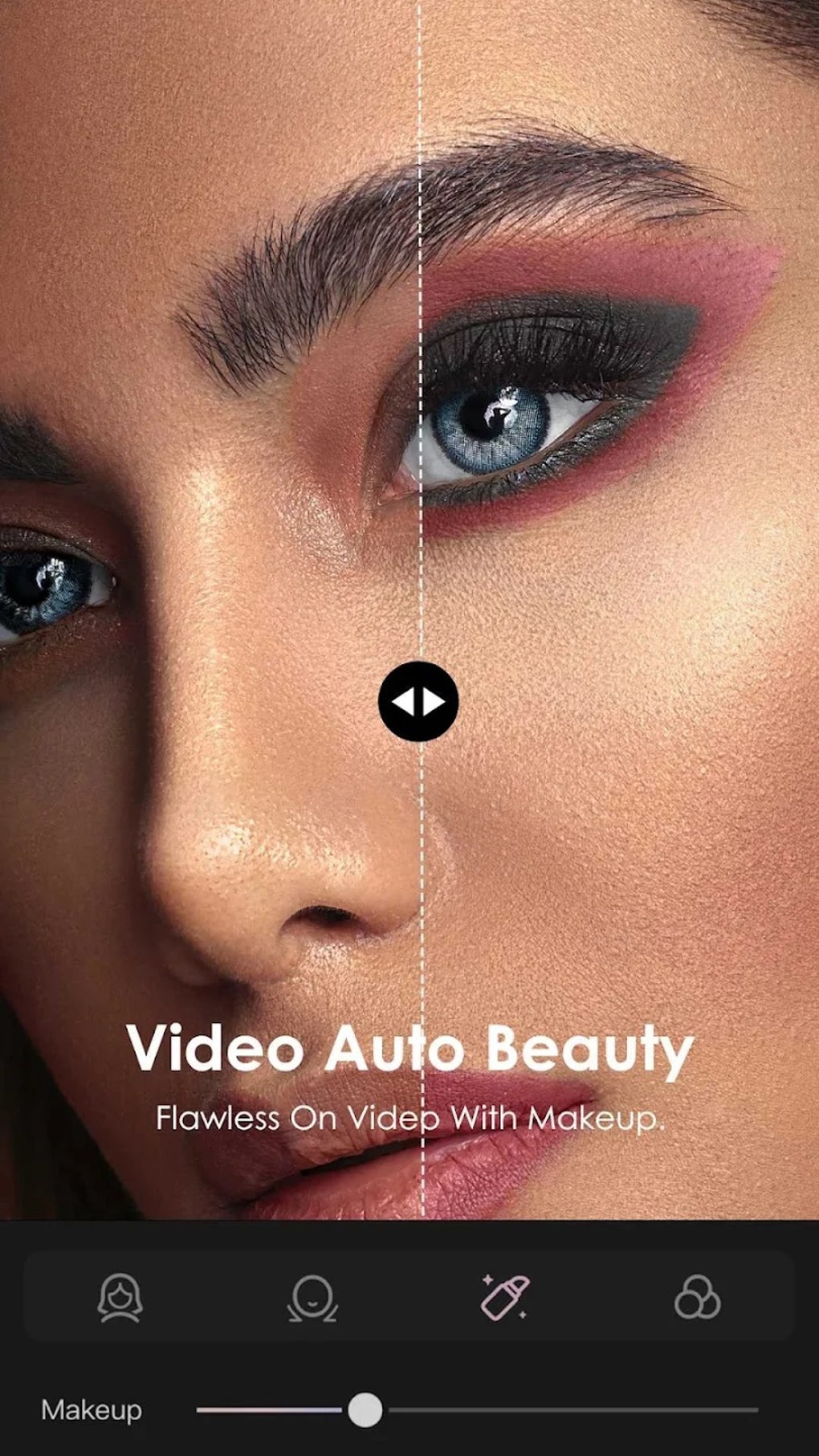
KineMaster has emerged as a powerful and versatile video editing application for Android smartphones, offering a wide array of features that cater to both amateur and professional video editors. Its intuitive interface and robust capabilities make it a compelling alternative to desktop video editing software, enabling users to create high-quality videos and slideshows directly from their mobile devices. This comprehensive guide explores KineMaster’s features, interface, ease of use, and overall effectiveness as a mobile video editing solution.
A User-Friendly Interface for Seamless Editing
Unlike some video editing apps that overwhelm users with complex layouts and numerous options, KineMaster boasts a remarkably user-friendly interface. The app’s clean design prioritizes ease of navigation, making it accessible even for beginners with minimal video editing experience. The interface is cleverly organized, dividing the screen into key sections: a timeline for precise frame-by-frame editing, a preview window displaying the current video output, and toolbars offering quick access to various editing functions.
The timeline is a key feature, displaying your video clips, images, and transitions in a linear fashion. Each element is easily selectable, allowing for precise adjustments to timing, positioning, and effects. The intuitive nature of the timeline enables users to effortlessly manipulate their video projects, adding, removing, or rearranging elements with minimal effort. The preview window provides an instantaneous visual representation of changes, offering a real-time feedback mechanism that accelerates the editing process.
.jpg)
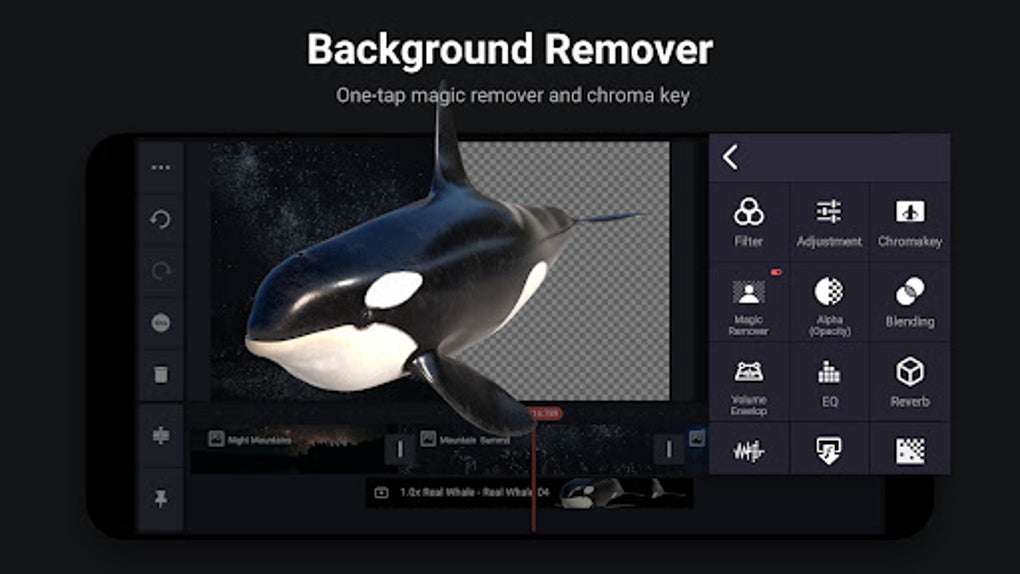
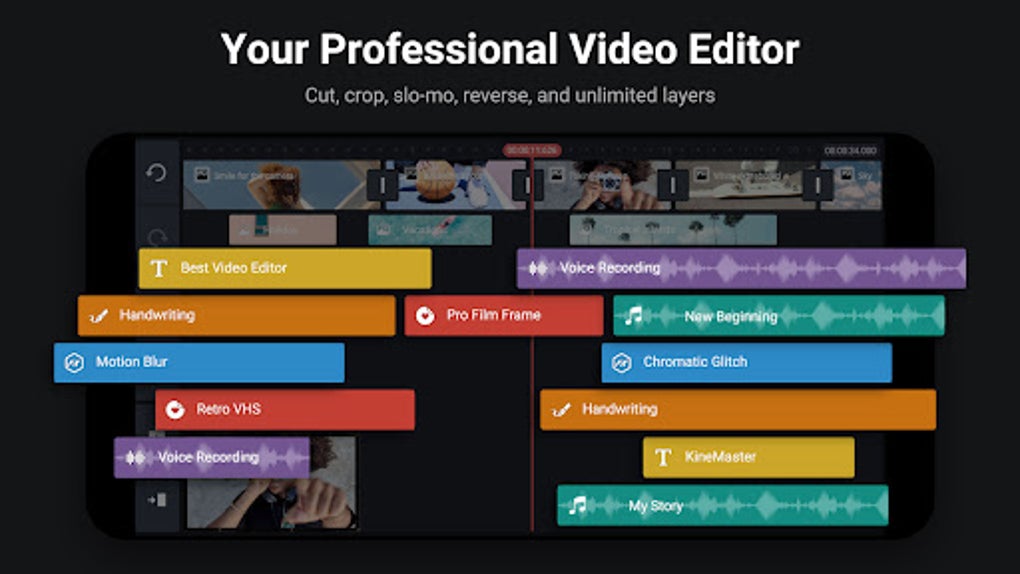
Beyond the timeline and preview, KineMaster’s interface integrates a suite of tools and effects within easily accessible toolbars. Adding sounds, transitions, text overlays, and special effects is straightforward, with clearly labeled icons and options simplifying the process. The app also supports multi-layer editing, allowing users to combine multiple video and image tracks to create visually rich and complex productions. This feature alone positions KineMaster favorably against many competing apps that limit layering capabilities.
Powerful Features for Professional-Grade Edits
KineMaster’s strength lies in its impressive array of features, exceeding the capabilities of many competing free video editors. While simpler tasks like trimming and adding filters are easily accomplished, the app extends its functionality far beyond the basics. Users have access to a plethora of advanced features previously relegated to professional desktop software.
Video Manipulation: The app empowers users with precise control over various video aspects. Beyond basic trimming, KineMaster offers advanced editing tools such as speed adjustments, allowing for slow-motion and time-lapse effects. Users can seamlessly integrate pan and zoom functionalities to enhance visual appeal and storytelling. Color correction and grading options provide granular control over the video’s color palette, enabling users to fine-tune the visual tone to match their creative vision.
Audio Enhancement: Audio editing is equally robust. KineMaster allows users to adjust audio levels, add sound effects, and even incorporate background music. The ability to precisely control audio levels, fading in and out soundtracks, ensures a well-balanced audio landscape. The integration of multiple audio tracks is another key strength, allowing users to layer different sound elements, such as voiceovers, sound effects, and background music, without sacrificing quality.
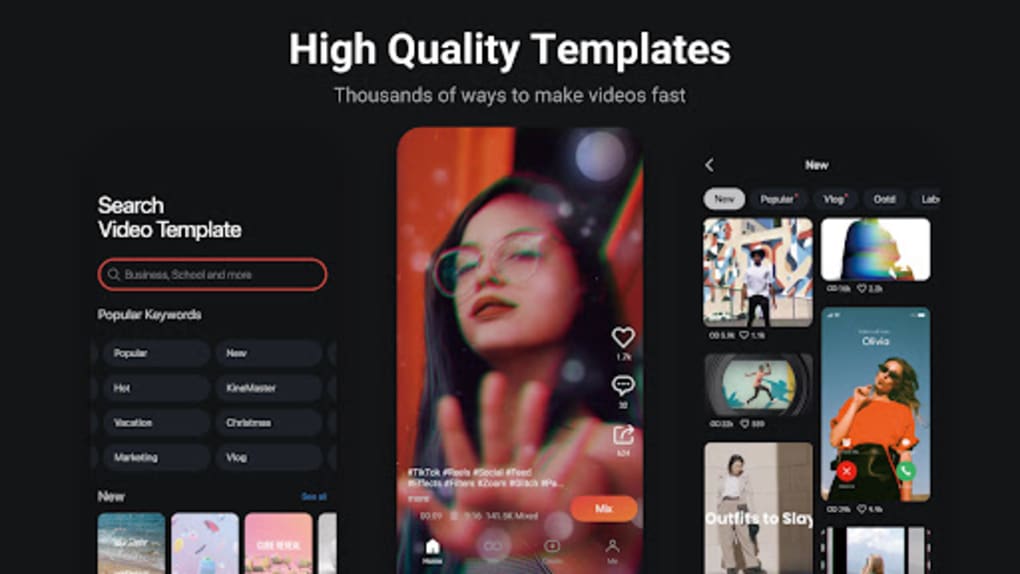
Transition Effects: Seamless transitions are crucial in professional video editing, and KineMaster delivers in this aspect. The app provides a diverse collection of transition effects, ranging from simple fades and wipes to more complex effects like cross dissolves and page turns. These transitions greatly enhance the video’s flow, leading to a more polished and engaging viewing experience. The ability to customize transition duration further contributes to the professional polish of the final product.
Special Effects and Filters: KineMaster incorporates an array of special effects, including chroma key (green screen) capabilities, which enable users to overlay footage onto different backgrounds. This allows for significant creativity, opening up avenues for unique visual storytelling. The app also offers a selection of filters and overlays to enhance the overall visual aesthetic. While the base selection of filters might be considered somewhat dated by some users, the ability to purchase additional filters through in-app purchases ensures ongoing access to fresh and updated options.
Beyond the Basics: Export Options and Watermarking
Once a video project is finalized, KineMaster provides multiple export options, allowing users to tailor the output quality to their needs and device capabilities. Users can export videos in various resolutions, including low, HD, and full HD quality, giving them control over the file size and the visual fidelity of their finished projects. The app supports the widely compatible MOV file format, further enhancing its versatility and compatibility across different platforms and devices.
A notable aspect of KineMaster is the watermarking system. The free version of the app includes a watermark on exported videos, acting as a visual identifier. While this watermark doesn’t significantly detract from the video’s overall quality, it is a clear indication of the user employing the free version of the software. Upgrading to the premium version removes the watermark, offering a completely unbranded final product. This approach presents a compelling trial period for potential users, allowing them to test the app’s extensive features before committing to a paid subscription.
KineMaster’s Strengths and Limitations
KineMaster stands out due to its compelling combination of advanced features, intuitive interface, and ease of use. The app offers a level of control and creative freedom rarely seen in free mobile video editing software. The detailed tutorials and tips integrated within the app further enhance its accessibility, guiding users through the various features and assisting in mastering more complex editing techniques.
.jpg)
However, KineMaster is not without limitations. While the app runs smoothly on most high-end Android devices, users with lower-end smartphones might experience performance issues, particularly when utilizing more demanding features such as multi-layer editing or numerous special effects. This is a common limitation associated with resource-intensive applications on devices with less processing power and RAM. The watermark on the free version, while a logical business model, might be a deterrent for users unwilling to commit to a paid subscription.
KineMaster: A Verdict
In conclusion, KineMaster is a remarkably powerful and versatile video editing application for Android. Its intuitive interface and robust feature set make it a top contender in the mobile video editing landscape. While some performance limitations might affect users of lower-end devices, the overall capabilities and ease of use more than compensate. The free version offers a generous opportunity to explore its features before deciding on a premium subscription, thereby mitigating the risk of investment for potential users. For users seeking a mobile video editor capable of delivering professional-grade results, KineMaster emerges as a highly recommended choice. The app’s ability to bridge the gap between mobile editing and desktop-based professional software makes it a game-changer for anyone aiming to create compelling video content on the go.
File Information
- License: “Free”
- Latest update: “August 4, 2025”
- Platform: “Android”
- OS: “Android 13.0”
- Language: “English”
- Downloads: “4.6M”
- Download Options: “Google Play”