
Klok is a time-tracking application designed to help individuals, particularly freelancers, effectively manage their time, projects, and earnings. Unlike traditional timekeeping methods, Klok offers a user-friendly interface and robust features tailored to the specific needs of those who bill for their work based on time spent on tasks. This in-depth review explores Klok’s functionality, strengths, weaknesses, and overall value proposition for freelance professionals and anyone seeking a streamlined approach to time management.
Klok’s Core Functionality: Streamlining Time and Project Management
Klok’s primary function is to simplify the process of tracking time spent on various projects. It allows users to add projects, assign them names, and visually allocate them within a weekly timetable using a drag-and-drop interface. This visual representation provides a clear overview of the user’s workload and scheduled time commitments. The ability to resize project blocks within the timetable allows for accurate reflection of time allocation, enabling precise tracking of hours devoted to each task.
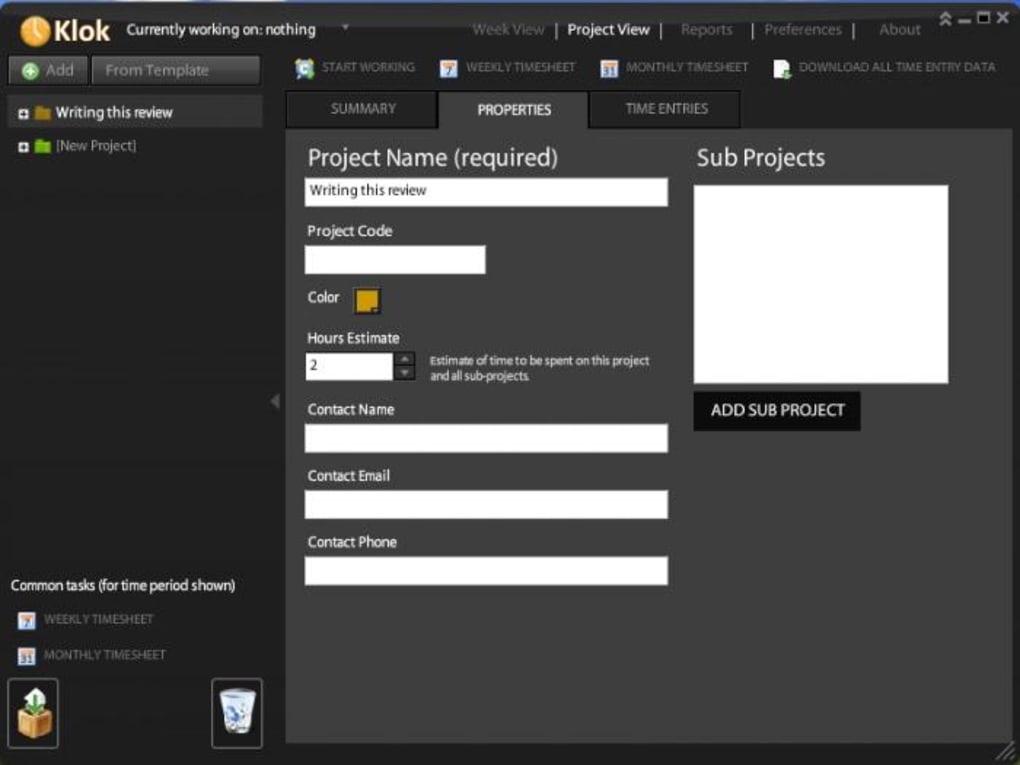
Beyond simple time allocation, Klok facilitates detailed project management. Users can input further information about each project, including crucial billing details such as the expected payment for completing the work. This integration of time tracking and financial information streamlines the invoicing process, providing a readily available record of billable hours per project.
The application’s color-coding feature enhances the readability and organization of the weekly planner. By assigning different colors to distinct projects, users can quickly identify and differentiate between tasks, improving overall visual clarity and facilitating efficient project prioritization. This visual aid is particularly beneficial for individuals managing multiple concurrent projects.
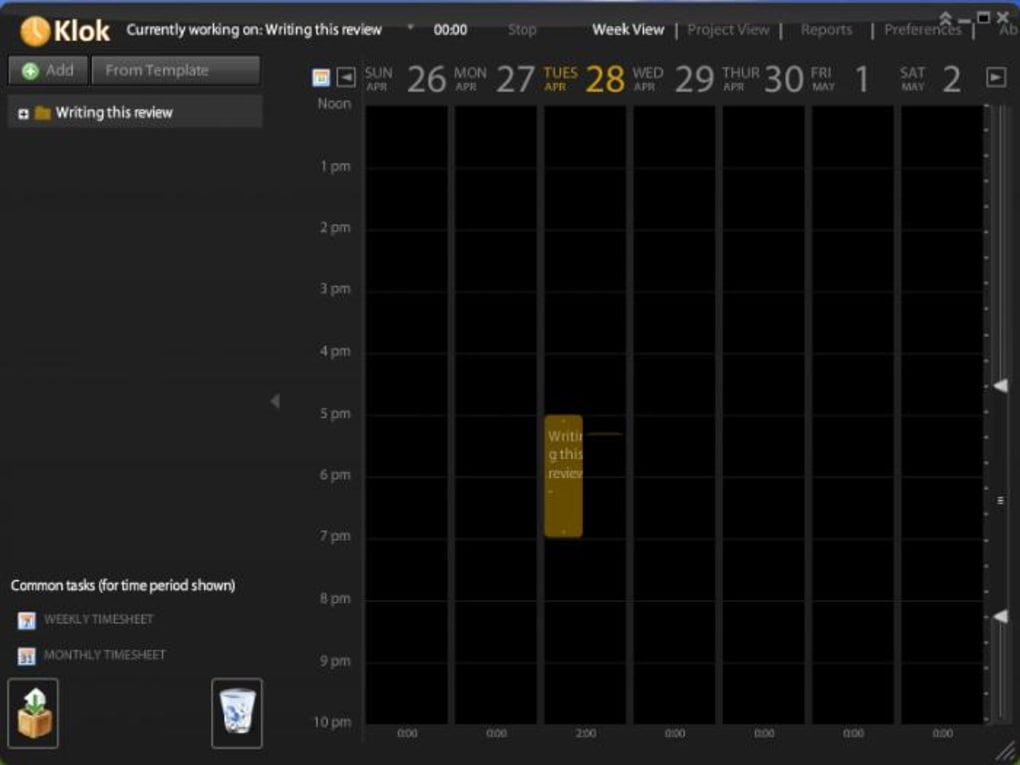
Initiating time tracking on a specific project is straightforward: a simple click of the ‘start working’ button commences the timer, precisely documenting the duration of work on that task. This eliminates the need for manual time entry, minimizing the likelihood of errors and saving valuable time.
Automated Time Sheets for Effortless Reporting
Klok’s automation extends to the generation of weekly and monthly timesheets. These automatically compiled reports eliminate the manual process of aggregating time entries from various sources. Furthermore, the compatibility of these reports with Excel allows for seamless integration with existing accounting software and workflows, significantly reducing administrative overhead. The ability to directly import these timesheets into Excel minimizes the need for data conversion or reformatting, thereby streamlining the transition between time tracking and financial reporting.
Klok’s Interface and User Experience
Klok boasts an attractive and intuitive interface, designed for ease of use and efficient navigation. The drag-and-drop functionality of the weekly calendar ensures a smooth and responsive user experience, enabling quick adjustments to project scheduling. The color-coding feature, as previously mentioned, further enhances the visual clarity and overall usability of the application.
However, the resizing of the project windows within the calendar presents a minor usability challenge. While the feature is functional, users may find the process somewhat awkward or require a short learning curve. This minor drawback is largely outweighed by the application’s overall user-friendliness and the efficiency it provides.
Limitations and Ongoing Development
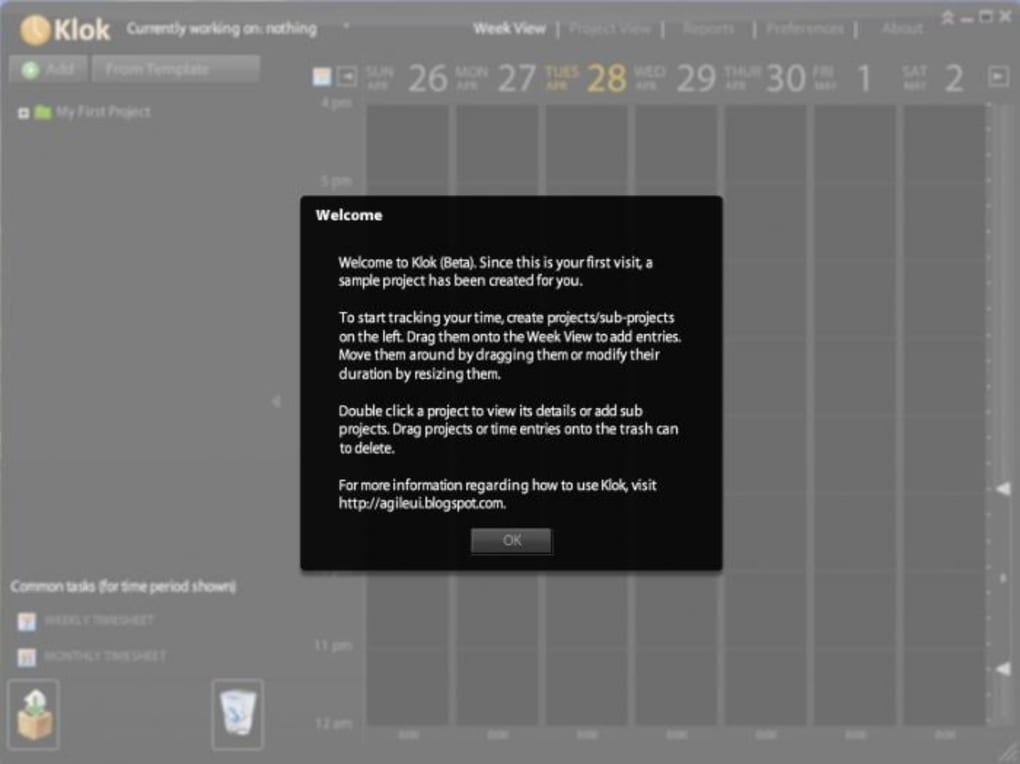
At the time of this review, Klok was still in its beta testing phase, implying the possibility of encountering minor bugs or inconsistencies. While the reviewed version offered a considerable level of functionality, users should be aware of potential imperfections as the software continues its development cycle.
Despite its beta status, Klok demonstrates a strong foundation and a clear focus on meeting the needs of its target audience. The developers’ commitment to improvement is evidenced by the updates and bug fixes noted in the release notes, highlighting their dedication to enhancing the user experience and solidifying the application’s stability and robustness.
Several functions within the application were not yet fully implemented, indicating that Klok’s feature set is likely to expand in future releases. While the existing features provide significant value, the potential for future enhancements suggests an evolving application that will continue to adapt to the changing needs of its users. This suggests that the application will be updated and improved upon which could be a positive outlook for the future.
Platform Compatibility and System Requirements
Klok’s utilization of Adobe Air ensures compatibility with both Mac and Windows operating systems. This cross-platform compatibility extends the application’s accessibility to a wider user base, regardless of their preferred operating system. However, it’s important to note that this reliance on Adobe Air may result in slightly higher RAM usage compared to native applications. While this isn’t overly burdensome, users with limited system resources should be mindful of this potential impact.
Klok’s Strengths and Weaknesses: A Balanced Perspective
Strengths:
- Intuitive Interface: The drag-and-drop calendar and color-coded project system make time management and project visualization exceptionally straightforward.
- Automated Time Sheets: The automatic generation of weekly and monthly time sheets significantly reduces administrative workload and streamlines financial reporting.
- Excel Compatibility: Direct integration with Excel facilitates seamless data transfer and integration with existing accounting systems.
- Cross-Platform Compatibility: Support for both Mac and Windows operating systems broadens the application’s accessibility.
- Detailed Project Management: The ability to associate financial information with each project streamlines the invoicing process.
Weaknesses:
- Beta Status: The presence of potential bugs and incomplete features suggests the need for patience and understanding as the application evolves.
- Adobe Air Dependency: The use of Adobe Air may lead to slightly increased RAM usage.
- Awkward Resizing: The process of resizing project blocks within the calendar could be improved for better user experience.
Conclusion: A Valuable Tool for Time-Conscious Professionals
Klok, despite being in its beta phase, presents a compelling solution for freelancers and other professionals seeking a more efficient approach to time and project management. Its intuitive interface, automated time sheet generation, and Excel compatibility significantly simplify administrative tasks. While minor usability issues and the beta status warrant consideration, the overall strengths of Klok make it a valuable tool for those who value precise time tracking, streamlined financial reporting, and a user-friendly experience. The ongoing development and planned updates suggest that Klok will continue to mature and address any remaining shortcomings, solidifying its position as a powerful asset for time-conscious individuals. The potential future development of the software is promising and worth keeping an eye out for.
File Information
- License: “Trial version”
- Version: “2.4”
- Latest update: “June 21, 2012”
- Platform: “Windows”
- OS: “Windows 2000”
- Language: “English”
- Downloads: “5.6K”
- Size: “2.57 MB”


