
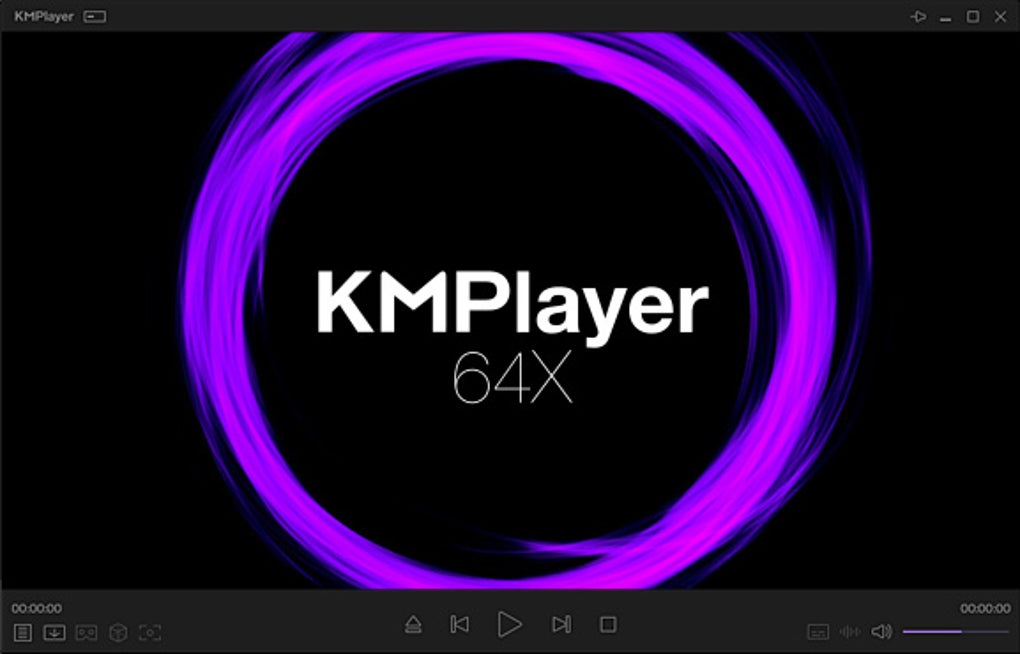
KMPlayer 64X is a robust and versatile multimedia player, originally developed by Kang Yong-Huee and currently maintained by Pandora TV. This powerful application goes beyond basic video playback, offering a comprehensive suite of features designed for both casual and advanced users. While it excels at high-quality video playback, its extensive customization options and advanced functionalities make it a compelling choice for users seeking more control over their media experience. This review delves into the strengths and weaknesses of KMPlayer 64X, exploring its features, performance, and overall user experience.
High-Quality Video Playback and Extensive Format Support
One of KMPlayer 64X’s primary strengths lies in its ability to handle high-quality video playback with exceptional clarity. It supports a wide range of resolutions, including 4K, 8K, UHD, and 60FPS, ensuring that your videos look their best regardless of their source. The player utilizes advanced video rendering techniques and hardware acceleration capabilities (for compatible codecs like HEVC, h.264, and VP9) to minimize CPU usage, resulting in smooth playback even on low-end systems or when multitasking. This optimization makes it suitable for users with older or less powerful machines who still desire a high-quality viewing experience without performance compromises.
The breadth of supported file formats is another remarkable feature. KMPlayer 64X handles a vast array of video and audio files, including 3G2, 3GP, AVI, FLV, MKV, MOV, MPEG, MP3, MP4, OGM, RM, TS, WEBM, and WMV, among others. This extensive compatibility means you’re less likely to encounter unsupported files, ensuring a seamless playback experience for a wide variety of media. Beyond common video formats, it also boasts support for subtitles in various formats, including PGS subtitles, often found in Blu-ray discs. Furthermore, the player’s compatibility extends to Blu-ray Discs and DVDs, eliminating the need for separate software for playing these formats.
The inclusion of a YouTube download function adds significant value for users who frequently access YouTube content. Directly entering a YouTube URL into KMPlayer 64X allows for convenient playback and downloading of videos, streamlining the process and eliminating the need for separate download managers. The ability to capture GIFs from moving images adds another layer of functionality, allowing users to easily create and share short animated clips from their videos.
Customization and Advanced Features
KMPlayer 64X isn’t just about playing videos; it’s about tailoring the experience to your preferences. The player offers extensive customization options, allowing users to fine-tune various aspects of the interface and playback settings. Users can modify the appearance of the interface to match their personal aesthetic, adjusting colors, fonts, and layouts to create a personalized viewing environment.
Beyond cosmetic changes, KMPlayer 64X allows for granular control over video and audio playback. Should a video contain issues like synchronization problems or audio imperfections, the advanced settings allow users to apply filters and adjustments to correct these flaws, ensuring a more enjoyable viewing experience. This level of control empowers users to refine their playback settings beyond the capabilities of most standard media players. For users familiar with advanced video settings, this is a powerful tool for optimizing their media playback to exacting standards.
The software also boasts support for 3D video playback. For users with compatible 3D hardware and content, this feature enhances the immersive nature of the viewing experience. The ability to capture not just screenshots but also audio and video recordings adds further versatility. This functionality expands the player’s practical applications beyond simple playback, turning it into a capable media recording tool for various needs.
Platform Availability and Accessibility
KMPlayer 64X embraces multi-platform compatibility, offering versions for Windows, Mac OS, Android, and iOS devices. This broad compatibility ensures that your preferred media player can accompany you across different operating systems and devices. The availability of separate 64-bit and 32-bit versions for Windows caters to the diverse hardware configurations prevalent among PC users. This thoughtful approach ensures optimal performance across various system architectures.
The KMP Connect companion application enhances the multimedia experience further. This tool enables seamless streaming of media files from the PC version of KMPlayer 64X to mobile devices, allowing users to enjoy their content on the go. This adds a significant convenience factor, especially for users with extensive media libraries. The ability to share your content effortlessly across devices makes it an ideal solution for accessing and enjoying your video collection from virtually anywhere.
Ease of Use and Target Audience
While KMPlayer 64X offers a wealth of features and customization, its interface and learning curve may not suit every user. The advanced settings and extensive customization options, while powerful, can be overwhelming for casual users who prefer a simpler, more straightforward media player. The extensive feature set is a boon for technically adept individuals who appreciate granular control over their media playback, but it may deter users who are primarily looking for a plug-and-play solution.
The software’s versatility and power come at the cost of a steeper learning curve. Mastery of its advanced features requires time and effort in learning the functionalities of the various menus and settings. While intuitive enough for basic playback, users wishing to exploit the full potential of KMPlayer 64X should allocate time to understand its advanced settings and customization options.
Conclusion: A Powerful Multimedia Player for Discerning Users
KMPlayer 64X stands out as a robust and feature-rich multimedia player designed for users who desire comprehensive control over their media experience. Its support for high-quality video, extensive format compatibility, and advanced customization options make it an excellent choice for advanced users. The ability to seamlessly integrate with mobile devices through KMP Connect enhances its practical value significantly. However, its advanced features and steeper learning curve might deter casual users who prioritize simplicity over extensive customization options. Overall, KMPlayer 64X is a powerful and versatile player deserving consideration, particularly for users who demand a high degree of control and customization in their media playback experience. Its ability to handle a diverse range of media formats and resolutions, coupled with its extensive customization capabilities and cross-platform availability, makes it a compelling choice for those seeking a sophisticated multimedia player that transcends the limitations of simpler alternatives.
File Information
- License: “Free”
- Latest update: “July 29, 2025”
- Platform: “Windows”
- OS: “Windows 8.1”
- Language: “English”
- Downloads: “82.8K”
- Size: “59.86 MB”


