
Leawo Blu-ray Player is a free multimedia playback application designed for Windows users seeking a reliable and versatile solution for playing Blu-ray discs, DVDs, and various video formats. This review delves into its features, performance, pros, cons, and compares it to alternative options available in the market.
Performance and Features: High-Definition Playback and Beyond
Leawo Blu-ray Player distinguishes itself as a high-definition media player capable of handling Blu-ray discs, DVDs, and a wide range of video files without compromising quality. Its core functionality revolves around smooth playback of 1080p HD movies and beyond, making it an attractive option for movie enthusiasts. The software’s ability to handle region-restricted movies is a significant advantage, bypassing geographical limitations often imposed on DVD and Blu-ray content.
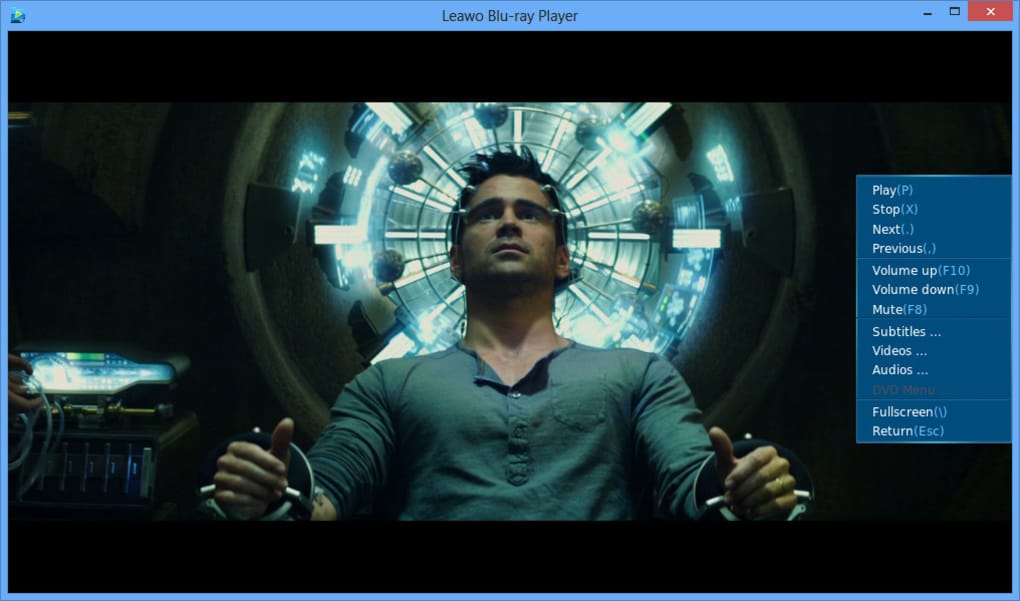
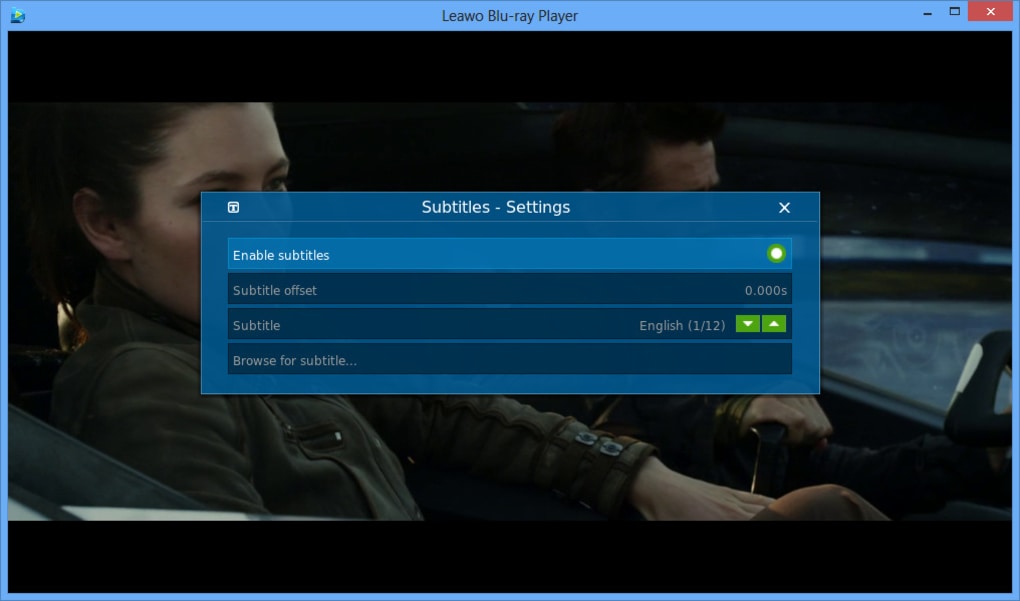
Beyond its primary function as a Blu-ray player, Leawo Blu-ray Player acts as a comprehensive multimedia hub, extending its capabilities to include DVD playback and support for numerous common and high-definition video formats such as MP4, MKV, FLV, 3GP, and others. This versatility makes it a one-stop solution for various media needs, eliminating the requirement for multiple players for different file types. The inclusion of subtitle and audio track selection features adds further convenience, allowing users to customize their viewing experience according to preference.
The player’s user interface is relatively intuitive and easy to navigate. Users can readily select their preferred audio and subtitle tracks, making it straightforward to adjust the viewing experience based on individual needs. Furthermore, the inclusion of basic playback controls like play, pause, fast forward, and rewind functions is standard and readily accessible.
Pros and Cons: Weighing the Advantages and Disadvantages
While Leawo Blu-ray Player offers several compelling features, a balanced perspective necessitates a review of both its strengths and weaknesses.
Pros:
- High-Definition Playback: The player excels in delivering high-definition playback for Blu-ray discs and various video formats, ensuring a visually rich viewing experience.
- Multi-Source Playback: Its compatibility extends beyond Blu-ray to include DVD discs and a broad spectrum of video file formats, making it a versatile choice for diverse media libraries.
- Region-Free Playback: The ability to play region-restricted movies is a major advantage, unlocking access to content that might otherwise be unavailable based on geographical location.
- Subtitle Support: The inclusion of subtitle support enhances accessibility and caters to users who prefer subtitles for language preference, accessibility needs, or enhanced comprehension.
- Free of Charge: Leawo Blu-ray Player is offered as a free software, making it an accessible option for users seeking a cost-effective solution.
- User-Friendly Interface: The player’s user interface is generally considered intuitive and easy to navigate, facilitating ease of use even for less tech-savvy users.
Cons:
- Resource Intensive: One common criticism revolves around its relatively high resource consumption. Users with less powerful systems may experience performance issues, such as lagging or stuttering, during playback, particularly with high-resolution content.
- Slow Response Time: Reports indicate that the application’s response to user commands can occasionally be sluggish, introducing slight delays between actions and the player’s reaction.
- Battery Drain (Laptop Users): Laptop users have reported accelerated battery drain while using Leawo Blu-ray Player, suggesting that the software’s resource demands impact power consumption.
- 64-bit Architecture Only: The player’s exclusive support for 64-bit architecture excludes users with older or less powerful systems running 32-bit operating systems.
- Limited Advanced Features: While it offers essential features, Leawo Blu-ray Player lacks some advanced features found in more comprehensive media players, such as advanced video editing capabilities or extensive customization options.
Comparison with Alternative Blu-ray Players
The market offers several alternative Blu-ray players, each with its own set of features and strengths. Comparing Leawo Blu-ray Player to some popular competitors reveals its relative position within the landscape.
VLC Media Player: A well-established and highly versatile open-source media player, VLC is known for its broad compatibility with various file formats and its robust performance on diverse systems. While it may not offer dedicated Blu-ray disc playback without additional codecs, its versatility and widespread use make it a strong contender.
PotPlayer: Another highly regarded media player, PotPlayer, offers advanced features and customization options, exceeding the capabilities of Leawo Blu-ray Player in terms of functionality. It offers comparable playback quality for Blu-ray discs and various video formats.
CyberLink PowerDVD: This commercially available software represents a premium option, offering advanced features such as upscaling capabilities, enhanced audio processing, and a more polished user interface compared to Leawo Blu-ray Player. The trade-off is the cost associated with purchasing a license.
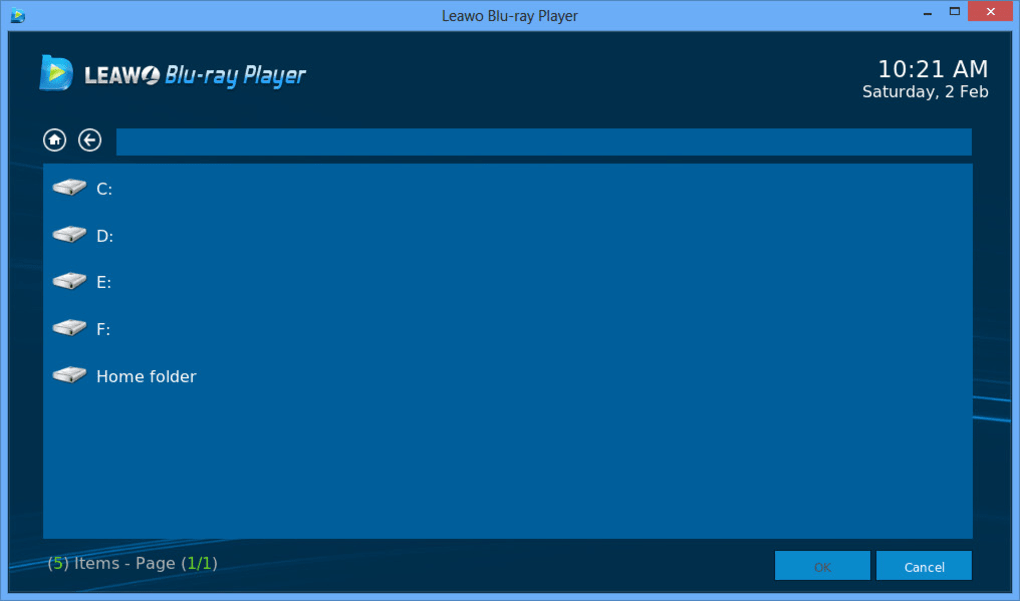
The choice between Leawo Blu-ray Player and these alternatives depends largely on individual needs and priorities. If simplicity, free access, and basic functionality are paramount, Leawo Blu-ray Player may suffice. However, users requiring advanced features, superior performance on less powerful systems, or a more polished user experience might find alternative options such as PotPlayer or CyberLink PowerDVD more suitable.
User Reviews and Feedback: A Mixed Bag of Opinions
User reviews of Leawo Blu-ray Player offer a mixed bag of experiences. While some users praise its free availability, ease of use, and ability to play region-restricted content, others cite performance issues, sluggish response times, and high resource consumption as drawbacks. These contrasting perspectives highlight the importance of considering individual system configurations and expectations when choosing a media player. The variability in user experiences suggests that performance may significantly depend on the user’s hardware specifications and the complexity of the media being played.
The overall sentiment suggests that Leawo Blu-ray Player serves as a viable option for users with relatively powerful systems who primarily require a free and simple means of playing Blu-ray discs and various video files. However, users seeking optimal performance across diverse systems and a wide range of media should consider exploring alternative options that better align with their specific needs and hardware capabilities.
Conclusion: A Decent Free Option with Limitations
Leawo Blu-ray Player presents a decent free option for users seeking basic Blu-ray and DVD playback capabilities along with support for common video formats. Its strength lies in its free accessibility and its ability to handle region-restricted content. However, its resource-intensive nature, occasional sluggish response times, and limitations in advanced features might deter users seeking a more sophisticated and robust solution. The decision of whether or not to utilize Leawo Blu-ray Player should be made based on an honest assessment of individual needs and system capabilities, weighing the benefits of free access against the potential performance drawbacks. Users with less powerful systems or those seeking a more feature-rich experience would be well-advised to explore alternative media player options available in the market.
File Information
- License: “Free”
- Latest update: “June 17, 2025”
- Platform: “Windows”
- OS: “Windows 11”
- Language: “English”
- Downloads: “37.4K”
- Size: “110.49 MB”


