
Leocat Browser is a straightforward and sophisticated browsing application designed for users seeking a seamless and efficient internet exploration experience. Its core philosophy centers on simplicity and effectiveness, delivering a clean, intuitive user interface coupled with essential features for effortless web browsing. This review delves into the app’s capabilities, design, and overall user experience, providing a comprehensive overview for potential users considering adding Leocat Browser to their iPhone’s arsenal of applications.
Effortless Browsing and Essential Features
Leocat Browser prioritizes ease of use, ensuring a smooth and uncomplicated browsing experience. Navigation is intuitive, allowing users to effortlessly access and explore online content without unnecessary complexities. The app’s design minimizes distractions, focusing on providing a streamlined pathway to the information users seek. This makes it ideal for both novice and experienced internet users alike. The absence of overwhelming features or cluttered interfaces ensures that even users unfamiliar with similar applications can quickly grasp its functionalities and navigate the web with ease.
Beyond its simple design, Leocat Browser incorporates several key features designed to enhance user productivity and convenience. One of the most notable features is its robust bookmarking functionality. Users can effortlessly save frequently visited websites, creating a personalized collection of quick access links for efficient navigation. This eliminates the need to repeatedly type URLs, saving time and improving the overall browsing experience. The bookmark management system is designed to be intuitive and easy to navigate, allowing users to organize their bookmarks into folders or simply access them via a searchable list.
Sleek Design and User Interface
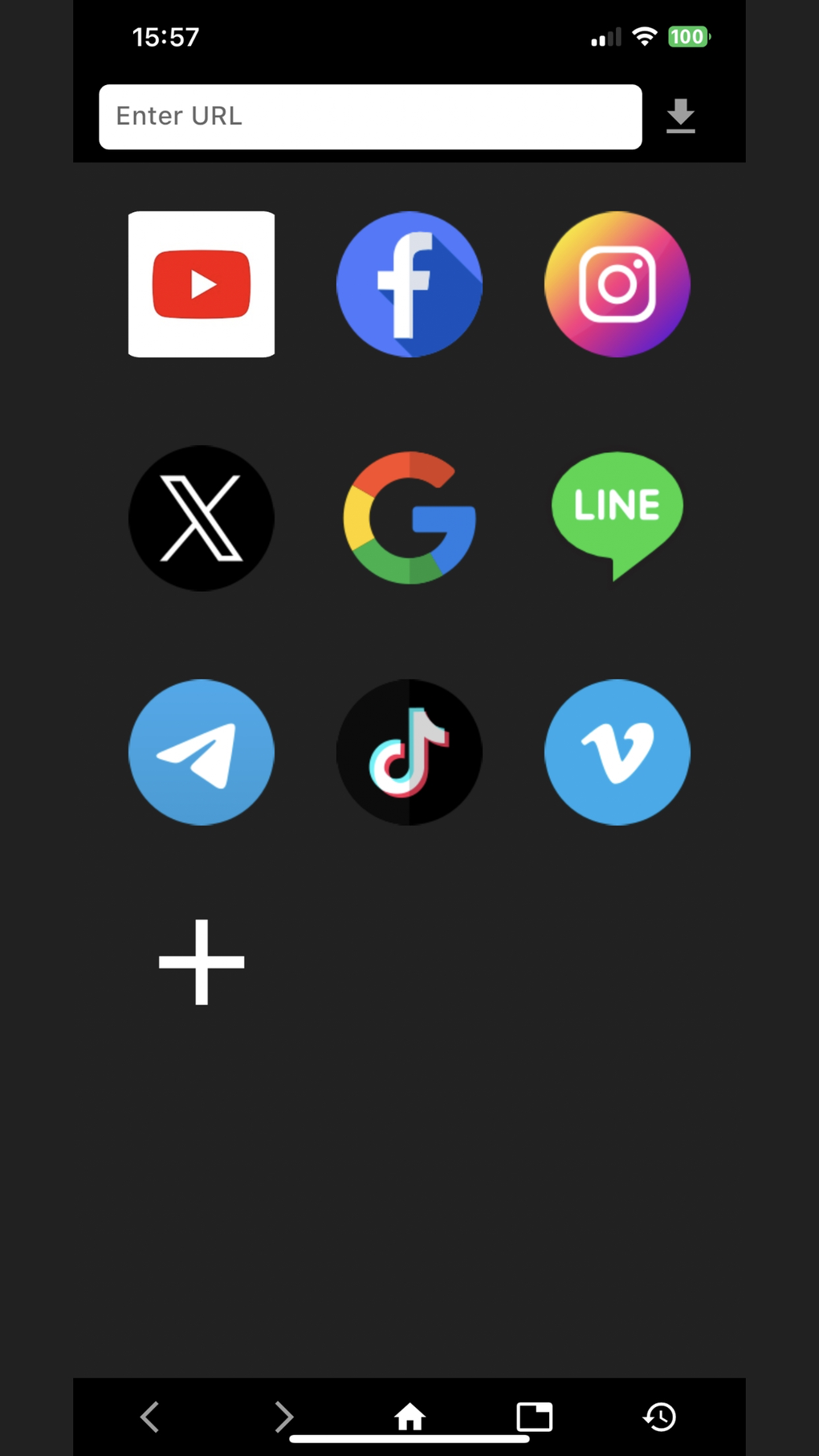
The visual appeal of Leocat Browser significantly contributes to its overall user-friendliness. Its clean and aesthetically pleasing design is not merely decorative; it is integral to the app’s efficiency. The minimalist approach avoids cluttering the interface with unnecessary elements, thereby optimizing screen real estate and improving readability. The color scheme is subtle and unobtrusive, minimizing eye strain during extended browsing sessions. The strategic placement of buttons and menus promotes intuitive navigation, ensuring that users can effortlessly access the features they need without being overwhelmed by visual distractions.
The overall design philosophy of Leocat Browser reflects a conscious effort to create an aesthetically pleasing and functional application. The combination of simplicity and sophistication makes it a visually appealing choice for users who appreciate both elegance and efficiency in their applications. This visually calming approach contributes to a more enjoyable and productive browsing experience. In a digital landscape often cluttered with overly complex interfaces, Leocat Browser stands out with its understated elegance and focus on core functionalities.
Apps, Games, and News Integration (Potential Future Features)
While the current version of Leocat Browser primarily focuses on core browsing functionality, future development could potentially incorporate integrations that broaden its utility and appeal to a wider range of users. For instance, the integration of app discovery features could allow users to easily locate and download other applications directly within the browser. Similarly, integrating access to news feeds or game platforms could transform Leocat Browser into a more comprehensive online hub.
This expansion could take several forms. A dedicated “Apps” section could feature curated recommendations or direct links to popular app stores. A “Games” section could offer quick access to online games or provide links to relevant gaming platforms. And a “News” section could aggregate news feeds from various sources, allowing users to stay updated on current events directly from within the browser. Such integrations, while not currently present, highlight the potential for Leocat Browser to evolve into a multifaceted online platform. The addition of such features would enhance the app’s versatility and attract a larger user base.
Leocat Browser for Business: Enhanced Productivity
While not explicitly marketed as a business-oriented application, Leocat Browser’s core features lend themselves well to improving business-related online activities. The efficient browsing capabilities, combined with the streamlined bookmarking system, can enhance productivity for professionals frequently accessing specific websites for work. The clean interface reduces distractions, allowing for focused work sessions. The simple design also contributes to an improved user experience, thereby potentially reducing stress and enhancing overall work efficiency.
Future developments could further enhance its business appeal. The potential integration of features like tab management improvements (for handling multiple business-related pages simultaneously), password management capabilities, or even extensions for business-specific tools, could solidify its position as a valuable tool for professionals. The current focus on simplicity aligns well with the demand for efficient and user-friendly business tools. The development team could leverage this foundation to expand its capabilities into a more robust solution for business users, attracting a dedicated professional audience.
Leocat Browser for iPhone: A Seamless Mobile Experience
Leocat Browser is specifically designed for iPhones, utilizing the iOS platform to provide a seamless and optimized mobile browsing experience. Its compatibility with iOS 16.4 and higher ensures users can access the latest features and performance improvements offered by Apple’s operating system. The interface is optimized for touch input, making it easy to navigate and interact with the app using a mobile device.
The development team’s dedication to creating a mobile-first experience is evident in its design and performance. Users can expect smooth navigation, fast loading times, and an overall fluid experience that’s optimized for the smaller screen size and touch-based controls of an iPhone. This commitment to mobile-first design ensures that users experience the full potential of Leocat Browser’s features and capabilities, regardless of whether they are using an iPhone or any other device.
Utilities & Tools: Complementing iPhone Functionality
Leocat Browser sits comfortably within the category of iPhone utilities and tools, offering a fundamental yet efficient solution for web browsing. Its uncomplicated design and focus on core features avoid unnecessary complexities, making it a practical addition to the array of applications already present on an iPhone. Its streamlined nature makes it a complementary application, working in conjunction with other apps without creating unnecessary conflicts or resource strain. This efficiency contributes to its appeal within the broader category of utilities and tools designed to enhance the functionality of an iPhone without overwhelming the user.
Compared to other, more feature-rich browsers, Leocat Browser’s simplicity becomes a distinct advantage. Users seeking a no-frills, efficient web browsing experience will find its uncluttered interface and straightforward functionality a refreshing alternative. This streamlined nature prevents feature bloat, contributing to a faster, more responsive app that complements the overall efficiency expected from utilities and tools on a mobile device.
User Reviews and Community Feedback
Currently, there are no user reviews available for Leocat Browser. As the app gains more traction and adoption, gathering user feedback will be crucial to its development and improvement. Understanding user experiences, both positive and negative, allows the developers to address any shortcomings and further refine the application’s design and functionality. A robust and active feedback system will be vital in ensuring Leocat Browser continues to meet the needs and expectations of its users. Encouraging user reviews and implementing a process for addressing concerns will be key to building community trust and enhancing the overall user experience.
Conclusion: A Worthy Addition to Your iPhone
Leocat Browser presents a compelling option for iPhone users seeking a simple, elegant, and efficient web browsing experience. Its focus on core functionalities, coupled with a clean and intuitive user interface, distinguishes it from more complex browsers. While currently lacking some advanced features found in competing applications, its simplicity and ease of use contribute to a refreshingly uncluttered browsing experience. The potential for future development and expansion further enhances its appeal, promising a potentially versatile and feature-rich application in the near future. For users prioritizing ease of use and a streamlined browsing experience, Leocat Browser offers a worthy addition to their iPhone’s collection of apps.
File Information
- License: “Free”
- Version: “2.0”
- Latest update: “June 29, 2024”
- Platform: “iPhone”
- OS: “iOS 16.4”
- Language: “English”
- Downloads: “2.4K”


