
Lexi Browser is a lightweight Android application developed by unblock browser free vpn, designed to enhance your mobile browsing experience. Its core functionality revolves around providing users with unrestricted access to websites, faster streaming speeds, and enhanced privacy, all without the complexities of a traditional VPN. This review delves into the app’s features, performance, security implications, and overall user experience to provide a comprehensive assessment.
Apps, Games, and Beyond: Lexi Browser’s Functionality
Lexi Browser’s primary strength lies in its ability to bypass geographical restrictions and firewalls. This makes it a valuable tool for accessing content that might be blocked in certain regions or networks. While not explicitly marketed as a games platform, its ability to unblock websites opens the door to accessing online games and gaming communities that might otherwise be inaccessible. Similarly, the app facilitates easy access to news sources and informational websites, potentially circumventing censorship or regional limitations on access. Its versatile nature extends beyond simple browsing, making it a useful application for a variety of online activities.
The integrated proxy server is the engine behind Lexi Browser’s unblocking capabilities. This proxy acts as an intermediary between your device and the website you’re trying to access. Your requests are routed through the proxy server, masking your IP address and making it appear as if you’re browsing from a different location. This functionality is particularly helpful for users who frequently encounter content restrictions based on their IP address or geographical location.
The ease of use is another key selling point. Unlike some VPNs which require complex setup processes, Lexi Browser offers a streamlined and intuitive interface. Navigation is simple, even for users who are not tech-savvy. The app’s straightforward design ensures that users can quickly and easily access their desired content without needing to navigate complicated menus or settings. This simplicity is crucial for ensuring that the app’s core functionality remains accessible to a wide range of users.
News and Information Access: Circumventing Restrictions
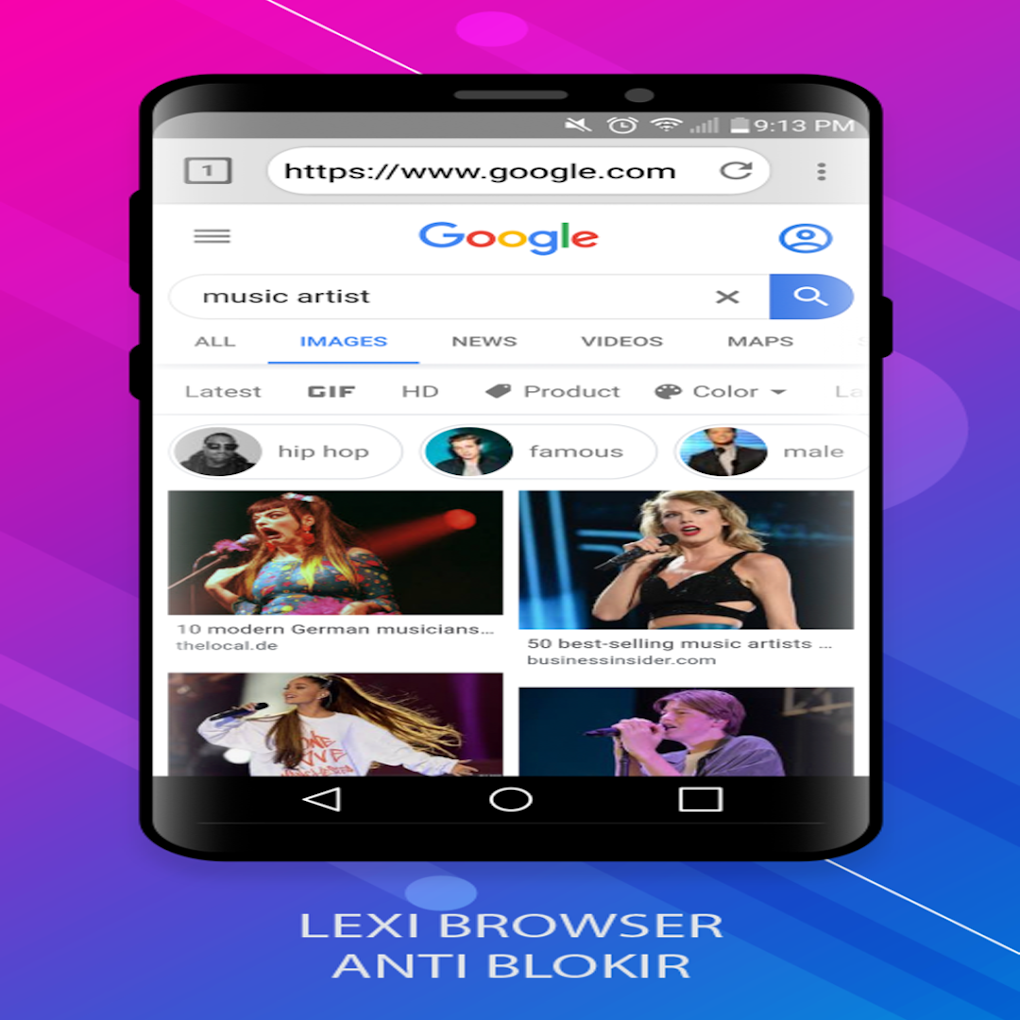
Lexi Browser’s potential to bypass censorship and firewalls makes it a potentially valuable tool for accessing news and information from diverse sources. In regions with restricted internet access, Lexi Browser can provide a pathway to unfiltered news reporting, facilitating a more comprehensive understanding of current events and global affairs. The ability to access international news sources can counter the effects of state-controlled media and provide users with a broader perspective.
However, it’s crucial to note that accessing information through a proxy server or similar technology doesn’t automatically guarantee accuracy or reliability. Users should remain critical consumers of information and verify the credibility of sources, even when using tools like Lexi Browser. The app’s primary function is to provide access; it doesn’t endorse or vouch for the veracity of the information accessed through its platform.
Lexi Browser for Business: Potential Applications and Limitations
While primarily designed for personal use, Lexi Browser could have some limited applications in business contexts. For example, businesses operating in countries with strict internet regulations might use it to access international markets, research competitors, or connect with global partners. Accessing specific industry news and information could also be facilitated through the app’s ability to unblock websites.
However, it’s important to consider potential security and legal implications. Using Lexi Browser for business purposes requires careful consideration of the company’s security policies and compliance with relevant laws and regulations in all applicable jurisdictions. The anonymity provided by the app may not be entirely suitable for business transactions that require verifiable identification and secure communication channels. Businesses should always prioritize secure and reliable methods for sensitive data transfer and communication.
Android Optimization and User Experience
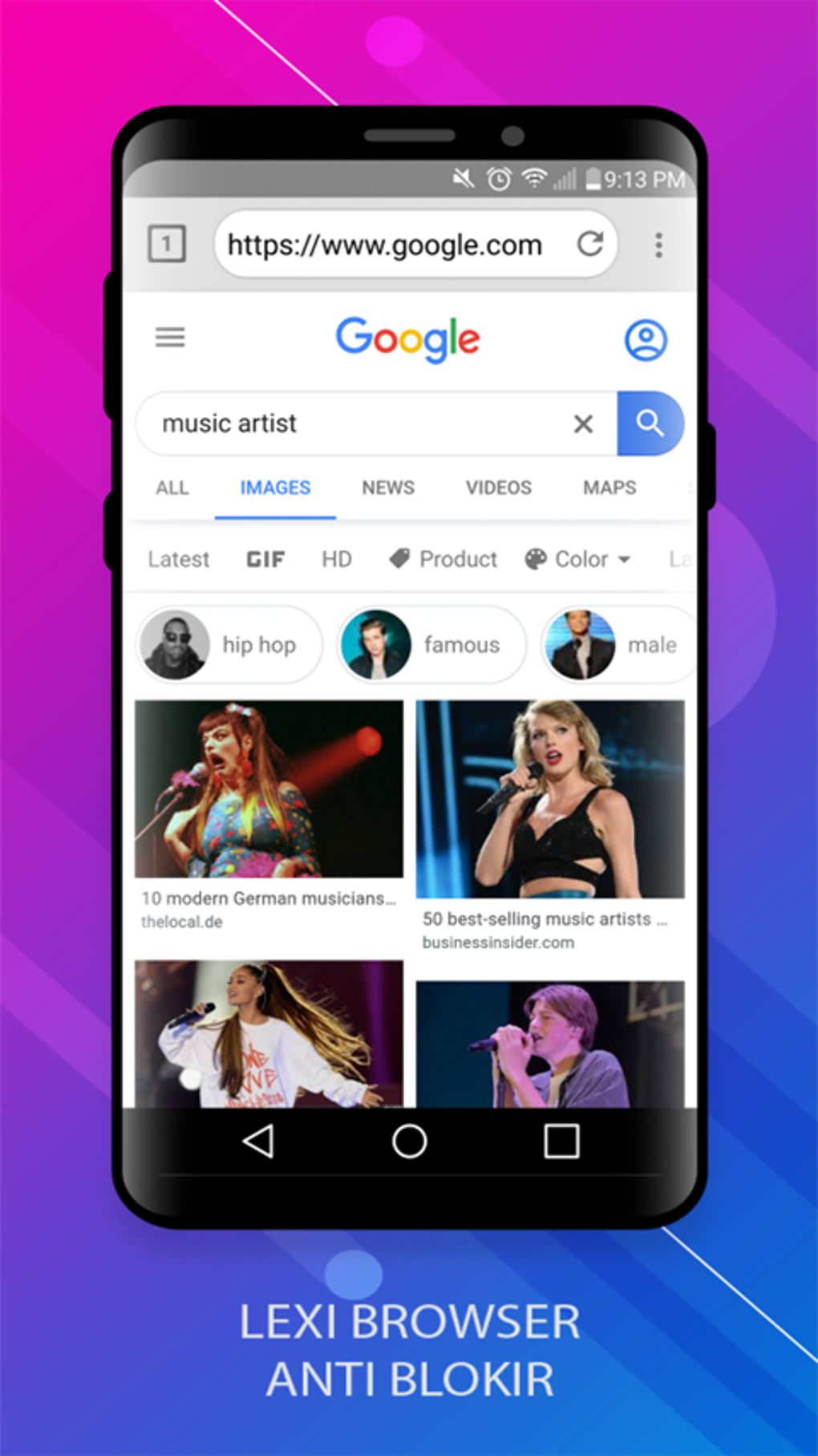
Lexi Browser is specifically designed for the Android operating system, leveraging its capabilities to deliver a seamless browsing experience. The app’s lightweight nature ensures minimal impact on device performance, even on older or less powerful Android devices. This is a significant advantage, especially for users in regions with limited access to high-speed internet, where a bulky browser could significantly impact browsing speed.
The user interface (UI) is designed for intuitive navigation. The clean and simple layout minimizes distractions, allowing users to focus on accessing and consuming content without unnecessary clutter. This streamlined approach enhances the overall user experience, making the app accessible to a broad range of users, regardless of their technical expertise. The absence of complex settings and configuration options contributes to the ease of use, allowing users to immediately start browsing without any significant learning curve.
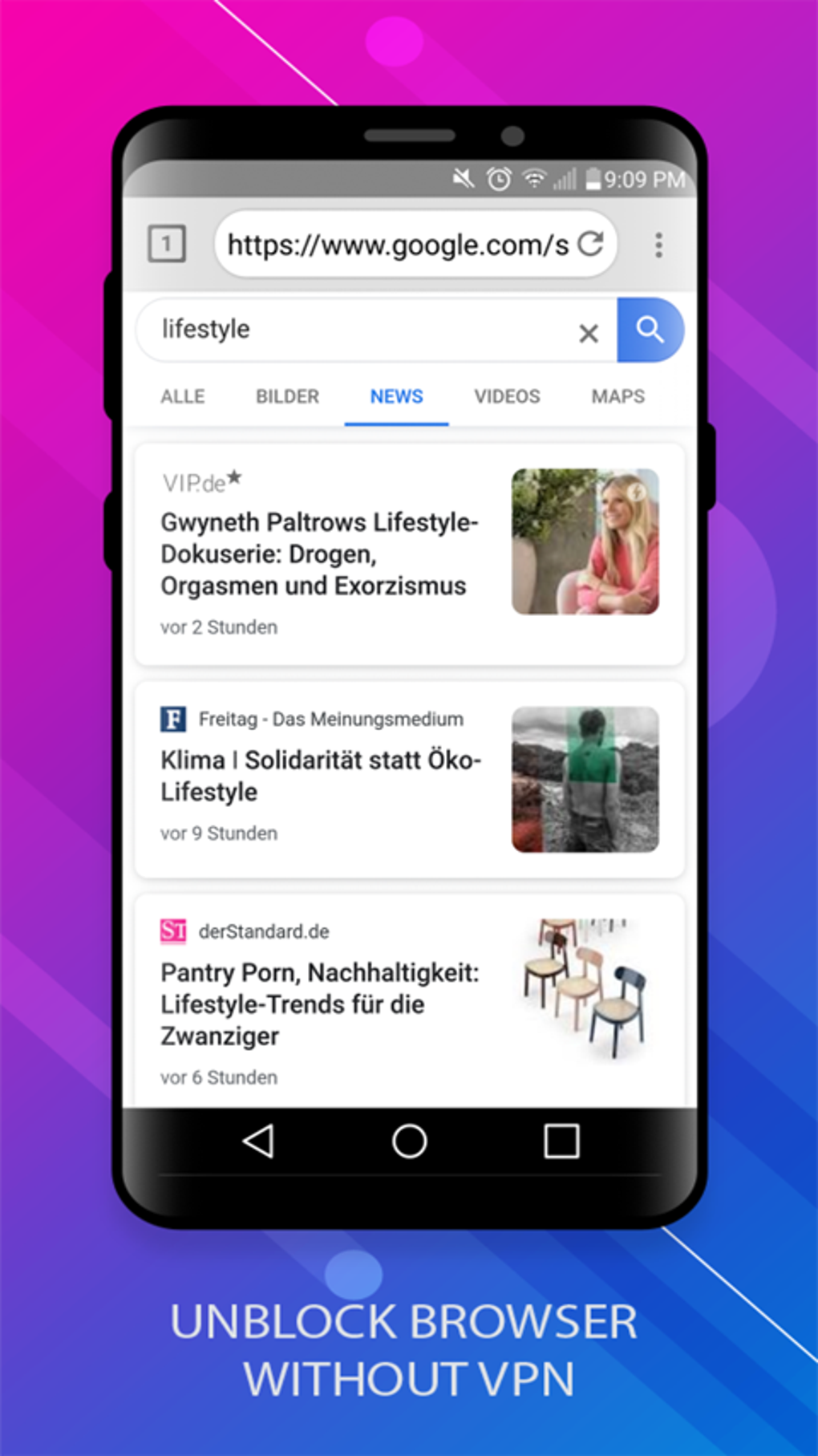
The app’s developers highlight its speed and reliability. The integration of a built-in proxy server is designed to minimize latency and improve download speeds, which is a valuable feature, especially for streaming media content or downloading large files. However, the actual performance will depend on various factors including network connectivity and server load.
Social and Communication: Expanding Connectivity
Lexi Browser’s function extends beyond simply bypassing website blocks; it facilitates access to social media platforms and communication tools that may be inaccessible in certain regions or networks. This can significantly impact individuals’ ability to connect with friends, family, and colleagues across geographical boundaries. Being able to access social media platforms and messaging apps becomes particularly important in situations where conventional communication channels are restricted or unreliable.
However, the potential for circumventing social media restrictions should be balanced with an understanding of the platform’s terms of service and the potential risks involved. Accessing restricted content or engaging in activities prohibited by the platform’s rules could lead to account suspension or other penalties. Users should always operate within the bounds of the applicable terms of service and legal regulations.
Lexi Browser APK for Android: Download and Installation
The Lexi Browser APK file can be downloaded directly from the app’s official website or other trusted sources. The installation process is straightforward and similar to installing any other Android application. However, it’s crucial to only download the APK from reputable sources to avoid potential malware or security risks. Downloading from untrusted websites could expose your device to harmful software.
The version number (20.0.0.0.lexibrowser) and update date (May 12, 2025) indicate the app’s relatively recent development and continued maintenance, suggesting ongoing updates and improvements. The relatively small size of the APK (17.23 MB) further underscores its lightweight nature. This small file size contributes to the ease of download, particularly advantageous in regions with limited bandwidth.
Security and Privacy: Balancing Access with Protection
While Lexi Browser offers the benefit of accessing blocked websites, it’s essential to consider the security and privacy implications. Using a proxy server, while masking your IP address, doesn’t guarantee complete anonymity. The proxy server itself may collect some browsing data. Users concerned about maximum privacy should carefully review the app’s privacy policy and consider the potential risks before using it.
It’s also important to be aware that using Lexi Browser to access websites that violate local laws or regulations can expose users to legal consequences. The app’s purpose is to bypass technical restrictions, not to provide a shield against legal repercussions. Users should be responsible for their online activities and ensure they comply with all relevant laws and regulations.
Lexi Browser: User Reviews and Ratings
At the time of writing this review, user reviews for Lexi Browser are limited, with the app not yet having accumulated a substantial number of user opinions. This lack of reviews doesn’t necessarily reflect the quality of the app but highlights the relatively recent launch or limited user base. As more users utilize Lexi Browser, a wider range of reviews and feedback will become available, providing a more robust assessment of the user experience. The existing ratings suggest positive overall user perception. However, a larger sample size of user reviews is needed for a comprehensive understanding of user satisfaction.
Conclusion: Lexi Browser – A Useful Tool with Caveats
Lexi Browser offers a convenient and user-friendly way to bypass website restrictions and enhance browsing speed. Its lightweight nature and simple interface make it accessible to a broad range of users. However, users should be mindful of the potential security and privacy implications associated with using proxy servers. The app’s effectiveness in bypassing restrictions might vary depending on the specific website and network configurations. While Lexi Browser presents a valuable tool for accessing blocked content, users should always exercise caution and responsible online behavior. The lack of extensive user reviews at this stage means a more comprehensive judgment on long-term user satisfaction will require further time and observation.
File Information
- License: “Free”
- Latest update: “May 12, 2025”
- Platform: “Android”
- OS: “Android 13.0”
- Downloads: “898”
- Size: “17.23 MB”
- Download Options: “APK, Google Play”
- Filename: “com-lexi-browser-94620009-70619405-3cb89386f2eb06af1341945c06f025f8.apk”


