
LG Bridge is a free utility software developed by LG Electronics Inc. designed for managing various LG smartphones and tablets from a desktop computer. This comprehensive guide will explore its functionality, ease of use, and limitations, helping you determine if it’s the right tool for your LG device management needs.
Core Functionality: Managing Your LG Device from Your PC
LG Bridge serves as a central hub for interacting with your LG device from your Windows or macOS computer. Its primary functions fall into three key categories: file transfer, data backup and restoration, and software updates. This centralized approach simplifies many common tasks, eliminating the need for multiple applications or complex procedures.
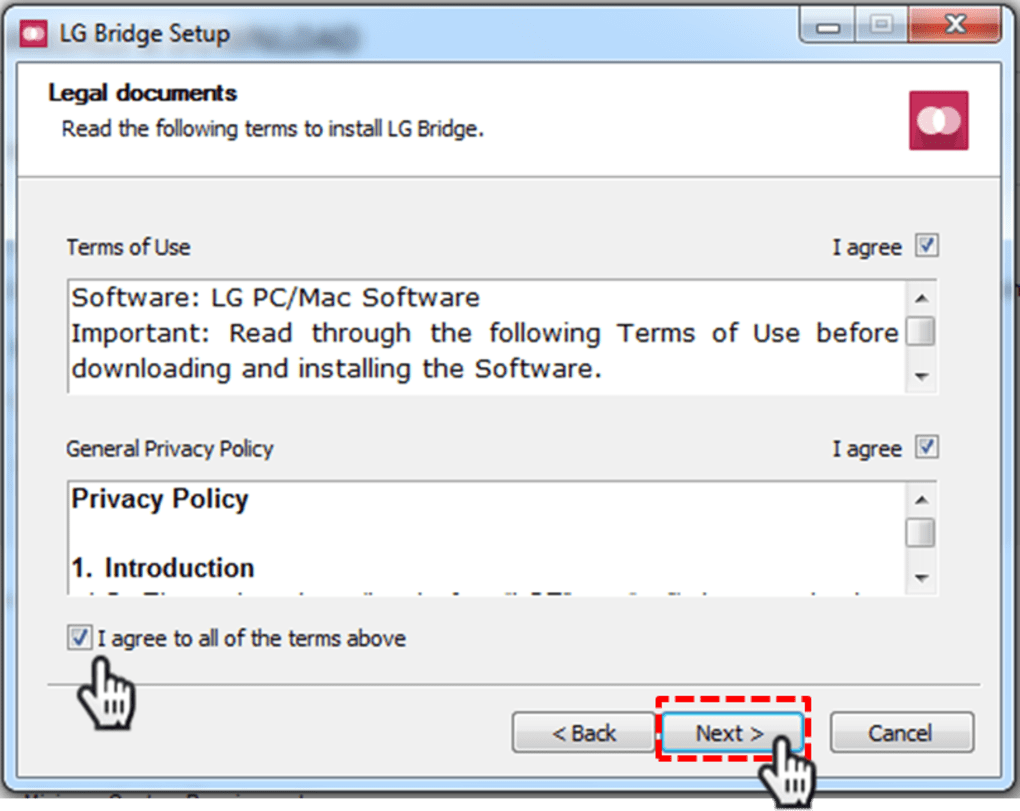
The software boasts a clean and intuitive interface, featuring a minimalist design that prioritizes usability. Navigation is straightforward, with clearly labeled tabs guiding users through the different functionalities. The absence of clutter makes it accessible even for users with limited technical experience. This contrasts with some competing software that can feel overwhelming due to their complexity.
LG AirDrive: Seamless File Transfer
The LG AirDrive feature is arguably the most frequently used aspect of LG Bridge. It provides a convenient method for transferring files between your LG device and your computer. The process utilizes a drag-and-drop interface, mirroring the familiar file management experience of most operating systems. This intuitive design allows for effortless file transfers, regardless of file type or size. Whether you’re transferring photos, videos, documents, or applications, LG AirDrive simplifies the process. The speed of transfer is generally efficient, although this can be impacted by factors such as the connection speed and the size of the files being transferred.
The simplicity of AirDrive extends beyond its basic functionality. It handles various file formats without requiring any user intervention or configuration. This eliminates the need for compatibility checks or format conversions, further streamlining the file transfer process. The absence of complex settings means that users can focus on the task at hand, rather than navigating through intricate menus or configurations.
LG Backup: Protecting Your Precious Data
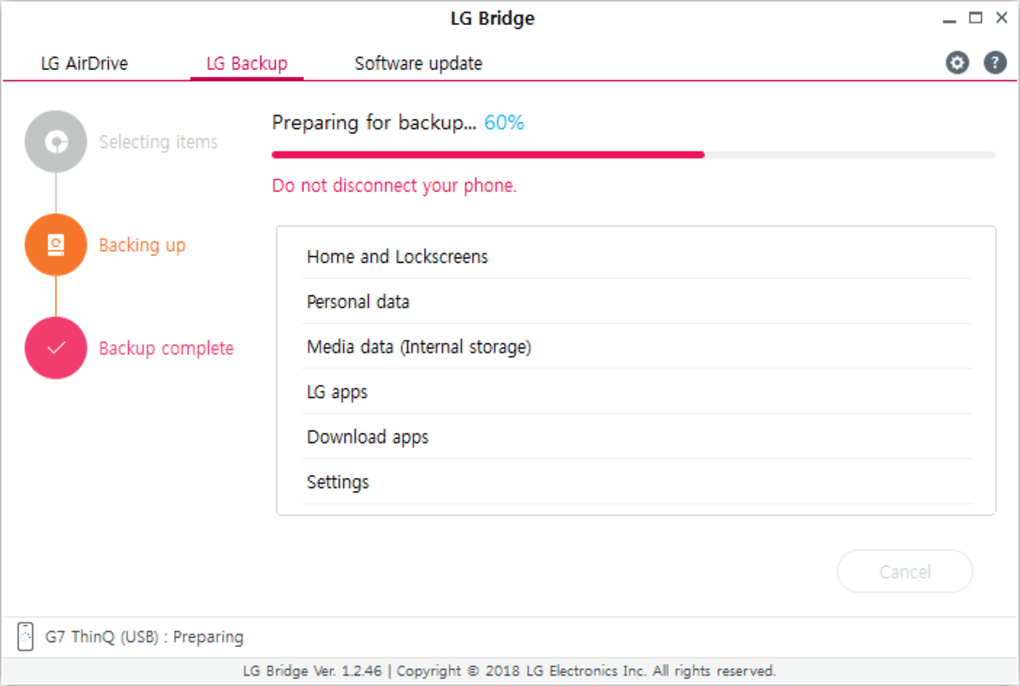
LG Bridge incorporates a robust backup and restore feature, allowing users to create complete or selective backups of their device’s data. This is crucial for safeguarding important information, preventing data loss due to device malfunction, theft, or accidental deletion. The backup process allows users to choose which data types to include in the backup. This selective approach is beneficial for users who wish to back up only essential data, such as contacts, messages, and photos, while excluding less crucial information. This also helps optimize the storage space required for backups.
Restoring data is equally straightforward. LG Bridge allows for a full device restore from a previous backup, ensuring that all settings and data are reinstated to their previous state. This simplifies the setup process for new devices or for those who have experienced data loss. The process is guided by on-screen instructions, minimizing the potential for errors and ensuring a smooth restoration experience. The ability to restore data to a new device is particularly useful during upgrades or when replacing a damaged or lost device. The ease of this process significantly reduces the time and effort involved in restoring a device to a working condition.
Software Update: Keeping Your Device Up-to-Date
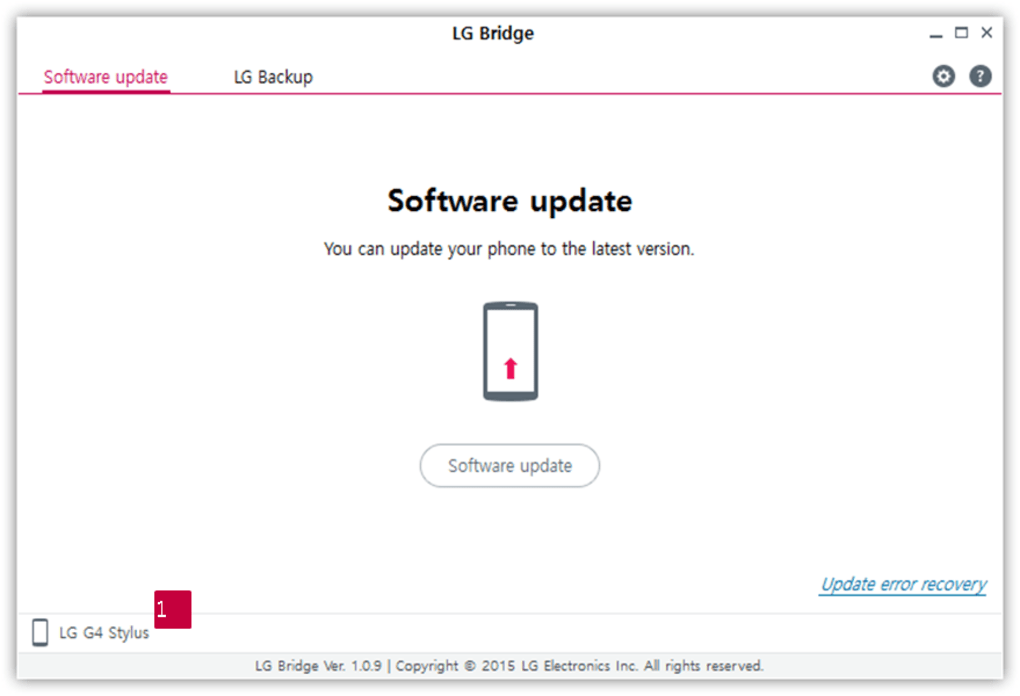
The Software Update feature in LG Bridge ensures that your LG device is running the latest available firmware. Keeping your software updated is crucial for security and performance. Outdated software can be vulnerable to security threats and may not be optimized for the latest features and functionalities. LG Bridge eliminates the need to manually check for updates, streamlining the process and ensuring your device remains secure and performs optimally.
The update process is handled directly through the LG Bridge interface, simplifying the procedure. The software automatically checks for updates and prompts users if one is available. The download and installation process is guided by clear instructions, ensuring a smooth and efficient update. This feature significantly simplifies the process compared to performing manual updates through the device settings.
Limitations and Alternatives
While LG Bridge provides a valuable suite of features, it’s important to note some limitations. Firstly, compatibility isn’t universal. Not all LG devices are supported by LG Bridge. Before using the software, verify compatibility with your specific LG smartphone or tablet model. If your device is not supported, you may need to explore alternative methods for data management or consider using LG PC Suite, although this software is also reaching the end of its lifecycle and may no longer be supported or updated.
Secondly, LG Bridge is primarily focused on LG devices. It doesn’t offer cross-platform compatibility, meaning it cannot manage devices from other manufacturers. Users with devices from multiple manufacturers will need alternative solutions. This is a significant limitation for those with a mixed-device household.
Finally, while the interface is generally intuitive, some users might find it slightly basic compared to more feature-rich management software. Advanced users who require more granular control over their device’s settings and data might find the limitations frustrating.
User Experience and Ease of Use
LG Bridge excels in its ease of use. The intuitive interface, clear instructions, and simple navigation make it accessible to users of all technical skill levels. The minimalist design avoids clutter, ensuring that users can quickly find the functions they need without getting lost in complex menus. This is particularly beneficial for users who are not comfortable with technical software.
The drag-and-drop functionality for file transfer enhances the user experience, providing a seamless and familiar interaction. Similarly, the backup and restore processes are straightforward, simplifying the management of valuable data. The software’s straightforward design ensures that users can focus on the task at hand rather than struggling with the software’s interface. This significantly reduces the learning curve associated with using the software.
Conclusion: Is LG Bridge Right for You?
LG Bridge offers a user-friendly and efficient solution for managing LG smartphones and tablets. Its straightforward design, intuitive interface, and essential features make it a valuable tool for backing up data, transferring files, and keeping your device’s software up-to-date. However, its limited compatibility and relatively basic feature set might not satisfy users with more advanced needs or those who own devices from multiple manufacturers. Before using LG Bridge, it’s essential to check for compatibility with your specific LG device. If compatibility is confirmed, LG Bridge provides a solid and efficient option for streamlined device management. If not, exploring alternative solutions may be necessary.
File Information
- License: “Free”
- Latest update: “May 23, 2023”
- Platform: “Windows”
- OS: “Windows 10”
- Language: “English”
- Downloads: “7.5K”
- Size: “70.44 MB”


