
LicenseCrawler is a software utility designed to locate license keys and serial numbers for various software programs, including different versions of Windows. While not foolproof, it offers a potentially time-saving alternative to manually searching the internet for these crucial activation codes. This article provides a comprehensive overview of LicenseCrawler, exploring its functionality, strengths, weaknesses, and alternatives.
How LicenseCrawler Works: Searching for Lost Keys
LicenseCrawler operates by systematically scanning online databases and repositories for matching license keys based on the installed software detected on a user’s system. The process involves several steps:
-
System Scan: Upon execution, LicenseCrawler initiates a scan of the user’s system to identify installed software programs. This process analyzes various system files and registries to create an inventory of applications. The accuracy of this initial scan significantly impacts the success rate of the subsequent search.
-
Database Query: Using the identified software names and versions, LicenseCrawler queries its internal database or external online sources for matching license keys or serial numbers. This database likely comprises a collection of commonly used keys, gathered from various publicly available sources.
-
Key Retrieval and Presentation: If a match is found, LicenseCrawler presents the retrieved key to the user. However, it’s crucial to understand that the accuracy of the retrieved key is not guaranteed. The program’s success hinges on the completeness and accuracy of its databases, and the availability of the license key online.
- Challenges and Limitations: The process isn’t without challenges. LicenseCrawler’s accuracy is not consistent. Sometimes, the key might be incorrect, too long, too short, or simply not functional. Furthermore, the program’s effectiveness is limited by the size and scope of its databases, meaning keys for obscure or lesser-known programs are less likely to be found. This limitation is inherent in the nature of the task; relying on publicly available data means that proprietary or uniquely generated keys are unlikely to be included.
Strengths and Weaknesses of LicenseCrawler
LicenseCrawler presents several advantages but also suffers from significant limitations. Understanding both aspects is crucial before deciding whether to use this tool.
Strengths:
-
Speed and Efficiency: Compared to manually searching online for license keys, LicenseCrawler provides a far more efficient approach. Its automated search process dramatically reduces the time and effort required.
-
Windows Support: LicenseCrawler demonstrably excels at finding keys for various Windows versions. This is a valuable feature, particularly for users needing to reinstall their operating system or facing activation issues.
-
Portability: The software’s portability, allowing operation from a USB drive, is a significant advantage for those needing to retrieve keys on multiple machines without installation. This minimizes the footprint and risk of leaving traces on the system.
-
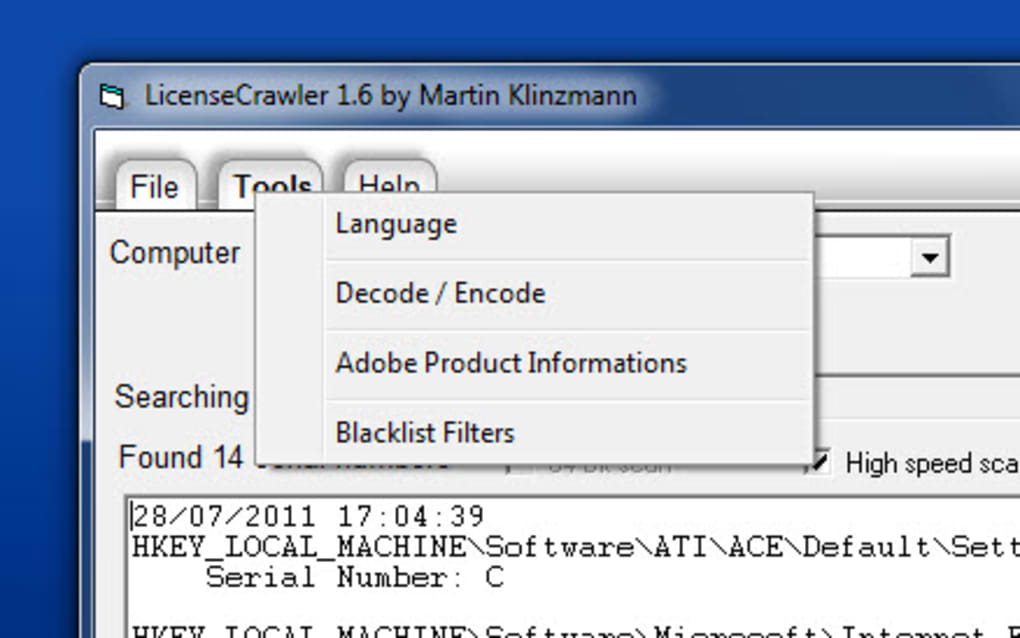
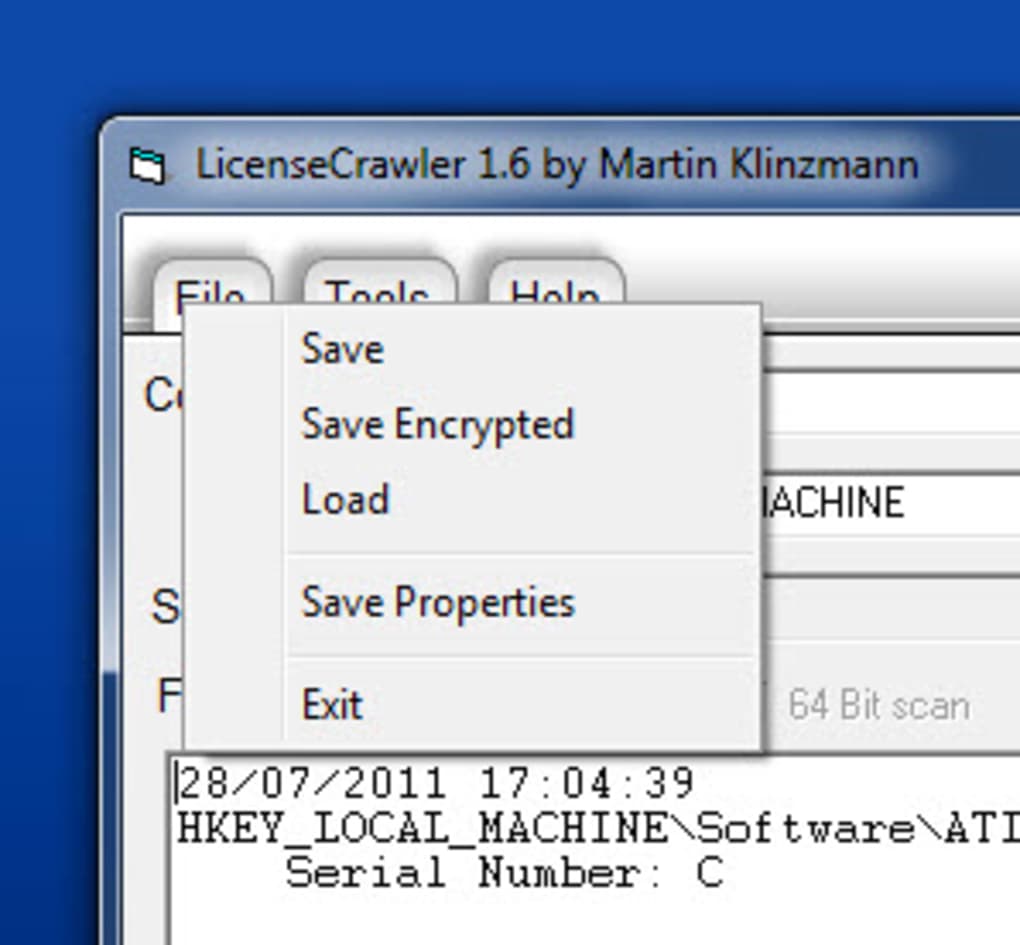
Simple Interface: The user interface is generally straightforward, making it accessible to users of various technical skill levels. The simplicity of use is a key strength for casual users.
Weaknesses:
-
Inconsistent Accuracy: The most significant drawback is the inconsistent accuracy of the retrieved keys. While sometimes successful, it frequently fails to provide a valid or functional key. This unreliability necessitates verification of any found key before using it.
-
Limited Database: The program’s effectiveness is directly tied to the size and completeness of its internal databases. This limited database results in a lower success rate for less common or recently released software.
-
Potential for Incorrect Keys: The possibility of retrieving an incorrect or outdated key is a significant concern. Using such keys can lead to activation failures and potential security risks. Verification of any recovered key is absolutely paramount.
- No Guarantee of Success: It is crucial to understand that LicenseCrawler does not offer a guaranteed method for retrieving lost keys. There is no certainty that the program will be successful in locating the correct key for any given software.
Alternative Software for Retrieving License Keys
Several alternative applications offer similar functionality to LicenseCrawler, each with its own strengths and weaknesses. Exploring these alternatives provides options with varying approaches and potential for success.
-
Magical Jelly Bean Keyfinder: This is a widely recognized alternative that focuses on retrieving product keys for Windows and Microsoft Office installations. Its strength lies in its reliability in retrieving keys for these specific products.
-
Weeny Free Key Recovery: This program targets a broader range of software applications beyond just Windows and Office, offering a wider scope of retrieval capabilities. However, its accuracy might vary depending on the software.
-
Product Key Decryptor: This utility focuses primarily on decrypting and displaying product keys, providing a more direct approach to key retrieval than searching online databases.
-
MyKeyFinder: This comprehensive key finder explores a broader range of software compared to LicenseCrawler, though it too may lack consistency in accurately retrieving the required keys.
-
SoftKey Revealer: This utility focuses on finding serial numbers for installed software, similar to LicenseCrawler, and shares the potential strengths and weaknesses of database-driven key retrieval.
- Serial Key Manager: This application is less focused on finding lost keys and more on organizing and managing already known serial numbers, providing a secure central repository.
These alternative applications provide a broader range of features and functionality, potentially improving the likelihood of retrieving lost keys. However, it’s essential to remember that none of these programs guarantee success, and verifying any retrieved key is crucial to avoid any issues.
Ethical and Legal Considerations
Using LicenseCrawler or any similar software raises significant ethical and legal concerns. It’s imperative to use such tools responsibly and within legal boundaries. The legality of retrieving license keys for software depends largely on the software license agreement. Most software license agreements prohibit unauthorized distribution or retrieval of keys. Using such tools to obtain keys for software you don’t own is a violation of copyright law and can result in legal repercussions. This applies whether the software is obtained for personal use or commercial purposes. Always respect intellectual property rights. It is strongly recommended to only use these tools for retrieving keys for software that you legitimately own and have previously purchased.
Furthermore, the websites and databases from which LicenseCrawler or similar tools might retrieve data could contain malware or malicious code. Always exercise caution and use reputable anti-virus software when using such tools. It is essential to approach the use of this type of software with awareness of the potential risks.
Conclusion: Weighing the Pros and Cons
LicenseCrawler, along with similar applications, provides a potentially useful tool for retrieving lost license keys for certain software programs. However, its limitations regarding accuracy and the potential legal and ethical concerns necessitate caution and informed decision-making. Users should carefully consider the potential risks and weigh them against the benefits before using such software. Furthermore, always verify any retrieved keys for authenticity and functionality before applying them. In many cases, contacting the software vendor directly might be a more reliable and legally sound approach to resolving licensing issues. Remember that respecting software licenses and intellectual property rights is paramount.
File Information
- License: “Free”
- Latest update: “May 24, 2023”
- Platform: “Windows”
- OS: “Windows 95”
- Language: “English”
- Downloads: “328.2K”
- Size: “2.95 MB”


