
Little Stars is a free Android lifestyle application designed for remote video surveillance. It connects your mobile device to compatible security cameras, allowing you to monitor your home, loved ones, pets, or other important locations remotely. This provides a sense of security and peace of mind, particularly when you are away from your property or those you care for. The app aims to bridge the geographical gap, offering real-time visual monitoring and interaction capabilities. However, while offering a useful core function, the app suffers from significant usability issues, primarily concerning its user manual.
Real-Time Surveillance and Two-Way Communication: Key Features
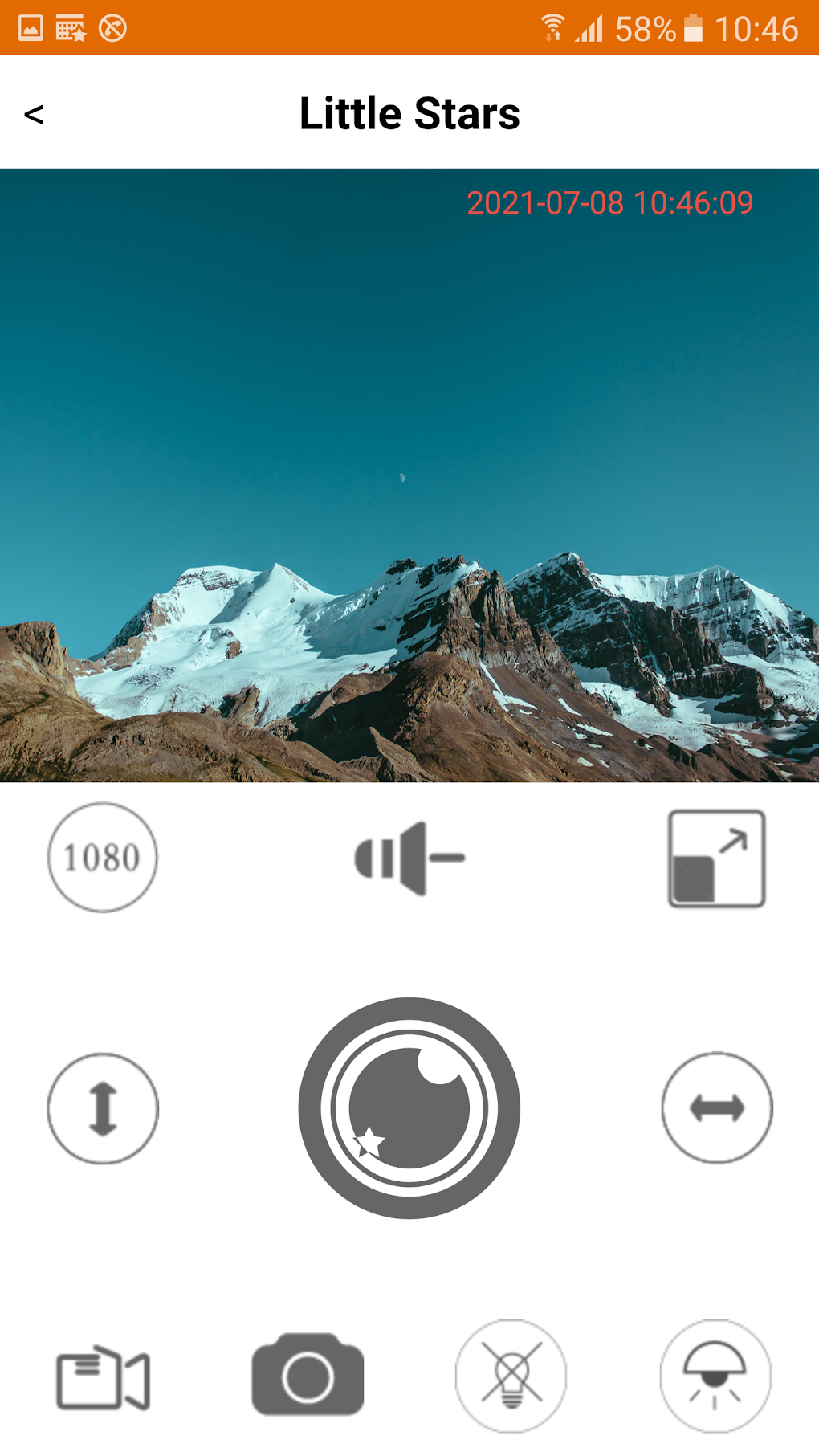
The core functionality of Little Stars revolves around providing real-time video feeds from connected surveillance cameras. This allows users to instantly view what’s happening at their monitored location, regardless of their physical distance. The clarity and quality of the video feed will, of course, depend on the quality of the camera and your internet connection. A strong, stable internet connection is crucial for a smooth and uninterrupted viewing experience. Slow or unreliable internet connections can lead to lag, pixelation, or complete disconnection from the video feed.
Beyond simple video monitoring, Little Stars also incorporates a significant feature: two-way audio communication. This allows users to communicate with individuals or pets at the monitored location via a built-in intercom system. This real-time voice interaction is a valuable addition, offering a more proactive way to interact with your surroundings than just passive observation. You can use this feature to check on loved ones, reassure pets, or even deter potential intruders. The practical applications are numerous, from offering reassurance to children left alone at home to deterring potential burglars by letting them know they are being monitored. This functionality elevates the app beyond a simple monitoring tool to a more interactive and versatile security system.
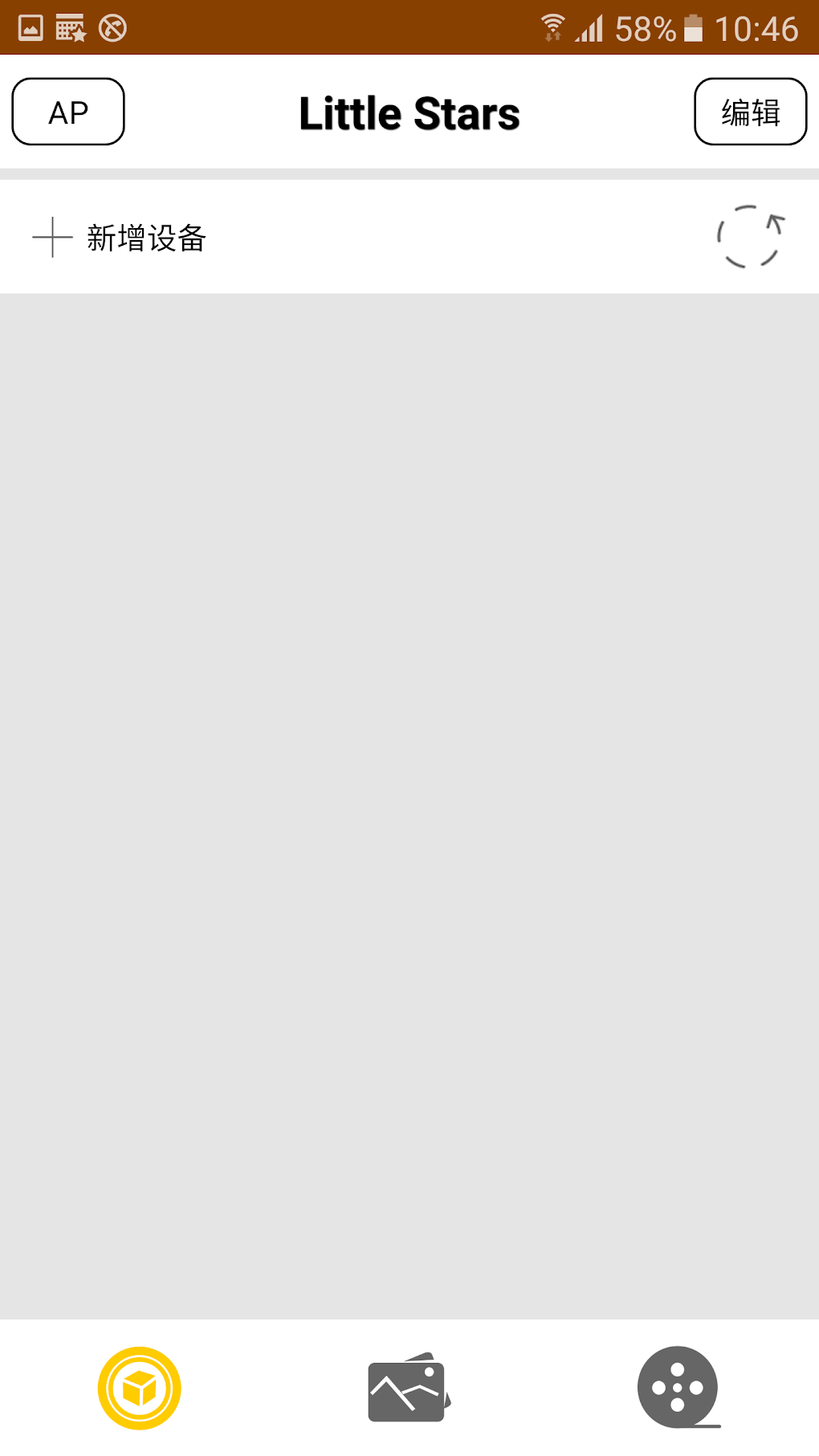
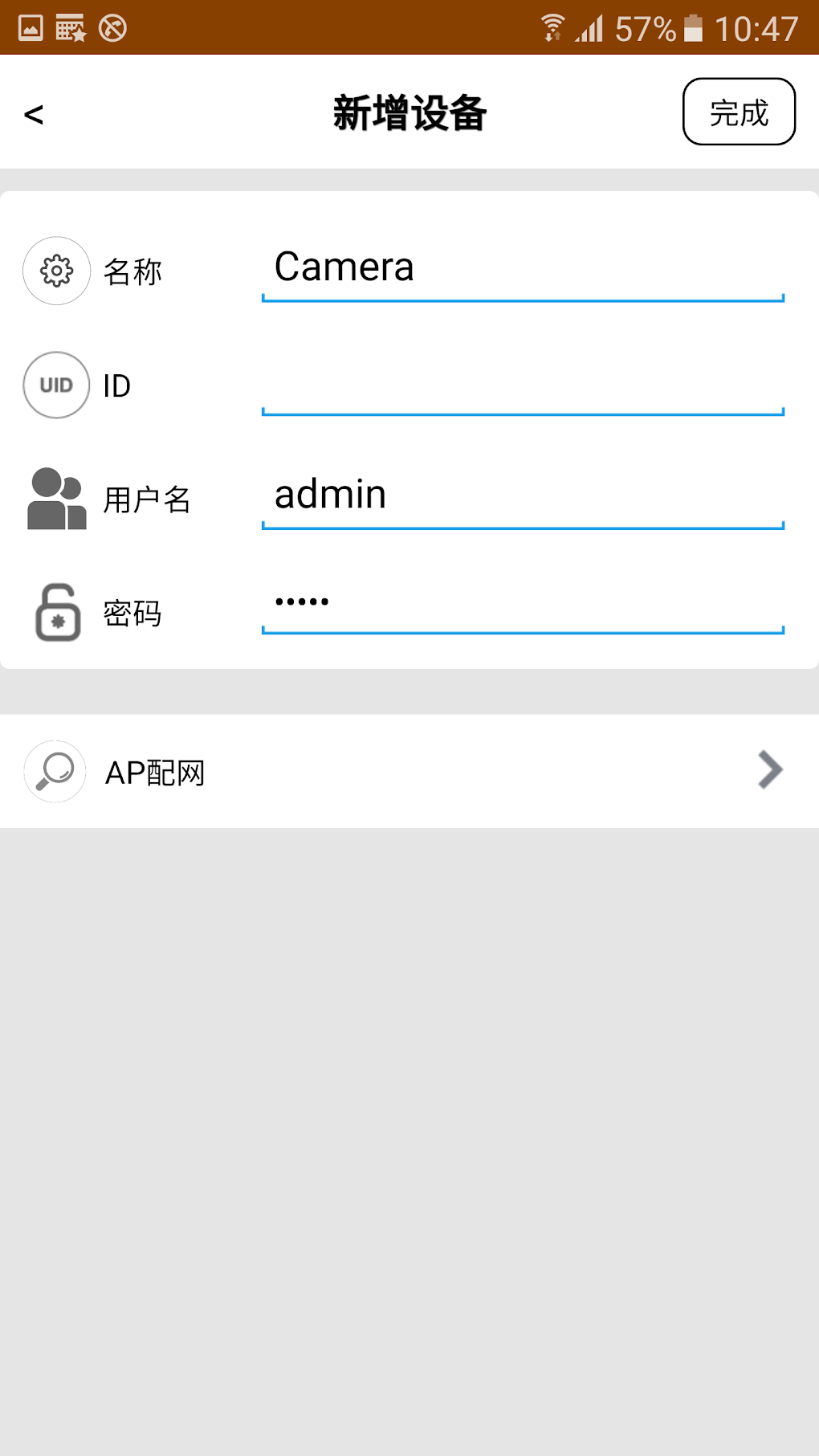
The app’s design aims for simplicity and ease of use. The interface is relatively intuitive, presenting a straightforward method for connecting to cameras and accessing live feeds. However, navigating the app’s settings and exploring its full range of features could be significantly improved with a more user-friendly interface. While initially simple to use for basic monitoring, advanced configurations and troubleshooting might prove challenging for less tech-savvy users.
Usability and User Experience Challenges: The Poorly Written Manual
Despite the app’s promising features, a significant drawback undermines the overall user experience: the poorly written instruction manual. Users report significant difficulty understanding the instructions provided, leading to frustration and hindering the effective use of the app’s features. This lack of clarity makes setup and configuration more complex than it needs to be, potentially leading to users abandoning the app due to frustration rather than a lack of functionality. A poorly written manual negates much of the potential value of the app, particularly for users who are not already familiar with similar surveillance applications.
The impact of a poorly written manual extends beyond simply hindering initial setup. Troubleshooting problems and making full use of the app’s features become significantly more challenging when the guidance provided is unclear or inaccurate. This lack of support leaves users struggling to resolve issues independently, potentially leading to dissatisfaction and negative reviews. It’s a critical area where the developers need to invest considerable effort to improve the user experience and ensure that the app’s capabilities are accessible to a wider range of users.
Effective user documentation is critical for the success of any application, and in the case of Little Stars, this is an area that needs urgent attention. A well-written, comprehensive manual should provide step-by-step instructions for setup, clear explanations of features, and troubleshooting guidance for common issues. The current state of the manual is a significant barrier to entry and undermines the app’s potential.
Security Considerations and Privacy Implications
As a remote surveillance application, Little Stars raises important considerations regarding security and user privacy. The app needs robust security measures to protect the video feeds and user data from unauthorized access. This includes employing encryption protocols to safeguard data transmitted between the app, the cameras, and the user’s device. The developers need to clearly articulate the security measures employed and address user concerns regarding data privacy and potential vulnerabilities. Transparency around data handling practices is crucial to build user trust.
Furthermore, users should be aware of the potential implications of constantly recording and storing video data. Depending on local laws and regulations, there might be restrictions on how this data is collected, stored, and shared. Understanding these legal considerations is important to avoid potential legal or ethical issues. Users should familiarize themselves with privacy policies and relevant legislation in their region to ensure compliance.
Security breaches could have serious consequences, potentially compromising the privacy of individuals caught on camera. Therefore, the app’s developers bear a responsibility to ensure the security of the platform and the protection of user data. This requires regular security audits, updates to address vulnerabilities, and transparent communication with users about security protocols and incident response.
Little Stars: A Potential Tool Marred by Usability Issues
In summary, Little Stars offers a core functionality that fulfills a real need for remote video surveillance and two-way communication. The ability to monitor locations and interact with individuals or pets remotely provides significant value. However, the app’s potential is significantly undermined by the poorly written instruction manual, making setup and use unnecessarily difficult. This usability issue overshadows the app’s positive features and creates a negative user experience. Addressing this core weakness is critical for the app’s success and broader adoption.
The developers should prioritize the creation of a clear, concise, and well-organized user manual. This is a fundamental requirement for any software application, and its absence severely limits the app’s accessibility and usability. Investing resources in improving the documentation would significantly enhance the overall user experience and allow a greater number of users to take advantage of the app’s valuable features.
Addressing the usability issue would make Little Stars a more competitive and appealing option in the market. The potential benefits of real-time remote monitoring and two-way communication are considerable, but they are currently hampered by a fundamental flaw in its presentation and guidance. By focusing on improving the user manual and addressing any identified security concerns, Little Stars could transform into a significantly more effective and user-friendly application.
File Information
- License: “Free”
- Version: “4.3”
- Latest update: “August 7, 2024”
- Platform: “Android”
- OS: “Android 9.0”
- Language: “English”
- Downloads: “38.2K”
- Size: “32.10 MB”
- Download Options: “APK, Google Play”
- Filename: “com.jxl.app.littlestars.project.apk”


