
LocalCooling is a free Windows application designed to minimize your computer’s energy consumption, contributing to a greener computing experience. By actively monitoring and managing your PC’s power usage, LocalCooling helps reduce your carbon footprint and potentially lower your electricity bills. This detailed review explores the software’s features, benefits, limitations, and overall effectiveness in achieving its environmentally conscious goals.
Understanding LocalCooling’s Functionality
LocalCooling operates by constantly monitoring the power draw of various computer components, including the CPU, hard drive, monitor, and other peripherals. It presents this information clearly on its user interface, providing a real-time visualization of your computer’s energy usage. This transparency allows users to understand their computer’s energy habits and identify potential areas for improvement. The software doesn’t just monitor; it actively intervenes to optimize power consumption based on user-defined settings.
The core functionality of LocalCooling revolves around its power-saving features. Users can configure the application to automatically perform actions like:
-
Shutting down the monitor: After a period of inactivity, LocalCooling can automatically turn off the monitor, significantly reducing power consumption. This is particularly beneficial for users who frequently step away from their computers without manually powering down their displays.
-
Spinning down hard drives: Hard disk drives (HDDs) consume power even when idle. LocalCooling can be configured to spin down HDDs after a specified period of inactivity, minimizing their energy use. Solid-state drives (SSDs) consume significantly less power and are generally unaffected by this feature.
-
Hibernating the computer: For more aggressive power saving, LocalCooling offers the option to automatically hibernate the computer after a certain period of inactivity. Hibernation saves the current system state to the hard drive and completely shuts down the system, resulting in zero power consumption until the computer is woken up.
These power-saving measures are highly customizable, allowing users to tailor the software’s behavior to their specific needs and preferences. The settings provide granular control, enabling users to precisely define the time intervals before each action is triggered.
Environmental Impact and Real-Time Savings Tracking
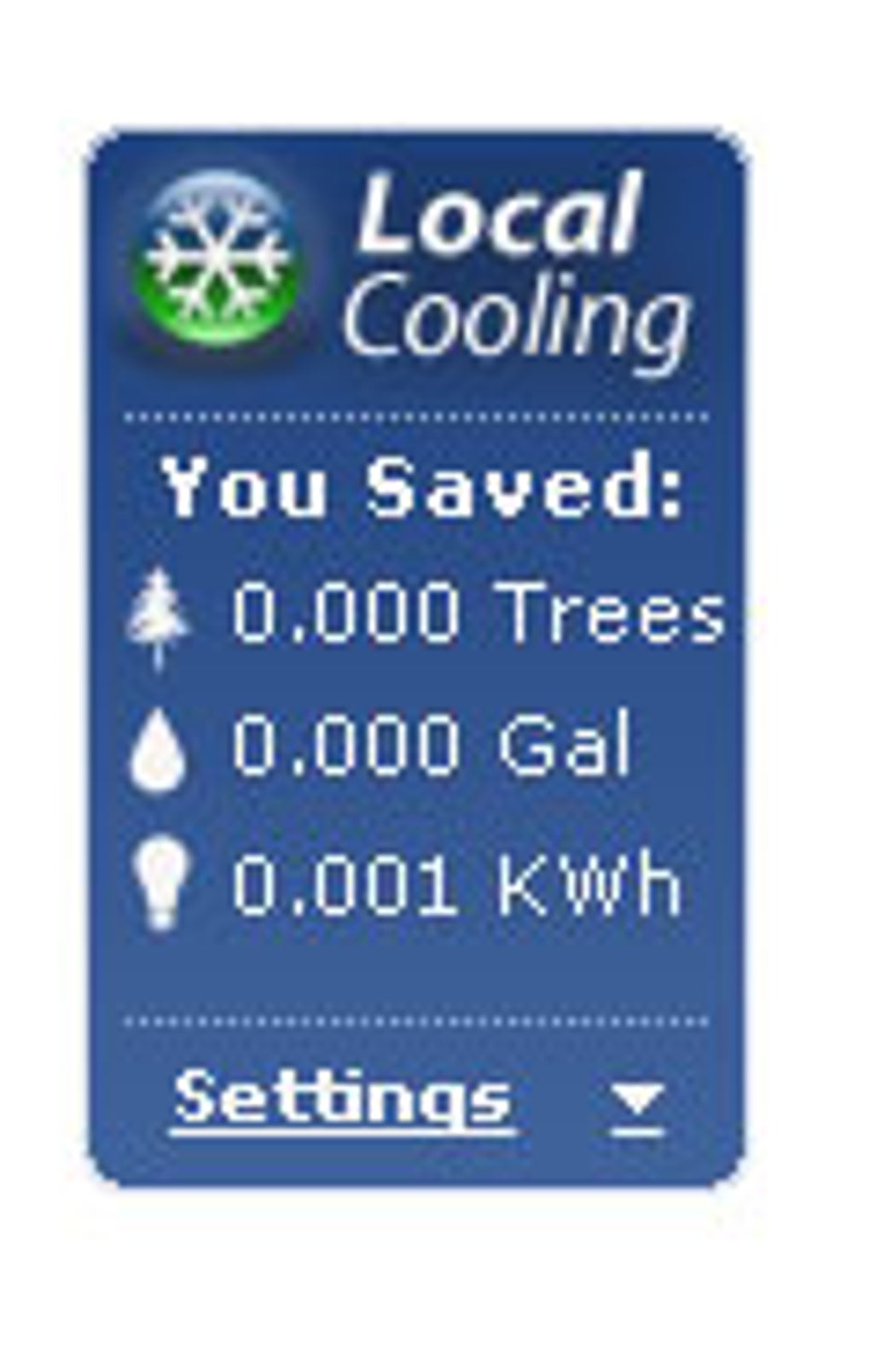
One of LocalCooling’s most appealing aspects is its emphasis on environmental consciousness. The software doesn’t just show you the power savings in kilowatts; it translates these savings into tangible, relatable terms. LocalCooling displays the impact of its power-saving efforts in terms of:
-
Trees saved: This metric quantifies the amount of carbon dioxide emissions avoided by reducing your computer’s energy consumption, represented as the equivalent number of trees that would have been needed to absorb the reduced emissions. This provides a clear and visually impactful way to understand the positive environmental impact of using the software.
-
Gallons of oil saved: This metric reflects the reduction in fossil fuel consumption resulting from lower energy usage. By expressing the savings in terms of gallons of oil, LocalCooling further emphasizes the positive environmental impact of its power-saving measures.
This real-time feedback loop encourages users to actively engage in energy conservation. Seeing the cumulative savings visualized as trees saved and gallons of oil conserved can be highly motivating, fostering a sense of environmental responsibility and promoting continued use of the software. The ability to track these environmental metrics over time allows users to monitor their progress and gauge the overall effectiveness of their energy-saving efforts.
User Interface and Ease of Use
LocalCooling boasts a user-friendly interface designed for simplicity and ease of navigation. The main window clearly displays the current power consumption of various components, providing an intuitive overview of the system’s energy usage. The settings are straightforward and logically organized, allowing even novice users to quickly configure the software to their preferences.
The real-time display of power consumption and environmental savings adds a layer of engagement, constantly reminding the user of the impact their actions have. The visualization of saved trees and gallons of oil is not only informative but also visually appealing, reinforcing the positive environmental message. The application’s minimalist design avoids overwhelming the user with unnecessary information, making it easy to monitor and manage power settings without being intrusive.
Limitations and Potential Improvements
While LocalCooling effectively achieves its primary goals, there are areas for potential improvement:
-
Limited configurability: One of the criticisms leveled at LocalCooling is its limited configuration options. The inability to change measurement units (e.g., from kilowatt-hours to other units) is a minor but noticeable limitation. Expanding the configuration options to allow users more granular control over the power-saving actions and metrics displayed could enhance the software’s overall appeal.
-
Lack of advanced features: While the core functionalities are solid, the addition of advanced features could further enhance LocalCooling’s capabilities. Features such as automatic scheduling of power-saving actions based on time of day or specific events could be valuable additions.
-
Compatibility: While the software is designed for Windows, expanding compatibility to other operating systems like macOS and Linux would broaden its reach and impact.
-
Community and Competition: The mention of a competitive element on the author’s website presents an opportunity to foster a community around the application. This could involve leaderboards, achievements, and forums where users can share tips and strategies for optimizing energy consumption. This element could further enhance user engagement and promote the adoption of energy-saving practices.
Conclusion: A Valuable Tool for Environmentally Conscious Computing
LocalCooling offers a simple yet effective way to reduce your computer’s energy consumption and contribute to a more sustainable computing environment. Its user-friendly interface, real-time feedback on environmental savings, and straightforward power-saving features make it an accessible and appealing option for users of all technical skill levels. While some limitations exist regarding configurability and advanced features, the software’s core functionality is robust and fulfills its primary goals effectively. The incorporation of community features and improvements to configurability would further solidify LocalCooling’s position as a leading tool for environmentally conscious computing. By promoting awareness of energy consumption and offering practical tools to reduce it, LocalCooling encourages users to engage in responsible computing practices, ultimately contributing to a greener future.
File Information
- License: “Free”
- Latest update: “July 12, 2023”
- Platform: “Windows”
- OS: “Windows XP”
- Language: “English”
- Downloads: “137.3K”
- Size: “4.11 MB”


