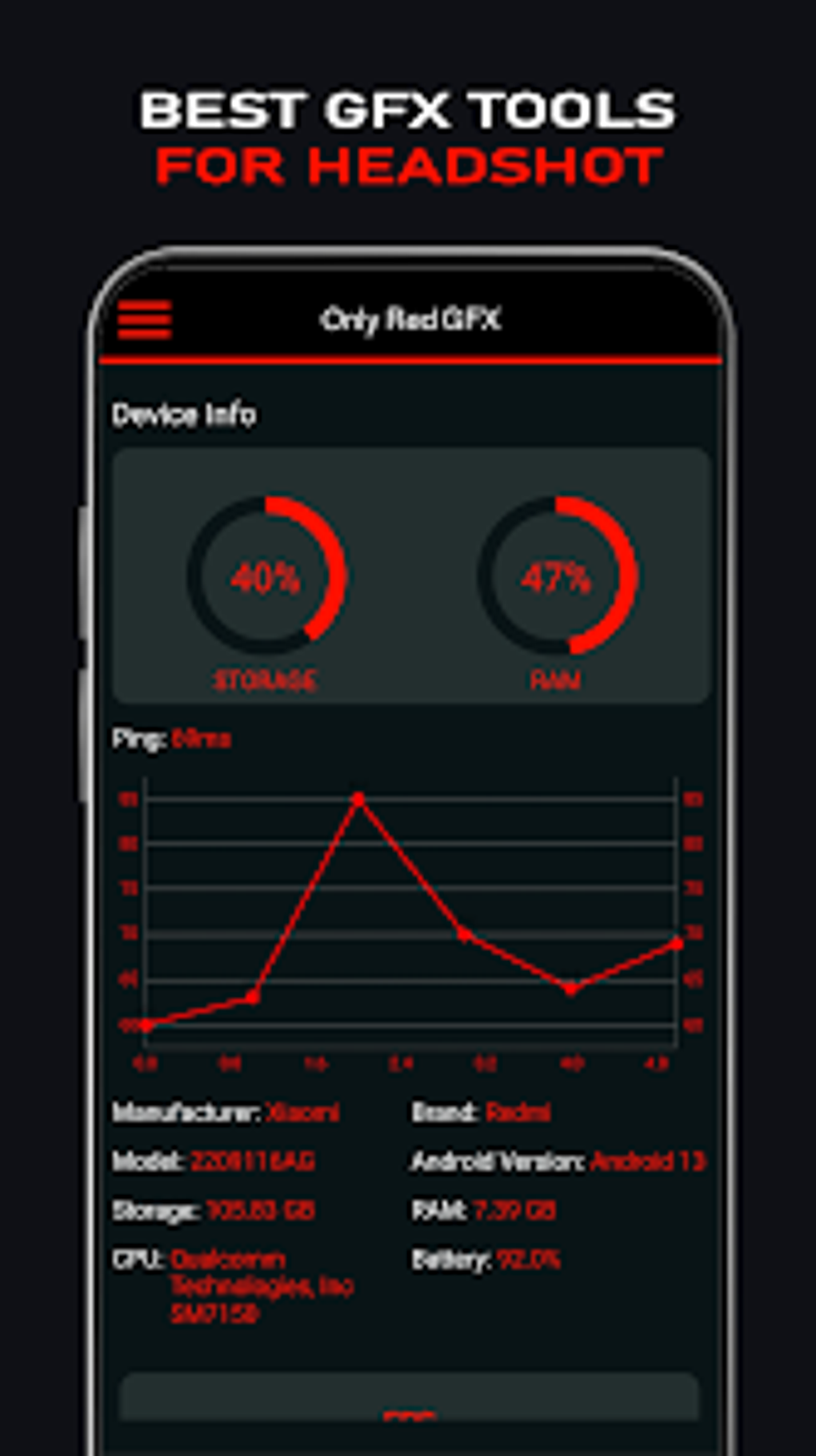
Macro Headshot GFX Tool is an Android application designed to significantly improve accuracy and performance in mobile games, particularly those requiring precise aiming and rapid reactions. This tool goes beyond simple sensitivity adjustments, offering a suite of features aimed at giving players a competitive edge. Its core functionality revolves around enhanced sensitivity settings, headshot assistance tools, and integrated macros, all working together to streamline gameplay and boost the chances of victory.
Enhanced Sensitivity and Precision
One of the key features of Macro Headshot GFX Tool is its advanced sensitivity customization. Unlike many similar applications that offer only a limited range of adjustments, this tool provides granular control over various sensitivity parameters. This allows players to fine-tune their in-game controls to perfectly match their personal playing style and device. Whether you prefer a responsive, snappy feel or a more deliberate, controlled experience, Macro Headshot GFX Tool provides the flexibility to achieve optimal precision.
This fine-grained control extends beyond basic sensitivity settings. The app often includes options to adjust sensitivity independently for different actions, such as aiming, scoping, and movement. This individualized approach allows players to create a customized control scheme optimized for their specific needs and playstyle. For example, a player might prefer higher sensitivity for quick target acquisition but lower sensitivity for precise long-range shots. This level of customization significantly reduces the learning curve associated with adapting to different game controls and promotes a more intuitive and efficient gaming experience. The tool also often integrates with different game engines and offers presets tailored for specific titles.
Headshot Assistance and Targeting Aids
Beyond sensitivity adjustments, Macro Headshot GFX Tool incorporates tools designed to facilitate headshots. These tools may include features such as aiming aids or predictive aiming systems that help players anticipate enemy movements and line up headshots more accurately. While the exact mechanisms vary depending on the version and implementation of the tool, the core objective remains consistent: to assist players in achieving more headshots, which often translate to quicker eliminations and an improved kill-to-death ratio.
It’s crucial to note that the effectiveness of these headshot assistance features depends on several factors, including the specific game being played, the player’s skill level, and the network connection. While the tool can provide a significant advantage, it is not a guarantee of instant success. Skilled players can leverage the tool’s features to enhance their existing abilities and refine their aiming techniques, but the tool itself will not compensate for a complete lack of aiming skill.
Furthermore, the ethical implications of using such tools should be considered. Many online games have strict rules against using third-party applications that provide an unfair advantage. Players are advised to review the terms of service and game rules before using Macro Headshot GFX Tool or any similar application to avoid potential penalties such as account suspension or permanent bans.
Macro Functionality and Gameplay Streamlining
Macro Headshot GFX Tool typically includes a macro feature, allowing players to record and replay sequences of actions. This functionality can be particularly beneficial for performing complex maneuvers or executing specific strategies consistently. Imagine a scenario where a player needs to perform a precise series of actions in quick succession, such as quickly switching weapons, aiming, firing, and then reloading. With macros, this sequence can be recorded and executed effortlessly with a single button press, resulting in faster reaction times and smoother execution of intricate gameplay strategies.
Macros can also significantly reduce the time and effort required for repetitive actions. This allows players to focus more on strategic decision-making and less on the mechanical execution of actions. By automating tedious tasks, the macro feature frees up cognitive resources and enhances overall gaming performance.
GFX Enhancements and Visual Improvements
Many versions of Macro Headshot GFX Tool also incorporate GFX (Graphics) enhancement features. These features can significantly improve the visual quality of the game, enhancing the overall gaming experience. These enhancements might include higher resolutions, improved textures, enhanced shaders, or other visual improvements that make the game world more detailed and immersive.
However, it’s essential to understand that these GFX enhancements can have a trade-off in terms of performance. While they can dramatically improve the visuals, they may also increase the game’s system requirements, potentially leading to reduced frame rates or lag on less powerful devices. Players need to carefully balance the desire for enhanced visuals with the need for smooth and responsive gameplay, adjusting settings as needed to find an optimal balance. The app may offer various presets to allow users to select a balance between visual quality and performance based on their device capabilities.
Macro Headshot GFX Tool: A Comprehensive Overview
Macro Headshot GFX Tool presents itself as a versatile tool offering a blend of sensitivity adjustments, headshot assistance features, macro capabilities, and GFX improvements. It aims to empower players with increased precision, efficiency, and visual fidelity. The level of customization and the range of features integrated into the tool make it a potentially powerful asset for serious mobile gamers. However, users should always remain aware of the ethical implications and abide by the rules and regulations of the games they play. The benefits offered by Macro Headshot GFX Tool should be weighed against the risks associated with its use, and players should use the tool responsibly and judiciously.
Remember that while the app aims to improve your gaming experience, individual results may vary depending on several factors, including your personal skill level, the specific game you are playing, and the hardware specifications of your mobile device. Experimenting with different settings and practicing consistently is crucial for maximizing the benefits of Macro Headshot GFX Tool.
The app’s popularity and widespread use indicate a significant demand for tools that enhance mobile gaming experiences. While there’s always a debate around fairness and competitive balance in online gaming, applications like Macro Headshot GFX Tool reflect a player base constantly seeking ways to optimize their performance and achieve a competitive edge.
Disclaimer: The information provided in this article is for informational purposes only. The use of Macro Headshot GFX Tool or any similar third-party application may violate the terms of service of specific games. Always review the rules and regulations of each game before using any such tools. PhanMemFree.org is not responsible for any penalties or consequences resulting from the use of this or any other third-party application.


