
MacroMaker is a free utility tool designed for Windows users seeking to automate repetitive tasks. This software allows you to create macros – sequences of commands – that simulate keystrokes, mouse movements, and other actions, effectively streamlining your workflow and saving you valuable time. While its interface might appear somewhat dated and its use requires some technical understanding, MacroMaker offers a robust set of features that can significantly boost productivity for experienced users.
What is MacroMaker and How Does it Work?
Many computer users find themselves performing the same series of actions repeatedly throughout their workday. This might involve filling out forms, navigating complex software interfaces, or repeatedly clicking through multiple files. MacroMaker tackles this problem by allowing users to record these sequences of actions as macros and assign them to hotkeys or schedule their execution. This frees up the user to focus on other tasks, significantly increasing efficiency.
MacroMaker isn’t just about recording simple keystrokes and mouse clicks; it enables the creation of complex command sequences. It supports functionalities such as simulating keystrokes, opening pop-up windows, replaying recorded macros, and executing built-in functions. Users construct these commands using a scripting-like approach, defining the specific actions and their order. The software’s ability to handle system-level commands, mouse interactions, keyboard inputs, and clipboard manipulation provides a broad range of automation possibilities.
The program also features a buffer system for managing clipboard content. This means you can store various pieces of text or other data within the MacroMaker application, readily available for use within your macros, further enhancing automation capabilities.
The MacroMaker Interface and User Experience
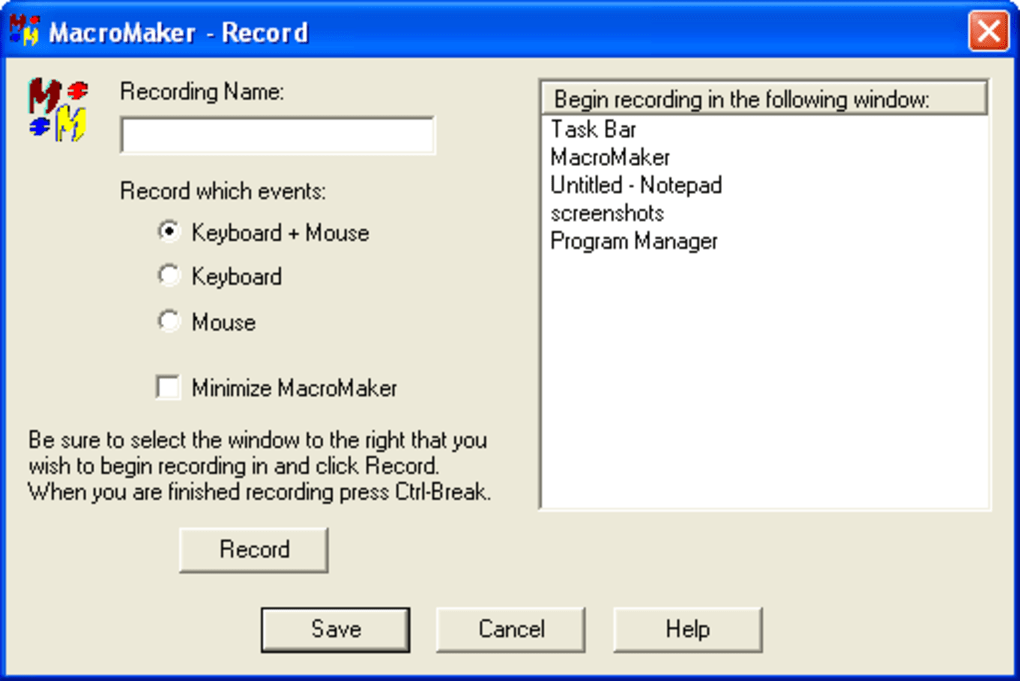
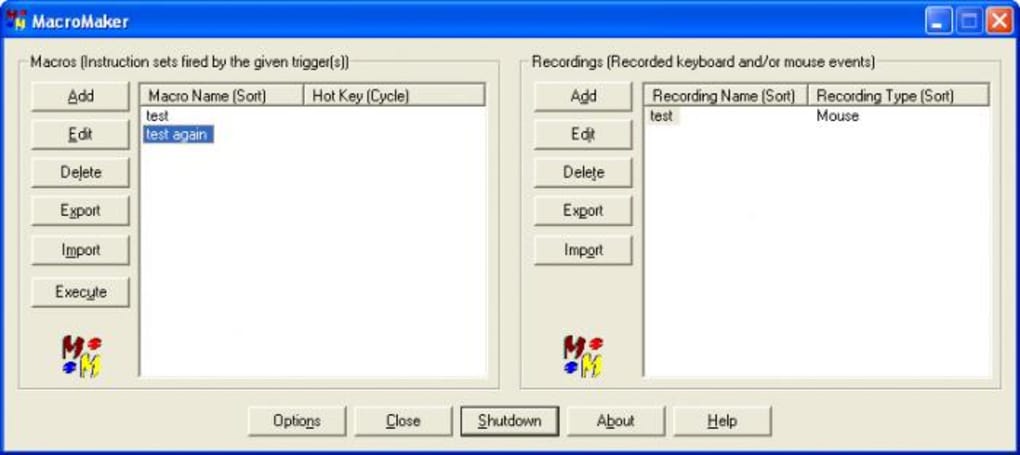
MacroMaker’s user interface is straightforward, though its dated appearance may initially appear unappealing to users accustomed to more modern software. The lack of recent updates is apparent in the design, however, the functionality remains solid and intuitive once understood. The main window presents a simple menu structure allowing users to categorize commands based on their source (system, mouse, keyboard, applications, or clipboard). This organizational system aids in building and managing complex macros.
While the interface lacks visual sophistication, its simplicity can be beneficial to experienced users familiar with macro creation tools. The focus is firmly on functionality, providing direct access to essential tools and options without unnecessary clutter. Navigating the program is relatively easy once the underlying logic is grasped, but its lack of visual cues might prove challenging for those lacking prior experience with macro programming.
Performance and System Requirements
MacroMaker is designed to be lightweight, minimizing its impact on system resources. The application consumes minimal CPU and memory, ensuring it doesn’t hinder the performance of other programs running concurrently. This efficiency is a critical aspect, particularly for users who might be running multiple applications simultaneously. The low resource consumption makes it suitable for use on a wide range of Windows computers, from older machines to modern high-performance systems.
For users unfamiliar with the intricacies of macro creation, MacroMaker offers supporting resources and tutorials (though these might also be outdated given the lack of recent updates). These resources help users navigate the software’s functionalities and create their macros effectively. While not explicitly stated, it’s likely that online communities and forums might also offer additional support and guidance.
Applications and Use Cases of MacroMaker
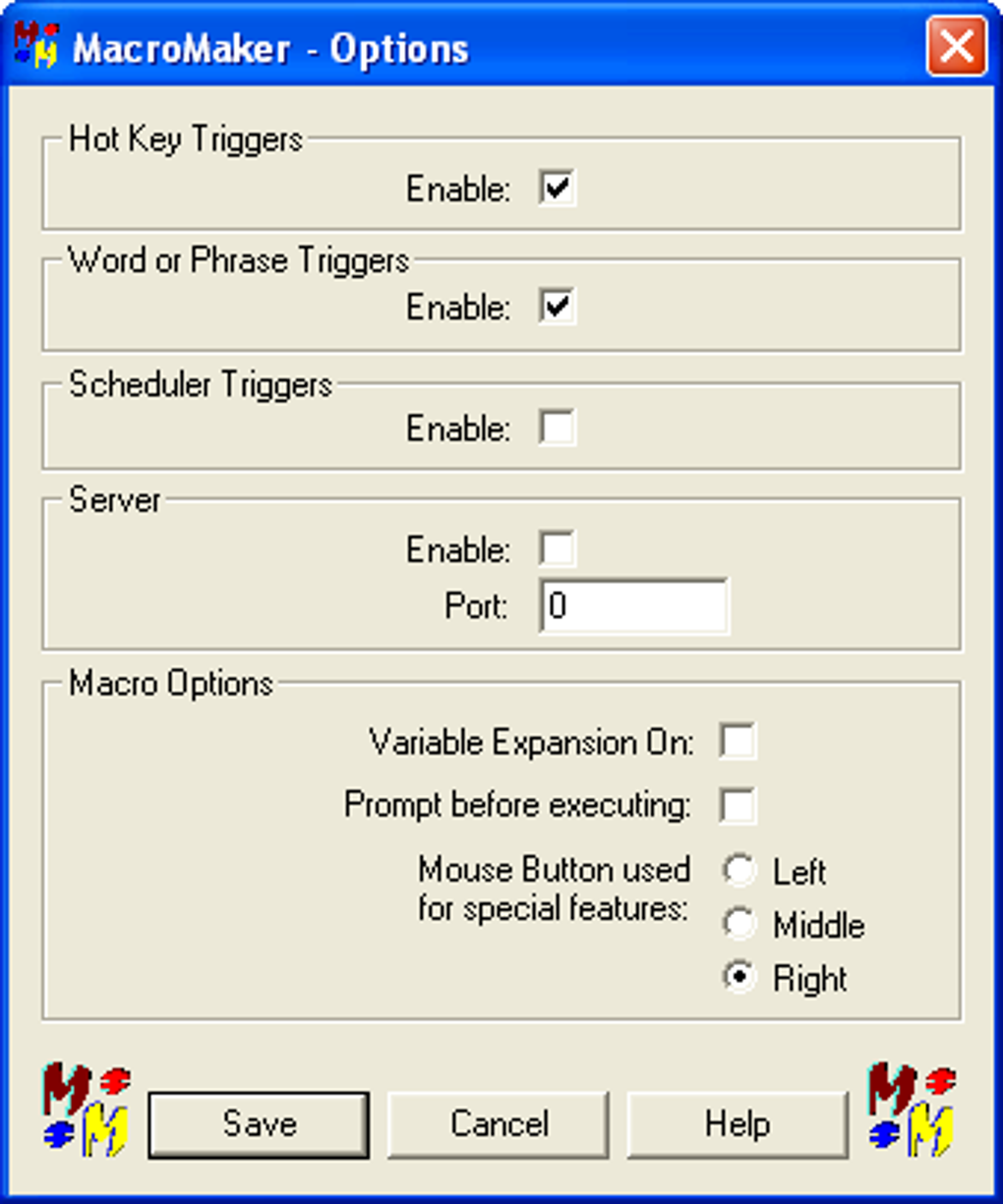
The potential applications of MacroMaker are vast, spanning various tasks and software environments. Here are some examples of how this tool can streamline your workflow:
- System Automation: Turn your computer on or off automatically, reboot the system, or execute other system-level commands. This can be particularly useful for managing server tasks or automating routine maintenance operations.
- Text Manipulation: Automate tasks involving text input, such as filling out forms, generating repetitive reports, or inserting pre-written text snippets.
- Application Control: Control applications by automating interactions such as opening specific programs, navigating menus, and interacting with application windows. This is invaluable for users who frequently interact with the same software.
- File Management: Automate file-related tasks, like renaming files, organizing folders, or copying files between locations.
- Web Automation: This can be achieved by controlling the browser interactions, making actions like filling out web forms, clicking specific links, or collecting data from websites.
- Game Automation (with caution): While not the primary design intention, MacroMaker’s ability to record and execute keystrokes and mouse movements makes it theoretically possible to automate some aspects of gaming. However, it’s crucial to be aware of the terms of service of online games, as automating gameplay might be considered cheating and lead to account penalties.
- Data Entry: Automate data entry into spreadsheets or databases, significantly reducing manual input errors.
- Customizable Commands: MacroMaker allows users to create custom commands, extending the software’s functionality beyond its built-in features. This provides immense flexibility and allows users to tailor the software to their specific needs.
- Logical Operations: Utilizing commands like “repeat,” “wait,” and “loop,” users can create sophisticated macro sequences that perform multiple tasks simultaneously or sequentially.
The ability to combine and chain these operations allows users to construct complex automation scripts that handle intricate repetitive tasks. The flexibility in command customization and control allows users to adjust parameters, repetition counts, and conditional logic, providing extensive control and versatility.
Learning Curve and User Prerequisites
While MacroMaker’s functionality is powerful, it’s important to acknowledge its learning curve. The software is not designed for beginners; it requires a foundational understanding of macro programming concepts and scripting techniques. Users should have some experience with similar tools or a willingness to invest time in learning the software’s syntax and command structure.
The lack of a modern interface and comprehensive documentation increases the learning curve. Users need to actively seek out information and understand the underlying logic of macro programming to build effective and error-free macros. This prerequisite, while demanding, ultimately unlocks the software’s extensive capabilities for those willing to invest the necessary effort.
Alternatives to MacroMaker
While MacroMaker provides a robust solution for macro automation, several alternatives exist, each with its strengths and weaknesses. These alternatives include:
- TinyTask: A lightweight and powerful automation tool that excels in its simplicity and ease of use, though it may not offer the same level of complexity as MacroMaker.
- AutoHotkey: A highly customizable scripting language that allows users to create advanced macros with greater flexibility than MacroMaker, but requires a deeper understanding of scripting.
- Macro Express: A commercial software with a wide array of features, including a graphical user interface that can be more user-friendly than MacroMaker, but comes at a cost.
The choice of the best alternative depends on the specific requirements and the user’s technical proficiency. While MacroMaker is a strong contender, assessing these alternatives can provide a better understanding of the available options before committing to a particular tool.
Should You Download MacroMaker?
The decision to download MacroMaker hinges on your individual needs and technical expertise. If you are an experienced user comfortable with macro programming and scripting and require a free, powerful, and versatile solution for automating repetitive tasks on your Windows computer, then MacroMaker is a compelling choice. Its robust feature set, combined with its lightweight design, can be a valuable asset for boosting productivity. However, if you are a beginner or lack prior experience with macro creation tools, the learning curve might prove too steep, and you may find alternative, more user-friendly solutions more suitable. Carefully weighing your needs and technical skills is crucial to make an informed decision.
File Information
- License: “Free”
- Version: “2.0.0.4”
- Latest update: “September 23, 2020”
- Platform: “Windows”
- OS: “Windows NT”
- Language: “English”
- Downloads: “64K”
- Size: “2.51 MB”


