
Mail Viewer is a free email client application exclusively designed for Windows operating systems. Developed by MiTeC and first appearing in Phanmemfree’s software library in 2011, it offers a straightforward approach to viewing email messages, particularly useful for accessing offline email backups or archived messages. While not as feature-rich as modern email clients like Outlook or Thunderbird, its simplicity and ease of use have garnered a dedicated following. This review will delve into its functionality, user experience, and compare it to other available options.
Functionality and Features
Mail Viewer’s primary function is simple: to display email messages. It doesn’t offer the comprehensive features found in full-fledged email clients like composing new messages, managing contacts, or syncing with multiple accounts. Its strength lies in its ability to quickly and efficiently open and view email files, especially those downloaded offline. This makes it an ideal tool for users who need to access archived or backed-up emails without the need for a full email client setup.
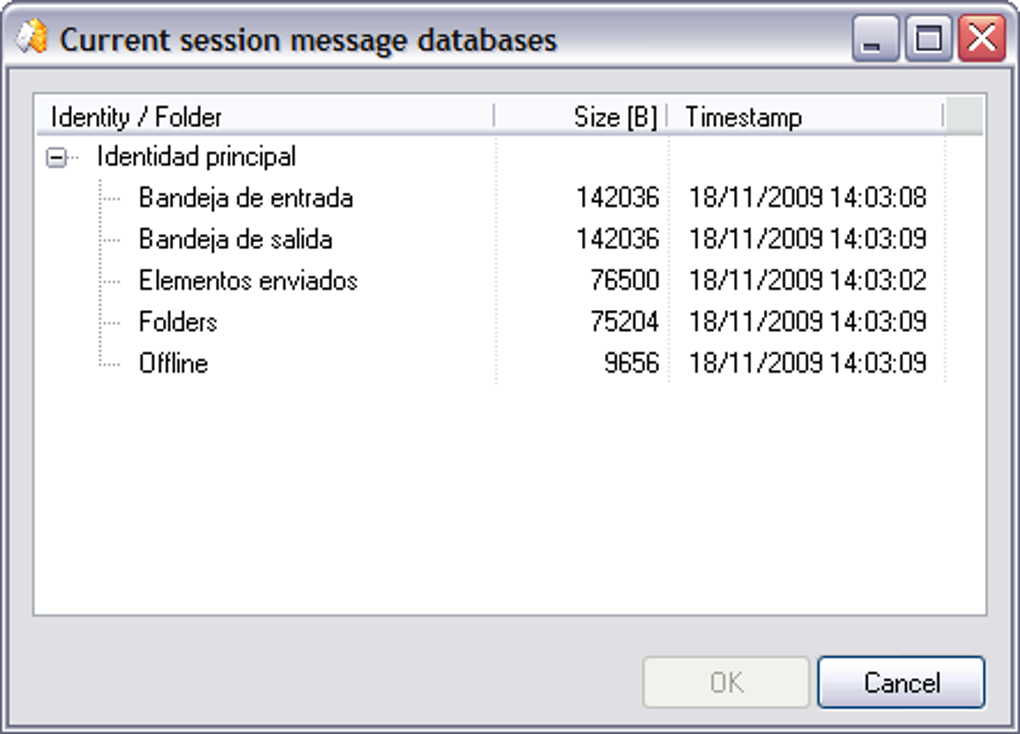
The program supports the viewing of emails from various sources. While not explicitly stated, its compatibility with offline backups implies that it can likely handle various email formats. Users report successfully opening Yahoo Mail backups, suggesting adaptability to at least some common formats. This functionality is valuable for users who need to review emails stored locally without reinstalling an entire email client program.
The user interface is minimalistic, prioritizing ease of navigation and quick access to email content. This simplicity is a double-edged sword. While it’s highly intuitive for basic email viewing, it lacks advanced features and customization options present in more comprehensive email clients. This makes it unsuitable for users who require sophisticated email management functionalities.
One key advantage is the program’s small size. Unlike resource-intensive email clients, Mail Viewer requires minimal system resources, making it suitable for older or less powerful computers. This lightweight nature also ensures swift loading times, contributing to its user-friendly experience.
User Experience and Interface
Mail Viewer’s user interface is exceptionally straightforward. Its intuitive design places a strong emphasis on simplicity, allowing users to quickly open and view email messages. The absence of complex settings or configuration menus streamlines the user experience. The application opens quickly and requires minimal interaction before accessing the content of an email file. This is a significant advantage for users needing a quick and efficient way to view email content.
However, this minimalist design comes at the cost of flexibility. Users accustomed to more feature-rich email clients might find the limited functionality somewhat restrictive. There’s a lack of advanced features like search capabilities within emails, sorting options, and folder management capabilities. Users are confined to a basic viewing interface without many advanced options for organizing or filtering their email archive.
A user review highlighted the ease of use, stating the process involved just a few steps to access emails. This reflects the program’s core design principle: to provide a simple and efficient way to view emails. The simplicity ensures that even users with limited technical expertise can easily use the program.
While the lack of advanced features might be a drawback for some, it’s crucial to recognize the intended audience. Mail Viewer is clearly designed for users who need a lightweight tool for viewing emails, not for managing a complex inbox or sending new messages. This target audience will appreciate the ease of use and streamlined functionality.
Comparison with Alternative Email Clients
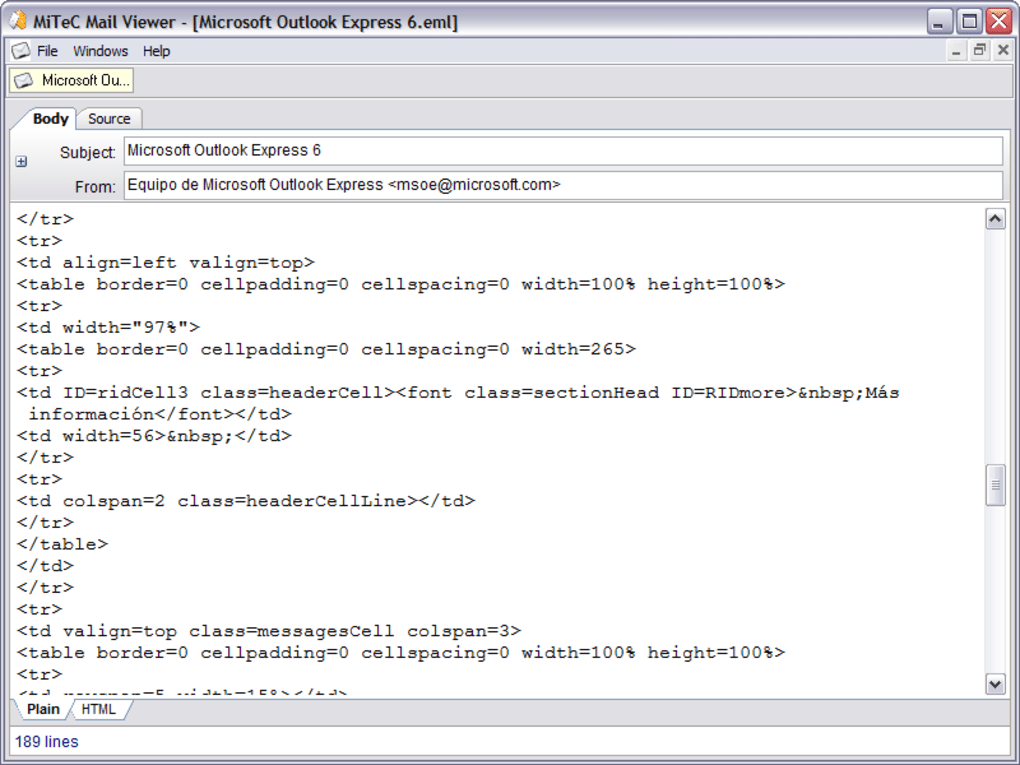
Compared to established email clients like Microsoft Outlook, Mozilla Thunderbird, or even web-based clients like Gmail, Mail Viewer occupies a niche market. Outlook and Thunderbird are powerful tools offering a complete suite of email management features, including composing, sending, receiving, organizing, and managing multiple accounts. Gmail provides similar functionality through a web interface, with the added benefit of cloud storage and accessibility from any device.
Mail Viewer, however, lacks these extensive functionalities. It’s not intended to replace a full-fledged email client but instead serves as a supplementary tool for viewing existing email files. Its strength lies in its simplicity and efficient access to offline email data. This highlights its unique position in the market, catering to a specific set of user needs often overlooked by more comprehensive email clients.
Alternatives like Coolutils Outlook Viewer focus on a specific task – viewing Outlook files without requiring the full Outlook installation. This is somewhat analogous to Mail Viewer’s function, but it targets a more narrowly defined user base. Other alternatives, such as Revolver Mail, offer a different approach to email management, providing an alternative email client with a different set of features.
Therefore, the choice between Mail Viewer and other email clients depends entirely on individual needs. For users requiring comprehensive email management capabilities, Outlook, Thunderbird, or Gmail are better choices. However, for those needing a lightweight and straightforward tool for viewing offline emails, Mail Viewer’s simplicity and efficiency make it a practical and valuable option.
System Requirements and Compatibility
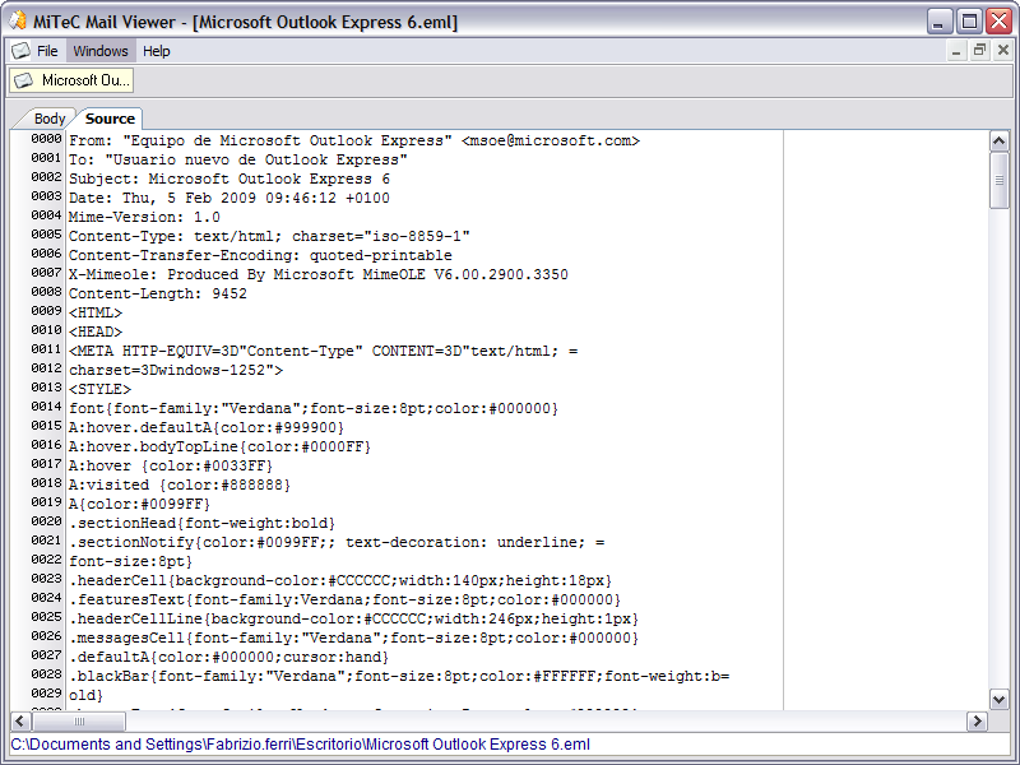
Mail Viewer’s system requirements are minimal, contributing to its broad compatibility with older Windows systems. It’s compatible with Windows 95 and earlier versions, reflecting its relatively lightweight nature and lack of resource-intensive features. This broad compatibility is a significant advantage for users with older hardware or those accessing email archives on legacy systems.
The program’s availability only in English might limit its accessibility for some users. However, given its straightforward interface and minimal text-based interactions, language barriers are likely to be minimal for most users.
The small file size (773.79 KB) contributes to quick installation and minimal storage footprint. This lightweight nature is a significant selling point for users with limited storage space or slower internet connections.
Conclusion
Mail Viewer is a niche application that fulfills a specific need: providing a simple and efficient method for viewing offline email messages. Its minimalistic design and ease of use are its strongest features. While it lacks the sophisticated functionality of comprehensive email clients, it excels at its core function. Users who need to quickly access archived or downloaded emails without the complexities of other clients will find Mail Viewer a valuable tool. Its lightweight nature and broad compatibility also make it an excellent option for users with older systems or limited resources. However, users requiring advanced email management features should explore other, more feature-rich options.
File Information
- License: “Free”
- Version: “1.5.2.0”
- Latest update: “June 2, 2011”
- Platform: “Windows”
- OS: “Windows Vista”
- Language: “English”
- Downloads: “11K”
- Size: “773.79 KB”


