
MAME Plus! is a widely used alternative version of the Multiple Arcade Machine Emulator (MAME), renowned for its ability to faithfully reproduce classic arcade games on modern PCs. This comprehensive guide delves into the functionalities, advantages, disadvantages, and overall user experience of MAME Plus!, providing a thorough understanding for both novice and experienced users.
Understanding MAME and MAME Plus!
MAME, short for Multiple Arcade Machine Emulator, is a powerful piece of software that allows users to play thousands of classic arcade games from the 1970s, 80s, 90s, and even some contemporary titles, all from the comfort of their personal computers. It achieves this by emulating the hardware of various arcade machines, effectively turning your PC into a virtual arcade cabinet. Instead of relying on simulations, MAME uses ROM files—essentially digital copies of the original arcade game’s firmware—to run the games exactly as they were intended. This means you’re not playing a recreation; you’re experiencing the authentic arcade experience, preserved for future generations.
MAME Plus! emerges as a popular alternative to the standard MAME release, offering several improvements and modifications. While it still requires ROM files (obtained legally and ethically, it is crucial to emphasize), MAME Plus! aims to enhance the overall user experience through various tweaks and adjustments. This might involve streamlined interfaces, improved compatibility with specific ROMs, or bug fixes that address issues present in the standard MAME release. It’s important to note that acquiring ROMs requires careful consideration of copyright and legal implications, and users are strongly urged to obtain them only through legal and ethical channels.
System Requirements and Installation
Before diving into the world of MAME Plus!, understanding the system requirements is paramount. While MAME is known for its relatively light resource demands, MAME Plus! may still require a certain level of processing power and RAM to run older games smoothly. Modern PCs generally handle the emulation effortlessly, but older machines might experience performance limitations, particularly when emulating graphically intensive games.
The installation process is relatively straightforward. The software is typically distributed as a compressed archive (often a .zip or .7z file). You will require a file archiving program, such as 7-Zip or WinRAR, to decompress the files before you can install and run the program. Once extracted, the setup is usually as simple as running an executable file and following the on-screen instructions. Specific details might vary depending on the version and distribution method of MAME Plus!
Interface and User Experience
One of the common criticisms leveled at MAME, and often extended to MAME Plus!, is the interface. While highly functional, the user interface can appear complex and unintuitive to newcomers. The sheer number of options and settings can be daunting for those unfamiliar with emulation software. The interface is text-based, prioritizing functionality over visual appeal. However, numerous third-party front-ends and graphical interfaces have been developed to enhance usability. These front-ends often provide a more user-friendly experience by simplifying navigation, improving ROM management, and enhancing visual aspects.
While MAME Plus! aims to improve the overall experience, its core functionality remains rooted in the original MAME engine. Therefore, some of the inherent complexities may persist. Users new to emulation may find themselves needing to consult online tutorials or forums to navigate the intricacies of the program, particularly in settings related to ROM management, game configuration, and input settings. However, for users comfortable with the technical aspects, the detailed configuration options are a significant advantage, offering granular control over the emulated environment.
ROM Management and Game Play
The heart of MAME Plus!’s functionality lies in the ROM files. These files contain the game’s data, making them essential for running any game. Organizing and managing these ROMs is crucial for an efficient user experience. MAME Plus! doesn’t include a built-in ROM manager, so users typically rely on external tools or organize their ROMs manually within a designated directory. Many users employ dedicated front-ends that integrate ROM management functionalities, providing a simpler way to browse, search, and launch games from their ROM collection.
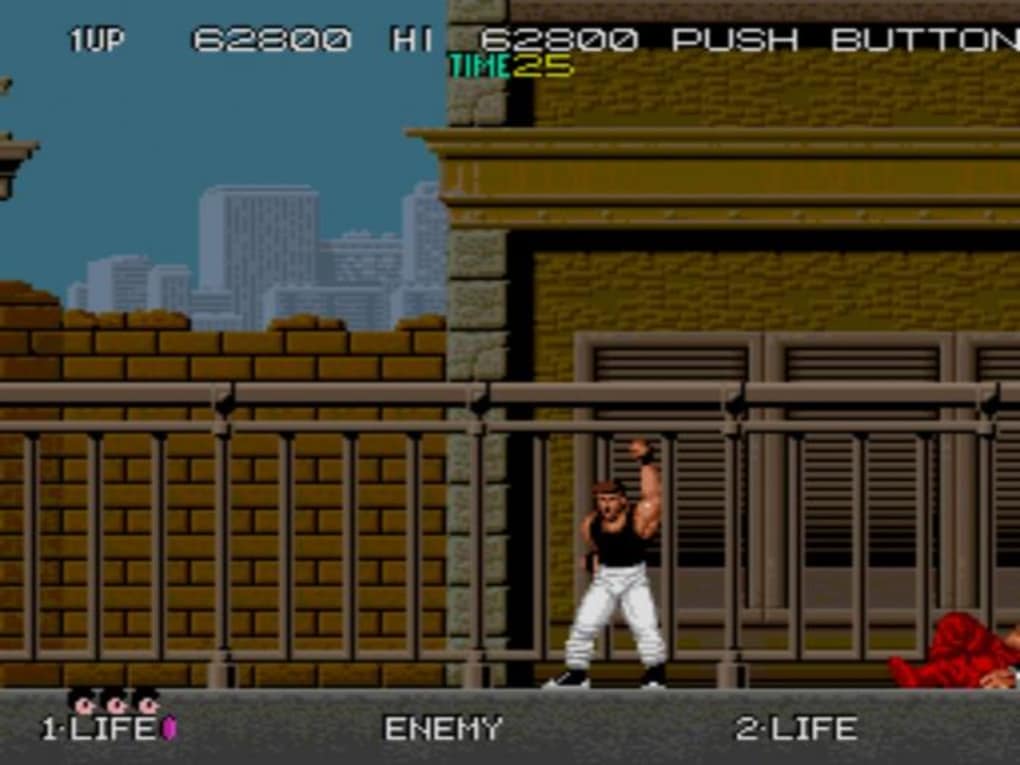
Once the ROMs are correctly placed and configured within the MAME Plus! directory, launching a game is relatively straightforward. The process usually involves selecting the game from a list (either within the MAME Plus! interface or a front-end), and the emulator will load the chosen ROM and start the game. The experience closely mirrors the original arcade experience, with accurate emulation of controls, graphics, and sound. However, users may need to adjust the input settings to match their preferred controllers or keyboard layouts. This usually requires consulting the emulator’s configuration options.
Advantages and Disadvantages of Using MAME Plus!
MAME Plus!, like its predecessor, provides numerous advantages:
-
Extensive Game Library: MAME supports a vast library of arcade games, spanning several decades. This extensive selection offers players the chance to relive their childhood memories or discover forgotten classics.
-
Accurate Emulation: MAME is known for its high fidelity in emulating arcade hardware. This ensures that games run as close to their original form as possible, minimizing inconsistencies or glitches.
-
Cross-Platform Compatibility: Although this guide focuses on the Windows version, MAME is available for various operating systems, extending its reach to a broader user base.
-
Community Support: A large and active online community provides extensive support, resources, and troubleshooting assistance for users. Online forums and wikis are valuable resources for solving problems or finding information.
However, MAME Plus!, like any emulation software, also has disadvantages:
- Steep Learning Curve: The complexity of the interface and settings can be overwhelming for new users, requiring a significant investment of time and effort to master.
-
ROM Acquisition: Legally and ethically obtaining ROMs can be challenging. Users must be mindful of copyright laws and intellectual property rights.
-
Potential Compatibility Issues: While MAME Plus! strives for broad compatibility, some ROMs might encounter issues or glitches during emulation.
-
Dependency on External Tools: Users often rely on external tools and front-ends to improve usability and simplify ROM management.
Conclusion
MAME Plus! stands as a powerful and versatile emulator for classic arcade games. Its capacity to accurately reproduce the original arcade experience is unparalleled. However, its somewhat complex interface and the need for externally sourced ROMs might present challenges for some users. Those willing to invest the time and effort to learn its intricacies will find themselves rewarded with access to a vast library of timeless arcade games, perfectly preserved for a new generation to enjoy. Remember, responsible ROM acquisition and adherence to copyright laws are crucial aspects of enjoying the benefits of MAME Plus!.
File Information
- License: “Free”
- Latest update: “April 10, 2024”
- Platform: “Windows”
- OS: “Windows XP”
- Language: “English”
- Downloads: “76.9K”
- Size: “43.29 MB”


