
Manga Studio EX, now known as Clip Studio Paint EX, stands as a powerful and versatile software application designed for creating comics, manga, and illustrations. Initially developed by Smith Micro Software, it has since been acquired and further developed by CELSYS, solidifying its position as a leading tool in the digital art world. This in-depth review explores its features, functionality, and overall usability, examining its strengths and weaknesses to determine whether it’s the right choice for aspiring and professional artists alike.
Intuitive Interface and Creative Freedom
Manga Studio EX boasts an interface that strikes a balance between familiarity and unique functionality. For users accustomed to traditional drawing applications, the layout feels immediately intuitive, resembling a digital canvas similar to Microsoft Paint. This intentional design choice emphasizes creative freedom, allowing artists to build their artwork from the ground up. Unlike some other anime-focused software that provides pre-built templates or assets, Manga Studio EX empowers users to craft their characters, backgrounds, panels, and dialogue boxes entirely from scratch. This approach fosters a sense of ownership and encourages the development of a unique artistic style.
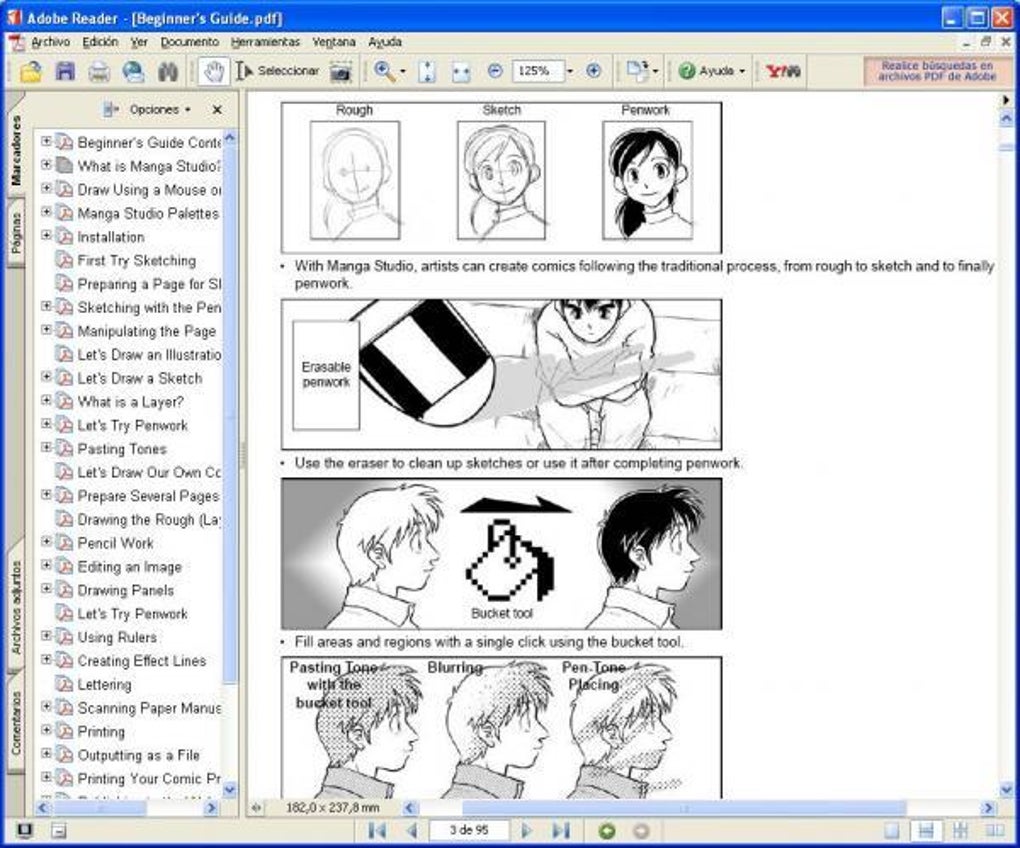
The core workspace centers around a large sketch panel, offering a dynamic space for visualizing the comic’s progression. To the left, a comprehensive array of tools awaits, encompassing a wide range of drawing pens, markers, and brushes, each meticulously designed to mimic the nuances of traditional artistic media. The level of customization is remarkable; users can adjust brush size, opacity, pressure sensitivity, and various other parameters to achieve the desired aesthetic. Beyond the basic drawing tools, Manga Studio EX incorporates advanced features like perspective rulers, enabling precise and accurate rendering of complex scenes. The program’s support for both raster and vector graphics provides flexibility in workflow, catering to the diverse needs of digital artists.
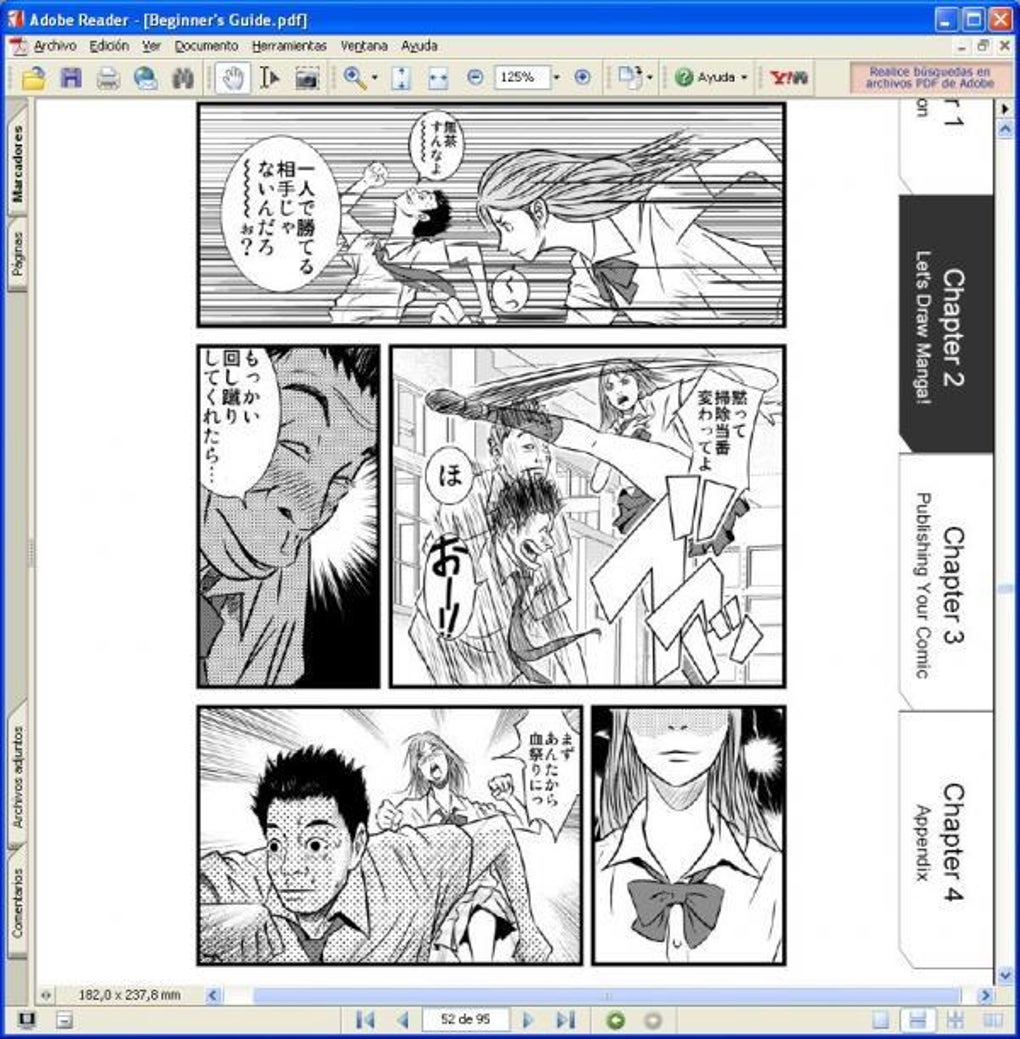
The ability to seamlessly import images and 3D models further elevates the software’s capabilities. 3D models serve as exceptional references for creating accurate character poses and detailed backgrounds. Users can manipulate these models, adjusting poses, camera angles, and lighting conditions before integrating them into their artwork. This feature is especially beneficial for artists seeking to create dynamic action sequences or complex environments without the need for extensive manual drawing.
Comprehensive Feature Set for Comic Creation
Manga Studio EX goes beyond basic drawing functionality, providing a complete suite of tools specifically tailored for the creation of comics and manga. A key feature is the inclusion of a robust timeline, enabling artists to manage transitions and create simple animations within their comic panels. This allows for more dynamic storytelling and adds another layer of visual engagement. The software also features an “onion skin” display, which allows artists to see multiple layers of their artwork simultaneously, facilitating the creation of smooth animations and ensuring consistent linework across frames.
The integration of numerous screen tones further enhances the artistic potential. These pre-designed patterns, ranging from subtle shading to dramatic cross-hatching, can be easily applied to panels to create depth, texture, and atmosphere. The availability of specialized effects and filters allows artists to add professional touches to their work.
Beyond the core features, Manga Studio EX offers exceptional control over panel layout and creation. Artists aren’t limited to standard panel sizes; they can freely create panels of various shapes and sizes, arranging them in unconventional configurations to enhance the narrative flow. The flexibility extends to text placement and manipulation, giving artists granular control over dialogue and captions. They can precisely position, scale, and style text to seamlessly integrate it within the artwork.
Efficient Workflow and Layering System
Manga Studio EX is lauded for its streamlined workflow, designed to facilitate seamless progression through the stages of comic creation. Artists can begin with a blank canvas, adding panels, sketching scenes, incorporating colors and dialogue, and refining the artwork iteratively. The software doesn’t enforce a rigid creative process; users can seamlessly incorporate pre-existing sketches or drawings created in other applications, integrating them into the workflow.
A notable aspect of the software is its sophisticated layering system, similar to that found in industry-standard image editors like Adobe Photoshop. This enables artists to work on individual elements of their artwork on separate layers, promoting organizational clarity and allowing for non-destructive editing. Layers can be easily rearranged, merged, and manipulated to refine the overall composition without impacting other elements. The ability to create, delete, and adjust layer opacity and blending modes is crucial for artistic freedom and iterative refining.
Alternatives and Pricing Considerations
While Manga Studio EX (Clip Studio Paint EX) offers a comprehensive set of features, it’s essential to explore alternative software options. Programs like Krita, Inkscape, and Adobe Illustrator each provide distinct strengths and cater to different artistic preferences and workflows. Krita, for instance, is a free and open-source program that offers remarkable versatility, while Inkscape excels in vector graphics manipulation. Adobe Illustrator, a commercial product, is known for its industry-leading precision and sophisticated tools. The choice of software often comes down to personal preferences, budget constraints, and the specific needs of the artist.
Regarding pricing, Manga Studio EX (Clip Studio Paint EX) was a commercial product with a one-time purchase price. However, the software’s transition to the Clip Studio Paint branding has introduced subscription-based options alongside its perpetual license. It’s crucial to understand the licensing options before committing to purchase.
Should You Download Manga Studio EX (Clip Studio Paint EX)?
Manga Studio EX, now Clip Studio Paint EX, remains a compelling choice for both novice and experienced artists seeking a dedicated comic and manga creation tool. Its intuitive interface, robust feature set, and efficient workflow make it suitable for users of all skill levels. The ability to craft every element from scratch, coupled with the advanced features such as 3D model integration and comprehensive layering, positions it as a strong contender in the digital art software market. However, the availability of various alternatives means careful consideration of individual needs and preferences, along with a thorough understanding of the current licensing model, is paramount before making a purchase. The decision to download ultimately rests on the specific requirements and creative goals of the user.
The lack of direct PDF support is a minor drawback; however, the program’s strong export capabilities to various image formats mitigate this deficiency. Overall, the advantages of its comprehensive features and intuitive design make Manga Studio EX a valuable asset for artists seeking to create professional-quality comics and illustrations. With its continued development under CELSYS, Clip Studio Paint EX can be expected to evolve and expand upon its already impressive capabilities.
File Information
- License: “Trial version”
- Version: “4.02”
- Latest update: “September 23, 2020”
- Platform: “Windows”
- OS: “Windows XP”
- Language: “English”
- Downloads: “409.6K”
- Size: “172.91 MB”


