
MangaMeeya is a free, portable manga reader designed for Windows users. It provides a straightforward and efficient way to enjoy digital manga, offering a range of features tailored specifically for this purpose. While not a feature-packed behemoth, its simplicity and ease of use make it a compelling option for casual readers and those seeking a lightweight alternative to more complex applications. This review delves into its strengths, weaknesses, and overall user experience.
Functionality and Features: Simplicity Meets Functionality
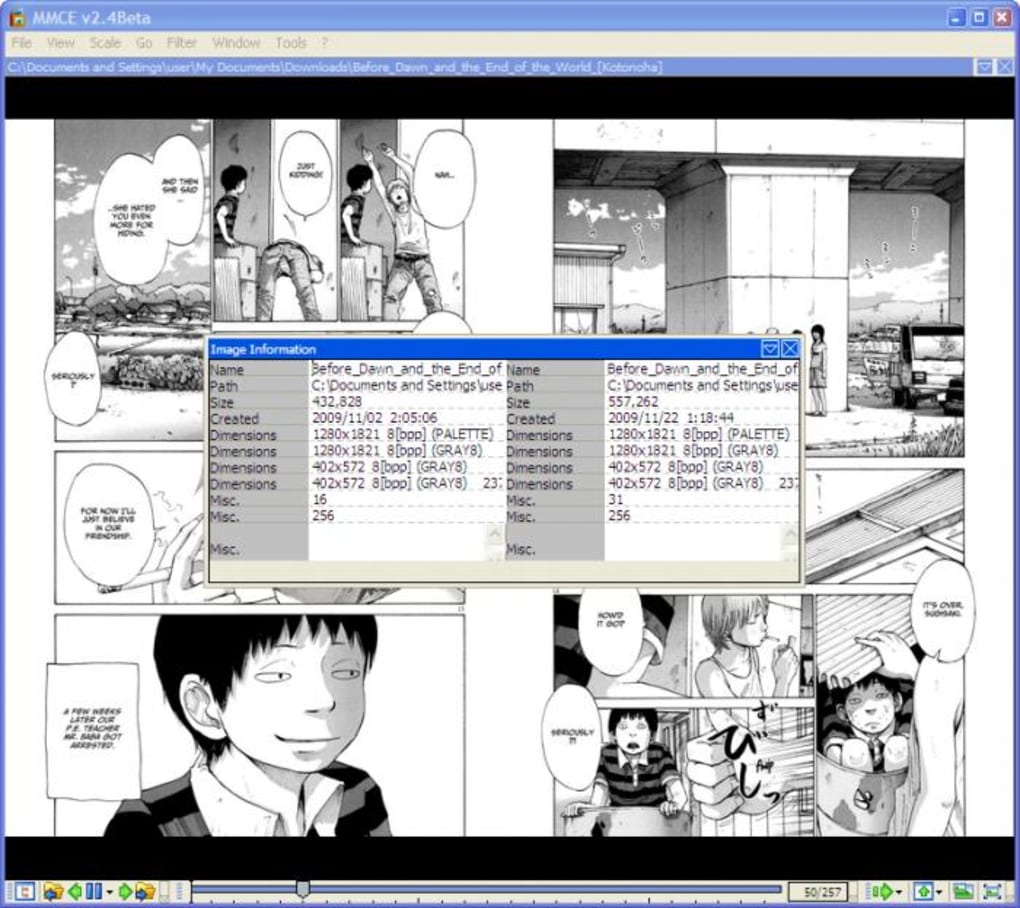
MangaMeeya’s primary focus is on providing a streamlined reading experience. Its core functionality revolves around opening and displaying manga files in a variety of formats, primarily focusing on those commonly associated with digital comics, such as .CBR and .CBZ. Users can effortlessly navigate between pages using keyboard shortcuts or mouse controls, making the reading process smooth and intuitive. Furthermore, MangaMeeya offers several viewing options, including single-page, double-page spreads, and fullscreen mode, catering to individual preferences. A built-in magnifying glass further enhances the user experience by allowing for detailed examination of panels and intricate artwork. The thumbnail view facilitates quick navigation through larger volumes.
This focus on simplicity is both a strength and a weakness. On one hand, it ensures a user-friendly interface, readily accessible even to those unfamiliar with specialized comic readers. On the other hand, this simplicity comes at the cost of certain features found in more advanced applications. Notably, MangaMeeya lacks integrated file management tools. Organizing a large collection of manga files requires manual sorting and management outside the application itself. This omission is a significant drawback for users with extensive libraries. Additionally, the program’s support for image formats is somewhat limited; it does not support all common formats such as .PNG or .7z, which could restrict usability for certain users. The lack of built-in support for cloud storage integration or online comic services also limits its overall functionality.
User Interface and Experience: Intuitive and Effortless
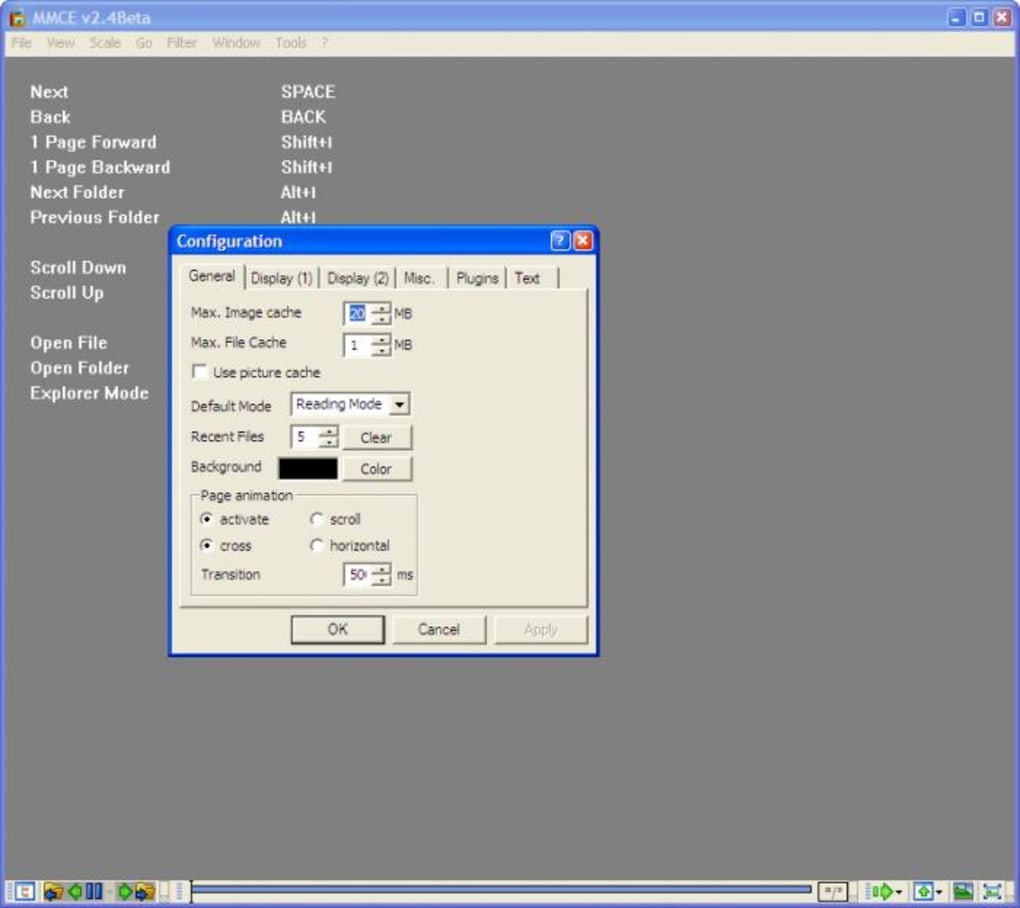
MangaMeeya boasts a clean, uncluttered interface, making it incredibly easy to use. The absence of overwhelming menus and options contributes to its accessibility. Navigation is exceptionally smooth, with intuitive keyboard shortcuts further enhancing the reading experience. The program’s lightweight nature ensures quick loading times, preventing interruptions to the reading flow, even with larger files. Zooming and panning functionalities work flawlessly, providing the user with complete control over the viewing scale and position. The fullscreen mode eliminates distractions, immersing the user fully in the comic.
However, while the simplicity of the interface is a boon for usability, the lack of customization options might disappoint some users. More advanced readers might miss the absence of features like customizable themes, font adjustments, and the ability to tailor the reading layout further beyond single or double-page viewing. The absence of bookmarking options also detracts from the user experience. While basic navigation is intuitive, more sophisticated organization features for revisiting specific pages or sections are absent.
Performance and Compatibility: Lightweight and Efficient
MangaMeeya’s small file size and absence of installation make it exceptionally efficient. It consumes minimal system resources, making it suitable for even older or less powerful computers. This lightweight nature translates to swift loading times, a significant advantage for readers with large comic collections. The program’s compatibility with common manga formats ensures smooth operation for the majority of users. However, the limited range of supported file formats represents a notable drawback. The program’s reliance on external software for handling unsupported file types might require additional setup and configuration on the user’s end, thus adding complexity.
Comparison to Other Manga Readers: Identifying MangaMeeya’s Niche
Compared to more established and feature-rich manga readers available on the market, MangaMeeya occupies a niche characterized by simplicity and ease of use. Competitors often include extensive organizational tools, cloud integration, and a broader spectrum of supported file formats. However, these features often come at the cost of increased complexity and higher resource consumption. MangaMeeya provides a viable alternative for users who prioritize a straightforward and lightweight reading experience above advanced features. If a reader’s primary need is a simple, easy-to-use tool for consuming manga, MangaMeeya delivers effectively. However, for users who need advanced organizational tools, extensive format support, or cloud integration, MangaMeeya’s limitations will become apparent.
Conclusion: A Solid Choice for Casual Manga Readers
MangaMeeya is a functional and easy-to-use manga reader that provides a streamlined and enjoyable reading experience. Its lightweight nature and intuitive interface make it an ideal choice for casual readers who prioritize simplicity and ease of use. While lacking the advanced features of some competitors, its strengths lie in its straightforward operation and minimal resource consumption. The lack of file management tools and limited format support are significant drawbacks that might hinder its usability for users with extensive collections or those working with less common file types. Ultimately, MangaMeeya’s success hinges on its ability to cater to a specific user base that values simplicity and efficiency over a comprehensive feature set. It is a solid choice for those seeking a lightweight, no-frills approach to reading their manga collection, but those seeking advanced features should consider exploring more fully-featured alternatives.
File Information
- License: “Free”
- Version: “2.4”
- Latest update: “December 9, 2009”
- Platform: “Windows”
- OS: “Windows 2003”
- Language: “English”
- Downloads: “214.6K”
- Size: “876.62 KB”


