
Mario Paint Composer is a digital recreation of the beloved Music Maker from the Super Nintendo Entertainment System (SNES) classic, Mario Paint. While not demanding technically, it offers a charming and surprisingly effective method for creating music, leveraging the iconic imagery of the Super Mario Bros. universe to create a unique and engaging musical experience. Whether you’re a seasoned musician or a curious child, Mario Paint Composer provides an accessible entry point into the world of music composition.
A Familiar Interface, Simplified Composition
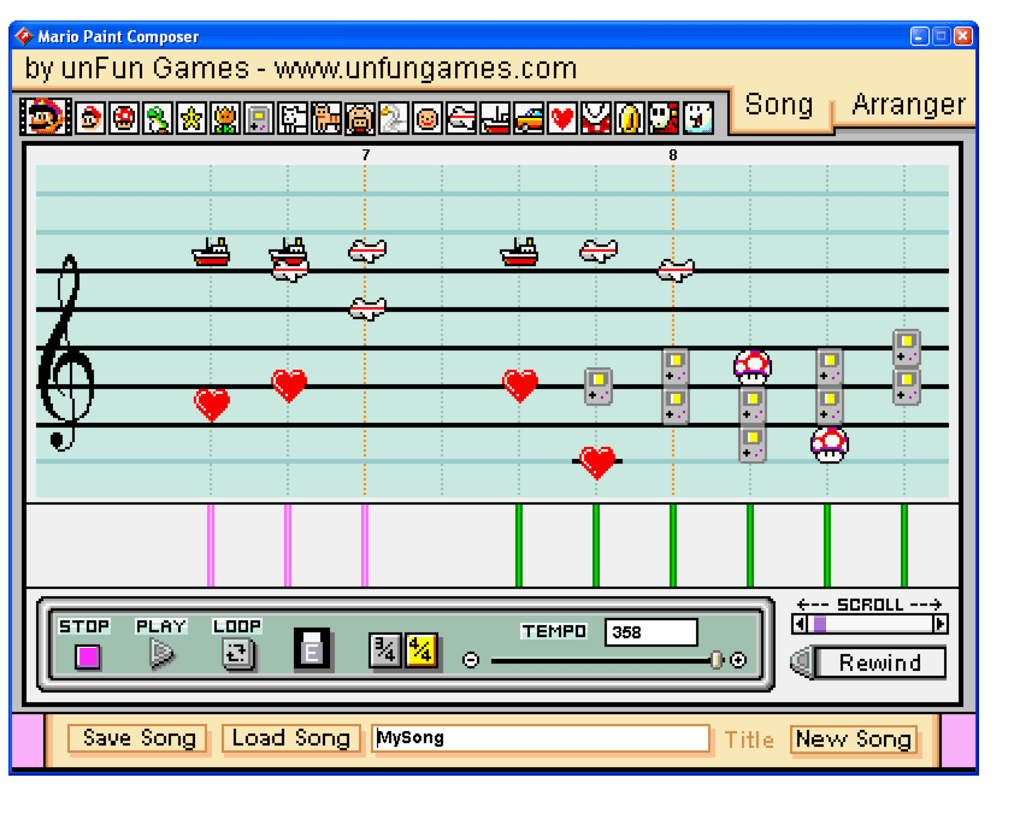
The program’s strength lies in its simplicity. Unlike complex Digital Audio Workstations (DAWs) that can overwhelm beginners, Mario Paint Composer presents a streamlined interface reminiscent of its SNES predecessor. The core mechanic revolves around placing visual elements – characters and objects from the Mario universe – onto a timeline. These elements represent different musical notes and instruments. Positioning them vertically along the timeline determines the pitch, with higher placement correlating to higher notes. This visual approach, while undeniably simple, makes the process of music creation intuitive and fun, particularly for younger users who may find traditional musical notation daunting.
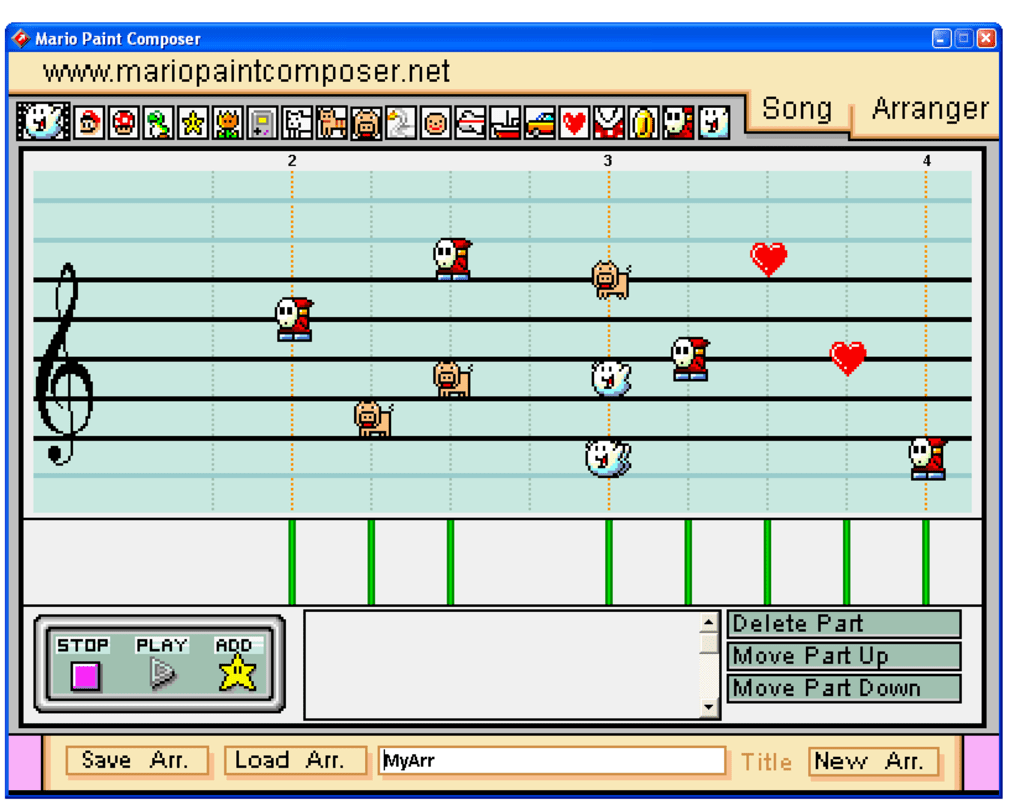
The program’s limitations are equally apparent. The simplicity that makes it accessible also restricts its functionality. Composition is confined to MIDI (Musical Instrument Digital Interface) format, limiting the sonic possibilities compared to programs that allow for direct audio recording and manipulation. This means that the sounds are generated by your computer’s MIDI sounds and not actual recordings. Therefore the resulting audio quality is dependent on the quality of your computer’s MIDI implementation. Furthermore, there’s no export function beyond playing the composition within the program itself. This inherent limitation prevents users from sharing their creations beyond the confines of the software. The lack of export options is a significant drawback, limiting the creative potential and restricting the sharing of composed music.
The Joy of Mario-Themed Melodies
Despite its functional limitations, Mario Paint Composer captures a unique charm. The use of recognizable Super Mario characters and objects adds a layer of playful engagement. Seeing familiar faces like Mario, Luigi, Goombas, and Koopa Troopas representing different musical notes brings a sense of whimsical delight to the composition process. This visual element helps engage users, making the process of learning music theory and composition less intimidating and more enjoyable. It transforms what could be a dry exercise into a fun, interactive game.
The program’s intuitive interface makes it ideal for children or anyone new to music composition. The visual nature of placing characters on a timeline to create melodies lowers the barrier to entry significantly, encouraging experimentation and creative exploration. Users can freely experiment with different combinations of sounds and rhythms, fostering a sense of accomplishment and encouraging further engagement. This encourages active learning and playful interaction, making it an effective tool for introducing fundamental music concepts to a younger audience.
Gameplay and Functionality: A Closer Look
The core gameplay loop involves selecting musical elements (represented by Mario characters and items) and placing them along a staff-like timeline. The vertical position determines the note’s pitch, while the horizontal placement dictates its timing. Basic controls at the bottom allow for playback manipulation, including tempo adjustment and basic looping. The lack of more advanced features, however, confines the creative possibilities within fairly strict parameters.
One noticeable absence is the lack of editing tools beyond basic placement. There’s no provision for deleting individual notes once placed, making precise note editing a more cumbersome process. This might frustrate users aiming for more nuanced and complex musical arrangements. The limited editing capabilities make the process of refinement less streamlined than in more sophisticated music creation software.
While the program’s simplicity is a significant appeal, it also serves as its biggest drawback. The inherent limitations of the MIDI format and the lack of export capabilities restrict the creative potential of the application. This can feel frustrating for users who wish to share their work or utilize their compositions in other contexts.
The User Experience: Strengths and Weaknesses
Reviews of Mario Paint Composer highlight a mixed bag of user experiences. Many praise the program’s nostalgic appeal and its simplicity, particularly for children. The familiar Mario theme acts as a significant draw for players accustomed to the Nintendo universe. The intuitive interface makes it easy for novices to grasp fundamental concepts of music creation without getting lost in complex menus or functions. This simplicity is frequently cited as a strength, particularly for introducing music composition to a younger audience.
However, significant criticisms target the numerous bugs and glitches reported by users. These range from erratic note placement to frequent script errors, indicating potential instability in the software’s codebase. This instability significantly impacts the user experience and can make the composition process frustrating and unreliable. The frequency of errors is a serious concern, potentially impacting the usability of the software significantly.
The lack of advanced features and editing tools frequently draws negative feedback. The absence of sophisticated editing capabilities and advanced musical features is noticeable, especially in comparison to modern music production software. These limitations restrict the software’s applicability for more experienced musicians who require more granular control over their compositions. Experienced users looking for sophisticated tools will find the limitations frustrating.
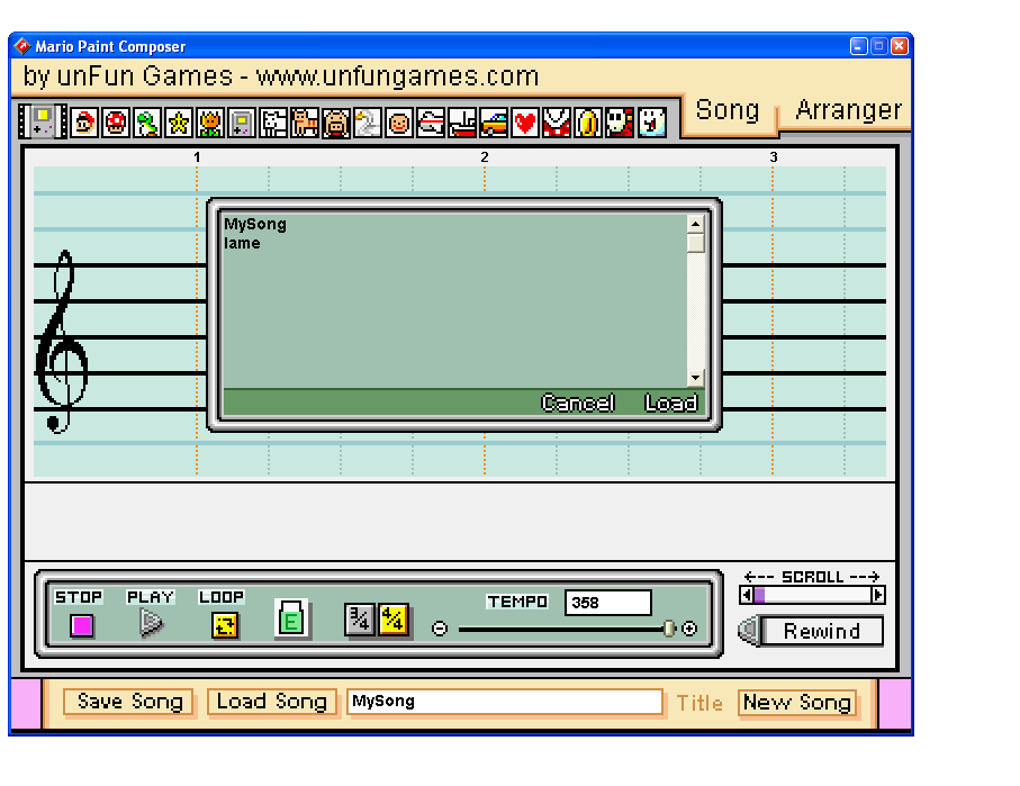
The inability to export musical creations beyond the program itself is another common complaint. This crucial limitation significantly impacts the software’s utility, especially for users who wish to share their work, use the created music elsewhere, or integrate their compositions into other media projects. The inability to share or use the compositions outside the program constitutes a major functional restriction.
Comparison to Alternatives
Compared to other music creation software, Mario Paint Composer occupies a unique niche. Professional DAWs such as Ableton Live and Logic Pro X offer unparalleled functionality and control over the music production process, catering to experienced musicians and producers. However, these programs are considerably more complex and have a steeper learning curve. Beginner-friendly options like MAGIX Music Maker offer a simplified approach, but typically lack the unique visual charm and Mario-themed aesthetic of Mario Paint Composer.
Mario Paint Composer’s charm lies in its simplicity and nostalgic appeal, not in its technical capabilities. While lacking the features and functionality of professional DAWs, it succeeds in providing a fun and accessible way to compose music, particularly for young users. Its ease of use and unique visual interface may appeal to those looking for a casual and enjoyable music creation experience. The choice between Mario Paint Composer and more powerful alternatives depends on the user’s experience level and creative goals.
Conclusion: A Fun, if Limited, Musical Experience
Mario Paint Composer offers a unique blend of nostalgia and simplicity. Its intuitive interface and charming Mario theme make it an accessible tool for children and beginners, sparking an interest in music composition through interactive and playful engagement. However, its inherent limitations – particularly the lack of export functionality, bugs, and limited editing tools – restrict its appeal for more experienced users and limit the software’s overall potential. While not a replacement for professional music software, Mario Paint Composer provides a fun and engaging way to experiment with music composition, capturing a distinct charm that many users find endearing. Ultimately, its value lies in its unique combination of simplicity and nostalgic appeal, offering a fun, if somewhat limited, musical journey.
File Information
- License: “Free”
- Version: “2.00”
- Latest update: “August 4, 2011”
- Platform: “Windows”
- OS: “Windows 7”
- Language: “English”
- Downloads: “139K”
- Size: “7.73 MB”


