
Mars WiFi is a free Windows application that transforms your computer into a functional wireless router, enabling you to share your internet connection with other devices. This software acts as a personal hotspot, providing a convenient and, importantly, secure way to extend your network’s reach without the need for additional hardware. This in-depth review will explore its functionality, security features, pros and cons, and compare it to alternative solutions.
Setting Up Your Personal WiFi Hotspot with Mars WiFi
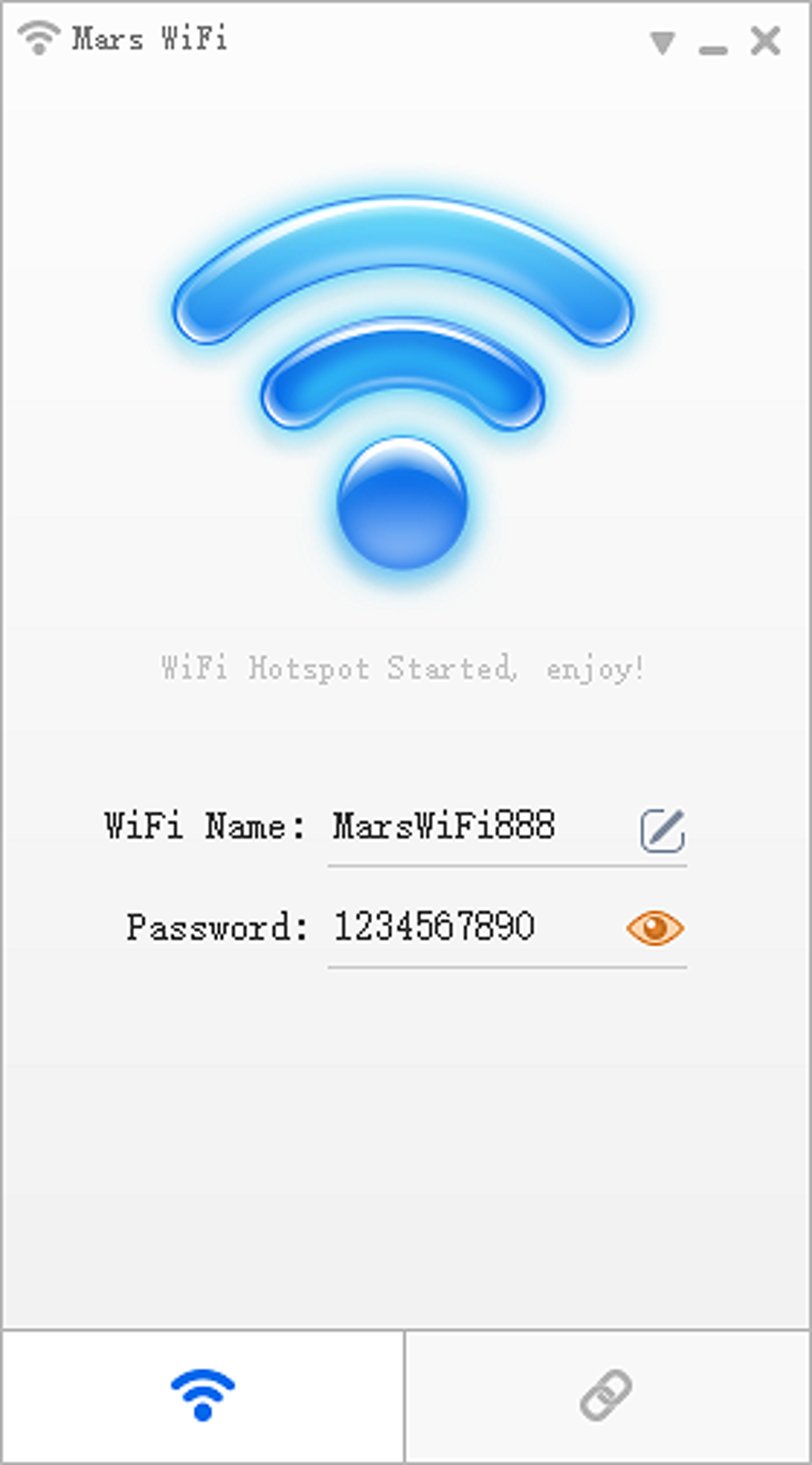
The installation and setup of Mars WiFi are designed to be straightforward, even for users with limited technical expertise. The process typically involves downloading the installer from the official website, running the executable, and following the on-screen instructions. The software guides you through the necessary steps, including choosing a network name (SSID) and setting a password to protect your hotspot. This password is crucial for ensuring that only authorized devices can access your network and preventing unauthorized access to your data and internet connection.
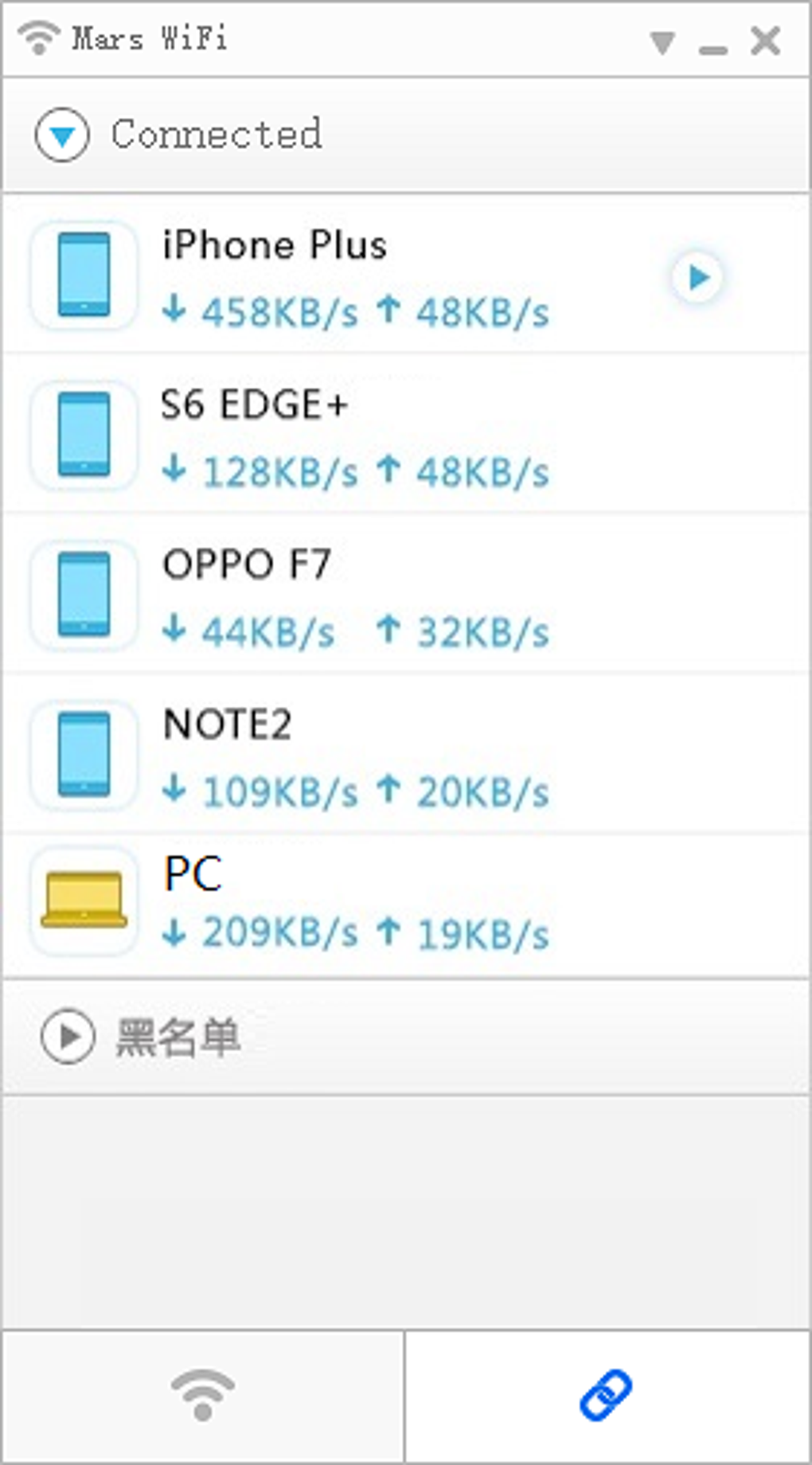
Once the software is installed and configured, your computer will begin broadcasting a WiFi signal. Other devices, such as smartphones, tablets, and laptops, can then connect to this network using the SSID and password you provided. The software automatically manages the connection, allowing multiple devices to share your internet connection simultaneously. The user interface provides real-time information on connected devices, their data usage, and overall network status. This allows for monitoring and managing the hotspot effectively. Should you encounter any problems, detailed troubleshooting information is typically available within the application itself or through the developer’s support channels.
Security Features and Data Protection
One of the key selling points of Mars WiFi is its emphasis on security. The application employs various measures to protect your data and prevent unauthorized access to your network. This is critical considering the sensitive nature of the data often transmitted over wireless networks.
The use of strong encryption protocols is fundamental to maintaining security. Mars WiFi typically uses WPA2-PSK (Wi-Fi Protected Access 2 - Pre-Shared Key) or a more modern equivalent, which is a robust encryption method widely considered secure. This encryption process scrambles the data transmitted over the wireless network, making it difficult for unauthorized individuals to intercept and decipher. This encryption is crucial in protecting your personal data and preventing eavesdropping.
Beyond encryption, Mars WiFi typically provides the ability to set access controls. You can restrict access to your hotspot by specifying which devices are permitted to connect. This feature can be especially valuable in managing access in a shared environment or preventing specific devices from using your network bandwidth. The software may allow for the creation of a whitelist, specifying the MAC addresses of allowed devices, thereby preventing unauthorized access from any unregistered devices.
The software’s design generally prioritizes security, ensuring a secure connection between your computer and the connected devices. However, it’s always advisable to use a strong, unique password for your hotspot to further enhance security. Regularly updating the software to the latest version is also crucial to benefit from any security patches or improvements released by the developers.
Customization and Advanced Settings
While simplicity is a priority, Mars WiFi generally provides several options for customizing your hotspot’s functionality. These customizations can range from simple aesthetic changes to more in-depth control over network performance.
One common customization option is the ability to change the SSID or network name. This allows users to personalize their hotspot with a more recognizable name instead of the default generated name. The ability to change the password is equally important, allowing users to set a strong password that is difficult to guess. This added layer of security prevents unauthorized individuals from gaining access to your network.
Further customization may include setting bandwidth limits for individual devices or the entire network. This is particularly useful in managing resource allocation when multiple devices are connected to the hotspot, preventing one device from hogging bandwidth and impacting the performance of others. Priority can be assigned to certain devices to ensure smoother access for essential applications.
Advanced settings may also allow users to configure specific network protocols, such as adjusting the channel used for WiFi transmission. This option helps to optimize the network’s performance, taking into account potential interference from other nearby networks. The settings may also allow users to choose the type of encryption used for their hotspot. While WPA2 or WPA3 is generally recommended, understanding the options allows for fine-tuning based on the user’s specific needs and device compatibility.
Comparison to Alternative WiFi Hotspot Software
Numerous applications offer similar WiFi hotspot functionality for Windows. While Mars WiFi presents a compelling free option, comparing it to competitors provides valuable context.
Connectify Hotspot is a popular alternative that often offers more features compared to Mars WiFi, but it may come with a paid subscription for accessing advanced features. Similar to Mars WiFi, Connectify allows you to turn your computer into a WiFi hotspot, enabling internet sharing with other devices. However, Connectify often provides more detailed statistics, bandwidth controls, and potentially more sophisticated security settings. The premium version might offer additional features that could justify the cost for advanced users or businesses requiring more comprehensive management capabilities.
My WiFi Router is another contender, providing a straightforward way to create a WiFi hotspot. Its interface is often praised for its ease of use, making it a suitable choice for users who prioritize simplicity above extensive configuration options. While it offers basic functionality comparable to Mars WiFi, it may lack the advanced customization options available in other solutions like Connectify or even potentially in some versions of Mars WiFi.
Other applications, such as Virtual Router Manager or Virtual WiFi Router, offer similar functionality but may lack the user-friendly interface or comprehensive security features of Mars WiFi. Some may provide more technical options appealing to advanced users, but this often comes at the cost of ease of use for less experienced individuals. Thus, the choice of software often depends on a user’s technical proficiency and the desired level of customization and security.
The decision ultimately hinges on individual needs. If a free, easy-to-use option with adequate security is the priority, Mars WiFi stands as a viable choice. However, users requiring more advanced features or more robust management capabilities might find that paid alternatives like Connectify offer a better value proposition.
User Reviews and Feedback
User reviews for Mars WiFi are generally positive, highlighting its ease of use and effective functionality. Many users appreciate the software’s straightforward interface and its ability to quickly set up a WiFi hotspot. Positive feedback often centers on the simplicity of the setup process, the stable performance, and the ability to create a reliable hotspot with minimal effort.
However, some negative reviews exist, primarily citing occasional connectivity issues or minor compatibility problems with specific devices or network configurations. These issues, while not universally reported, indicate potential compatibility problems that may need to be addressed either through troubleshooting steps or by seeking support from the software developers. Such minor hiccups shouldn’t necessarily detract from the overall positive user experience.
Overall, the user reviews paint a picture of a reasonably reliable and user-friendly software application, though occasional problems with specific device or network configurations may occur. Checking the most recent reviews before downloading is recommended to stay updated on any reported issues and potential resolutions.
Conclusion: Mars WiFi – A Solid Free Option
Mars WiFi offers a practical and free solution for turning your Windows computer into a WiFi hotspot. Its straightforward interface, combined with its focus on security, makes it accessible for users of all technical levels. While it might lack the advanced features of some paid alternatives, it effectively addresses the needs of most users seeking a simple and secure way to share their internet connection. This makes it a valuable tool for those needing a quick and easy solution without the investment in paid software. If you need advanced features or have complex network requirements, more robust paid options may be better suited, but for general, everyday use, Mars WiFi stands as a compelling free choice.
File Information
- License: “Free”
- Latest update: “May 24, 2023”
- Platform: “Windows”
- OS: “Windows 10”
- Language: “English”
- Downloads: “547K”
- Size: “3.19 MB”


