
MaxBulk Mailer is a bulk email marketing software designed for businesses needing to contact a large number of clients and customers efficiently. This review delves into its features, usability, pros and cons, and places it within the broader context of similar applications. We’ll explore its strengths and weaknesses, offering a balanced perspective to help you determine if MaxBulk Mailer is the right solution for your bulk email communication needs.
MaxBulk Mailer for Business: Streamlining Communication
In today’s fast-paced business environment, effective communication is paramount. Reaching a large audience quickly and efficiently is crucial for marketing campaigns, announcements, and customer engagement. MaxBulk Mailer directly addresses this need by providing a desktop-based solution for sending bulk emails and marketing materials without requiring a separate email client. This independence from webmail services offers flexibility and control, especially valuable for businesses dealing with sensitive information or large email lists.
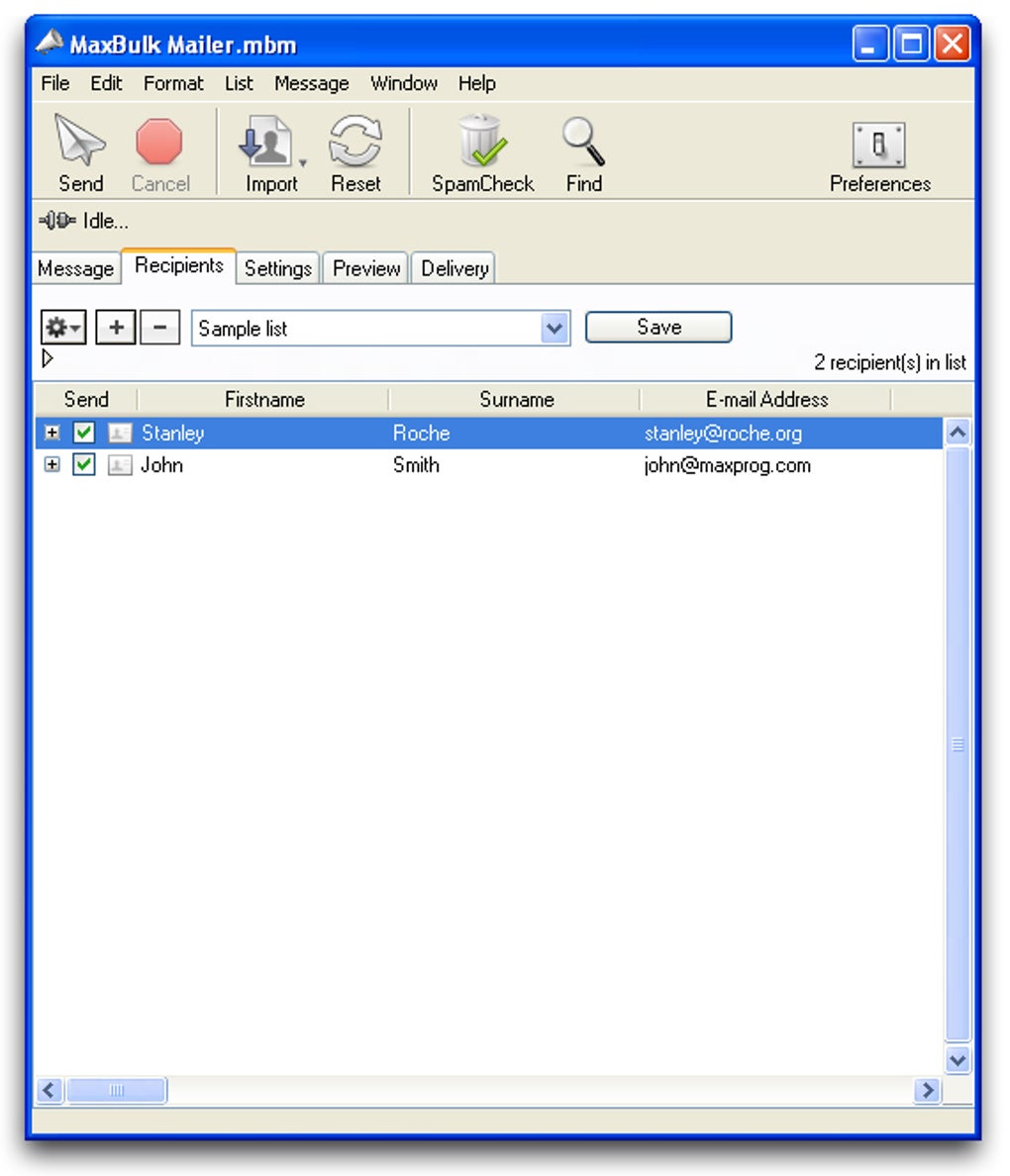
The software allows for the customization of messages, making it suitable for diverse communication needs. Whether you are distributing press releases, price lists, or promotional content, MaxBulk Mailer handles text and HTML formats, enabling the creation of visually appealing and informative emails. Setting up contact lists is straightforward and relatively quick, although the lack of direct import from webmail services presents a minor inconvenience. While exporting contacts to a text file offers a workaround, direct integration would significantly enhance the user experience.
One significant drawback is the lack of a clear mechanism to track email delivery and rejection. The absence of a built-in system to indicate received or rejected messages necessitates manual checking of the sent items folder, a time-consuming process that detracts from the software’s overall efficiency. This deficiency necessitates a careful review of sent messages to identify potential delivery problems and adjust sending strategies accordingly. However, despite this shortcoming, the ease of use and the ability to handle a virtually unlimited number of contacts remain compelling advantages.
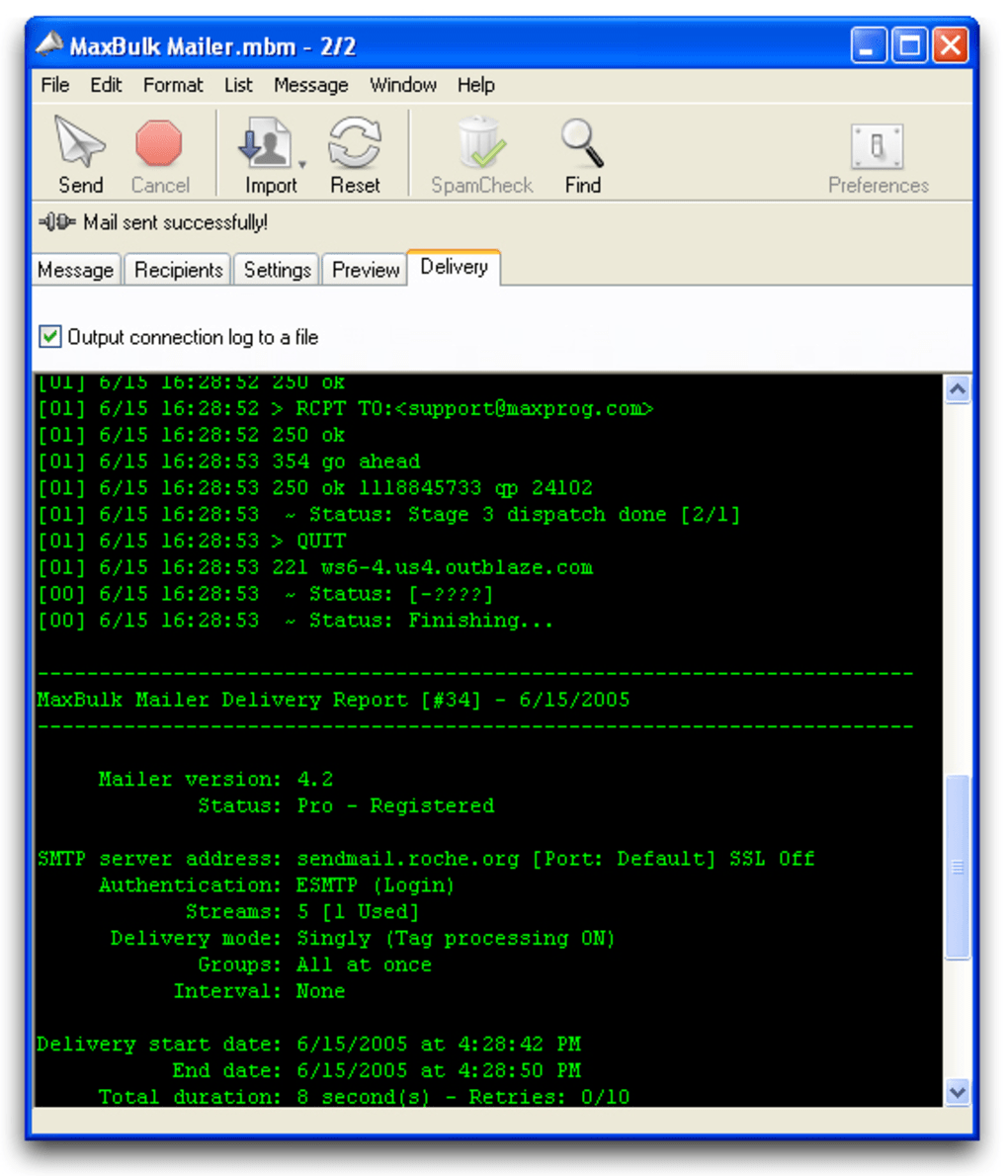
The software’s simplicity and straightforward interface are significant assets. The learning curve is minimal, allowing users to quickly grasp the functionality and begin sending emails. This user-friendly approach makes it accessible to those with limited technical expertise, widening its potential user base. However, the lack of advanced features found in some competing software solutions may limit its appeal to businesses with more complex email marketing requirements.
App Features and Functionality: A Detailed Look
MaxBulk Mailer operates as a standalone desktop application, eliminating the reliance on external email clients or webmail platforms. This independence provides a degree of control and security that many users value, particularly businesses handling sensitive information. The core functionality revolves around creating and sending bulk emails in HTML or plain text formats. The software supports the inclusion of personalized elements within the emails, enabling targeted marketing campaigns. However, its simplicity also limits its versatility. More advanced features like email automation, A/B testing, and detailed analytics are absent, potentially restricting its use for sophisticated email marketing strategies.
While the software’s simplicity is beneficial for ease of use, it also means a lack of features commonly found in more comprehensive email marketing platforms. For instance, sophisticated segmentation capabilities, advanced reporting, and integration with CRM systems are not present. These limitations may be acceptable for businesses with basic bulk email needs but could pose a challenge for companies with more intricate email marketing strategies. The software’s focus is on efficient delivery rather than sophisticated campaign management.
Security and Privacy Considerations: User Data Protection
The security of user data is a critical concern when using bulk email software. While MaxBulk Mailer’s standalone nature offers a level of security by reducing reliance on third-party servers, it’s important to consider the potential risks associated with storing large contact lists locally. Robust password protection and regular software updates are crucial to mitigating these risks. The user is responsible for maintaining the security of their data and ensuring compliance with data privacy regulations.
It’s also crucial to consider the legality and ethical implications of using bulk email software. Sending unsolicited emails (spam) is illegal in many jurisdictions and can lead to significant penalties. MaxBulk Mailer, like other bulk email software, should be used responsibly and ethically. Users must ensure they comply with all relevant anti-spam laws and regulations, including obtaining consent before sending marketing emails.
MaxBulk Mailer Alternatives and Comparison
Numerous alternatives to MaxBulk Mailer exist, each offering a different range of features and capabilities. Some competitors provide more advanced analytics, email automation, and A/B testing capabilities. Others offer seamless integration with CRM systems and other marketing tools. The choice of the right software depends heavily on the specific needs and budget of the business. Considering factors such as the size of the email list, the complexity of marketing campaigns, and the required level of analytics is crucial in making an informed decision. Businesses with simple, one-off bulk email campaigns may find MaxBulk Mailer sufficient. However, businesses with sophisticated, ongoing marketing strategies may find more comprehensive platforms necessary.
A comparative analysis against competitors should focus on features like email automation, A/B testing capabilities, advanced reporting and analytics, CRM integration, and the overall cost of the software. Factors such as customer support and the availability of tutorials and documentation should also be considered. Choosing the optimal solution often involves a trade-off between ease of use, functionality, and cost.
Conclusion: MaxBulk Mailer’s Place in the Market
MaxBulk Mailer fills a niche for businesses requiring a simple, easy-to-use bulk email solution. Its straightforward interface and capacity to manage large contact lists make it suitable for those with basic bulk email needs. However, its lack of advanced features, email delivery tracking, and webmail contact import hinders its usability for more sophisticated marketing requirements. The decision to use MaxBulk Mailer should be based on a careful consideration of its strengths and weaknesses in relation to the specific needs of the business. While it offers a viable solution for simple bulk email sending, businesses with more complex email marketing strategies may find more comprehensive platforms better suited to their needs. The absence of robust tracking and reporting features should be weighed carefully before adopting MaxBulk Mailer as a primary email marketing tool. The software’s simplicity may be its greatest strength for some users, while its limitations will be a decisive factor for others.
File Information
- License: “Trial version”
- Latest update: “July 20, 2021”
- Platform: “Windows”
- OS: “Windows XP”
- Language: “English”
- Downloads: “9.8K”
- Size: “26.85 MB”


